It started with a single Raspberry Pi sitting on my desk, surrounded by a tangle of cables, a cheap switch I borrowed from my router’s secondary port, and a dusty USB hub that was one sneeze away from falling behind the cabinet. Sound familiar? If you’ve ever dabbled in self-hosting — running your own NAS, Pi-hole, or a local Kubernetes cluster — you know exactly how fast “just one more device” spirals into full-blown cable spaghetti.
That was me in early 2026. So I decided to do something about it: build a compact home lab mini rack from scratch. No off-the-shelf 12U server cabinet. No $400 pre-built open-frame rack. Just raw materials, a few evenings, and an unreasonable amount of satisfaction at the end. Let me walk you through what I built, what worked, what didn’t, and what you should consider if you’re thinking about doing the same.
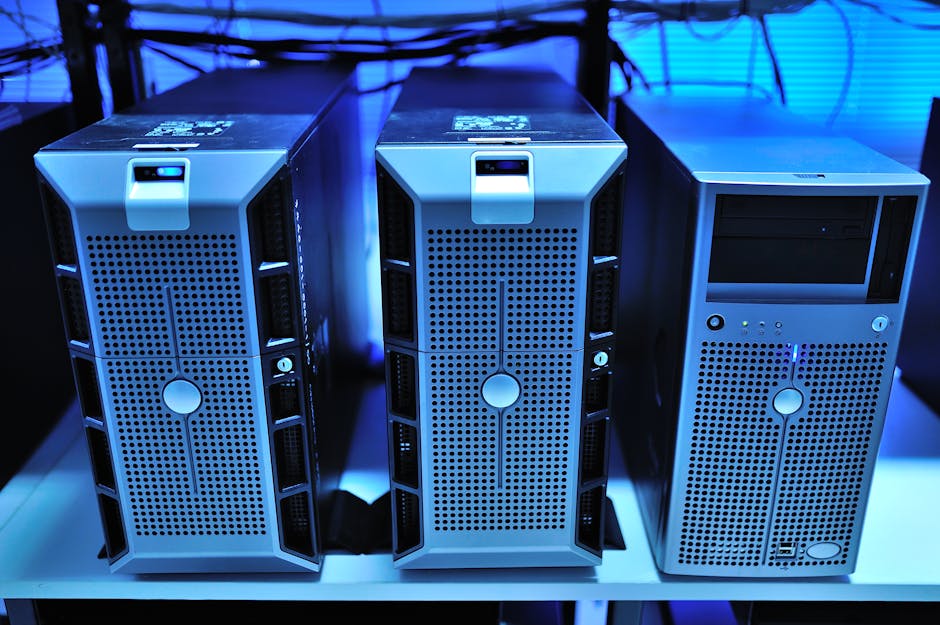
Why Bother Building a Mini Rack at All?
Before we get into the wood cuts and cable management, let’s actually reason through whether a DIY mini rack makes sense for you. The home lab community has grown significantly — as of 2026, platforms like r/homelab and platforms like Proxmox forums report double-digit annual growth in user activity, largely driven by people who want to self-host AI inference servers, local media stacks, and private cloud storage.
Here’s the practical math:
- Pre-built 6U wall mount rack: $120–$250 depending on brand and build quality
- DIY wood/aluminum equivalent: $30–$70 in materials, depending on what you already have
- Time investment: Roughly 6–10 hours including design, cutting, assembly, and finishing
- Customization factor: You get exactly the dimensions you need — not the nearest standard size
The financial case is clear, but the real win is fit. Standard 19-inch rack equipment uses a unit called a rack unit (U) — each U is 1.75 inches (44.45mm) in height. Most consumer home lab gear, though, doesn’t conform to this standard. Mini-ITX systems, Raspberry Pi clusters, small switches — they all have irregular heights. A DIY build lets you accommodate that reality without painful adapters.
The Materials I Used — And Why
I went with a hybrid approach: 18mm plywood side panels for structural rigidity and a warm aesthetic, combined with 20x20mm aluminum extrusion rails (the same T-slot system used in 3D printers) for the actual shelf mounting. This combination gives you woodworking simplicity with the adjustability of a professional racking system.
- 18mm birch plywood (2 side panels, 1 top, 1 bottom): ~$18 from a local hardware store
- 2020 aluminum extrusion, 4 rails × 300mm: ~$12 on AliExpress or domestic equivalents
- M5 T-nuts and bolts (pack of 50): ~$6
- Velcro cable ties and adhesive cable clips: ~$8
- Wood stain or paint (optional but worth it): ~$10
- Acrylic shelf panels (3mm clear, cut to size): ~$10 — lets you see your gear, looks great
Total cost: roughly $64. Compare that to even the cheapest branded option, and you’re looking at a 50–70% saving. More importantly, my unit fits perfectly under my desk in a 280mm × 200mm × 350mm (W×D×H) footprint — something no standard rack could offer.
Step-by-Step: The Build Process
I won’t pretend this is a full tutorial (that would take a whole separate post), but here’s the logical sequence that worked for me:
- Step 1 — Inventory your devices first. Measure everything before cutting anything. Stack your devices physically and add 20mm breathing room above each one for airflow.
- Step 2 — Design in Fusion 360 or even FreeCAD. Even a rough 3D model saves you from expensive mistakes. I used Fusion 360’s free tier, which is still available in 2026 for personal use.
- Step 3 — Cut and sand the plywood panels. A jigsaw or circular saw works fine. Round the corners for a cleaner look.
- Step 4 — Mount the aluminum rails vertically inside the side panels. Countersunk M5 bolts through the plywood into the extrusion end-plates create a surprisingly rigid structure.
- Step 5 — Add shelves using T-slot brackets. The beauty here is infinite height adjustability — just loosen two bolts, slide, tighten. No drilling new holes.
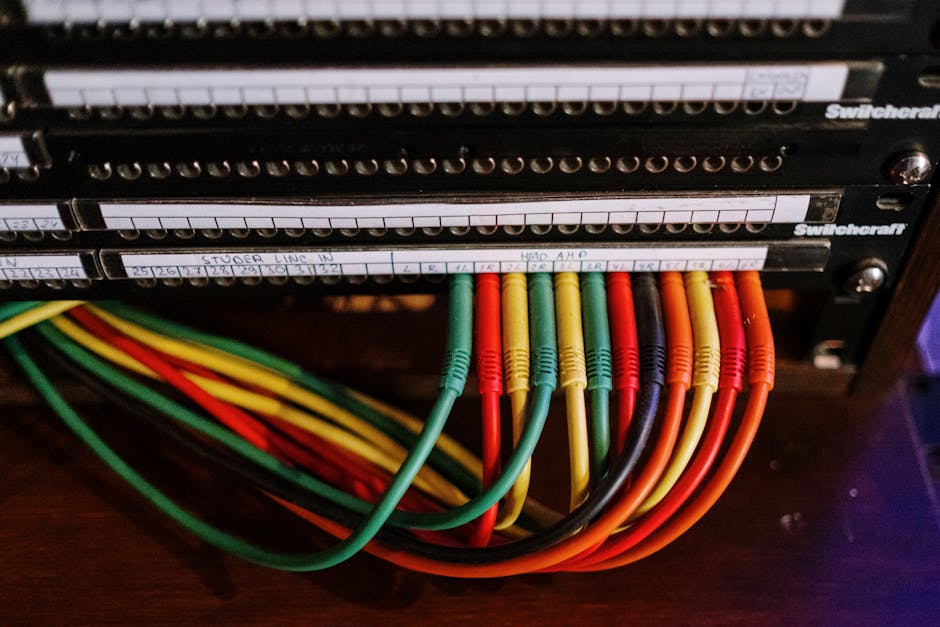
- Step 6 — Cable management last, not first. Route power and data after everything is positioned. Use the rear aluminum rail as a cable spine.
Real-World Examples: What the Community Is Building in 2026
The home lab DIY scene has matured considerably. In Japan, the jisaku PC (custom PC building) culture has naturally extended into server rack crafting, with communities on Zenn.dev sharing detailed build logs for tatami-room-friendly compact racks built from Hinoki cypress wood — beautiful and functional. In Germany and the Netherlands, makers are combining IKEA Kallax shelving units with 3D-printed 10-inch rack panels to create what they call “Kallax Labs” — a clever repurposing that keeps costs near zero if you already own the shelf.
In the US and Australia, the Proxmox and TrueNAS communities have popularized the “pizza box stack” approach — thin, tray-style shelves for 1U-equivalent mini systems like the Beelink EQ12 or the Minisforum MS-A1, all mounted on custom wooden frames. These builds prioritize silence and passive cooling, which matters when your home lab lives in a bedroom or home office.
Common Mistakes to Avoid
- Ignoring airflow: Wood panels block convective airflow naturally. Plan cutouts or mesh panels for the back and bottom. A 80mm quiet fan (Noctua NF-A8 or equivalent) pulling air through makes a dramatic temperature difference.
- Underestimating weight: A NAS with four HDDs, a switch, and a mini-PC can easily hit 8–12kg. Make sure your plywood joints are properly glued and screwed, not just glued.
- Building too small: The most common regret. Add at least 20% more internal height than you currently need. Home labs grow.
- Skipping grounding: If you’re running any serious networking gear, a chassis ground point connected to a grounded power strip is a good practice.
Realistic Alternatives If DIY Isn’t Your Thing
Not everyone has a workbench, and that’s completely fine. Here are tiered alternatives depending on your situation:
- Budget option ($40–$80): Open-frame 6U desktop racks from brands like Navepoint or NavePoint Mini — basic but functional, and widely available on Amazon in 2026.
- Mid-range option ($80–$150): 10-inch “half-rack” systems from companies like RackMatic or the growing category of travel-rack systems designed for compact home use. These use a narrower 10″ standard that suits most SBCs and small switches natively.
- Creative no-cost option: The IKEA Lack side table has been a home lab staple for years — stack two, use the legs as rack posts, and mount equipment to wooden crossbars. It’s absurd in the best possible way, and the “Lack Rack” even has community-designed 3D-printed brackets on Printables.com.
- For the aesthetically serious: Companies like Noctua and Fractal Design have begun collaborating with boutique rack makers in 2026 to offer thermally optimized small-form-factor rack kits — more expensive at $180–$250, but beautifully engineered.
Final Thoughts
Building my mini home lab rack was one of those projects that delivered way more satisfaction than its functional value alone would justify. Every time I look at that neatly stacked column of humming little computers under my desk, organized and breathable and exactly the right size, I feel a small but genuine sense of pride. That’s worth something.
But realistically? If you have limited time, limited tools, or simply hate woodworking, there are excellent off-the-shelf options now — especially in the 10-inch rack format, which has become the de facto standard for compact home labs in 2026. The goal isn’t to build a rack; the goal is to have a home lab that’s organized, cool-running, and expandable. The path you take to get there should fit your actual life.
Editor’s Comment : The most underrated part of building a home lab isn’t the hardware choices or the software stack — it’s the physical organization. A well-structured mini rack forces you to think intentionally about every device you add, which naturally leads to a leaner, more purposeful setup. Whether you cut your own plywood or order a flat-pack option online, the act of giving your lab a physical home changes how you interact with it entirely. Think of it less as furniture and more as infrastructure for your curiosity.
태그: [‘DIY mini rack’, ‘homelab build 2026’, ‘compact server rack’, ‘small form factor homelab’, ‘raspberry pi rack DIY’, ‘home server organization’, ‘aluminum extrusion rack build’]
Leave a Reply