A few years back, a friend of mine dragged two decommissioned Dell PowerEdge servers out of an enterprise auction — paid less than $200 total — and built a homelab that now runs his entire self-hosted cloud, game servers, and a personal AI inference rig. When he showed me the monthly electricity bill versus what he’d spend on equivalent cloud computing, my jaw dropped. That moment planted the homelab bug in me, and honestly, it probably will in you too once we dig into the numbers together.
So if you’ve been eyeing used enterprise servers on eBay, ServerMonkey, or local auctions — wondering whether the savings are real or whether you’re walking into a money pit — let’s reason through this carefully, step by step, in 2026.
Why Used Enterprise Servers Still Make Sense in 2026
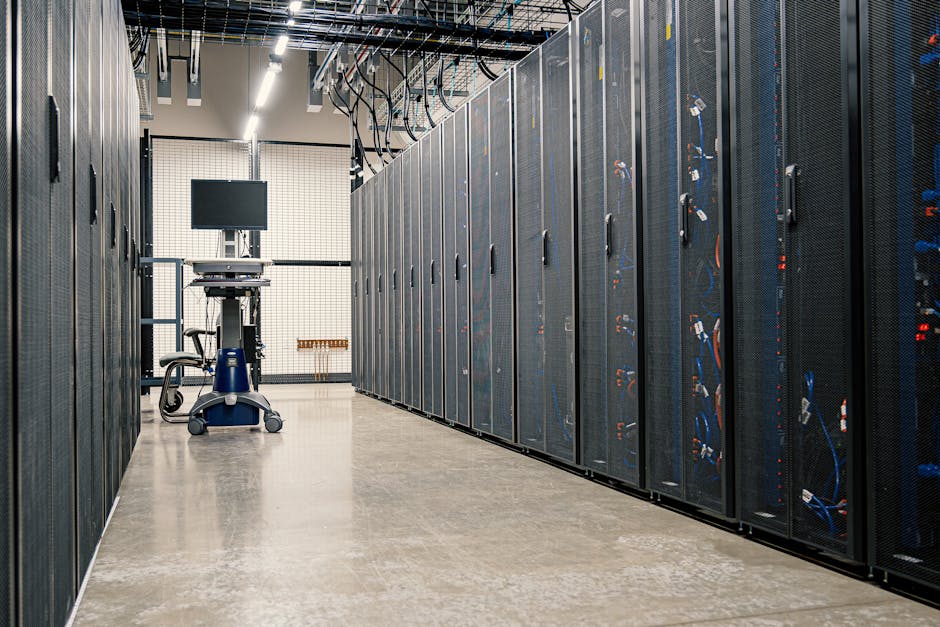
The enterprise hardware refresh cycle is a homelabber’s best friend. Large corporations typically retire servers every 3–5 years regardless of actual remaining lifespan. This means hardware that still has 5–10 years of functional life floods the secondary market at a fraction of original cost.
Let’s look at some real figures. A Dell PowerEdge R730 — a workhorse 2U server with dual Xeon E5-2600 v4 CPUs, capable of holding up to 768GB RAM — originally retailed around $8,000–$15,000 when new. In early 2026, you can find well-configured units on the secondary market for $150–$400 depending on RAM and storage configuration. That’s roughly a 95–98% depreciation from original retail, but the hardware itself is far from dead.
Similarly, HPE ProLiant DL380 Gen9/Gen10 units — beloved for their reliability and iLO remote management — routinely surface for $200–$600 fully loaded. For someone building a Proxmox cluster, a Kubernetes learning environment, or a homeNAS-plus-compute combo, the value proposition is frankly hard to beat.
What to Actually Look For Before You Buy
Here’s where a lot of first-time buyers go wrong: they focus entirely on specs and ignore the ecosystem costs. Let me break this down logically.
- Generation matters for power consumption: Older servers (pre-2014, like Gen8 or earlier) can idle at 150–300W. A Dell R730 idles around 80–120W. An R750 (newer) might idle at 60–90W. In 2026, with electricity costs in many US regions at $0.15–$0.22/kWh, that idle wattage difference compounds significantly over a year.
- Check iDRAC/iLO licensing: Remote management cards (Dell’s iDRAC, HP’s iLO) are life-savers. Make sure the unit comes with an Enterprise license or that you can source one cheaply — this enables full KVM-over-IP access without needing a physical monitor.
- RAM type and availability: DDR3 RDIMM (common in older servers) is incredibly cheap right now — 32GB sticks can be had for $8–$15 each. DDR4 RDIMM is pricier but more power-efficient. Factor in your upgrade path.
- Drive bays and backplane type: SAS vs. SATA matters. Enterprise SAS drives are durable but loud and power-hungry. Consider HBA passthrough cards (like an LSI 9211-8i flashed to IT mode) if you’re building a TrueNAS setup — this is basically mandatory for proper ZFS performance.
- Warranty and condition grading: Look for sellers who grade hardware as “Grade A” (cosmetic wear only, fully tested) vs. “For Parts.” Always ask for a power-on test video if buying remotely.
- Noise levels: Enterprise servers are loud. A rack server at full load can hit 60–75dB. If you’re putting this in a living space, research fan speed controllers or replacement fans (Noctua makes adapters for some units).
- PSU redundancy: Dual PSU configurations are standard in enterprise gear. This is actually a reliability advantage — if one fails, the system keeps running.
Real-World Homelab Builds: What People Are Actually Doing in 2026
In South Korea, the homelab community centered around communities like ARCA and various Naver Cafe groups has seen explosive growth since 2024. Korean homelabbers frequently import Dell R740s and SuperMicro units through platforms like Gmarket or direct from enterprise liquidation partners — building everything from personal Jellyfin media servers to local LLM inference rigs running Ollama with Llama 3-class models.
In the US and Europe, Reddit’s r/homelab (now over 1.2 million members as of early 2026) showcases builds ranging from $300 two-server Proxmox VE clusters to elaborate multi-rack setups with 10GbE networking. The community consensus in 2026 leans heavily toward Dell R730/R740 and HPE DL380 Gen10 as the sweet spot between performance, price, and power efficiency.
A particularly clever approach gaining traction internationally is the “1U compute + NAS hybrid” model: one cheap 1U server (like a Supermicro 1U with a Xeon D) handles low-power always-on tasks, while a beefier 2U or 4U machine powers up on demand for heavy workloads. Wake-on-LAN automation handles the switching — smart and energy-efficient.
Hidden Costs You Need to Budget For
Let’s be honest about total cost of ownership — because this is where homelab budgets quietly balloon.
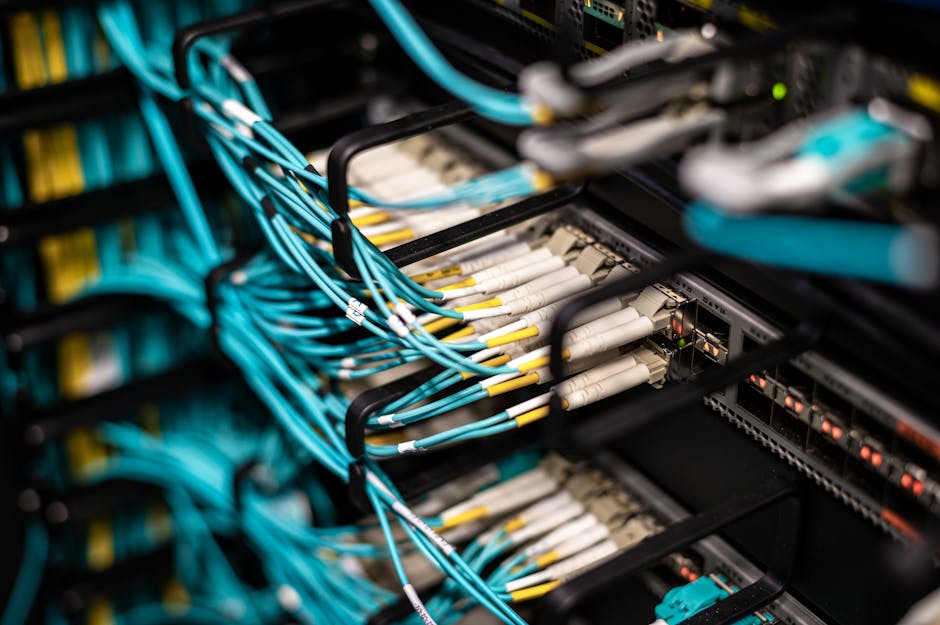
- Networking: A used managed switch with SFP+ ports for 10GbE connectivity (like a used Cisco SG350X or Mikrotik CRS326) adds $100–$300 but transforms your lab’s capability.
- UPS (Uninterruptible Power Supply): Non-negotiable for a proper homelab. A used APC Smart-UPS 1500VA can be found for $80–$150 and protects your hardware from power events.
- Rack or shelving: Even a used 12U open-frame rack from Amazon or a local supplier runs $80–$200. Proper airflow management extends hardware life.
- Replacement drives: Don’t trust the drives that come with used servers for long-term data. Budget for new SSDs or at minimum run a short SMART test and extended SMART test on every inherited drive.
- Electricity: Run the math honestly. At 150W average consumption × 24/7 × $0.18/kWh, you’re looking at roughly $195/year per server. Two servers? Nearly $400 annually just in power.
Realistic Alternatives If a Full Server Feels Like Too Much
Not everyone needs a rack-mount behemoth, and that’s completely valid. Here’s how to think about right-sizing your homelab investment:
Option 1 — Mini PC Cluster: In 2026, used Intel NUC 12/13 Pro units or Beelink EQ12 mini PCs offer surprisingly capable Proxmox nodes at 10–15W idle. Four of them in a cluster cost less than one enterprise server and barely register on your electricity bill. Perfect for learning Kubernetes or running lightweight services.
Option 2 — Used Workstations Instead of Servers: A Dell Precision 7920 or HP Z8 workstation offers similar compute to an enterprise server, with dramatically lower noise and power draw, standard ATX parts, and consumer-friendlier management. Great middle ground.
Option 3 — Hybrid Cloud Approach: Run your always-on low-power services locally (on a Pi 5 or mini PC), and use spot instances on AWS or Hetzner for burst compute. Hetzner’s dedicated server auction in particular offers incredible value for European users.
The key question to ask yourself: What workloads do I actually need to run, and how often? If your heaviest use case is a weekend Plex transcoding session and occasional Docker containers, you might not need 256GB of RAM and 32 cores humming 24/7.
Editor’s Comment : The used server homelab scene in 2026 is more accessible than ever, but the smartest homelabbers aren’t the ones with the biggest racks — they’re the ones who matched their hardware to their actual needs and electricity budget. Start with one used server, get comfortable with Proxmox or TrueNAS SCALE, and let your homelab grow organically. The learning curve is the real treasure here, not the spec sheet.
📚 관련된 다른 글도 읽어 보세요
- Raspberry Pi 5 Home Lab Projects You Should Try in 2026: From Beginner Builds to Advanced Setups
- 미니 PC 홈서버 DIY 추천 2026 – 전기세 아끼면서 나만의 서버 만드는 법
- 2026년 라즈베리파이 5 홈랩 프로젝트 추천 7선 – 집에서 서버 굴리는 법
태그: [‘used server homelab 2026’, ‘homelab setup tips’, ‘Dell PowerEdge homelab’, ‘Proxmox home server’, ‘enterprise server buying guide’, ‘homelab power consumption’, ‘self-hosted server 2026’]
Leave a Reply