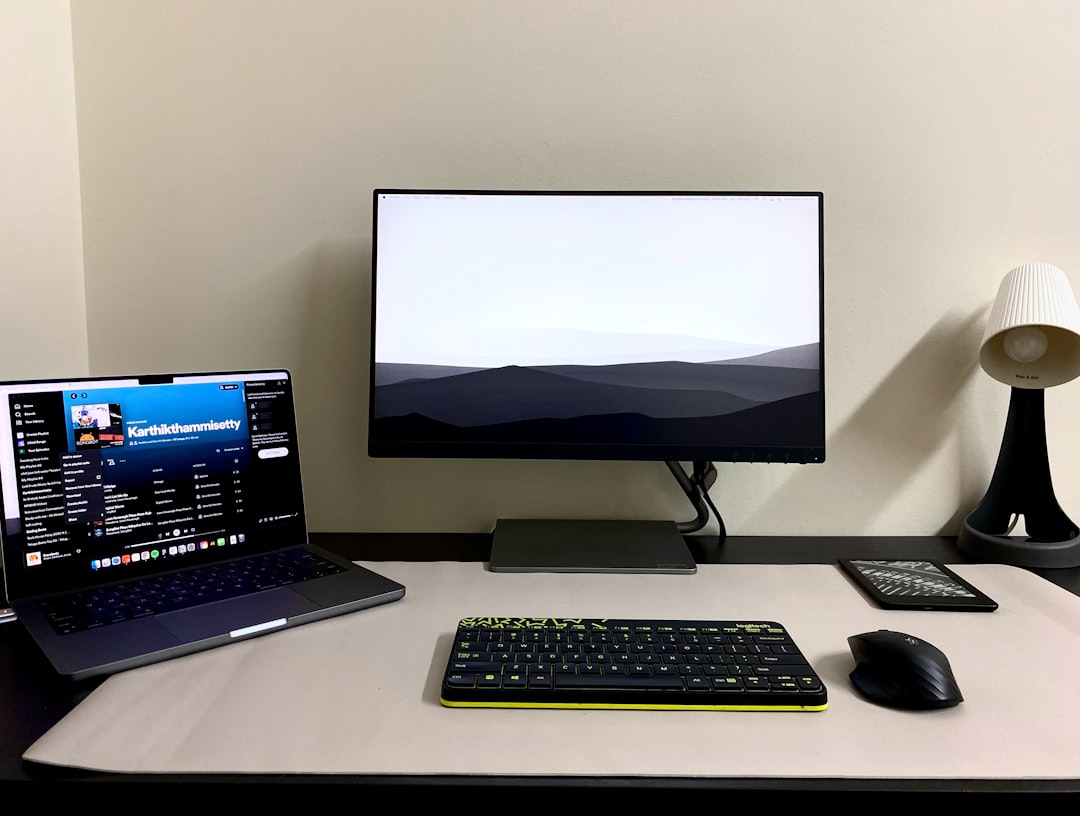
Let me paint you a picture. It’s late 2025, and my friend Marcus — a self-described “weekend tinkerer” — proudly showed me his home lab setup: four repurposed enterprise servers humming away in his spare bedroom. Cool setup, right? Then his electricity bill arrived. $180 extra per month. His partner was… not thrilled. Fast forward to today in 2026, and Marcus has completely rebuilt his lab around low-power hardware, slashed that bill down to under $25/month, and honestly? His setup is more capable than before. That’s the story we’re unpacking today.
Whether you’re running Proxmox, self-hosting services like Nextcloud or Plex, or just experimenting with Kubernetes at home, your server’s idle wattage is the silent budget killer nobody warns you about. Let’s think through this together — logically, practically, and without spending a fortune.
Why Idle Power Draw Is the Real Enemy
Here’s the math most people skip. A server drawing 150W idle running 24/7 costs roughly:
- 150W × 24h × 365 days = 1,314 kWh/year
- At the 2026 U.S. average of ~$0.17/kWh, that’s ~$223/year just sitting there doing nothing intensive
- In South Korea (where our original keyword originates), with rates around ₩150/kWh, that’s roughly ₩197,000/year (~$145 USD)
Now flip it: a machine drawing 10–15W idle? You’re looking at $22–33/year. That’s the difference between a hardware upgrade fund and a bill you resent every month.
Top Low-Power Home Lab Picks for 2026
Let’s get specific. The market has matured beautifully — here are the categories worth your attention right now:
- Intel N100 / N305 Mini PCs (e.g., Beelink EQ12, Minisforum UN305) — The N100 chip is a genuine 2026 sweetheart. At 6–12W idle with full virtualization support (VT-x, VT-d), it’s ideal for running 3–5 lightweight VMs or containers. Typical price: $150–$220.
- AMD Ryzen 7840U / 8840U Mini PCs (e.g., Minisforum UM890 Pro) — If you need GPU passthrough for transcoding, the integrated Radeon 780M is surprisingly capable. Idles around 8–15W. Price: $350–$450.
- Raspberry Pi 5 (8GB) Cluster — Still a fantastic edge case for pure ARM workloads. A single Pi 5 idles at ~3–5W. Running three in a cluster for distributed services? Still under 20W total. Price per unit: ~$80.
- Arm-based SBCs: Orange Pi 5 Plus / Rock 5B — The RK3588 chip delivers 8-core performance at ~8W idle. Great for NAS duties or lightweight Docker hosts. Price: $90–$130.
- Refurbished Thin Clients: HP t740 / Lenovo ThinkCentre M75q Gen 5 — Often overlooked in 2026, but these machines offer enterprise reliability, low wattage (10–18W idle), and NVMe support. You can find them refurbished for $100–$180.
Real-World Examples: How People Are Actually Building in 2026
Let’s look beyond the spec sheets. In South Korea’s active 홈서버 (home server) community on Naver Cafe and Reddit’s r/homelab, a consistent pattern has emerged this year:
The “Korean All-in-One” setup trending in 2026 combines a single Beelink EQ12 (N100) running Proxmox with LXC containers for AdGuard Home, Jellyfin (light transcoding), and Nextcloud. Total monthly power cost reported by multiple users: ₩2,500–₩4,000/month (~$1.80–$2.90 USD). Remarkable.
In Europe, where electricity rates have stabilized but remain high (averaging €0.28/kWh in Germany in 2026), homelab enthusiasts on the HomeServerHobbyist.de forums favor the HP t740 thin client for its certified low-power profile and easy RAM expansion. Running TrueNAS Scale with two drives, it reportedly costs under €4/month in electricity.
In North America, the r/homelab community in 2026 increasingly debates whether the Minisforum UM890 Pro justifies its higher cost — and the consensus is: only if you need GPU transcoding for 4K Plex. Otherwise, the N100 class wins on pure efficiency math.
Factors to Weigh Before You Buy
- RAM ceiling matters: The N100 maxes out at 16GB DDR5. If you’re planning serious VM density (10+ VMs), you’ll want a platform supporting 32GB+ like the Ryzen 8840U options.
- Storage flexibility: Look for at least two NVMe slots or SATA ports. A great CPU with no room for drives becomes a bottleneck fast.
- ECC memory needs: Running a NAS with critical data? ECC support is largely absent in mini PC territory. Consider the ASRock Industrial or a used Supermicro X11SCL-F (which, yes, is still efficient with Xeon D chips) if data integrity is paramount.
- Noise levels: Low power often means quieter fans, but verify this — some budget mini PCs have notoriously annoying fan profiles under even light load.
- Wake-on-LAN / scheduled power: If your workloads aren’t 24/7, this feature alone can cut consumption by 40–60%. Not all mini PCs implement it reliably.
Realistic Alternatives for Different Budgets
Not everyone is starting from zero, so let’s be practical:
- Already own an old desktop? Before buying anything new, install a smart plug with energy monitoring (like the Kasa EP25 or Tapo P115) and measure actual idle draw. A Core i5-8400 machine might idle at 35–45W — not terrible, and potentially good enough if you already own it.
- Tight budget ($100 or under)? A used Raspberry Pi 4 (8GB) or an Orange Pi 5 can host surprisingly functional setups with Docker. Limited but real.
- Mid-range sweet spot ($150–$300)? The N100 mini PC class is almost certainly your answer in 2026. The ecosystem of guides, community support, and compatibility is mature.
- Want room to grow? The Ryzen 8840U platform with 32GB RAM running Proxmox gives you genuine headroom for years, and at 8–15W idle, it’s still dramatically better than any used enterprise server.
The bottom line is this: building a home lab in 2026 doesn’t require choosing between capability and your electricity bill. The hardware available today makes that a false choice. Think carefully about your actual workload requirements — not aspirational ones — match the platform to those needs, and you’ll end up with something Marcus-before-the-bill would have envied, at a fraction of the running cost.
Editor’s Comment : The best home lab server is the one that doesn’t make you wince every time the utility bill arrives. In 2026, the N100 mini PC ecosystem has hit a genuinely sweet spot of price, power, and performance that’s hard to argue against for most use cases. But honestly? Start by measuring what you already own before spending anything. A $15 smart plug with energy monitoring might just change your entire perspective — and save you from a decision you’ll regret.
태그: [‘low power home lab server 2026’, ‘home server electricity savings’, ‘N100 mini PC Proxmox’, ‘homelab power consumption’, ‘self-hosting low wattage’, ‘best mini PC home server 2026’, ‘reduce server electricity bill’]
Leave a Reply