It started with a late-night rabbit hole on a forum thread. Someone had turned a decommissioned enterprise server into a fully functional home lab running Proxmox, a dozen virtual machines, and their own private cloud storage — all for under $300. I thought, how hard could it be? Spoiler: harder than I expected, more rewarding than I dreamed, and absolutely worth every confused hour I spent in my garage surrounded by server rails and zip ties.
If you’ve been eyeing used enterprise servers on eBay, local auctions, or second-hand marketplaces and wondering whether the home lab dream is realistic for you in 2026 — let’s think through this together. I’ll share my actual experience, the numbers behind the build, and some honest alternatives if the full server route isn’t right for your situation.
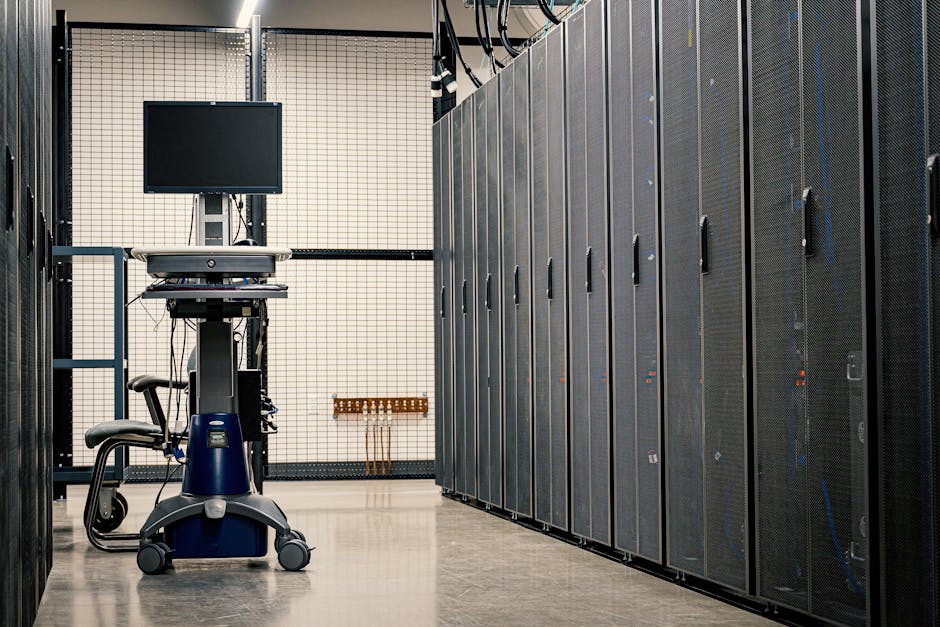
Why Used Servers? The Economics Actually Make Sense
In 2026, the second-hand enterprise server market is arguably richer than ever. Companies are cycling out hardware at an aggressive pace as they migrate workloads to cloud-native architectures. That turnover is our gain. Here’s a rough breakdown of what I spent versus buying new equivalent hardware:
- Dell PowerEdge R730 (2x E5-2680 v4, 128GB RAM, 4x 1TB SAS HDDs): ~$280 used vs. $2,800+ for comparable new hardware
- 10x cost reduction is a realistic benchmark for 3–5 year old enterprise gear in 2026
- Idle power draw: ~80W at idle, ~220W under load — a real ongoing cost to factor in
- Noise level: 55–65 dB under load — not living-room friendly, garage or basement is ideal
- Warranty: None, or at best community-based coverage through sellers like ServerMonkey or Bargain Hardware
The sticker price is seductive, but you need to account for electricity, drives, rails, and potential repair costs. Over 12 months, my build’s total cost of ownership (TCO) settled around $520 — still dramatically cheaper than cloud subscriptions for the same compute.
My Actual Build: Step-by-Step Reality Check
I sourced my Dell R730 from a local IT liquidation sale in early 2026. The unit was pulled from a healthcare company’s data center, still had iDRAC (Integrated Dell Remote Access Controller) enterprise license intact — a small but genuinely useful bonus. Here’s what the first month looked like:
- Week 1 — Research & Sourcing: Cross-referenced eBay sold listings, ServerPartDeals, and a Korean used IT marketplace called Danawa’s secondhand section. Prices varied wildly; patience pays off.
- Week 2 — Hardware Arrival & Assessment: Two of the four drives had SMART errors. Replaced them with 2TB SATA SSDs for ~$60 total. Always run diagnostics before trusting used drives.
- Week 3 — Hypervisor Setup: Installed Proxmox VE 8.3 (the current stable release in 2026). Proxmox remains the gold standard for home lab hypervisors — free, open-source, and feature-rich.
- Week 4 — Services Running: Had Home Assistant, Nextcloud, a private GitLab instance, Pi-hole, and a Jellyfin media server all running as VMs or LXC containers.
Real-World Examples: Who’s Doing This in 2026?
The home lab community has exploded globally. In South Korea, communities like ITWorld Korea’s reader blogs and Naver café groups dedicated to “홈서버” (home server) setups regularly document builds using decommissioned Samsung SDS or LG CNS enterprise hardware. The domestic second-hand market has matured significantly, with certified resellers now offering 90-day warranties on used rack servers.
Internationally, the Reddit community r/homelab crossed 1.2 million members in early 2026 and remains the single best resource for troubleshooting and inspiration. YouTube channels like Craft Computing and Lawrence Systems have published detailed 2026 buying guides specifically addressing the current surplus of HPE ProLiant Gen10 and Dell R7xx-series gear flooding the market as enterprises upgrade to Gen11/Power10 infrastructure.
A particularly compelling international example: a Berlin-based developer documented running a 3-node Kubernetes cluster entirely on used Fujitsu PRIMERGY servers, supporting a small SaaS product for over 200 paying customers — total hardware investment under €600.
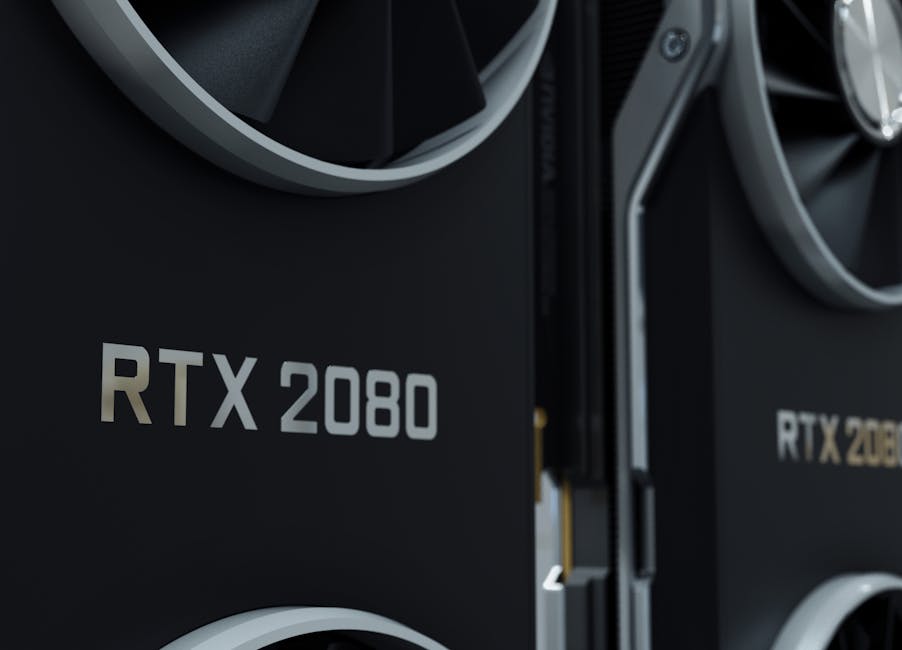
Power, Noise, and Space: The Unglamorous Truth
Let me be real with you about the parts the forum posts gloss over. A 2U rack server is not a NAS box. It is a loud, power-hungry machine designed for climate-controlled data centers. My electricity bill increased by roughly $18–22/month running the R730 24/7. The fans at boot sound like a jet engine spooling up — my partner affectionately calls it “the beast.”
Space planning matters too. A standard 2U server is about 28–32 inches deep. Without a proper rack (which I eventually bought used for $40), cable management becomes a genuine hazard. Budget realistically for these hidden costs.
Realistic Alternatives If a Full Server Isn’t Right for You
Not everyone has a spare garage or a patient household. Here are tiered alternatives that deliver home lab value without the full enterprise server commitment:
- Mini PC Cluster (e.g., Beelink SER7 or GMKtec M5 Pro): 3-node cluster under $600, whisper-quiet, sips power at ~15W each. Perfect for Kubernetes learning or lightweight self-hosting. The 2026 mini PC market is remarkably capable.
- Raspberry Pi 5 Cluster: Ideal for pure software experimentation. Limited RAM (8GB max per node) but extremely energy-efficient and near-silent.
- Refurbished Workstation (Dell Precision / HP Z-series): Middle ground — more RAM expandability than mini PCs, quieter than rack servers, supports consumer GPUs for AI/ML tinkering. Often $150–400 on eBay.
- Cloud + Local Hybrid: Run stateless workloads on a minimal Oracle Cloud Always Free tier while keeping storage and sensitive services on a small local NAS. Zero hardware noise, minimal upfront cost.
- Used NAS Device (Synology DS923+ or QNAP TS-464): If your primary goal is storage and media serving rather than compute virtualization, a dedicated NAS is quieter, more efficient, and purpose-built.
The key question to ask yourself: What do I actually want to learn or run? If the answer is “everything at once,” a used enterprise server is your accelerator. If it’s “reliable storage and a VPN,” you’re over-speccing significantly.
Final Verdict After 6 Months of Daily Use
My used server home lab has become one of the most valuable learning investments I’ve made. I’ve gotten hands-on with enterprise storage concepts, network segmentation, containerization, and backup strategies that no YouTube tutorial could have taught me as viscerally as actual production (okay, home-production) troubleshooting. I’ve also broken things spectacularly at 2 AM — and fixed them by morning.
The community around home labs is genuinely warm and collaborative. Whether you’re in Seoul, Berlin, or suburban Ohio, there are people who will walk you through your iDRAC configuration or your Proxmox networking woes with remarkable patience.
If you’re on the fence — lean in. Start small, research your specific hardware model obsessively before buying, and build toward complexity rather than jumping straight into the deep end. The used server market in 2026 has never offered better value for the curious builder.
Editor’s Comment : The home lab journey is less about the hardware you buy and more about the mindset you bring. A $280 server can teach you more practical infrastructure skills in six months than a year of certification courses — but only if you’re willing to embrace the inevitable “why is this broken at midnight” moments as part of the curriculum. Start with a clear goal, budget honestly for the hidden costs (power, drives, cooling), and don’t let perfect be the enemy of a running cluster. Your future self, debugging production systems with genuine confidence, will thank you.
태그: [‘home lab 2026’, ‘used server build’, ‘Proxmox home lab’, ‘enterprise server DIY’, ‘self-hosting guide’, ‘home lab alternatives’, ‘IT infrastructure learning’]
Leave a Reply