A few months ago, a friend of mine — a mid-level software developer — texted me at midnight: “I just spent $340 on a used Dell PowerEdge R720 and I have no idea what I’m doing. Help.” Sound familiar? That moment of buyer’s excitement mixed with post-purchase panic is basically the unofficial rite of passage for anyone diving into home lab building. The good news? He’s now running his own Proxmox cluster, hosting Nextcloud, and experimenting with Kubernetes — and his total spend was under $600. Let’s walk through the real numbers together so you can decide whether a used server home lab makes sense for your situation in 2026.
What Exactly Is a Home Lab, and Why Do People Build One?
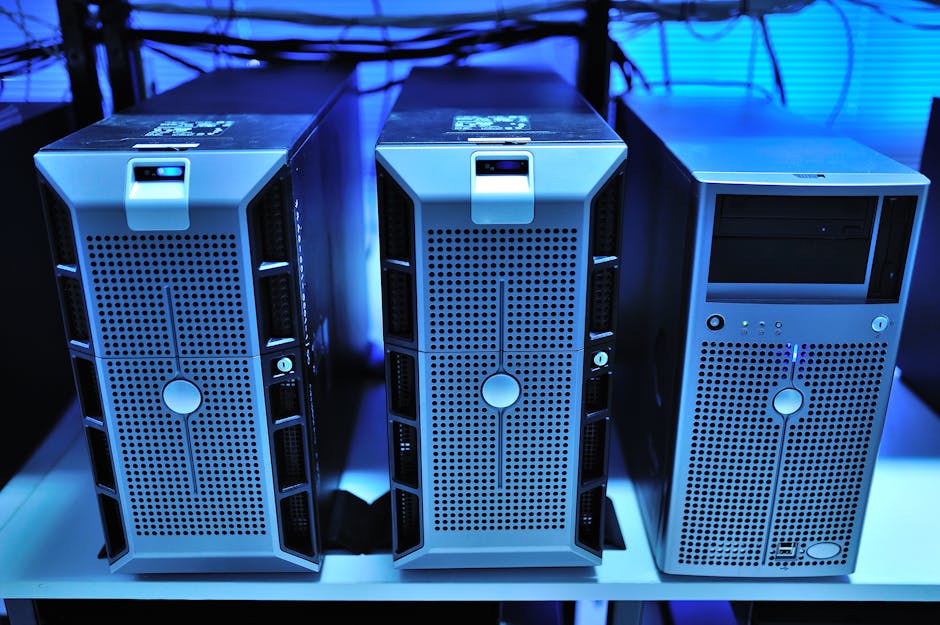
A “home lab” (homlab) is essentially a personal computing environment you run at home — used for learning, self-hosting services, testing software, or even running a small business backend. Think of it as your private cloud. People build them to practice DevOps, run media servers like Jellyfin, host VPNs, or just satisfy that deeply human urge to have a blinking rack in the corner of the office.
The core question is always: should you buy used enterprise servers, build a custom white-box PC, or just spin up cloud instances? Let’s crunch the actual numbers.
Used Server Costs: The Real 2026 Market Breakdown
The used server market has matured significantly. With enterprise data centers refreshing their hardware cycles every 3–5 years, there’s a healthy supply of decommissioned gear hitting platforms like eBay, ServerMonkey, and local auction sites. Here’s a realistic snapshot of what you’re looking at in early 2026:
- Dell PowerEdge R720 (2x E5-2670 v2, 64GB RAM, no drives): $180–$280 USD on eBay
- HP ProLiant DL380 Gen9 (2x E5-2690 v3, 128GB RAM): $350–$500 USD
- Lenovo ThinkSystem SR630 (single Xeon Gold 5118, 64GB): $420–$650 USD
- 2.5″ SAS/SATA SSDs (600GB–1.2TB, refurbished): $15–$40 each
- 10GbE NIC (used Intel X540-T2): $25–$50 USD
- Tower-style alternatives (used HP ML350 Gen10): $500–$800 USD (quieter, more home-friendly)
So realistically, a solid entry-level used server home lab — including a 1U rack unit, four drives, and basic networking — will run you somewhere between $400 and $750 USD total. That’s a one-time cost.
Hidden Costs You Absolutely Need to Factor In
Here’s where people often get burned. The server itself is just the beginning. Let’s be honest about what else adds up:
- Electricity: A 1U rack server like the R720 draws 150–300W under load. At the U.S. average of ~$0.17/kWh in 2026, running it 24/7 costs roughly $18–$37/month. That’s $216–$444/year — a number that sneaks up on you.
- Rack or enclosure: A used 12U open frame rack can cost $80–$150. A proper closed cabinet? $200–$500.
- UPS (Uninterruptible Power Supply): Crucial for data protection. Budget $100–$200 for a 1500VA unit.
- Noise management: Enterprise servers are loud. The R720’s fans sound like a jet engine at idle. If it’s in a living space, you’ll need acoustic foam or a dedicated closet setup.
- Cooling: More heat means higher AC costs in summer, especially if you’re in a warmer climate.
International & Domestic Examples: How Hobbyists Are Building in 2026
Let’s look at how real home labbers around the world are approaching this differently:
North America (U.S./Canada): The r/homelab community on Reddit remains one of the most active. A popular build trend in 2026 is the “quiet lab” — using tower servers or refurbished workstations (like the HP Z840) instead of 1U rack units specifically to manage noise. Average reported spending in community surveys hovers around $600–$900 for a first build, with electricity being the top ongoing complaint.
Europe (Germany/Netherlands): European hobbyists tend to be more energy-conscious due to higher electricity prices (Germany averages ~€0.30/kWh in 2026). This has pushed many toward lower-power alternatives like the HP ProDesk mini-PCs in clusters or used thin clients running as Proxmox nodes — spending less upfront ($150–$300) but sacrificing raw power.
South Korea/Japan: Urban apartment living means noise and space are premium concerns. Used Mac Minis (M-series) running alongside a single NAS unit has become popular, blending silence with surprising compute capability. Total builds often land at $700–$1,200 USD equivalent but are remarkably compact.
Used Server vs. Cloud vs. Mini-PC Cluster: A Logical Comparison
Let’s think through this together. If you’re learning DevOps or self-hosting, you have three realistic paths:
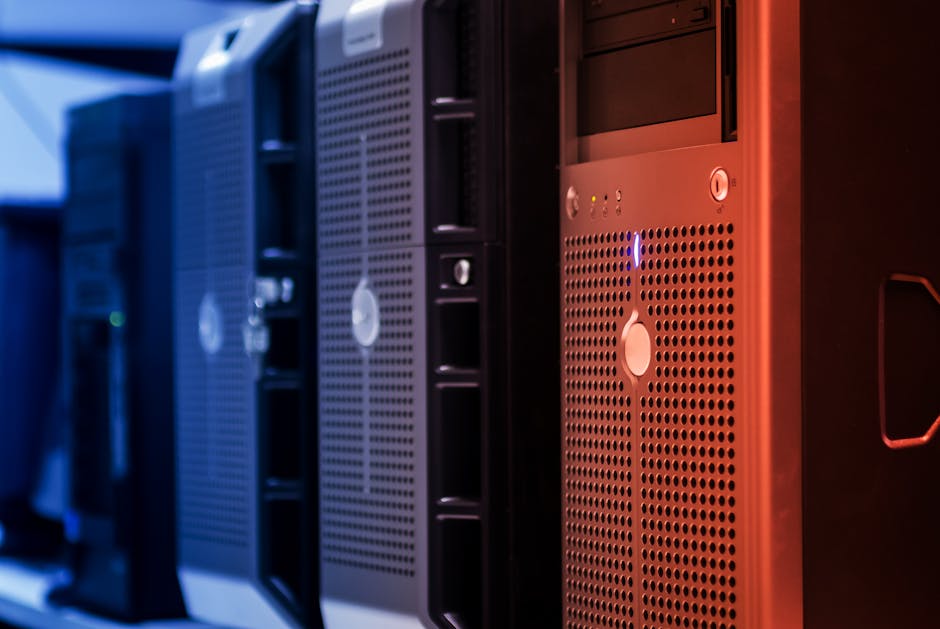
- Used Enterprise Server: High upfront cost ($400–$800), but low monthly cost. Best for those who want maximum RAM and CPU cores for virtualization. Ideal if you have a dedicated space and don’t mind noise.
- Cloud (AWS/GCP/Azure): Zero upfront, but ongoing costs add up fast. A comparable lab environment on AWS (say, 3 t3.xlarge instances) runs ~$150–$250/month. Over 12 months, that’s $1,800–$3,000. Great for learning cloud-native tools specifically.
- Mini-PC Cluster (Intel NUC, Beelink, GMKtec): A three-node cluster of Beelink SER8 mini-PCs (AMD Ryzen 7840H, 32GB RAM each) costs around $900–$1,100 total in 2026. Silent, energy-efficient (~20–30W per node), and surprisingly capable for Kubernetes practice.
The logical conclusion? If you’re primarily learning and plan to use it under two years, cloud or mini-PCs make more financial sense. If you’re building for the long term (3+ years) and want raw horsepower for homelab projects, used servers win on cost-per-core.
Realistic Alternatives Based on Your Situation
Not everyone should jump straight to a rack server — and that’s totally fine. Here’s how to think about it based on where you are:
- Total beginner, just curious: Start with a Raspberry Pi 5 cluster (~$120–$200) or a single used mini-PC. Learn Linux, Docker, and networking first. Upgrade later.
- Intermediate learner wanting virtualization: A single used workstation (HP Z440 or Dell Precision 5820, $200–$400) gives you ECC RAM and multi-core Xeon power without the noise of a rack server.
- Serious enthusiast or small business: Go for a used 1U or 2U rack server. Budget $700–$1,000 all-in including drives and UPS. You’ll get years of reliable use.
- Energy-conscious builder: Mini-PC clusters are your best friend. Three Beelink nodes sip power like a single light bulb while handling real workloads.
At the end of the day, building a used server home lab in 2026 is more accessible than ever — but “accessible” doesn’t mean “automatically the right choice.” The best setup is the one that fits your space, your goals, and your electricity bill without making you regret it at midnight like my developer friend almost did (before he fell in love with his blinking rack, that is).
Editor’s Comment : The used server market in 2026 is genuinely one of the best-value opportunities for anyone serious about hands-on IT learning or self-hosting. But please — before you impulse-buy that eight-bay PowerEdge at 11pm — map out your electricity cost, measure your available space, and be honest about whether you need enterprise-grade noise in your home. A $250 mini-PC cluster that you actually use beats a $600 rack server that ends up being a very expensive shelf. Start small, learn fast, and scale when the need is real.
📚 관련된 다른 글도 읽어 보세요
- 3D Printing Smart Factory for SMEs: A Practical 2026 Implementation Guide That Actually Works
- Metal 3D Printing Materials in 2026: The Innovations Quietly Reshaping Manufacturing Forever
- 3D 프린팅 자동차 부품 제조 혁신 사례 2026 – 공장을 바꾸는 적층 제조의 현재
태그: [‘home lab setup 2026’, ‘used server cost comparison’, ‘homelab build guide’, ‘self-hosted server’, ‘Proxmox home server’, ‘used Dell PowerEdge’, ‘mini PC cluster vs server’]
Leave a Reply