A colleague of mine at a local DevOps meetup last month dropped a casual comment that kind of broke my brain a little: “I’m running Kubernetes on a $120 server I bought off a local auction site, and it’s been up for 847 days straight.” I nearly choked on my coffee. That conversation sent me down a three-week rabbit hole — researching used enterprise servers, picking one up, rack-mounting it in my spare bedroom, and yes, suffering through the kind of late-night debugging sessions that make you question your life choices. But wow, was it worth it. Let me walk you through the whole journey.
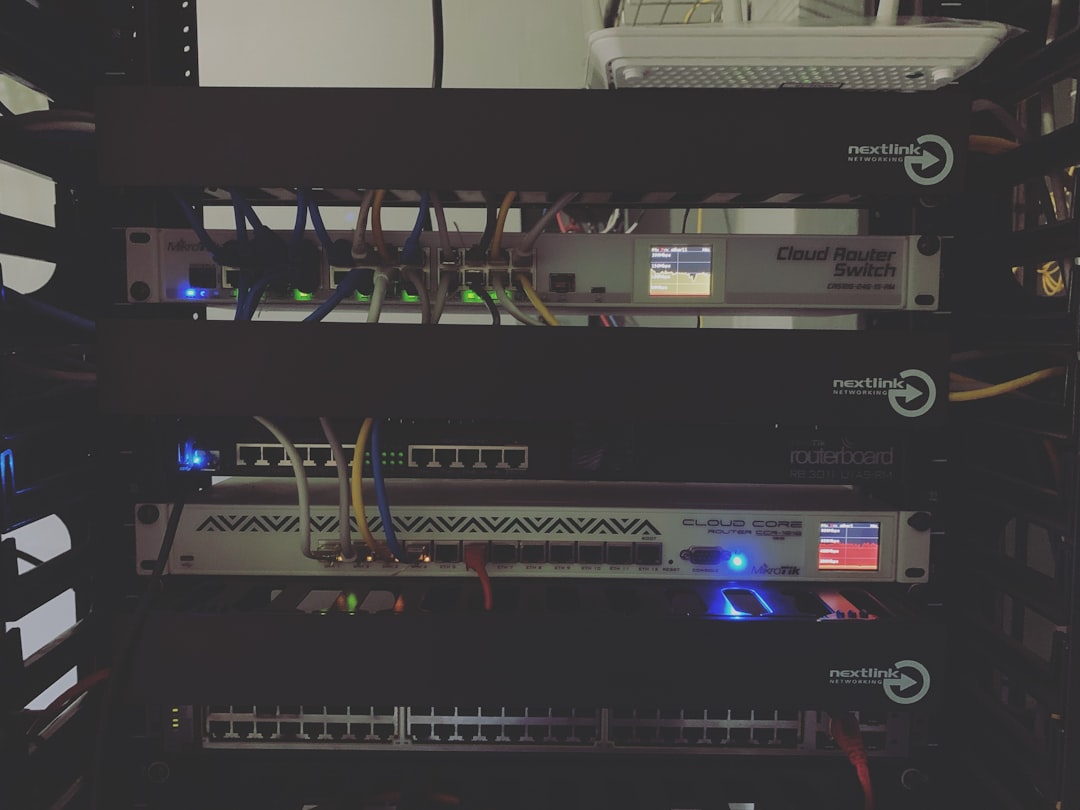
Why Used Enterprise Servers Are Having a Moment in 2026
The homelab community has exploded over the past few years, largely because enterprise hardware refresh cycles are shortening. Hyperscalers like AWS and Meta are swapping out gear on 3–4 year cycles now, which means a flood of 2022–2023 vintage servers are hitting the secondhand market at rock-bottom prices. Sites like eBay, Craigslist, Korea’s Bunjang and Joonggo-nara, and specialty resellers like ServerMonkey or TechMikeNY are absolutely packed with deals right now.
Here’s the math that grabbed me: A Dell PowerEdge R730 with dual Xeon E5-2690 v4 CPUs (28 cores total), 128GB DDR4 ECC RAM, and a PERC H730 RAID controller was listed for about $180 USD on eBay in early 2026. That same compute capacity in a cloud environment? You’re looking at $0.45–$0.65/hour on a comparable EC2 instance — meaning the server pays itself off in raw compute cost within roughly 300–400 hours of usage, or about 2–3 weeks of continuous use. Obviously power costs complicate that math, but you get the idea.
What I Actually Bought: Specs and the Buying Process
After about two weeks of obsessive lurking, I pulled the trigger on a HP ProLiant DL380 Gen9 — a workhorse that HP shipped by the tens of thousands between 2015 and 2018. Here’s what my unit came with:
- CPU: 2× Intel Xeon E5-2680 v4 (14 cores / 28 threads each = 56 logical cores total)
- RAM: 256GB DDR4 ECC RDIMM (16× 16GB sticks)
- Storage: 8× 2.5″ hot-swap bays (came with 4× 600GB SAS HDDs — I replaced these)
- RAID Controller: HP Smart Array P440ar
- Network: 4× 1GbE onboard + a dual-port 10GbE SFP+ card
- Power Supply: Dual 800W hot-swap PSUs
- Form Factor: 2U rack-mount
- Purchase Price: ₩280,000 (~$195 USD) on Bunjang, local pickup in Seoul
Before buying, I checked the seller’s feedback score, asked for the iLO health dashboard screenshot (HP’s out-of-band management interface — think of it as a remote console you can access even when the OS is down), and verified the hardware age via the serial number on HP’s support portal. Total hardware age was 7 years, which is well within the serviceable life for this class of machine.
The Setup Journey — Including the Parts That Hurt
Getting the server physically installed was the easy part. The DL380 G9 is a 2U chassis that slides into a standard 19-inch rack. I bought a StarTech 12U open-frame rack for about $130 and set it up in the corner of my home office. The machine weighs roughly 18kg fully loaded, so definitely grab a friend for the lift.
The first painful lesson came from the fans. Enterprise servers are designed for data center ambient temperatures — meaning the fan controller ramps them to jet-engine levels at startup and keeps them at 60–70% speed during operation. At full tilt, the DL380 G9 generates around 65–70 dB, which is comparable to a vacuum cleaner. I had to implement a custom iLO fan curve using the ilorest command-line tool, which brought idle noise down to a tolerable ~45 dB. There are great community scripts for this on GitHub under repos like dl380g9-fan-control.
Second war story: the HP Smart Array controller absolutely refused to see my new Samsung 870 EVO SATA SSDs. Turns out HPE locks the P440ar to a whitelist of certified drives. The fix? Flash the controller to IT mode (initiator target mode) using the MegaCLI workaround, which bypasses the RAID firmware and lets the OS see the drives directly. Took me about four hours of documentation-diving across r/homelab and the ServeTheHome forums to figure that out. Once done, it was smooth sailing.
Software Stack: What’s Running on This Thing in 2026
Once the hardware was sorted, I installed Proxmox VE 8.3 as the hypervisor — it’s free, KVM-based, and has a clean web UI. On top of that I spun up:
- Kubernetes cluster (3-node via k3s) for container workloads
- TrueNAS Scale VM for network-attached storage (targeting my old HDDs for cold storage)
- Jellyfin media server — transcoding 4K HDR content without breaking a sweat
- Home Assistant for smart home automation
- Tailscale for secure remote access (absolutely essential — don’t expose your homelab to the raw internet)
- Grafana + Prometheus stack for monitoring — because watching dashboards is half the fun
Power draw at idle sits around 180–210W. Under full k8s load it spikes to about 350–400W. At Korean residential electricity rates (~₩120/kWh as of April 2026), that’s roughly ₩15,000–20,000 per month in power costs — totally manageable.
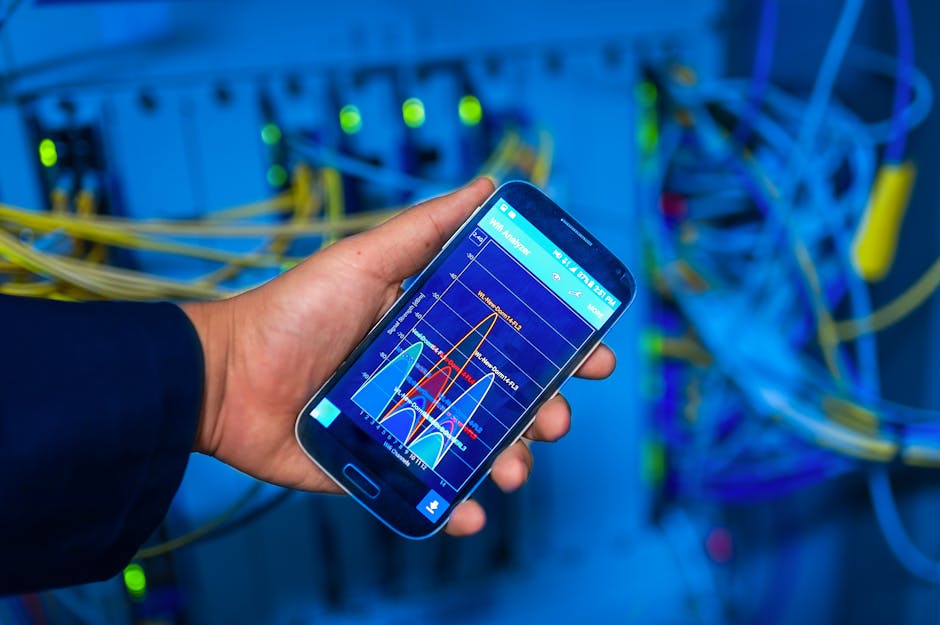
International Community Research: What Others Are Running
I’m not alone in this adventure. The r/homelab subreddit on Reddit has over 700,000 members as of early 2026 and is a goldmine of real-world configs. Popular used server picks in the community right now include:
- Dell PowerEdge R730/R740 — most recommended for beginners due to Dell’s excellent iDRAC out-of-band management
- HP ProLiant DL380 Gen9/Gen10 — my pick; great memory expandability
- Supermicro X10/X11 boards — beloved by power users for flexibility and IPMI access
- Lenovo ThinkSystem SR650 — quieter than HP/Dell equivalents, popular in Asian homelab communities
Korean homelab communities on Clien.net and SLR Club have active threads on secondhand server buying, with users regularly posting deals from industrial auction platforms like Auction.co.kr. The ServeTheHome website (servethehome.com) also runs detailed reviews of enterprise gear that translate well to secondhand buying decisions.
Realistic Alternatives If a Full Server Feels Like Too Much
A 2U rack server in your bedroom isn’t for everyone — and that’s completely fair. Here are some genuinely good middle-ground options:
- Mini PC clusters (Intel NUC / Beelink SER series): Near-silent, power-efficient, perfect for k3s or Docker Compose. You sacrifice raw RAM capacity but gain sanity.
- Used workstations (HP Z440/Z640): Tower form factor, much quieter, still support ECC RAM. Great bridge between desktop and server.
- Raspberry Pi 4/5 cluster: Ultra low power (~5W per node), great for learning Kubernetes networking without the hardware overhead.
- NAS devices (Synology DS923+): If storage is your primary need, a dedicated NAS is simpler and quieter than a full server.
Was It Worth It? Honest Verdict
Absolutely, yes — with a few asterisks. The DL380 G9 has been running for 67 days straight as I write this, hosting a full Kubernetes cluster, a media server, and a dozen VMs, without a single unexpected downtime event. The enterprise-grade ECC RAM, redundant PSUs, and hardware IPMI access give me a level of confidence I never had with consumer hardware. I’ve learned more about storage controllers, networking, and Linux power management in the past two months than in the previous two years of cloud-only work.
The caveats: noise management is real work, older SAS drives need replacing with SSDs for best performance, and you need patience for the firmware and whitelist quirks. Budget an extra $50–100 for SSDs, cables, and small upgrades on top of the purchase price.
Editor’s Comment : If you’ve been on the fence about diving into homelab with used enterprise gear, 2026 is genuinely one of the best windows to do it — secondhand prices are low, the community documentation is mature, and tools like Proxmox and k3s make the software side more approachable than ever. Start with a Dell R730 or HP DL380 G9, join r/homelab and the Clien server section, and don’t be afraid of the learning curve. That first moment your self-hosted Kubernetes dashboard loads on hardware you bought for less than a night out? That feeling doesn’t get old.
📚 관련된 다른 글도 읽어 보세요
- 공식 문서에 속지 마라 — 2026년 DIY 홈랩 UPS 배터리 백업 시스템 완전 정복 (실측 수치 포함)
- Additive Manufacturing for Mass Production in 2026: Reality Check — Can 3D Printing Finally Scale?
- 공식 스펙에 속지 마라: 2026 산업용 3D 프린터 TOP 5 실전 비교 리뷰 (현장 엔지니어 직접 테스트)
태그: homelab server setup, used server buying guide, HP ProLiant DL380 homelab, Proxmox VE 2026, enterprise server secondhand, 중고 서버 홈랩, self-hosted infrastructure
Leave a Reply