A friend of mine — seasoned traveler, been to 40+ countries — nearly missed a connecting flight at Istanbul Airport last spring. Not because of traffic, not because of a delay, but because Google Maps routed him to the wrong terminal entrance and he spent 22 minutes wandering a construction corridor looking for Gate D. He’s not alone. I’ve heard variations of this story from at least a dozen travelers this year, and it got me thinking: how much do we actually know about navigating airports efficiently in 2025?
Let’s dig into what actually works — and what the glossy travel blogs don’t bother telling you.
The Hidden Problem With ‘Standard’ Airport Navigation Advice
Most travel content tells you to “arrive 2 hours early” and “check your terminal in advance.” That’s fine advice from 2015. In 2025, airports have become cities unto themselves — Istanbul Airport handles 76 million+ passengers annually, Dubai International averages over 87 million, and Hartsfield-Jackson Atlanta consistently tops 100 million. The sheer scale means that generic advice breaks down fast.
The real issue isn’t finding the airport. It’s navigating inside the airport efficiently — and this is where most travelers (even experienced ones) hit unexpected friction.
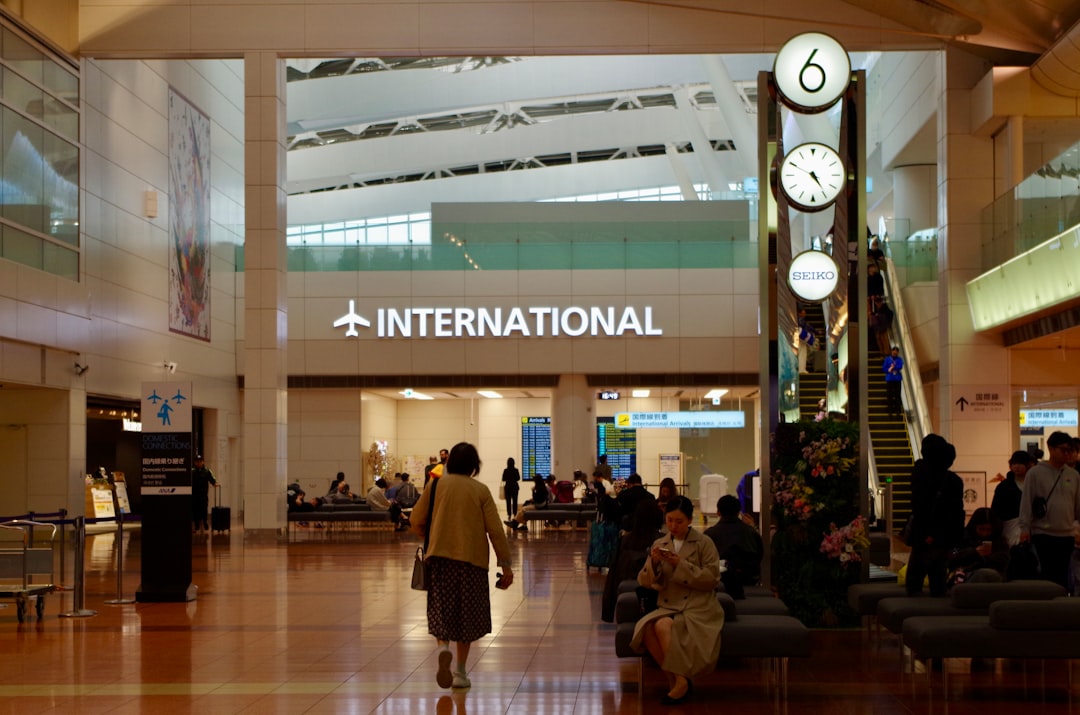
What the Data Actually Shows About Airport Navigation Failures
According to a 2025 IATA passenger experience report, approximately 34% of missed connections at hub airports are not caused by actual flight delays, but by passenger disorientation — wrong terminal, miscalculated transit times between concourses, or failure to account for re-security requirements after international arrivals.
Let’s break down the specific failure points:
- Terminal misidentification: Many airports (LAX, London Heathrow, Paris CDG) have multiple physically separate terminals that require ground transport. Google Maps and Apple Maps routinely route you to the general airport address, not the specific terminal entrance — this alone can cost 15–45 minutes.
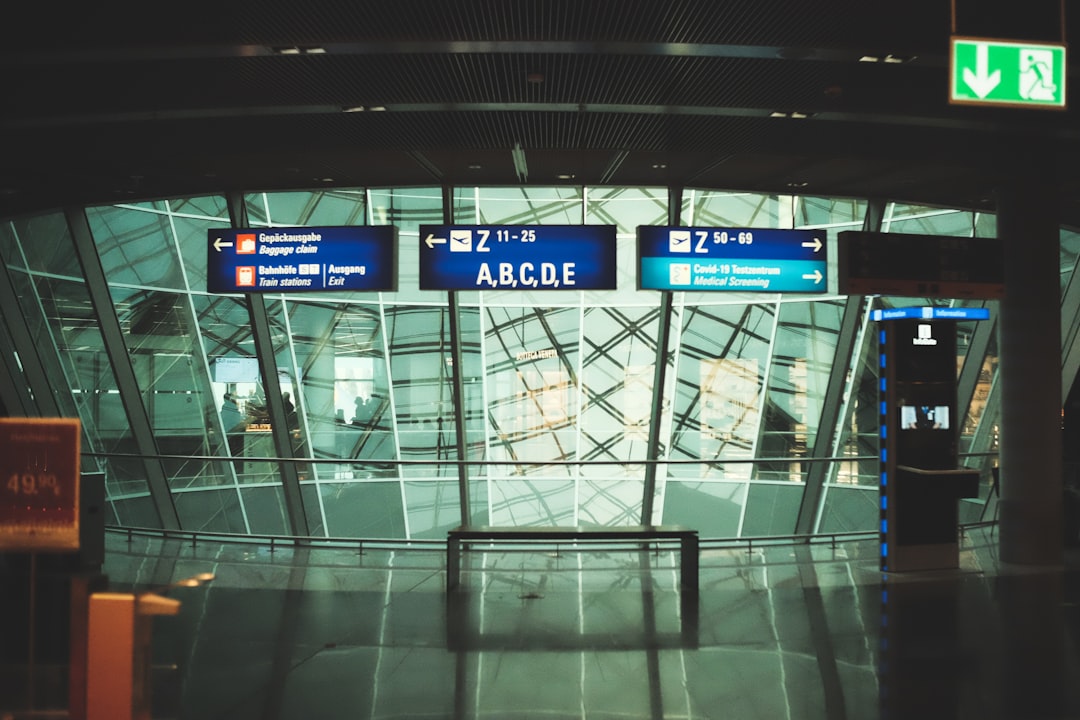
- Concourse walk time underestimation: At Frankfurt (FRA), walking from Gate A to Gate Z is legitimately 25+ minutes at a normal pace. Most apps don’t account for this.
- Re-security after international transit: At Toronto Pearson (YYZ) and Amsterdam Schiphol (AMS), international-to-domestic connections require full re-screening. This adds 20–40 minutes that flight booking platforms never warn you about.
- Signage language gaps: In Tier 2 airports across Southeast Asia and Eastern Europe, English signage disappears past the main arrivals hall. Travelers relying on signage alone report significant confusion.
- Gate changes post-boarding-pass issuance: In 2025, gate changes within 90 minutes of departure are up 18% industry-wide due to increased traffic density and slot reallocation. If you’re not watching the airline app, you’re flying blind.
Tools That Actually Work in 2025 (With Honest Caveats)
Here’s what I’ve found — through both personal use and aggregating traveler reports — to be genuinely reliable:
iFly Airport Guide (ifly.com) has indoor maps for 700+ airports including gate-level detail, bathroom locations, lounge access points, and estimated walk times between concourses. It’s not glamorous, but for pre-trip research it’s more useful than any general mapping app. The caveat: data lags by 3–6 months on recently renovated airports.
Google Maps Indoor Navigation works well at about 40 major airports where it has partnerships (Heathrow, Changi, JFK Terminal 4). Outside those, it’s unreliable indoors. Don’t assume it works just because the airport is large.
Airline apps — specifically Delta, Lufthansa, and Singapore Airlines — have integrated indoor wayfinding that pulls live gate data. These are genuinely better than third-party tools within their respective hub airports. Singapore Airlines + Changi Airport app integration is probably the gold standard right now: real-time gate info, estimated security wait times, and terminal transit schedules all in one screen.
Airport-specific apps: Heathrow, CDG, and Dubai International all have standalone apps that outperform generic tools. They’re clunky to download for a single trip, but if you transit through those hubs frequently, the install pays off.
The ‘Locals Route’ Playbook — Practical Tactics That Save Real Time
Here’s the part that doesn’t make it into most guides, because it requires a bit of research per airport rather than universal advice:
- Use the staff security lanes legally: At many European airports (Schiphol, Zurich ZRH, Munich MUC), lanes marked “Airport Staff” during off-peak hours (before 6am, after 9pm) are often accessible to passengers too — ask the agent directly. Saves 10–20 minutes.
- Know your terminal’s quiet entrance: At LAX, the Tom Bradley International Terminal (TBIT) has a less-known north-side rideshare drop-off that avoids the main curb crush. At JFK Terminal 4, the arrivals level departure entry (counter-intuitive, yes) is consistently less congested than the departures level entrance.
- Pre-download offline maps from the airport’s own site: Istanbul Airport (IST), Dubai (DXB), and Singapore Changi all offer downloadable PDFs with concourse maps. Old school, but they don’t require signal — critical in basement-level boarding gates.
- Check r/travel and airport-specific subreddits 48 hours before departure: Real-time construction alerts, temporary gate closures, and security lane outages get reported there faster than any official source.
- Call the airline’s airport ops line (not customer service): If you have a tight connection, the airport operations team can flag your itinerary for a gate agent assist. Most travelers don’t know this number exists, but it’s on the airline’s website under “airport contacts.”
Cost & Timing Reality Check by Airport Tier
Not all airports are equally challenging. Here’s a rough framework:
Tier 1 (High complexity — add 30–45 min buffer): Dubai DXB, Istanbul IST, Paris CDG, London Heathrow, Tokyo Narita NRT, LAX. These have multiple disconnected terminals, significant transit times, and variable security throughput.
Tier 2 (Moderate — add 15–25 min buffer): Amsterdam AMS, Frankfurt FRA, Singapore SIN (despite its reputation for efficiency, transit between T1-T3 takes time), Toronto YYZ. Generally well-signed but physically large.
Tier 3 (Manageable — standard guidance applies): Most regional hubs under 20 million annual passengers. Copenhagen CPH, Zurich ZRH, Helsinki HEL. These are compact, well-marked, and rarely surprise you.
When Things Go Wrong — What To Actually Do
Despite best preparation, things happen. Gate changes, unexpected re-security, construction diversions. Here’s the no-panic protocol:
- Head immediately to the nearest airline-branded service desk (not the general info desk — they can actually pull up your booking).
- Open the airline app simultaneously — gate agents can see what you see, and showing them your screen confirms you’re tracking the same info.
- If connection time is under 45 minutes, ask the boarding agent at your inbound gate to radio ahead. This is standard practice and they’re usually willing.
- At airports with automated transit systems (people movers), know the direction before boarding — at DFW, getting on the wrong Skylink direction adds a full loop (8–10 minutes).
The bottom line here isn’t that airport navigation is rocket science — it’s that it’s specific science. The tactics that save you at Changi might be useless at CDG, and the tools that work at JFK may fail completely at a mid-sized Eastern European hub. The travelers who consistently make their connections aren’t luckier; they’ve just done the 20 minutes of airport-specific research that most people skip.
✈️ One practical starting point: Before your next trip, spend 10 minutes on iFly.com for your specific airport, cross-reference with the airline’s own app, and download the airport’s PDF terminal map as a backup. That combination — low effort, high payoff — covers roughly 80% of the navigation surprises that catch people off guard. Safe travels, and may your gate always be nearby.
📚 관련된 다른 글도 읽어 보세요
- 어릴때 이것 키워주지 않으면 후회해도 소용없어요 — 2026년 기준 수학 사고력, 지금 안 잡으면 진짜 늦습니다
- 싸구려 사면 두 번 산다 — 2026년 기준 미니멀리스트가 실제로 쓰는 가성비 캐리어 TOP 3
- Why I Almost Gave Up on Meal Prep — And What Finally Made It Stick in 2025
태그: airport navigation tips, airport transit guide, travel hacks 2025, missing flights prevention, airport terminal maps, international travel tips, airport efficiency
Leave a Reply