Author: likevinci

  • 2026 Industrial 3D Printing Trends: What’s Actually Changing on the Factory Floor

    A few months ago, I visited a mid-sized aerospace components manufacturer in Ohio. What struck me wasn’t the gleaming new machines — it was the silence. Where dozens of machinists once stood, a skeleton crew monitored six industrial 3D printers churning out titanium bracket assemblies with tolerances tighter than a human hair. The plant manager told me something I haven’t stopped thinking about: “We don’t think of this as printing anymore. We think of it as growing parts.” That shift in mindset? That’s exactly where industrial 3D printing is in 2026.

    The technology has quietly crossed a threshold. We’re no longer talking about prototypes or novelty applications — we’re talking about production-grade, supply-chain-critical manufacturing at scale. Let’s dig into what the data and real-world examples are actually telling us this year.

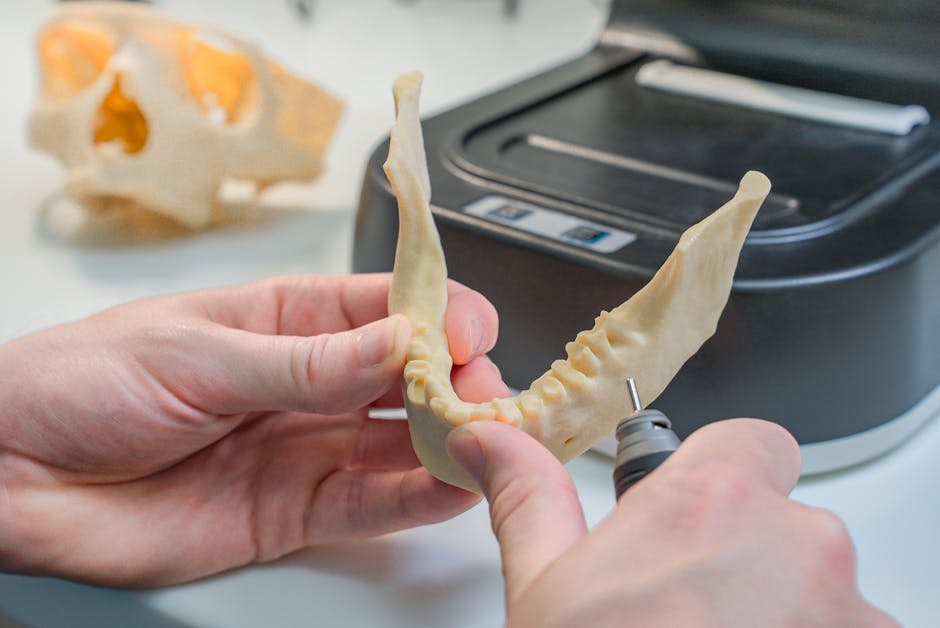
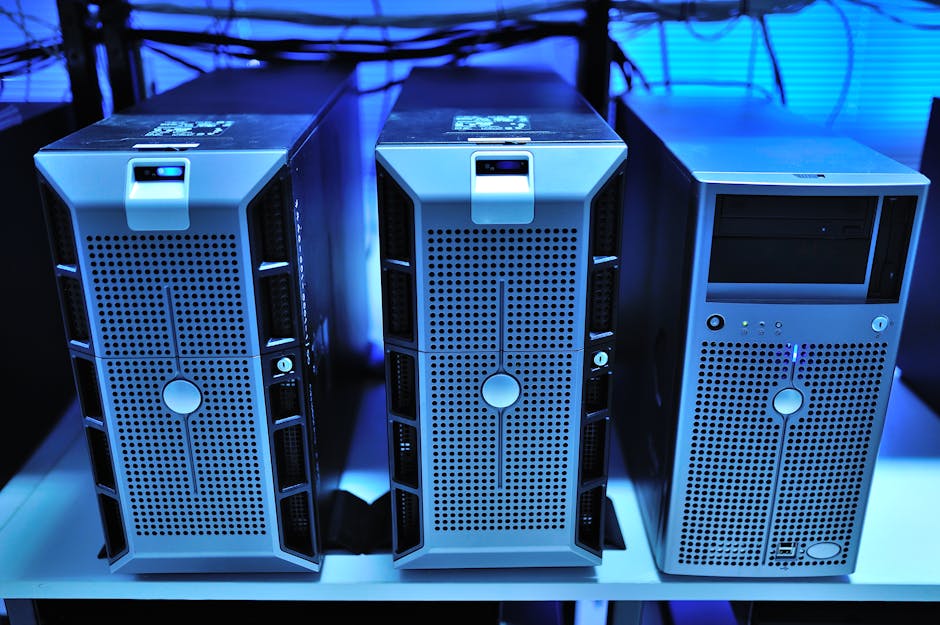
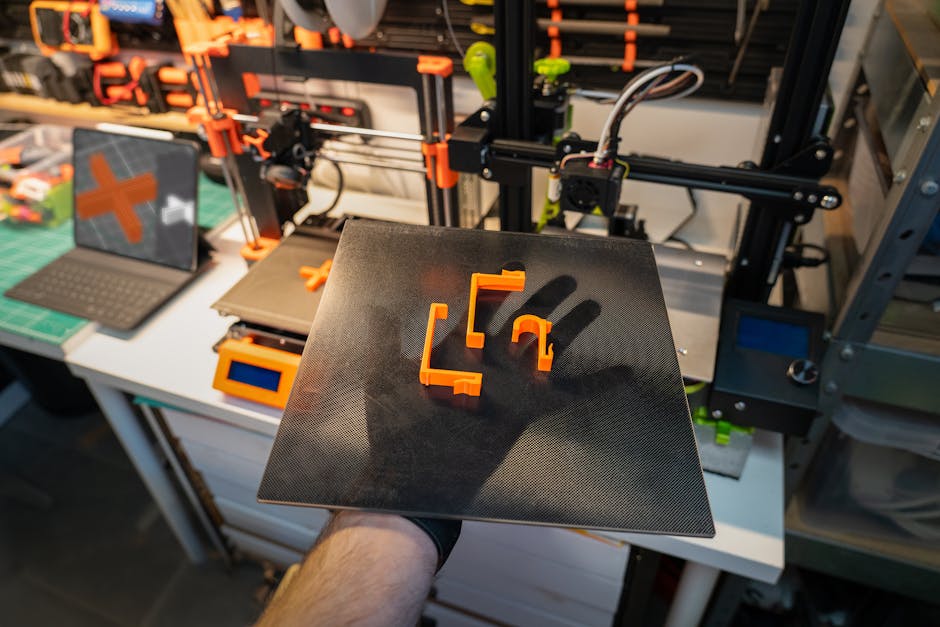
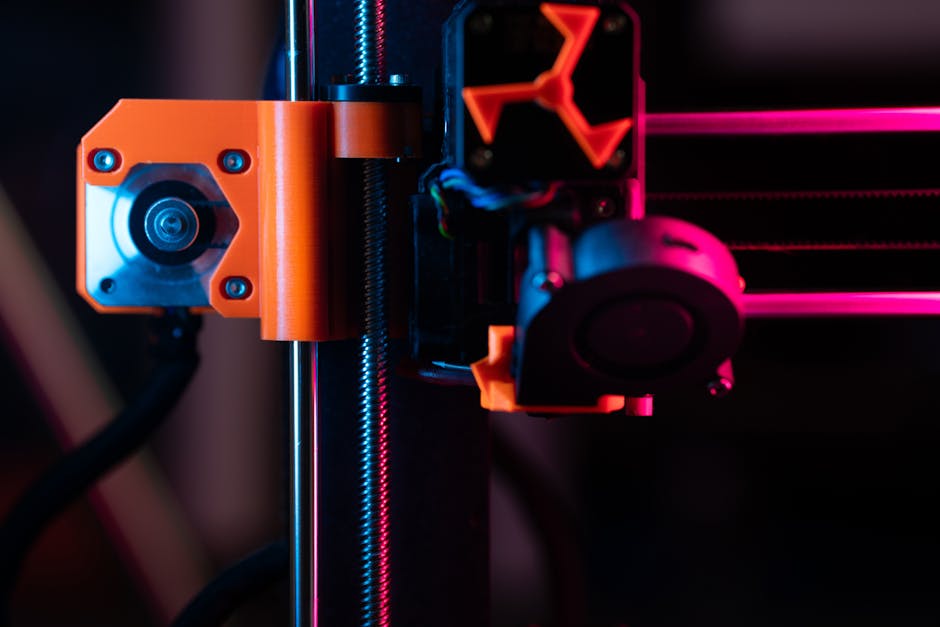
    industrial 3D printing factory floor titanium aerospace 2026

    The Numbers Don’t Lie: Market Momentum in 2026

    According to industry analysis from Wohlers Associates and IDC’s 2026 Manufacturing Outlook report, the global industrial additive manufacturing market is projected to surpass $32 billion in 2026 — a figure that would have seemed wildly optimistic just five years ago. More telling than the top-line number, though, is where that growth is concentrated:

    • Metal additive manufacturing now accounts for roughly 41% of total industrial AM revenue, driven by aerospace, defense, and medical implant sectors.
    • Polymer-based industrial printing (particularly high-performance materials like PEEK and ULTEM) has surged in automotive and consumer electronics tooling.
    • Construction-scale 3D printing — yes, printing entire building structures — has moved from pilot projects to contracted municipal housing programs in South Korea, the UAE, and parts of Texas.
    • Bioprinting for medical scaffolding and drug-delivery implants has received regulatory green lights in the EU and Japan, opening a genuinely new vertical.
    • Multi-material printing systems (printing conductive traces, structural material, and insulation simultaneously) are finally hitting production viability, not just lab demos.

    The Technologies Driving the Shift

    What’s actually under the hood of this growth? A few converging forces are worth understanding, whether you’re a manufacturer, an investor, or just a curious observer.

    Binder Jetting at Production Speed: Companies like Desktop Metal (now part of a larger consolidated entity post-2025 industry consolidation) and HP’s Metal Jet S100 line have brought binder jetting to throughput levels that compete directly with metal injection molding — but without the tooling costs. For runs of 5,000–50,000 parts, the economics have genuinely flipped in additive’s favor.

    AI-Driven Process Optimization: This is the one that doesn’t get enough attention. In 2026, virtually every enterprise-grade 3D printing system ships with embedded ML models that monitor melt pool dynamics, layer adhesion, and thermal gradients in real time. The result? First-part-correct yields on complex metal parts have climbed from the mid-60% range to above 90% in leading facilities. That’s not incremental — that’s the difference between a viable production method and an expensive experiment.

    Sustainable Material Innovation: Recycled-content filaments and powders are no longer a compromise. BASF Forward AM and Evonik’s 2026 material lines include industrial-grade recycled PA12 and bio-derived TPU that meet the same mechanical specs as virgin materials. For manufacturers under ESG pressure, this matters enormously.

    Who’s Actually Doing This at Scale? Real-World Examples

    Let’s ground this in specifics, because the industry has a tendency toward breathless announcements that don’t always translate to factory reality.

    Hyundai Motor Group (South Korea): Hyundai’s Ulsan facility rolled out a dedicated additive manufacturing cell in late 2025 that now produces over 800 unique part numbers — primarily jigs, fixtures, and low-volume replacement parts for legacy models. The ROI case? They’ve cut tooling lead times from 14 weeks to under 5 days for that category of parts. They’re not printing engines; they’re printing everything around the engine build process, which turns out to be where the real efficiency lives.

    Siemens Energy (Germany/Global): Siemens has been running additively manufactured gas turbine burner tips in commercial operation since 2023, but their 2026 milestone is more significant: they’ve qualified 3D-printed components for repair and overhaul of existing turbines — meaning the aftermarket MRO (Maintenance, Repair & Overhaul) sector is now open territory for AM. This is a multi-billion dollar implication that most coverage misses.

    ICON Build (United States): ICON’s Vulcan construction printer has moved well beyond its Austin, Texas housing projects. In partnership with the U.S. Department of Defense, they’re printing semi-permanent forward operating base structures that can be erected in austere environments without traditional construction supply chains. The 2026 deployment in undisclosed locations marks the first operational military use of additive construction.

    Osstem Implant (South Korea): In the dental and orthopedic space, Osstem has been quietly building one of the most sophisticated medical AM operations in Asia. Their 2026 expansion includes a certified production line for patient-specific titanium spinal implants, with same-week delivery from CT scan to sterile packaged device. For patients, that’s transformative.

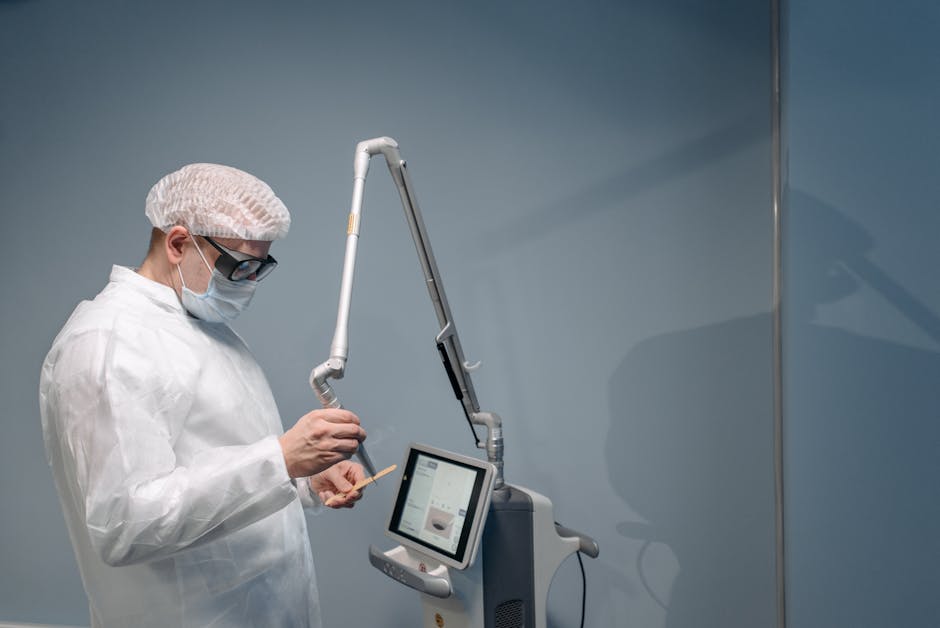
    metal additive manufacturing binder jetting production parts 2026

    What’s Still Holding Industrial AM Back (Honestly)

    I’d be doing you a disservice if I only told you the bullish side. Let’s be real about the friction points:

    • Post-processing bottlenecks: Printing the part is often the fast part. Removing support structures, sintering, heat treatment, and surface finishing still require significant manual labor and specialized equipment. The industry hasn’t fully solved this automation gap.
    • Workforce skills gap: Operating and maintaining industrial AM systems requires a hybrid skill set — part mechanical engineer, part materials scientist, part software operator. That profile is genuinely scarce in the labor market right now.
    • Certification timelines: In aerospace and medical, qualifying a new manufacturing process with regulatory bodies (FAA, FDA, EASA) can take 3–7 years. Many companies have been doing the groundwork since 2020–2022, and we’re starting to see those certifications land now in 2026 — but it remains a slow lane for safety-critical applications.
    • Material cost at scale: High-performance metal powders are still expensive. For commodity parts, traditional CNC machining or casting often wins on cost per unit above certain volumes.

    Realistic Alternatives: If You’re Not Ready for Full Industrial AM

    Here’s where I want to think practically with you. Not every manufacturer needs to overhaul their floor for additive manufacturing. There are genuinely smart intermediate paths:

    Hybrid manufacturing: Combining CNC machining with additive deposition (think DMG MORI’s Lasertec series) lets you add material selectively to machined blanks. You get the precision of subtractive and the geometric freedom of additive without committing fully to either. It’s a genuinely underrated middle path for shops already invested in CNC infrastructure.

    AM as a service (AMaaS): Companies like Xometry, Protolabs, and regional print bureaus have scaled dramatically. For manufacturers who need AM capabilities but can’t justify the capital expenditure of in-house systems (typically $250K–$2M+ for industrial metal printers), outsourcing to qualified bureaus is strategically sound — and increasingly, these bureaus carry the material certifications you need for aerospace or medical applications.

    Start with tooling, not end parts: If you’re a traditional manufacturer curious about AM, the lowest-risk, highest-ROI entry point is almost always custom jigs, fixtures, and soft tooling. The qualification burden is low, the lead time savings are immediate and measurable, and it builds organizational familiarity with the workflow before you’re betting production on it.

    The factory floor of 2026 isn’t the science fiction version of 3D printing we were promised a decade ago — but it’s something arguably more interesting: a genuinely mature, increasingly indispensable manufacturing tool that rewards thoughtful integration over wholesale replacement. The question isn’t whether industrial AM belongs in your production strategy. It’s figuring out the right door to walk through first.

    Editor’s Comment : What fascinates me most about industrial 3D printing in 2026 isn’t any single technology breakthrough — it’s the quiet normalization. The plants doing the most interesting work aren’t announcing press releases about it anymore. They’re just shipping parts. That’s how you know a technology has truly arrived.

    태그: [‘industrial 3D printing 2026’, ‘additive manufacturing trends’, ‘metal 3D printing’, ‘manufacturing technology 2026’, ‘binder jetting production’, ‘AM as a service’, ‘smart factory innovation’]


    📚 관련된 다른 글도 읽어 보세요

  • 2026 산업용 3D 프린팅 최신 트렌드 총정리 | 제조업의 판을 바꾸는 기술 변화

    얼마 전, 항공우주 부품 제조사에 다니는 지인에게 흥미로운 이야기를 들었어요. 예전에는 특정 엔진 부품 하나를 납품받기까지 평균 12주가 걸렸는데, 지금은 사내 3D 프린팅 라인 덕분에 그 시간이 3주 이내로 줄었다는 거예요. 단순히 속도만 빨라진 게 아니라, 기존에는 구현하기 불가능했던 복잡한 내부 격자 구조(Lattice Structure)까지 한 번에 출력하게 됐다고 했죠. “이게 진짜 제조업 혁명이구나” 싶더라고요.

    2026년 현재, 산업용 3D 프린팅(적층 제조, Additive Manufacturing)은 단순한 프로토타입 제작 도구를 넘어서 실제 양산 라인의 핵심 공정으로 자리 잡고 있습니다. 오늘은 올해 주목해야 할 핵심 트렌드들을 함께 살펴보려 해요.

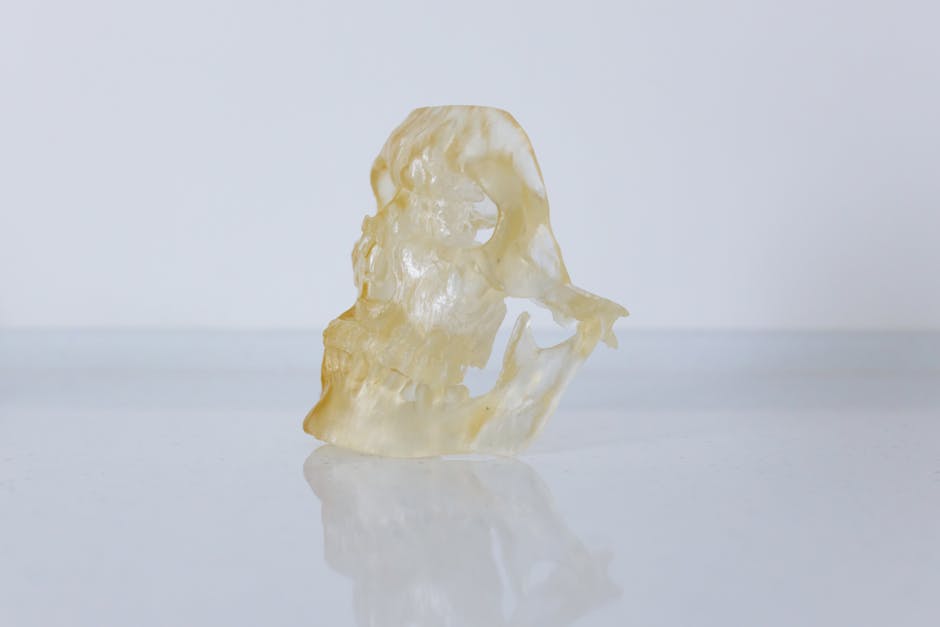
    industrial 3D printing factory automation 2026

    📊 트렌드 1. 시장 규모와 성장 속도 — 숫자로 보는 현실

    글로벌 시장조사기관 MarketsandMarkets의 2026년 최신 보고서에 따르면, 산업용 적층 제조 시장 규모는 약 380억 달러(한화 약 51조 원)에 달하는 것으로 추정됩니다. 2022년 약 148억 달러였던 것과 비교하면 불과 4년 만에 2.5배 이상 성장한 셈이에요. 연평균 성장률(CAGR)은 약 21~23% 수준으로, 전통 제조업 평균(3~5%)을 압도하는 수치라고 봅니다.

    특히 주목할 만한 분야별 성장률은 다음과 같아요.

    • 항공·방위 산업: 전체 시장의 약 22%를 차지하며, 티타늄·인코넬 등 고성능 합금 출력 수요가 폭발적으로 증가
    • 의료·치과 분야: 맞춤형 임플란트 및 수술 보조 도구 제작 수요 증가로 연 25% 이상의 성장세
    • 자동차 산업: 전기차(EV) 전환과 맞물려 경량화 부품 수요 급증, 특히 배터리 케이스 부품 출력에 집중
    • 전자·반도체 분야: 마이크로 스케일 프린팅 기술 발전으로 신규 시장 창출 중

    🔬 트렌드 2. 소재(Material) 혁신 — 무엇이든 프린트하는 시대

    2026년 산업용 3D 프린팅의 가장 뜨거운 화두 중 하나는 단연 소재의 다양화와 고성능화라고 봅니다. 과거에는 플라스틱 계열의 폴리머가 주력이었다면, 지금은 전혀 다른 차원의 소재들이 등장하고 있어요.

    • 세라믹 복합 소재: 고온 내열성이 요구되는 터빈 블레이드, 열교환기 부품에 적용 확대
    • 탄소섬유 강화 폴리머(CFRP): 기존 금속 대비 무게는 40% 줄이면서 강도는 유지하는 소재로 드론·모빌리티 분야에서 각광
    • 생체 적합성 금속 분말(Ti-6Al-4V, CoCr): 의료 임플란트의 표면 다공성을 자유롭게 설계할 수 있어 뼈와의 유착률 향상에 기여
    • 리사이클 소재 필라멘트: ESG 경영 기조에 맞춰, 제조 과정 중 발생한 폐소재를 재분쇄해 원료로 재활용하는 순환 경제형 소재 도입 증가

    🤖 트렌드 3. AI·디지털 트윈과의 융합 — 프린팅 전에 시뮬레이션부터

    단순히 “출력”하는 기술에서 나아가, 2026년의 산업용 3D 프린팅은 AI 기반 공정 최적화와 긴밀하게 결합하고 있어요. 디지털 트윈(Digital Twin) 기술을 활용하면 실제 출력 전에 가상 환경에서 수백 번의 시뮬레이션을 돌려 잔류 응력, 변형, 층간 결함을 예측할 수 있거든요.

    독일의 EOS GmbH나 미국의 Markforged 같은 기업들은 이미 머신러닝 기반 품질 모니터링 시스템을 자사 장비에 통합했습니다. 카메라와 센서가 각 레이어를 실시간으로 스캔하고, AI가 불량 징후를 감지하면 즉시 공정을 멈추거나 파라미터를 자동 수정하는 방식이에요. 이 덕분에 불량률이 기존 대비 최대 60~70% 감소했다는 사례 데이터도 나오고 있습니다.


    🌏 국내외 주요 사례로 보는 2026년의 현주소

    [해외 사례] GE Aerospace의 금속 3D 프린팅 내재화
    GE Aerospace는 2026년 기준, 자사 항공 엔진 부품의 약 35%를 적층 제조 방식으로 생산하는 것으로 알려져 있어요. 특히 연료 노즐(Fuel Nozzle) 부품은 기존 20개 부품을 하나로 통합(부품 통합, Part Consolidation)하는 설계를 통해 무게를 25% 줄이고 내구성은 5배 향상시킨 대표 성공 사례로 꼽힙니다.

    [해외 사례] 바이오프린팅의 상용화 — 네덜란드 UMC Utrecht
    의료 분야에서는 네덜란드 위트레흐트 대학병원이 환자 맞춤형 두개골 보형물(Cranial Implant)을 3D 프린팅으로 제작해 이식하는 수술을 2026년에도 지속 확대 중입니다. 기성품 대비 수술 시간이 단축되고, 환자의 뼈 형태에 정확히 맞아 감염 위험도 낮아졌다는 평가를 받고 있어요.

    metal 3D printing aerospace parts titanium powder

    [국내 사례] 한국의 대형 조선사와 금속 AM 도입
    국내에서는 HD현대중공업 등 대형 조선사들이 선박용 특수 부품(밸브, 임펠러 등)의 MRO(유지보수·수리·오버홀) 공정에 금속 3D 프린팅을 본격 도입하는 추세입니다. 단종된 부품을 긴 납기 없이 즉시 출력할 수 있다는 점이 특히 큰 강점으로 꼽히죠. 또한 한국생산기술연구원(KITECH)을 중심으로 국산 금속 분말 소재 개발이 활발히 진행 중이며, 수입 의존도를 낮추려는 움직임도 눈에 띕니다.

    ⚙️ 트렌드 4. 분산 제조(Distributed Manufacturing)의 부상

    2020년대 초 글로벌 공급망 위기를 경험하면서, 기업들은 “공장 하나에서 대량 생산 후 전 세계로 배송”하는 구조의 취약성을 절감했습니다. 이에 대한 해법으로 주목받는 것이 바로 분산 제조예요. 필요한 부품의 설계 파일(CAD 데이터)을 네트워크로 전송하고, 수요처 인근의 3D 프린팅 시설에서 현지 생산하는 개념입니다.

    이 방식은 물류 비용 절감은 물론, 탄소 발자국(Carbon Footprint) 감소에도 크게 기여한다는 점에서 ESG 관점에서도 긍정적인 평가를 받고 있습니다. 2026년 현재, 이를 지원하는 클라우드 기반 제조 네트워크 플랫폼(예: Xometry, Protolabs Network 등)들의 성장도 주목할 만하다고 봐요.


    💡 현실적인 도입 전략 — 중소 제조사라면 이렇게 접근하세요

    트렌드를 읽는 것도 중요하지만, 막상 “우리 회사에 3D 프린팅을 어떻게 적용하지?”라는 질문 앞에서 막히는 경우가 많아요. 모든 공정을 한 번에 전환하려 하면 투자 부담이 너무 크거든요. 현실적으로는 다음과 같은 단계적 접근이 맞는 것 같습니다.

    • 1단계 (탐색): 외주 서비스 업체(Service Bureau)를 활용해 특정 부품의 3D 프린팅 적합성 검증부터 시작
    • 2단계 (시범 도입): 지그(Jig), 픽스처(Fixture), 맞춤형 공구 등 치공구류부터 내재화. 초기 투자 대비 ROI를 빠르게 확인 가능
    • 3단계 (확장): 파일럿 성공 데이터를 기반으로 특정 부품군에 한해 AM 전용 라인 구축
    • 4단계 (지식화): DfAM(Design for Additive Manufacturing), 즉 적층 제조에 최적화된 설계 역량을 사내에 내재화

    정부 지원도 적극 활용할 필요가 있어요. 2026년 현재 중소벤처기업부 및 산업통상자원부에서는 스마트 공장 고도화 사업을 통해 AM 장비 도입 비용의 일부를 지원하고 있으니, 한국스마트제조산업협회(KOSMA) 사이트를 통해 신청 공고를 확인해 보시길 권합니다.

    에디터 코멘트 : 산업용 3D 프린팅은 더 이상 “미래 기술”이 아닙니다. 2026년 현재, 옆 나라 경쟁사가 이미 이 기술로 납기를 단축하고 원가를 줄이고 있을 가능성이 높아요. 두려움보다는 “어떤 부분에서 먼저 시작할 수 있을까?\

    태그: []


    📚 관련된 다른 글도 읽어 보세요

  • 3D Printed Car Parts Are Changing the Weight Game in 2026 — Here’s What You Need to Know

    Picture this: it’s early 2026, and a mid-size EV rolls off a production line in Stuttgart. It weighs 180 kg less than its predecessor — not because of a smaller battery or a stripped-down interior, but because dozens of its structural components were 3D printed using lattice-structured titanium alloys. No machining waste. No assembly welds. Just geometry doing the heavy lifting — or rather, not doing it.

    This isn’t a concept car story. This is where the automotive industry actually stands right now, and honestly, it’s one of the most exciting intersections of engineering and everyday life I’ve covered in years. Let’s dig in together.

    3D printed automotive lightweight parts titanium lattice structure

    Why Weight Matters More Than Ever in 2026

    The push for lightweighting isn’t new, but the urgency has intensified dramatically. With global EV adoption crossing 38% of new car sales in early 2026 (according to the International Energy Agency’s Q1 2026 report), range anxiety is still a real consumer concern. Every kilogram shaved off a vehicle translates directly into extended range — roughly 0.3–0.5 km of additional range per kilogram reduced, depending on the powertrain configuration.

    Traditional lightweighting approaches — stamped aluminum panels, carbon fiber reinforced polymers (CFRP), and high-strength steel — all hit a ceiling. They’re constrained by subtractive manufacturing logic: you start with material and remove what you don’t need. Additive manufacturing (AM), the technical term for 3D printing, flips that logic entirely. You build only what’s structurally necessary, guided by topology optimization algorithms.

    The Numbers Behind the Technology

    Let’s talk specifics, because the data here is genuinely striking:

    • Weight reduction of 40–70% is achievable on brackets, suspension knuckles, and seat frames using metal AM with topology optimization, compared to traditionally cast equivalents.
    • Porsche’s 3D-printed pistons (a technology they pioneered and have now scaled in 2026 across multiple platforms) are 10% lighter and 20% stiffer than forged counterparts, with internal cooling channels impossible to make any other way.
    • The global automotive AM market is projected to reach $12.4 billion by end of 2026, up from $7.1 billion in 2023 (MarketsandMarkets, 2026 Automotive Additive Manufacturing Report).
    • Material waste in selective laser melting (SLM) processes runs at roughly 2–5%, versus 40–60% in traditional CNC machining of complex titanium parts.

    How Topology Optimization and Generative Design Work Together

    Here’s where it gets beautifully nerdy. Topology optimization is a mathematical method that calculates the most efficient distribution of material within a defined design space, given specific load cases. Feed it your stress maps, your boundary conditions, your weight targets — and it spits out a shape that looks almost biological. Organic. Like bone.

    That’s not a coincidence. Bone structure is nature’s own topology optimization, evolved over millions of years. Engineers are now essentially borrowing that playbook using software like Altair OptiStruct, Autodesk Fusion 360’s generative design module, and nTopology — all of which have seen major AI-assisted iteration upgrades in their 2026 releases.

    The result? Parts that look “wrong” by traditional standards but perform spectacularly. A suspension knuckle might look like a spider’s web of titanium strands, but it handles the same torsional loads as a chunky cast-iron block — at a fraction of the weight.

    Real-World Examples: Who’s Actually Doing This?

    Let’s ground this in concrete cases, because theory only goes so far.

    BMW Group (Germany): BMW’s Landshut facility has been scaling metal AM for production parts since 2020, but their 2026 milestone is notable — they’ve integrated over 60 unique AM components into the Neue Klasse platform, including hydraulic fittings and mounting brackets, reducing per-vehicle weight by approximately 23 kg from AM parts alone.

    In the United States, General Motors partnered with Divergent Technologies to use their modular AM chassis system — branded as DAPS (Divergent Adaptive Production System) — on select performance variants of their 2026 lineup. Divergent’s approach is particularly interesting because it doesn’t just print individual parts; it prints entire node-and-tube structural assemblies, reducing part count by up to 75%.

    South Korea’s Hyundai Motor Group has been quietly aggressive here too. Their R&D collaboration with POSCO (one of the world’s leading steelmakers) has produced a new AM-optimized steel alloy — internally called HX-9 — that achieves near-titanium strength-to-weight ratios at significantly lower material cost. As of March 2026, this is being piloted in IONIQ 9 subframe components.

    In Japan, Toyota’s GR (Gazoo Racing) division has adopted AM for low-volume performance parts with remarkable speed-to-market advantages — a redesigned titanium exhaust bracket that took 14 weeks via traditional methods was printed, tested, and approved in under 3 weeks.

    generative design topology optimization automotive part 3D printing 2026

    The Honest Challenges — Because Nothing’s Perfect

    I’d be doing you a disservice if I only presented the highlights. There are real friction points here:

    • Cost at scale: Metal AM parts still cost 3–8x more per unit than die-cast equivalents for high-volume production (100,000+ units/year). The economics work beautifully for luxury, performance, and low-volume segments — less so for budget vehicles.
    • Post-processing requirements: Most metal AM parts require significant finishing — stress relief annealing, HIP (hot isostatic pressing) for densification, and surface machining on critical interfaces. This adds time and cost that the “just hit print” narrative tends to obscure.
    • Quality certification: Automotive safety standards (FMVSS in the US, UN Regulation 94/95 in Europe) require extensive validation. AM parts introduce microstructure variability that traditional quality frameworks weren’t built to assess. The industry is catching up — ISO/ASTM 52900 standards are now widely adopted — but certification timelines can still be a bottleneck.
    • Supply chain maturity: Finding certified AM suppliers capable of automotive-grade production outside of Germany, the US, and South Korea remains genuinely difficult.

    Realistic Alternatives Depending on Your Situation

    Now, not everyone reading this is a Tier 1 automotive supplier. So let’s think practically about where you might sit in relation to this technology:

    If you’re an automotive enthusiast or small custom shop: Desktop metal printers (Markforged Metal X, Desktop Metal Studio System 2) have become remarkably capable by 2026. You won’t be printing titanium suspension knuckles, but custom aluminum brackets, housings, and non-safety-critical brackets are within reach. Start with polymer AM for prototyping, validate your designs, then transition to metal for final parts.

    If you’re a mid-tier supplier exploring adoption: Rather than investing in in-house AM equipment immediately, consider partnering with AM service bureaus like Materialise, Stratasys, or Xometry. Use AM for tooling, jigs, and fixtures first — lower risk, faster ROI — then migrate to end-use parts as your team builds process knowledge.

    If you’re an OEM evaluating platform integration: The sweet spot in 2026 is hybrid strategies — using AM for the 15–20% of components where it delivers maximum weight savings (complex brackets, fluid routing, structural nodes), while retaining traditional manufacturing for high-volume commodity parts. Don’t try to print everything; be surgical about it.

    What’s Coming Next — And It’s Close

    A few developments worth watching as 2026 progresses:

    • Continuous fiber AM: Companies like Arevo and Markforged are pushing continuous carbon fiber deposition to replace CFRP layup for certain structural applications — at a fraction of the tooling cost.
    • Multi-material printing: Printing parts with gradient material properties — hard on the outside, energy-absorbing in the core — is moving from research labs toward early production validation.
    • AI-driven print path optimization: Machine learning models trained on hundreds of thousands of print jobs are now predicting and correcting for residual stress and distortion in real time, dramatically improving first-time yield rates.

    The trajectory is clear: 3D printing isn’t replacing traditional manufacturing wholesale, but it’s carving out a permanent, expanding role in the lightweighting toolkit. The vehicles we’ll drive in 2030 will carry dozens of components that simply couldn’t have existed without additive manufacturing — and they’ll go farther on a charge because of it.

    If you’re anywhere near the automotive or advanced manufacturing space, this is one technology trend worth following very closely. The weight savings are real, the business case is maturing, and the engineering creativity being unlocked is genuinely remarkable.

    Editor’s Comment : What strikes me most about 3D printed lightweighting isn’t the material science — impressive as it is — it’s the philosophical shift it represents. For a century, automotive engineering has been about disciplined subtraction: take a block of material, remove what you don’t need. AM says: what if you only ever built what you needed? That’s not just a manufacturing technique. It’s a fundamentally different way of thinking about design. And in an industry as change-resistant as automotive, that mindset shift might be the most significant development of all.

    태그: [‘3D printing automotive’, ‘lightweight car parts 2026’, ‘additive manufacturing vehicles’, ‘topology optimization automotive’, ‘metal 3D printing EV’, ‘automotive lightweighting technology’, ‘generative design car manufacturing’]


    📚 관련된 다른 글도 읽어 보세요

  • 3D 프린팅 자동차 부품 경량화 기술, 2026년 현재 어디까지 왔을까?

    얼마 전 지인 한 명이 전기차 구매를 고민하면서 이런 말을 했어요. “배터리 무게 때문에 효율이 생각보다 별로더라고. 근데 차 자체가 가벼워지면 해결되는 거 아냐?” 단순한 질문처럼 들리지만, 사실 이게 자동차 업계가 수십 년간 붙잡고 있는 핵심 과제라는 걸 아는 사람은 많지 않아요. 그리고 그 해답 중 하나로 지금 가장 주목받고 있는 기술이 바로 3D 프린팅 기반 자동차 부품 경량화라고 봅니다.

    단순히 ‘가볍게 만든다’는 개념을 넘어서, 설계 자유도·소재 혁신·생산 공정 효율화까지 동시에 잡을 수 있는 이 기술이 2026년 현재 어느 수준까지 현실화됐는지, 함께 살펴보도록 해요.

    3D printing automotive lightweight parts manufacturing

    📊 숫자로 보는 경량화의 위력 — 1kg을 줄이면 무슨 일이 생길까?

    자동차 업계에는 “차량 무게를 10% 줄이면 연비·전비가 약 6~8% 향상된다”는 오래된 공식이 있어요. 전기차 기준으로 더 구체적으로 보면, 공차중량 2,000kg 차량에서 100kg을 절감할 경우 동일 배터리 용량으로 약 5~10km의 추가 주행거리를 확보할 수 있다고 봅니다.

    3D 프린팅, 특히 금속 적층 제조(Metal Additive Manufacturing) 기술은 여기에 직접적으로 기여하는데요, 핵심은 ‘위상 최적화(Topology Optimization)‘라는 설계 방법론과의 결합에 있어요. 쉽게 말하면, 강도를 유지하면서 불필요한 재료를 최대한 제거한 ‘뼈대 구조’를 컴퓨터가 설계하고, 3D 프린터가 그대로 출력하는 방식이에요.

    • 기존 주조 브래킷 대비 최대 40~60% 중량 절감 가능 (업계 평균 사례 기준)
    • 알루미늄 합금 대비 티타늄 합금 + 격자(Lattice) 구조 적용 시 강도 동등 수준에서 무게 30% 추가 절감
    • 부품 통합(Part Consolidation)으로 기존 12개 부품을 1개로 제작한 사례 다수 보고 — 조립 공수 및 체결 부위 무게까지 동시 절감
    • 2026년 기준 금속 3D 프린팅 단가는 2020년 대비 약 35~40% 하락, 양산 적용 문턱이 낮아지는 추세

    물론 아직 대량 양산 모든 부품에 적용하기엔 단가 장벽이 존재해요. 하지만 고부가가치 부품이나 소량 다품종 생산에서는 이미 경제성이 입증되고 있는 상황이라고 봅니다.

    🌍 국내외 적용 사례 — 말만 무성한 게 아니에요

    해외 사례를 먼저 보면, 포르쉐(Porsche)는 이미 918 스파이더 시절부터 3D 프린팅 부품을 레이싱 분야에 적용해 왔고, 2026년 현재는 전기 스포츠카 타이칸(Taycan) 라인업의 일부 냉각 채널 구조물과 서스펜션 브래킷에 금속 적층 제조를 적용하고 있어요. BMW 그룹은 뮌헨 소재 적층 제조 센터에서 연간 30만 개 이상의 3D 프린팅 부품을 생산하는 것으로 알려져 있고, 특히 i 시리즈 전기차의 경량 구조 부품 비율을 꾸준히 높이고 있습니다.

    미국 스타트업 생태계에서도 주목할 만한 흐름이 있어요. Divergent Technologies는 아예 3D 프린팅 기반 자동차 구조체 플랫폼 ‘DAPS(Divergent Adaptive Production System)’를 개발해서, 스텔란티스(Stellantis) 그룹과 협력 중이에요. 전통적인 금형 없이도 차체 구조를 빠르게 변경·생산할 수 있는 유연성이 핵심이라고 합니다.

    국내 사례로는 현대자동차그룹이 주목받고 있어요. 2025년 하반기부터 일부 고성능 N 라인업 및 제네시스 전동화 모델의 내부 구조 부품에 선택적 레이저 소결(SLS) 및 직접 금속 레이저 소결(DMLS) 방식의 3D 프린팅 부품 적용 비율을 확대하고 있는 것으로 보고되고 있어요. 또한 중소 부품 협력사들도 한국산업기술진흥원(KIAT) 및 산업부의 지원 프로그램을 통해 적층 제조 설비 도입을 가속화하고 있는 추세입니다.

    topology optimization lattice structure automotive 3D printed metal part

    🔬 핵심 기술 트렌드 — 2026년 지금 뜨는 키워드는?

    기술 측면에서 2026년 현재 가장 주목받는 흐름은 크게 세 가지라고 봐요.

    • 멀티 머티리얼 프린팅(Multi-Material Printing): 단일 출력 과정에서 서로 다른 소재(예: 금속 + 고분자 복합재)를 동시에 적층하는 기술. 부위별 최적 소재 배치가 가능해 경량화 효율이 한층 올라가요.
    • AI 기반 설계 자동화: 생성형 AI와 위상 최적화 소프트웨어의 결합으로, 엔지니어가 수작업으로 수주를 투자하던 설계 과정을 수시간으로 단축. Autodesk Fusion 360, Ansys 등이 이 분야를 선도하고 있어요.
    • 인-시튜 품질 모니터링(In-Situ Quality Monitoring): 출력 중 실시간으로 레이어별 결함을 감지하는 센서·비전 시스템. 항공우주에서 검증된 기술이 자동차로 이전되면서 신뢰성 문제를 극복하는 중이에요.

    💡 현실적으로 어디서부터 시작할 수 있을까?

    대기업 얘기만 하면 ‘우리랑 상관없는 얘기’처럼 느껴질 수 있어요. 하지만 개인 차원에서도 이 기술을 접점 있게 바라볼 수 있는 지점들이 있다고 봅니다.

    • 튜닝 및 모터스포츠 분야: 소량의 맞춤 브래킷, 흡기 덕트, 인테리어 구조물 등은 이미 국내 소규모 3D 프린팅 업체를 통해 의뢰 가능해요. 단가도 상당히 합리적인 수준으로 내려왔습니다.
    • 단종 차량 부품 대체: 단종된 올드카의 단종 플라스틱 부품을 엔지니어링 PLA, PA12(나일론) 소재로 3D 프린팅 복제하는 사례가 늘고 있어요. 무게도 기존보다 가벼운 경우가 많아요.
    • 전기차 개조(EV Conversion) 프로젝트: 내연기관 차량을 전기차로 개조할 때, 배터리 마운트나 모터 브래킷을 3D 프린팅으로 맞춤 제작하는 DIY 커뮤니티가 국내에서도 성장 중이에요.

    물론 안전과 직결된 구조 부품에 검증되지 않은 3D 프린팅 파트를 무작정 적용하는 건 위험할 수 있어요. 소재 선택과 출력 파라미터, 후처리(열처리, 표면 처리) 과정까지 함께 고려하는 게 중요하다고 봅니다.

    에디터 코멘트 : 3D 프린팅 경량화 기술은 ‘미래의 이야기’에서 ‘지금 일어나는 이야기’로 확실히 넘어온 것 같아요. 다만 모든 부품에 만능 해법은 아니고, 어떤 부품에 어떤 소재와 공정을 조합하느냐가 진짜 실력이라는 생각이 들어요. 기술의 성숙도가 높아지는 만큼, 소비자 입장에서도 ‘이 부품이 어떻게 만들어졌는가’를 따져보는 안목을 키워가는 게 좋지 않을까요? 전기차 시대, 가벼울수록 더 멀리 가는 건 자동차도, 우리의 관심도 마찬가지인 것 같습니다.

    태그: [‘3D프린팅자동차’, ‘자동차부품경량화’, ‘적층제조기술’, ‘위상최적화’, ‘전기차경량화’, ‘금속3D프린팅’, ‘자동차미래기술’]


    📚 관련된 다른 글도 읽어 보세요

  • Best Low-Power Home Servers in 2026: Cut Your Electricity Bill Without Cutting Corners

    A friend of mine — let’s call him Derek — came to me last month absolutely baffled by his electricity bill. He’d set up a home server a year ago to handle media streaming, file backups, and a few smart home automations. The server itself? A repurposed gaming PC from 2019. The result? An extra $40–$60 tacked onto his monthly bill. “It’s like feeding a hungry teenager,” he told me. Sound familiar?

    Here’s the thing: running a home server doesn’t have to be a power-hungry endeavor. In 2026, the market for low-power home server solutions has matured beautifully, and whether you’re a tinkerer, a remote worker, or just someone who wants local media storage without a cloud subscription, there’s a smart, energy-efficient option waiting for you. Let’s think through this together.

    low power home server mini PC rack 2026

    Why Power Consumption Actually Matters More Than You Think

    Let’s get real with numbers first. The average home server running 24/7 consumes anywhere from 15W to 150W depending on the hardware. Here’s what that translates to annually at a U.S. average electricity rate of roughly $0.17/kWh in 2026:

    • 15W (ultra-low-power mini PC): ~$22/year
    • 35W (ARM-based NAS/SBC): ~$52/year
    • 65W (Intel N-series mini PC, light load): ~$97/year
    • 120W (repurposed desktop, idle): ~$178/year
    • 150W+ (old gaming PC or Xeon workstation): $223+/year

    That gap between a 15W solution and a 150W solution is literally $200 per year — money that could pay for your streaming subscriptions, a new hard drive, or a weekend trip. The math is hard to ignore once you see it laid out.

    Top Low-Power Home Server Picks for 2026

    Let’s walk through the most compelling options available right now, organized by use case. I’ve focused on real-world power draw rather than spec-sheet TDP numbers, because those two things are often very different beasts.

    1. Beelink EQ14 Pro (Intel N150, ~8–15W typical load)
    This little box has become a crowd favorite in the homelab community heading into 2026. The Intel N150 chip is genuinely efficient at light tasks — running TrueNAS SCALE, Home Assistant, or a Plex server without breaking a sweat. Paired with a 2.5GbE port and support for up to 32GB of DDR5 RAM, it punches well above its weight class. Real-world idle sits around 8–10W, rising to about 15W under moderate load. Cost: roughly $180–$220 depending on configuration.

    2. Raspberry Pi 5 (8GB) with NVMe HAT (~5–12W)
    Don’t underestimate the Pi ecosystem in 2026. With the official NVMe HAT and a fast SSD, the Raspberry Pi 5 becomes a genuinely capable home server for light workloads — Pi-hole DNS filtering, Nextcloud personal cloud, or a lightweight Jellyfin setup. Average draw sits around 5–8W at typical load. The caveat? It’s not great for transcoding heavy video in real time. But for most “always-on” utility tasks, it’s hard to beat on efficiency. Cost: ~$80–$130 fully kitted out.

    3. UGREEN DXP4800 Plus NAS (~20–30W under load)
    If you want a purpose-built NAS (Network Attached Storage) appliance rather than a DIY setup, the UGREEN DXP4800 Plus has made serious waves in 2026. It runs an Intel N100 inside, supports 4 drive bays, and idles around 18–22W with spinning drives in standby. The software ecosystem has also matured, supporting Docker containers natively. Cost: ~$300–$350 without drives.

    4. Synology DS423+ (~25–35W under load)
    Synology remains the gold standard for “just works” NAS experience. The DS423+ offers their polished DSM operating system, excellent mobile app support, and consistent power management features like drive hibernation and scheduled power cycles. If you value reliability and ease over customization, this is your pick. Cost: ~$420–$470 without drives.

    5. Minisforum MS-01 (Intel Core Ultra 5, ~20–45W)
    For power users who need something closer to a full server — virtualization with Proxmox, running multiple VMs, or even a light AI inference workload locally — the MS-01 offers a compelling balance. Yes, it draws more power, but the Core Ultra 5 architecture is dramatically more efficient than equivalent desktop-class Xeon or Ryzen chips from previous generations. Real-world idle around 18–22W, full load peaks near 45W. Cost: ~$450–$600.

    home server electricity cost comparison chart 2026

    Real-World Examples: How Others Are Doing It

    The homelab community — particularly active on Reddit’s r/homelab and r/selfhosted forums — has been sharing extensive power consumption logs in 2026. Some notable trends:

    • A user in South Korea running a Beelink EQ14 Pro with two USB-attached drives for a Jellyfin + Nextcloud combo reported a monthly electricity cost increase of just ₩2,800–₩3,500 (roughly $2–2.60 USD) — practically invisible on their bill.
    • In Germany, where electricity rates hover around €0.28–0.32/kWh in 2026, a homelab user replaced a Xeon-based tower server with a Raspberry Pi 5 cluster and cut their server-related electricity cost by over 80%, saving approximately €180/year.
    • In the U.S., multiple home users report using a smart power strip with energy monitoring (like the Tapo P300M) to track actual consumption and set auto-shutdown schedules for non-critical services during off-peak hours, cutting effective consumption by 20–35% on top of already efficient hardware.

    Software Choices That Amplify Your Energy Savings

    Hardware is only half the equation. Running the right software stack can meaningfully reduce your power footprint:

    • TrueNAS SCALE: Excellent drive spin-down support; drives can sleep when not accessed, saving 3–7W per spinning disk.
    • Home Assistant OS: Lightweight, runs comfortably on 4GB RAM, very low CPU overhead at idle.
    • Proxmox VE with CPU frequency scaling: Properly configured, modern CPUs spend most time in deep C-states, dramatically reducing idle power draw.
    • Jellyfin (vs. Plex): Jellyfin has no background phone-home processes and can be configured to use hardware-accelerated transcoding on Intel Quick Sync, keeping CPU load — and thus power draw — minimal.

    Realistic Alternatives If You’re Not Ready to Self-Host

    Not everyone wants to manage their own server, and that’s completely valid. Here are honest alternatives worth considering:

    • Synology C2 or Backblaze Personal Backup: For pure backup needs, cloud storage at $7–$10/month is often cheaper than building and running dedicated hardware, especially once you factor in drive replacement costs.
    • Tailscale + a VPS: A $6/month Oracle Cloud or BuyVM VPS with Tailscale networking can replace many always-on home server functions with zero home electricity cost.
    • Wake-on-LAN setup: Keep a slightly more powerful machine (like a mini PC) off most of the time and wake it remotely only when needed. Combined with a simple smart plug, this hybrid approach can keep your average draw under 5W.

    The key insight? Your home server doesn’t have to be “always cooking” to be useful. Most of the tasks people run home servers for — media access, file sync, smart home automations — either happen in short bursts or can tolerate a 30-second wake delay.

    Editor’s Comment : After spending way too much time reading power consumption threads and electricity bill confessions from homelab enthusiasts across three continents, my honest take in 2026 is this: the sweet spot for most people is a sub-$250 Intel N-series mini PC running TrueNAS or Home Assistant, pulling 10–18W on average. It’s not the cheapest upfront, but the combination of reliability, community support, and miserly power draw makes it the most sensible long-term investment. Derek, by the way, switched to a Beelink EQ14 Pro in January. His server electricity cost dropped from ~$55/month to under $4. He now refers to it as “the best boring upgrade” he’s ever made — and honestly, I can’t argue with that.

    태그: [‘low power home server 2026’, ‘home server electricity savings’, ‘best mini PC home server’, ‘NAS power consumption’, ‘homelab energy efficiency’, ‘Raspberry Pi home server’, ‘reduce electricity bill home server’]


    📚 관련된 다른 글도 읽어 보세요

  • 저전력 홈서버 추천 2026 — 전기세 걱정 없이 24시간 운영하는 현실적인 방법

    지난해 말, 지인 한 명이 집에 NAS(네트워크 결합 스토리지)를 들였다가 한 달 뒤 전기요금 고지서를 보고 깜짝 놀랐다는 이야기를 했어요. 구형 PC를 재활용해서 만든 홈서버였는데, 한 달에 전기세가 3만 원 가까이 더 나왔다는 거예요. 그 이후로 그 지인은 홈서버를 꺼두기 시작했고, 결국 ‘쓰지 않는 서버’가 됐습니다. 이런 이야기, 생각보다 주변에서 꽤 많이 들려요.

    홈서버는 분명 매력적인 아이템이에요. 개인 클라우드, 미디어 스트리밍, 스마트홈 허브, 백업 서버까지 — 잘 쓰면 월정액 구독 서비스 여러 개를 대체할 수 있거든요. 문제는 24시간 365일 켜두는 장비인 만큼, 전력 소비가 곧 고정 비용이 된다는 점이라고 봅니다. 그렇다면 2026년 현재 시점에서 어떤 선택지가 가장 현명할지 같이 살펴볼게요.

    low power home server NAS mini PC 2026

    📊 전력 소비, 숫자로 직접 따져보기

    먼저 전기요금 계산부터 해봐야 현실이 보입니다. 2026년 3월 기준, 한국전력(KEPCO)의 주택용 전력(저압) 누진제 2구간 평균 단가는 약 kWh당 280~310원 수준으로 봐도 무방합니다(계절·구간에 따라 다소 다를 수 있어요).

    • 구형 데스크탑 홈서버 (100W 소비 기준)
      100W × 24시간 × 30일 = 72kWh/월 → 약 20,000~22,000원/월
    • 일반 상용 NAS (30~40W 소비 기준)
      35W × 24시간 × 30일 = 25.2kWh/월 → 약 7,000~8,000원/월
    • 저전력 미니 PC 서버 (10~15W 소비 기준)
      12W × 24시간 × 30일 = 8.64kWh/월 → 약 2,400~2,700원/월
    • Raspberry Pi 5 / 싱글보드 컴퓨터 (5~8W 소비 기준)
      6W × 24시간 × 30일 = 4.32kWh/월 → 약 1,200~1,400원/월

    숫자로 보면 차이가 극명하죠. 구형 PC와 싱글보드 컴퓨터의 전기세 차이가 연간 약 22만 원에 달할 수 있어요. 장비를 3~4년 운영한다고 치면, 전기세 절감분만으로도 꽤 괜찮은 장비를 새로 살 수 있는 셈이라고 봅니다.

    🖥️ 2026년 현재 주목할 만한 저전력 홈서버 옵션

    최근 몇 년 사이 ARM 기반 칩셋의 성능이 비약적으로 발전하면서, 저전력이라고 해서 무조건 성능이 낮다는 공식이 깨지고 있어요. 2026년 현재 현실적으로 고려해볼 만한 선택지들을 정리해 봤습니다.

    • Raspberry Pi 5 (ARM Cortex-A76, 4~8W) — 여전히 최고의 가성비 싱글보드. Docker, Home Assistant, Pi-hole 등 대부분의 홈서버 용도에 충분합니다. 다만 대용량 트랜스코딩에는 한계가 있어요.
    • Zimaboard 2 / Zimaboard 832 (Intel N-series, 6~15W) — x86 아키텍처를 쓰기 때문에 소프트웨어 호환성이 훨씬 넓어요. Jellyfin, Nextcloud, Plex 같은 무거운 애플리케이션도 무난하게 돌아갑니다.
    • ASUS NUC 14 Pro / Intel N100 계열 미니 PC (10~20W) — 2026년 기준 N100, N150 계열 미니 PC가 10~15만 원대까지 내려왔어요. 성능 대비 전력 효율이 뛰어나고, 풀 Linux 환경을 구성하기에 좋습니다.
    • Synology DS423+ / QNAP TS-262 같은 전용 NAS — 파일 서버, 백업 중심이라면 전용 NAS가 소프트웨어 완성도 면에서 압도적이에요. 소비전력도 HDD 스핀업 제외 시 20W 내외로 관리됩니다.
    • Orange Pi 5 Plus (ARM, 5~10W) — Raspberry Pi의 강력한 대안. 8K 영상 디코딩을 지원하는 NPU가 내장되어 있어, AI 기반 홈 자동화 용도로도 주목받고 있어요.
    Raspberry Pi 5 Zimaboard mini PC home server comparison

    🌍 국내외 사례로 보는 저전력 홈서버 트렌드

    해외 커뮤니티인 Reddit의 r/homelab, r/selfhosted에서는 2025년부터 “저전력 홈랩(Low Power Homelab)” 트렌드가 뚜렷하게 강해지고 있어요. 과거에는 ‘성능이 곧 가치’라는 인식이 강해서 폐기 서버나 고성능 타워 PC를 재활용하는 게 유행이었는데, 전기요금 부담과 환경에 대한 인식 변화가 맞물리면서 소비전력 자체가 스펙의 중요한 기준이 된 거라고 봅니다.

    국내에서도 클리앙, 뽐뿌, 각종 IT 커뮤니티에서 “N100 미니 PC 홈서버” 구성기가 2025~2026년에 걸쳐 급격히 늘었어요. 특히 Proxmox VE(가상화 플랫폼)를 N100 미니 PC에 올리고, 그 위에 Home Assistant, Nextcloud, AdGuard Home을 동시에 운영하는 구성이 현실적인 ‘올인원 홈서버’로 자리를 잡은 것 같습니다. 전력 소비는 평균 12~18W 수준이라는 후기들이 많아요.

    ⚡ 전기세 더 줄이는 운영 팁

    • HDD 대신 SSD 또는 HDD 절전 설정 활용 — HDD는 스핀업 시 최대 6~10W를 추가 소비해요. 자주 접근하지 않는 아카이브용 데이터는 HDD에 두되, OS와 앱은 SSD에서 운영하는 게 유리합니다.
    • Docker 컨테이너로 서비스 통합 — 여러 대의 장비를 운영하는 대신, 하나의 저전력 호스트에서 Docker로 서비스를 분리하면 전력 소비를 대폭 줄일 수 있어요.
    • Wake-on-LAN(WOL) 활용 — 항상 켜두지 않아도 되는 서버라면 WOL을 설정해 필요할 때만 원격으로 깨우는 방식이 효과적입니다.
    • 스마트 플러그 + 전력 모니터링 — 실제 소비 전력을 측정해보는 게 중요해요. 같은 모델이라도 워크로드에 따라 편차가 꽤 크거든요. 스마트 플러그(TP-Link Tapo P115 등)로 실시간 모니터링을 해보길 권합니다.
    • 여름철 냉각 전력도 고려 — 홈서버가 발열이 크면 에어컨이나 선풍기 사용량도 늘어나요. 저전력 장비는 발열도 적어서 냉각 비용까지 간접적으로 절감됩니다.

    🤔 결론: 목적에 맞는 선택이 가장 중요해요

    홈서버를 구성할 때 가장 흔히 하는 실수는 “나중을 위해 성능을 넉넉히” 준비하는 거예요. 막상 써보면 실제 워크로드는 예상보다 훨씬 가벼운 경우가 많거든요. 2026년 현재 기준으로 일반적인 홈서버 용도(파일 공유, 개인 클라우드, 스마트홈 허브, 광고 차단)라면 N100 미니 PC나 Raspberry Pi 5로 충분하다고 봅니다. 4K 영상 트랜스코딩이나 AI 기능이 필요하다면 Zimaboard 2나 ARM NPU 탑재 보드로 한 단계 올리는 식으로 접근하는 게 현실적이에요.

    중요한 건 장비 구매 비용보다 운영 비용(전기세)이 장기적으로 더 클 수 있다는 점이라고 봅니다. 5년 운영을 가정하면, 초기에 10만 원을 더 쓰더라도 월 1만 원 전기세를 아낄 수 있는 장비가 훨씬 경제적이에요.

    에디터 코멘트 : 처음 홈서버를 시작한다면 라즈베리 파이 5나 N100 미니 PC 중 하나를 선택해 3개월 정도 운영해보는 걸 추천해요. 그 과정에서 내가 어떤 서비스를 얼마나 쓰는지 파악이 되면, 그다음 단계를 자연스럽게 알 수 있거든요. 처음부터 ‘완벽한 홈서버’를 만들려다가 전기세 폭탄을 맞는 것보다, 작게 시작해서 필요에 따라 확장하는 편이 훨씬 낫다고 봅니다.

    태그: [‘저전력 홈서버’, ‘홈서버 추천 2026’, ‘전기세 절약’, ‘NAS 전력소비’, ‘라즈베리파이 홈서버’, ‘N100 미니PC 서버’, ‘셀프호스팅’]


    📚 관련된 다른 글도 읽어 보세요

  • SLS vs SLA vs FDM: The Ultimate 2026 Guide to Industrial 3D Printing Methods (And Which One Actually Fits Your Project)

    Picture this: it’s late 2025, and a mid-sized automotive parts manufacturer in Stuttgart is scrambling to prototype a complex cooling bracket. Their engineer has three quotes on the desk — one for SLS, one for SLA, and one for FDM — and the prices are wildly different. He has no idea why. Sound familiar? If you’ve ever stared at a 3D printing spec sheet feeling like you’re reading ancient Sanskrit, you’re in good company. Let’s break this down together, because the differences between these three industrial powerhouses are not just technical trivia — they can make or break your production timeline and budget.

    industrial 3D printing SLS SLA FDM comparison factory floor

    What Are We Actually Talking About? A Quick Orientation

    Before we dive into the deep end, let’s set the stage. SLS (Selective Laser Sintering), SLA (Stereolithography), and FDM (Fused Deposition Modeling) are the three dominant industrial additive manufacturing technologies in 2026. Each uses a fundamentally different physical process to build objects layer by layer — and that process defines everything from material compatibility to surface finish to cost per part.

    Think of it like cooking methods: you can boil, bake, or fry a potato, and you’ll get three very different results. Same raw material, completely different outcomes. 3D printing works the same way.

    SLS (Selective Laser Sintering): The Powder Bed Powerhouse

    How it works: A high-powered CO₂ laser selectively fuses powdered material — typically nylon (PA12, PA11), TPU, or increasingly in 2026, advanced composite powders — layer by layer. Unfused powder acts as a natural support structure, which is one of SLS’s biggest advantages.

    Key data points for 2026:

    • Layer resolution: typically 80–120 microns
    • Build volume: up to 750 × 550 × 550 mm on industrial systems (e.g., EOS P 770)
    • Tensile strength of PA12 SLS parts: ~48 MPa (nearly isotropic — similar strength in all directions)
    • Average industrial build cost: $15–$40 per part at volume
    • Post-processing: powder removal, media blasting, optional dyeing or coating
    • Lead time: 24–72 hours per build cycle

    Best for: Functional prototypes, end-use parts with complex geometries, living hinges, snap-fits, and assemblies that need near-isotropic mechanical properties. The automotive and aerospace sectors in 2026 are particularly fond of SLS for ductwork, brackets, and interior components.

    The honest downside: Surface finish straight out of the machine is grainy (think fine sandpaper). Color options are limited without post-processing, and the machines themselves — think EOS, Farsoon, or 3D Systems — represent a capital investment starting around $200,000 USD.

    SLA (Stereolithography): The Precision Artist

    How it works: A UV laser (or in the case of MSLA/LCD variants now widely adopted industrially in 2026, a UV light array) cures a liquid photopolymer resin layer by layer. The result is parts with exceptional dimensional accuracy and smooth surface finish.

    Key data points for 2026:

    • Layer resolution: 25–100 microns (some dental/medical systems reach 10 microns)
    • Build volume: typically 145 × 145 × 175 mm on desktop industrial units; up to 1500 × 750 × 550 mm on large-format systems like the 3D Systems ProX 950
    • Surface roughness (Ra): 0.2–1.5 µm — the smoothest of the three methods
    • Material tensile strength: 38–65 MPa depending on resin formulation
    • Average industrial build cost: $20–$80 per part (resin is expensive)
    • Post-processing: IPA washing, UV post-curing — mandatory, not optional

    Best for: Jewelry masters, dental models, medical devices, transparent optical components, and any application where surface aesthetics and tight tolerances (±0.1 mm or better) matter more than toughness. In 2026, the medical device sector has become SLA’s largest growth market by a wide margin.

    The honest downside: SLA parts are brittle compared to SLS or FDM engineering-grade materials. They’re also anisotropic — meaning they’re weaker along the Z-axis (build direction). Long-term UV exposure can cause yellowing and degradation. Not your friend for outdoor functional applications.

    FDM (Fused Deposition Modeling): The Workhorse Everyone Underestimates

    How it works: A thermoplastic filament is melted through a heated nozzle and deposited layer by layer onto a build platform. It’s the most intuitive of the three to understand — essentially a very precise hot glue gun drawing cross-sections.

    Key data points for 2026:

    • Layer resolution: 50–330 microns (industrial systems), down to 20 microns on specialized printers
    • Build volume: up to 1000 × 1000 × 1000 mm on large-format industrial FDM (e.g., Stratasys Fortus 900mc)
    • Material range: ABS, PLA, PETG, Nylon, PC, PEEK, ULTEM 9085 (aerospace-certified), carbon fiber composites
    • ULTEM 9085 tensile strength: ~72 MPa — the strongest widely-used FDM material
    • Average industrial build cost: $5–$30 per part (filament is cost-efficient)
    • Machine entry point: industrial Markforged/Stratasys systems from ~$30,000 USD

    Best for: Large structural parts, tooling jigs and fixtures, low-volume production parts where material certification matters (ULTEM for aerospace), and situations where cost-per-part is the primary constraint. In 2026, continuous fiber FDM (Markforged’s Continuous Fiber Fabrication, or CFF) has matured significantly, allowing carbon fiber, Kevlar, and fiberglass to be embedded directly — pushing FDM into structural applications once reserved for machined metals.

    The honest downside: Layer adhesion creates anisotropy (Z-direction weakness). Visible layer lines require post-processing for aesthetic parts. Support structures are needed for overhangs and must be manually removed, adding labor cost and sometimes leaving surface marks.

    SLS sintered nylon part SLA resin prototype FDM ULTEM aerospace component

    Real-World Applications: Who’s Using What in 2026?

    Let’s ground this in actual industry use cases:

    • BMW Group (Germany) — Uses SLS extensively at their Munich AM campus for interior trim prototypes and custom jigs, producing over 10,000 parts/year via SLS powder bed systems.
    • Align Technology (USA) — The company behind Invisalign runs one of the world’s largest SLA/DLP production facilities, printing millions of dental models annually. Their 2026 facility in Juárez, Mexico produces approximately 17 million unique parts per year.
    • Korea Aerospace Research Institute (KARI) — Employs high-temp FDM (PEEK and ULTEM) for satellite component housings and thermal shields, where material certification and high strength-to-weight ratio are non-negotiable.
    • Decathlon (France) — Uses FDM in-house for tooling jigs and product development iterations across their 67 in-house brands, dramatically reducing tooling lead times from weeks to days.
    • GE Additive (Global) — While primarily known for metal printing, their polymer SLS division serves medical and industrial clients needing complex ducting and housings with consistent mechanical performance.

    The Side-by-Side Comparison You’ve Been Waiting For

    Criteria SLS SLA FDM
    Surface Finish Medium (grainy) Excellent (smooth) Low–Medium (visible layers)
    Mechanical Strength High (isotropic) Medium (brittle) High (with fiber: very high)
    Support Structures Not needed Required Required
    Material Variety Medium Medium (resin-based) Very Wide
    Cost per Part Medium–High High Low–Medium
    Ideal Use Case Functional complex parts High-detail aesthetic/medical Large parts, tooling, structural

    So, Which One Should You Actually Choose?

    Here’s my honest, realistic take depending on your situation:

    • You’re a startup with a tight budget prototyping a functional consumer product? Start with FDM. Use PETG or Nylon for functional tests. Move to SLS only when you need production-quality parts with clean geometry.
    • You’re in medical devices, dental, or jewelry? SLA is your baseline. Budget for good post-curing equipment and resin storage — half of SLA’s quality comes from proper curing protocol.
    • You’re in automotive, aerospace, or industrial manufacturing? SLS for polymer structural parts; FDM with ULTEM or continuous fiber for certified structural applications. Don’t default to SLA unless aesthetics are the primary spec.
    • You need to outsource? In 2026, platforms like Xometry, Hubs, and Korea’s own MakerAll have mature industrial SLS and SLA bureaus with 5–7 day turnaround. You don’t need to own the machine to access the technology.
    • You want to invest in in-house capability? FDM has the lowest barrier to entry and widest material compatibility. Industrial Markforged or Bambu Lab X1E systems in 2026 offer impressive capability at sub-$10,000 price points for SME operations.

    The 2026 Trend You Shouldn’t Ignore

    One development worth watching: Multi-process hybrid systems are becoming commercially viable in 2026. Companies like Renishaw and DMG Mori are shipping machines that combine FDM-style deposition with CNC milling in a single build chamber, effectively eliminating the surface finish disadvantage. Meanwhile, SLS material innovation — particularly in TPU elastomers and glass-filled PA12 — is closing the gap with injection molding in terms of surface quality. The lines between these three methods are blurring, but understanding their foundations will still give you a decisive edge in specifying the right technology for the right job.

    The bottom line? There’s no universally “best” method. There’s only the best method for your specific geometry, material requirement, volume, and budget. Start with those four constraints, and the right technology choice becomes surprisingly clear.

    Editor’s Comment : After years of watching engineers default to FDM just because it’s familiar (and watching them regret it when SLS would have saved them three weeks of post-processing), I’ve come to believe that the most expensive decision in 3D printing isn’t the machine — it’s choosing the wrong process. Bookmark this guide, bring it to your next supplier meeting, and push back when someone quotes you a price without explaining why they chose that technology. In 2026, with the wealth of options available, “that’s what we always use” is simply not good enough reasoning anymore.

    태그: [‘industrial 3D printing 2026’, ‘SLS vs SLA vs FDM’, ‘additive manufacturing comparison’, ‘selective laser sintering’, ‘stereolithography industrial’, ‘FDM ULTEM aerospace’, ‘3D printing technology guide’]


    📚 관련된 다른 글도 읽어 보세요

  • SLS vs SLA vs FDM, 산업용 3D 프린팅 방식 완전 정복 – 2026년 기준 차이점 총정리

    얼마 전 지인 한 명이 자동차 부품 시제품을 만들어야 한다며 연락이 왔어요. “3D 프린터로 뽑으면 된다던데, 뭘 써야 해요?” 라는 질문이었는데, 솔직히 이 질문 하나가 꽤 무거웠습니다. SLS냐 SLA냐 FDM이냐에 따라 결과물의 정밀도, 내구성, 비용이 완전히 달라지거든요. 마치 드라이버 한 자루로 모든 나사를 조이려는 것처럼, 방식을 잘못 선택하면 시간과 비용을 통째로 날릴 수 있어요.

    2026년 현재, 산업 현장에서는 이 세 가지 방식이 각자의 영역을 확실히 구축하며 공존하고 있습니다. 오늘은 “어떤 게 좋냐”보다 “어떤 상황에 뭐가 맞냐”는 관점으로 함께 살펴보려 해요.

    industrial 3D printing SLS SLA FDM comparison overview

    ① FDM (Fused Deposition Modeling) – 열가소성 필라멘트 적층 방식

    FDM은 가장 널리 알려진 방식이에요. 플라스틱 필라멘트를 노즐에서 녹여 층층이 쌓는 원리로, 구조가 단순한 만큼 진입 장벽이 가장 낮습니다.

    • 적층 두께(Layer Height): 일반적으로 0.1mm ~ 0.3mm 수준. 산업용 고급 기종은 0.05mm까지 가능하지만, SLA 대비 표면 조도(Ra)는 여전히 떨어집니다.
    • 소재: PLA, ABS, PETG, Nylon, TPU, PEEK 등 열가소성 수지 전반. 특히 PEEK 소재는 항공·의료 분야에서 금속 대체재로 주목받고 있어요.
    • 정밀도: 치수 오차 ±0.2mm ~ ±0.5mm 수준. 정밀 기구물에는 다소 부적합할 수 있습니다.
    • 출력 속도: 세 방식 중 가장 느린 편이나, 2026년 기준 멀티 노즐 산업용 기종은 기존 대비 3~5배 이상 빨라졌어요.
    • 비용: 장비 도입 비용이 수백만 원대부터 가능. 재료비도 kg당 2~10만 원 수준으로 접근성이 가장 높습니다.

    FDM의 가장 큰 약점은 이방성(anisotropy)입니다. 적층 방향에 따라 강도가 달라지기 때문에, 하중을 받는 방향을 반드시 설계 단계에서 고려해야 해요. 기능성 시제품이나 지그·픽스처 제작에는 훌륭하지만, 정밀 외형이나 복잡한 내부 구조물에는 한계가 있다고 봅니다.


    ② SLA (Stereolithography Apparatus) – 광경화 수지 레이저 방식

    SLA는 액체 광경화 수지(Resin, 레진)에 UV 레이저를 조사해 경화시키는 방식이에요. 1980년대 Chuck Hull이 발명한, 사실상 3D 프린팅의 원조 기술이라고 할 수 있죠.

    • 적층 두께: 0.025mm ~ 0.1mm로 FDM 대비 훨씬 정밀합니다. 표면이 매끄러워 후가공 부담이 적어요.
    • 정밀도: 치수 오차 ±0.05mm ~ ±0.15mm 수준. 치과 보철물, 주얼리 마스터 모델, 광학 부품 등 고정밀 분야에서 각광받습니다.
    • 소재: 표준 레진, 엔지니어링 레진(ABS-like, PP-like), 고온용 레진, 치과용 레진 등으로 다양화되었어요. 다만 FDM·SLS 대비 소재 선택의 폭은 좁은 편입니다.
    • 내구성: 장기간 UV에 노출되면 물성이 저하되는 광분해(photo-degradation) 현상이 있어, 장기 사용 부품보다는 단기 시제품에 적합합니다.
    • 비용: 산업용 장비는 수천만 원 ~ 수억 원대. 소재 비용도 리터당 10~30만 원 수준으로 FDM보다 높아요.

    SLA의 핵심 강점은 표면 품질에 있어요. 육안으로 적층 흔적이 거의 보이지 않는 수준의 결과물을 얻을 수 있기 때문에, 외관 목업(Mock-up) 제작이나 투명 부품이 필요한 경우라면 SLA가 가장 현실적인 선택이라고 봅니다.


    ③ SLS (Selective Laser Sintering) – 분말 소결 레이저 방식

    SLS는 분말 형태의 소재에 레이저를 쏘아 선택적으로 소결(sintering, 가루를 열로 결합)하는 방식이에요. 세 방식 중 가장 산업 현장에 밀접하게 맞닿아 있다고 라고 봅니다.

    • 소재: 나일론(PA12, PA11), 유리섬유 강화 나일론, TPU 분말, 금속 분말(금속 SLS는 DMLS/SLM으로 별도 분류되기도 함) 등.
    • 서포트 불필요: 출력 중 주변 분말이 자연 서포트 역할을 하기 때문에, 복잡한 오버행(overhang) 구조나 내부 채널도 자유롭게 출력할 수 있어요. 설계 자유도가 가장 높습니다.
    • 정밀도: 치수 오차 ±0.1mm ~ ±0.3mm 수준. SLA보다 떨어지지만 기계적 특성이 우수합니다.
    • 물성: 나일론 SLS 부품은 사출 성형품의 70~90% 수준의 강도를 내는 것으로 알려져 있어, 기능성 최종 부품(End-use Part) 제작에 적합합니다.
    • 비용: 장비 가격이 수억 원 이상으로 가장 높고, 미사용 분말 재생률 관리가 운영비에 영향을 줍니다.

    SLS의 약점이라면 표면이 다소 거칠고(Ra 값이 상대적으로 높음), 장비 유지관리가 복잡하다는 점이에요. 하지만 소량 다품종 최종 부품 생산이라는 측면에서 SLS를 대체할 수 있는 방식은 현재로서는 많지 않다고 라고 봅니다.


    SLS powder sintering SLA resin FDM filament industrial parts comparison

    국내외 산업 현장에서는 어떻게 활용하고 있을까?

    해외 사례를 먼저 보면, BMW는 자사 뮌헨 공장에서 SLS 방식으로 맞춤형 생산 라인용 지그·픽스처를 출력해 리드타임을 기존 6주에서 1주 미만으로 단축했습니다. 또한 의료기기 기업 Stratasys의 자료에 따르면, SLA 방식의 치과용 투명 교정장치 마스터 모델 출력은 2026년 현재 글로벌 치과 기공소의 표준 워크플로우로 자리잡은 상황이에요.

    국내에서도 변화가 뚜렷합니다. 현대자동차그룹 계열 부품사들은 FDM 기반의 기능성 검증 시제품 제작을 내재화하여 개발 비용을 절감하고 있고, 국내 스타트업 중에는 SLS 출력 전문 서비스 뷰로(Bureau)를 운영하며 기존 소량 사출 성형 시장을 대체하는 사례도 늘어나고 있습니다. 특히 K-방산 분야에서 예비 부품 조달 기간 단축을 위한 SLS 도입 논의가 2026년 들어 본격화되고 있는 것으로 알려져 있어요.


    방식 선택을 위한 핵심 체크리스트

    • 정밀한 외관이 중요하다 → SLA (표면 품질 최우선, 단기 시제품·목업)
    • 복잡한 형상 + 기능성 최종 부품이 필요하다 → SLS (설계 자유도 최우선, 소량 양산 가능)
    • 비용 효율 + 빠른 초기 검증이 목적이다 → FDM (대형 부품, 기능 검증용 시제품)
    • 내화학성·내열성이 필요하다 → FDM(PEEK/Ultem) 또는 SLS(고성능 나일론)
    • 투명 또는 반투명 부품이 필요하다 → SLA (투명 레진)

    결론 – 정답은 없고, 상황에 맞는 최적해가 있을 뿐

    SLS, SLA, FDM은 서로 경쟁 관계가 아니라 상호 보완적인 도구라는 관점으로 보는 것이 더 정확한 것 같아요. 실제로 규모 있는 제조 기업들은 세 방식을 상황에 따라 병행 운용하는 경우가 많습니다.

    예산이 제한적인 스타트업이나 소규모 제조사라면, 우선 FDM으로 빠른 검증을 마친 후, 최종 품질이 중요한 부품만 SLA 또는 SLS 외주 서비스를 활용하는 방식이 현실적인 대안이 될 수 있다고 봅니다. 국내에도 소량 SLS 출력 서비스를 제공하는 뷰로가 2026년 기준 상당수 생겨났으니, 장비 도입 전 서비스 이용으로 방식을 검증해 보는 것을 권장드려요.

    에디터 코멘트 : 3D 프린팅 방식을 고를 때 가장 흔한 실수는 “가장 정밀한 것”이나 “가장 비싼 것

    태그: []


    📚 관련된 다른 글도 읽어 보세요

  • I Built a Home Lab With a Used Server in 2026 — Here’s What Actually Happened

    It started with a late-night rabbit hole on a forum thread. Someone had turned a decommissioned enterprise server into a fully functional home lab running Proxmox, a dozen virtual machines, and their own private cloud storage — all for under $300. I thought, how hard could it be? Spoiler: harder than I expected, more rewarding than I dreamed, and absolutely worth every confused hour I spent in my garage surrounded by server rails and zip ties.

    If you’ve been eyeing used enterprise servers on eBay, local auctions, or second-hand marketplaces and wondering whether the home lab dream is realistic for you in 2026 — let’s think through this together. I’ll share my actual experience, the numbers behind the build, and some honest alternatives if the full server route isn’t right for your situation.

    used server home lab rack setup 2026

    Why Used Servers? The Economics Actually Make Sense

    In 2026, the second-hand enterprise server market is arguably richer than ever. Companies are cycling out hardware at an aggressive pace as they migrate workloads to cloud-native architectures. That turnover is our gain. Here’s a rough breakdown of what I spent versus buying new equivalent hardware:

    • Dell PowerEdge R730 (2x E5-2680 v4, 128GB RAM, 4x 1TB SAS HDDs): ~$280 used vs. $2,800+ for comparable new hardware
    • 10x cost reduction is a realistic benchmark for 3–5 year old enterprise gear in 2026
    • Idle power draw: ~80W at idle, ~220W under load — a real ongoing cost to factor in
    • Noise level: 55–65 dB under load — not living-room friendly, garage or basement is ideal
    • Warranty: None, or at best community-based coverage through sellers like ServerMonkey or Bargain Hardware

    The sticker price is seductive, but you need to account for electricity, drives, rails, and potential repair costs. Over 12 months, my build’s total cost of ownership (TCO) settled around $520 — still dramatically cheaper than cloud subscriptions for the same compute.

    My Actual Build: Step-by-Step Reality Check

    I sourced my Dell R730 from a local IT liquidation sale in early 2026. The unit was pulled from a healthcare company’s data center, still had iDRAC (Integrated Dell Remote Access Controller) enterprise license intact — a small but genuinely useful bonus. Here’s what the first month looked like:

    • Week 1 — Research & Sourcing: Cross-referenced eBay sold listings, ServerPartDeals, and a Korean used IT marketplace called Danawa’s secondhand section. Prices varied wildly; patience pays off.
    • Week 2 — Hardware Arrival & Assessment: Two of the four drives had SMART errors. Replaced them with 2TB SATA SSDs for ~$60 total. Always run diagnostics before trusting used drives.
    • Week 3 — Hypervisor Setup: Installed Proxmox VE 8.3 (the current stable release in 2026). Proxmox remains the gold standard for home lab hypervisors — free, open-source, and feature-rich.
    • Week 4 — Services Running: Had Home Assistant, Nextcloud, a private GitLab instance, Pi-hole, and a Jellyfin media server all running as VMs or LXC containers.

    Real-World Examples: Who’s Doing This in 2026?

    The home lab community has exploded globally. In South Korea, communities like ITWorld Korea’s reader blogs and Naver café groups dedicated to “홈서버” (home server) setups regularly document builds using decommissioned Samsung SDS or LG CNS enterprise hardware. The domestic second-hand market has matured significantly, with certified resellers now offering 90-day warranties on used rack servers.

    Internationally, the Reddit community r/homelab crossed 1.2 million members in early 2026 and remains the single best resource for troubleshooting and inspiration. YouTube channels like Craft Computing and Lawrence Systems have published detailed 2026 buying guides specifically addressing the current surplus of HPE ProLiant Gen10 and Dell R7xx-series gear flooding the market as enterprises upgrade to Gen11/Power10 infrastructure.

    A particularly compelling international example: a Berlin-based developer documented running a 3-node Kubernetes cluster entirely on used Fujitsu PRIMERGY servers, supporting a small SaaS product for over 200 paying customers — total hardware investment under €600.

    proxmox homelab virtual machines dashboard 2026

    Power, Noise, and Space: The Unglamorous Truth

    Let me be real with you about the parts the forum posts gloss over. A 2U rack server is not a NAS box. It is a loud, power-hungry machine designed for climate-controlled data centers. My electricity bill increased by roughly $18–22/month running the R730 24/7. The fans at boot sound like a jet engine spooling up — my partner affectionately calls it “the beast.”

    Space planning matters too. A standard 2U server is about 28–32 inches deep. Without a proper rack (which I eventually bought used for $40), cable management becomes a genuine hazard. Budget realistically for these hidden costs.

    Realistic Alternatives If a Full Server Isn’t Right for You

    Not everyone has a spare garage or a patient household. Here are tiered alternatives that deliver home lab value without the full enterprise server commitment:

    • Mini PC Cluster (e.g., Beelink SER7 or GMKtec M5 Pro): 3-node cluster under $600, whisper-quiet, sips power at ~15W each. Perfect for Kubernetes learning or lightweight self-hosting. The 2026 mini PC market is remarkably capable.
    • Raspberry Pi 5 Cluster: Ideal for pure software experimentation. Limited RAM (8GB max per node) but extremely energy-efficient and near-silent.
    • Refurbished Workstation (Dell Precision / HP Z-series): Middle ground — more RAM expandability than mini PCs, quieter than rack servers, supports consumer GPUs for AI/ML tinkering. Often $150–400 on eBay.
    • Cloud + Local Hybrid: Run stateless workloads on a minimal Oracle Cloud Always Free tier while keeping storage and sensitive services on a small local NAS. Zero hardware noise, minimal upfront cost.
    • Used NAS Device (Synology DS923+ or QNAP TS-464): If your primary goal is storage and media serving rather than compute virtualization, a dedicated NAS is quieter, more efficient, and purpose-built.

    The key question to ask yourself: What do I actually want to learn or run? If the answer is “everything at once,” a used enterprise server is your accelerator. If it’s “reliable storage and a VPN,” you’re over-speccing significantly.

    Final Verdict After 6 Months of Daily Use

    My used server home lab has become one of the most valuable learning investments I’ve made. I’ve gotten hands-on with enterprise storage concepts, network segmentation, containerization, and backup strategies that no YouTube tutorial could have taught me as viscerally as actual production (okay, home-production) troubleshooting. I’ve also broken things spectacularly at 2 AM — and fixed them by morning.

    The community around home labs is genuinely warm and collaborative. Whether you’re in Seoul, Berlin, or suburban Ohio, there are people who will walk you through your iDRAC configuration or your Proxmox networking woes with remarkable patience.

    If you’re on the fence — lean in. Start small, research your specific hardware model obsessively before buying, and build toward complexity rather than jumping straight into the deep end. The used server market in 2026 has never offered better value for the curious builder.

    Editor’s Comment : The home lab journey is less about the hardware you buy and more about the mindset you bring. A $280 server can teach you more practical infrastructure skills in six months than a year of certification courses — but only if you’re willing to embrace the inevitable “why is this broken at midnight” moments as part of the curriculum. Start with a clear goal, budget honestly for the hidden costs (power, drives, cooling), and don’t let perfect be the enemy of a running cluster. Your future self, debugging production systems with genuine confidence, will thank you.

    태그: [‘home lab 2026’, ‘used server build’, ‘Proxmox home lab’, ‘enterprise server DIY’, ‘self-hosting guide’, ‘home lab alternatives’, ‘IT infrastructure learning’]


    📚 관련된 다른 글도 읽어 보세요

  • 중고 서버 구매 홈랩 구축 후기 2026 — Dell R730 한 대로 클라우드 공부방 만들기

    작년 말, 회사 IDC 랙을 정리하다 퇴역한 Dell PowerEdge R730 한 대를 직접 눈으로 보게 됐어요. 먼지를 뒤집어쓰고 있었지만 스펙 스티커를 보는 순간 눈이 번쩍 뜨이더라고요. ‘이걸 집에서 VMware 랩으로 쓰면 어떨까?’ — 그날 퇴근길에 중고나라와 당근마켓을 열었고, 그로부터 두 달 뒤 지금은 작은 홈랩 하나가 24시간 돌아가고 있답니다. 오늘은 그 경험을 가감 없이 공유해 볼게요.

    used server rack homelab Dell PowerEdge setup

    1. 왜 중고 서버인가 — 가성비 수치로 뜯어보기

    2026년 현재, 신규 엔터프라이즈 서버는 AMD EPYC 9004 시리즈나 Intel Xeon Scalable 5세대 기반 제품이 주류인데, 이걸 개인이 사면 최소 400~600만 원대 진입 비용이 필요해요. 반면 중고 시장에서는 어떨까요?

    • Dell PowerEdge R730 (2소켓, E5-2680v4 × 2, RAM 128GB, SSD 2TB): 중고나라 기준 약 35~55만 원 (2026년 3월 시세)
    • HP ProLiant DL380 Gen9 (동급 구성): 약 40~60만 원
    • Supermicro X10DRi 기반 조립 서버: 부품 합산 약 45~65만 원
    • 신품 미니PC 클러스터 (Beelink SER8 × 3): 약 120~150만 원, 코어 수·메모리 확장성 제한

    코어당 단가로 환산하면 중고 2소켓 서버가 신품 미니PC 대비 약 3~5배 저렴한 라인이라고 봐요. 특히 VMware vSphere, Proxmox, Kubernetes 같은 하이퍼바이저를 공부하려면 물리 코어 수와 ECC 메모리가 핵심인데, 이 부분에서 중고 엔터프라이즈 서버가 압도적이에요.

    2. 실제 구매 과정 — 어디서, 무엇을 체크해야 하나

    저는 최종적으로 중고나라 직거래G마켓 중고 기업 판매자 두 채널을 비교했어요. 개인 거래는 가격이 10~20% 저렴하지만 iDRAC 라이선스 상태나 레일 킷 포함 여부를 꼼꼼히 따져야 했고요. 기업 판매자는 7일 AS 보증을 제공하는 곳도 있어서 첫 구매라면 다소 비싸도 안전할 수 있다고 봐요.

    해외 사례를 보면, 미국의 홈랩 커뮤니티 r/homelab (Reddit)에서는 eBay를 통한 Dell R730xd나 R740 구매가 여전히 활발해요. 2026년 기준 미국 현지 낙찰가는 $150~$350 수준인데, 국내 시세와 비교하면 달러 환율을 감안해도 국내가 약간 높은 편이에요. 이는 국내 데이터센터 서버 교체 주기가 해외보다 짧고, 중고 물량이 상대적으로 적기 때문으로 보여요.

    3. 홈랩 구성 — 실제 세팅 스펙과 소프트웨어 스택

    제가 최종 구성한 스펙과 용도는 아래와 같아요.

    • 하드웨어: Dell R730 / E5-2680v4 × 2 (28코어 56스레드) / DDR4 ECC 192GB / Samsung 870 EVO 4TB × 2 (RAID-1)
    • 하이퍼바이저: Proxmox VE 8.3 (2026년 최신 안정 버전)
    • 주요 VM/컨테이너: Ubuntu 24.04 LTS 기반 Kubernetes 클러스터 (마스터 1 + 워커 3), TrueNAS Scale, Pi-hole, Uptime Kuma, Gitea
    • 네트워크: 10GbE SFP+ 듀얼 포트 NIC 추가 (중고 $30) → 스토리지 트래픽 전용 분리
    • 전력 소비: 아이들 시 약 110W, 풀로드 약 280W (Kill-A-Watt 측정치)
    Proxmox homelab dashboard kubernetes virtual machine setup 2026

    4. 가장 골치 아팠던 문제들 — 소음·전력·열 관리

    솔직히 말씀드리면, 소음이 제일 큰 벽이었어요. 서버용 Delta 팬은 풀스피드 시 80dB를 가볍게 넘기 때문에 주거 공간에 그냥 두면 옆집 항의가 올 수도 있거든요. 저는 iDRAC을 통한 팬 속도 수동 조절 (IPMI RAW 커맨드)로 40% 속도로 고정했어요. 온도는 CPU 패키지 기준 최대 72°C 이내로 유지돼서 안정적이었어요.

    전력 비용도 무시 못 해요. 110W 연속 가동 기준으로 월 약 79kWh → 월 전기요금 약 15,000~20,000원 추가 (2026년 3월 주택용 전기 요금 기준 누진세 포함 추산)인 라인이에요. NAS 겸용으로 쓴다고 생각하면 충분히 납득할 수 있는 수준이라고 봐요.

    5. 총평 — 이런 분께 추천해요

    • 클라우드 자격증(AWS, CKA, CKAD 등)을 실습 중심으로 준비 중인 분
    • Jellyfin, Plex 등 미디어 서버와 NAS를 한 대로 통합하고 싶은 분
    • 월 구독료가 아깝고 셀프 호스팅 생태계에 관심 있는 분
    • 방 한 켠에 두기 부담스럽다면 베란다나 보일러실 환경을 활용할 수 있는 분

    반면 전기 공사나 네트워크 케이블 정리에 관심이 없고 단순히 저렴한 소형 서버 하나만 원하신다면, Raspberry Pi 5 클러스터나 중고 씽크패드 + Proxmox 조합이 현실적인 대안이라고 봐요. 진입 비용 10만 원 이내로 비슷한 학습 환경을 만들 수 있거든요.


    에디터 코멘트 : 홈랩은 “완벽한 스펙”보다 “지금 당장 켤 수 있는 것”이 훨씬 중요한 것 같아요. 두 달째 돌아가는 R730을 보며 느끼는 건, 직접 삽질하면서 배우는 속도가 강의 영상 열 편보다 빠르다는 거예요. 예산이 허락한다면 중고 서버 한 대, 한번 질러보시는 거 적극 추천해 드립니다. 단, 소음 문제는 가족 동의 먼저 받고 시작하세요 😄

    태그: [‘중고서버구매’, ‘홈랩구축’, ‘Proxmox홈서버’, ‘Dell서버중고’, ‘홈랩후기2026’, ‘셀프호스팅’, ‘쿠버네티스홈랩’]


    📚 관련된 다른 글도 읽어 보세요