Author: likevinci

  • Mini PC Home Server DIY Cost Breakdown 2026: Is Building Your Own Actually Worth It?

    Last winter, a friend of mine โ€” a mid-level software developer with zero server experience โ€” decided he was done paying $15/month for cloud storage and NAS subscription fees. He bought a used mini PC, spent two weekends wrestling with Linux, and ended up with a fully functional home server for under $180. Six months later, he’s hosting his own media library, personal cloud, and even a game server for his friends. Was it worth the headache? Absolutely โ€” but only because he did the math first. Let’s dig into whether a mini PC home server DIY build actually saves you money in 2026, and what your realistic options look like depending on your budget and goals.
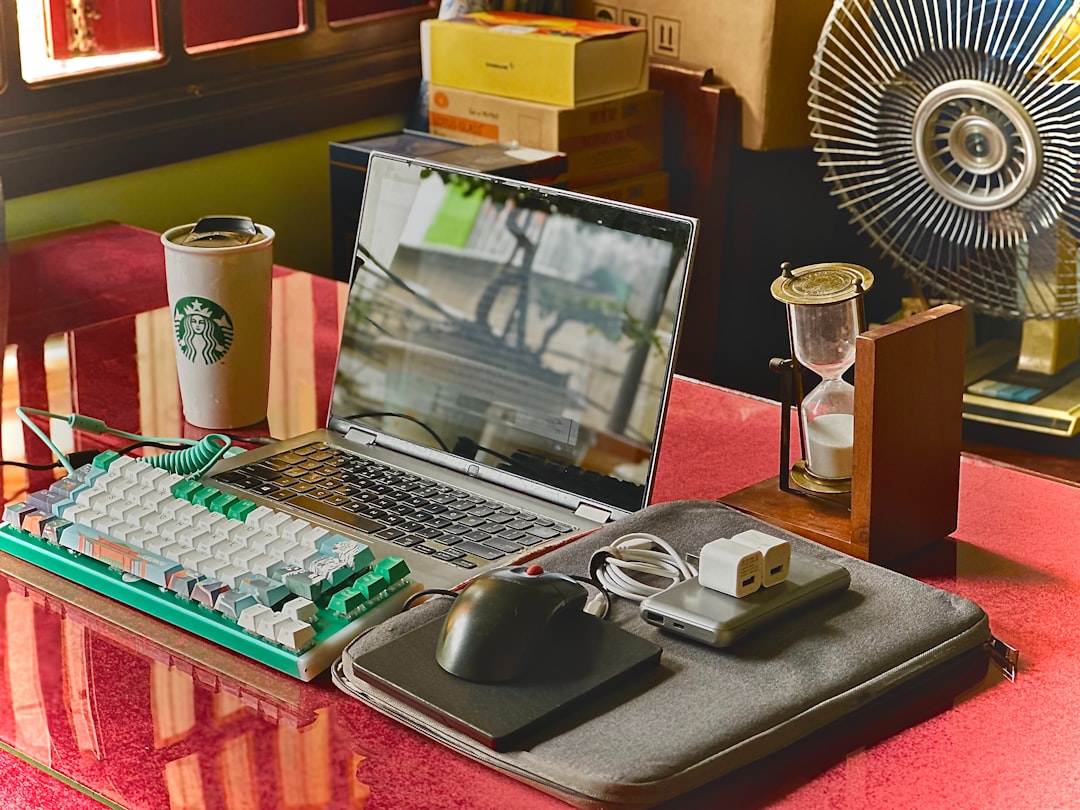
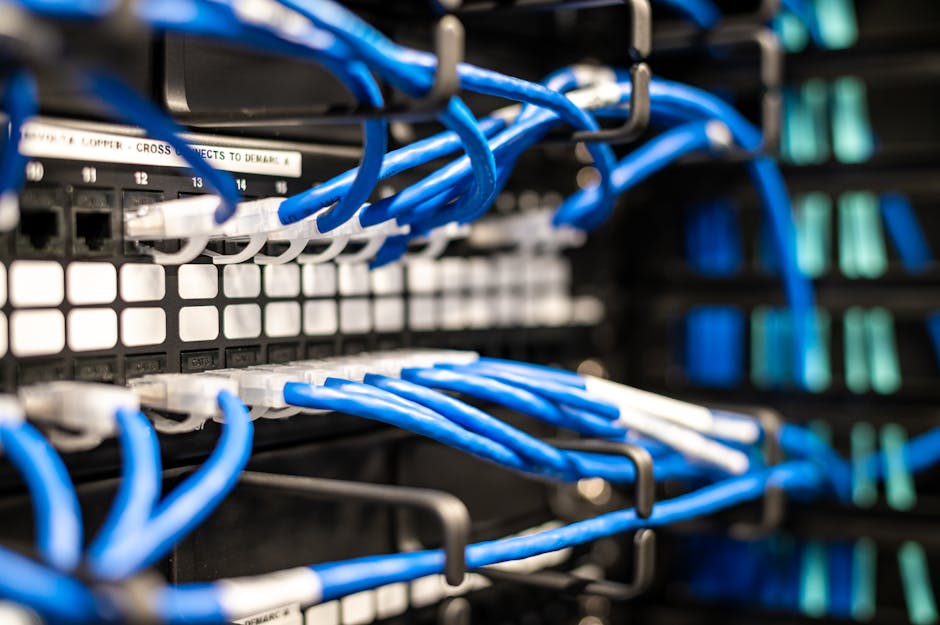
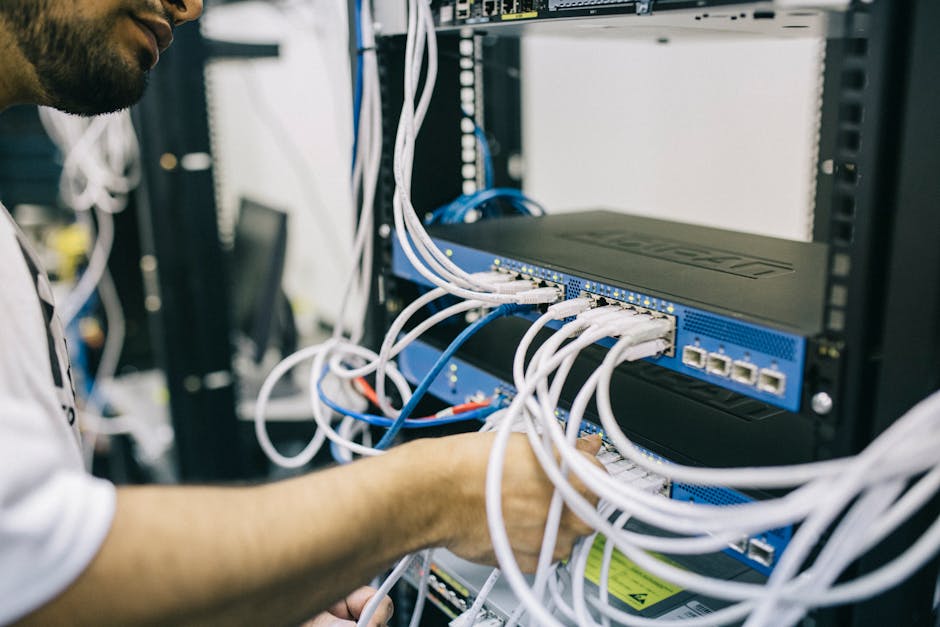
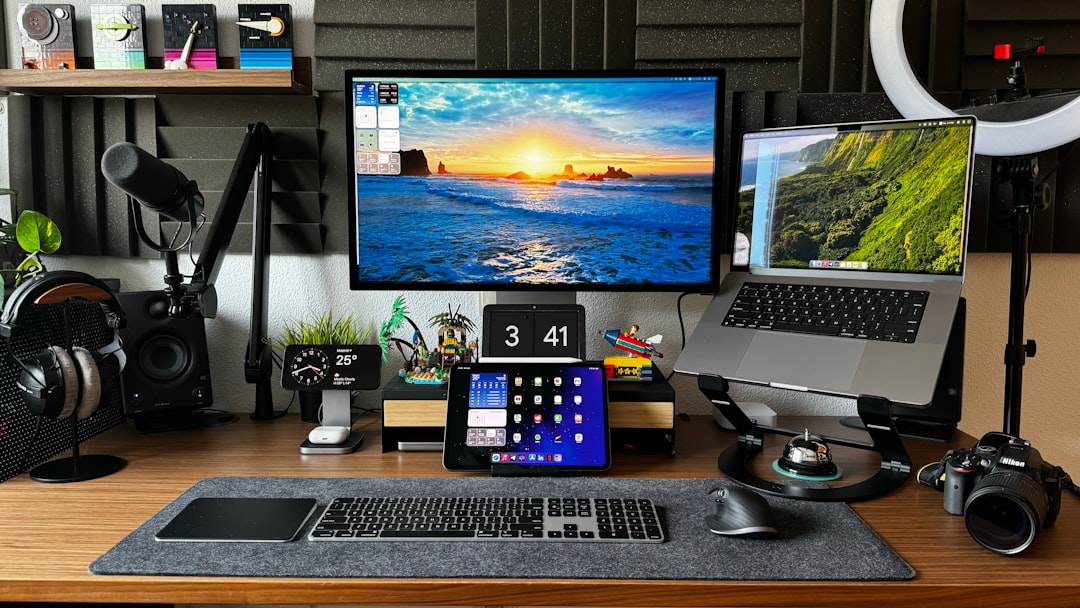
    mini PC home server setup desk 2026 DIY build

    ๐Ÿ–ฅ๏ธ Why Mini PCs Have Become the Go-To Home Server Platform in 2026

    Mini PCs have had a genuine glow-up over the past few years. What used to be underpowered, overheated little boxes are now genuinely capable machines โ€” largely thanks to AMD Ryzen 7000 series embedded chips and Intel N-series (Alder/Meteor Lake) processors that sip power while delivering respectable compute. In 2026, the sweet spot for home server builds sits squarely in the mini PC category for most hobbyists, largely because:

    • Idle power draw is typically 6โ€“15W, compared to 30โ€“80W for traditional ATX builds โ€” a massive electricity cost difference over a year of 24/7 operation.
    • They’re physically small, meaning no dedicated server closet required.
    • Refurbished business mini PCs (think Lenovo ThinkCentre, HP EliteDesk, Dell OptiPlex Micro) hit the secondary market in huge volumes and offer serious bang for buck.
    • Modern mini PCs often include dual NVMe slots, 2.5GbE NICs, and up to 64GB RAM support out of the box.

    ๐Ÿ’ฐ Real Cost Breakdown: New vs. Refurbished vs. Budget SBC Alternatives

    Let’s get concrete. Here’s what a realistic 2026 mini PC home server actually costs across three tiers:

    Tier 1 โ€” Budget Build (Refurbished, ~$120โ€“$200 total)
    A refurbished HP EliteDesk 800 G6 Mini or Lenovo ThinkCentre M90q Gen 2 from eBay or a certified refurb seller typically runs $90โ€“$140 for the barebones unit with 8GB RAM and a 256GB SSD already included. Add a 4TB 2.5″ HDD for external or internal expansion (~$60โ€“$70), and you’re fully operational for around $160โ€“$210. These machines have Intel Core i5-10th/11th gen chips, handle TrueNAS SCALE or Proxmox beautifully, and draw under 15W at idle.

    Tier 2 โ€” Mid-Range Build (New Mini PC, ~$300โ€“$500 total)
    Brands like Beelink, Minisforum, and ASUS NUC Pro successors dominate this space in 2026. A Beelink EQ14 (Intel N150) or Minisforum UM790 Pro (AMD Ryzen 9 7940HS) runs $180โ€“$380 new depending on RAM/storage config. Adding 2x 8TB HDDs in an external enclosure brings total investment to $380โ€“$550. This tier is for people who want to run multiple VMs, Docker containers, Jellyfin media server, and Nextcloud simultaneously without breaking a sweat.

    Tier 3 โ€” Premium / NAS-Hybrid Build (~$600โ€“$900+)
    If you’re going deep โ€” Plex 4K transcoding, home automation hub, self-hosted AI models (yes, people are running local LLaMA/Mistral instances at home in 2026), and Wireguard VPN โ€” you’re looking at something like the Minisforum MS-A1 or a custom N100/Ryzen build with ECC-capable RAM, a proper PCIe NVMe RAID, and 10GbE networking. Budget $600โ€“$950 all-in. Still cheaper than a commercial Synology DS923+ NAS plus subscription fees over two years.

    ๐Ÿ“Š Annual Running Cost: The Number People Always Forget

    This is where the real math lives. A home server running 24/7 is always-on infrastructure, and electricity isn’t free. Let’s assume the US average residential rate of $0.17/kWh in 2026 (EPA data, varies by state):

    • 10W idle mini PC: ~$15/year in electricity
    • 25W mid-range build: ~$37/year
    • 60W premium/VM-heavy build: ~$89/year
    • Old desktop repurposed as server (80โ€“120W): ~$120โ€“$180/year โ€” often more expensive than just buying a mini PC

    Compare that to popular cloud alternatives: Google One 2TB is $99.99/year, Plex Pass is $59.99/year, and a basic Synology C2 backup subscription runs $69.99/year โ€” and those don’t give you VPN, self-hosted apps, or local AI capability. The math tilts toward DIY pretty fast once you’re past the 18-month mark.
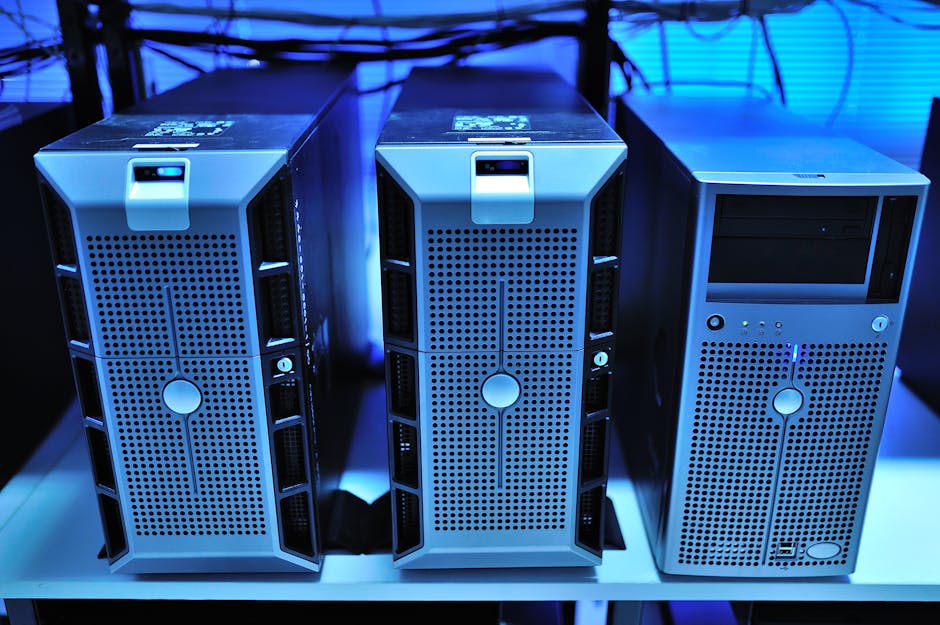
    home server electricity cost comparison chart mini PC NAS 2026

    ๐ŸŒ Real-World Examples: What People Are Actually Building in 2026

    On Reddit’s r/homelab and r/selfhosted communities โ€” both significantly more active in 2026 than just two years ago โ€” the most common builds reported this year include:

    • South Korea: Beelink SEi12 Pro builds are wildly popular due to Korean e-commerce pricing, often purchased through Coupang Rocket. Community users report full builds (TrueNAS + Nextcloud + Jellyfin) for under โ‚ฉ280,000 (~$210 USD).
    • Germany/EU: Due to high energy costs (~โ‚ฌ0.31/kWh average), ultra-low-power builds using Intel N100 mini PCs dominate. The Trigkey G5 N100 at ~โ‚ฌ150 is a top seller on Amazon.de, with users specifically citing power efficiency as the deciding factor.
    • United States: The refurbished enterprise mini PC market is booming. HP’s G6/G8 Micro series units are flooding secondary markets as companies refresh hardware cycles. Average reported all-in cost on r/homelab for functional NAS-replacement builds: $185.
    • Japan: Mini ITX builds remain more culturally popular than pure mini PCs, but Minisforum’s Japan market presence has grown considerably. Japanese builders tend to prioritize silent operation (acoustics-first design philosophy).

    โš ๏ธ Hidden Costs and Realistic Gotchas

    Before you hit “Buy Now,” here’s what the YouTube tutorials often gloss over:

    • Learning curve time cost: Setting up TrueNAS, Proxmox, or even plain Ubuntu Server takes real hours โ€” realistically 10โ€“20 hours for a beginner. Factor in your time’s value honestly.
    • Drive costs dominate: The mini PC is often the cheapest component. Storage is where budgets balloon. HDDs are still the best value per TB, but SSDs for boot drives and caching add up.
    • UPS (Uninterruptible Power Supply): If you care about data integrity, a basic APC BE600M1 UPS (~$65) is non-negotiable. This is a real and often-forgotten line item.
    • Backup strategy: A home server is NOT a backup. You still need offsite backup (Backblaze B2 runs ~$6/TB/month), which is a recurring cost.
    • Network infrastructure: If you’re serious, you’ll want a managed switch and probably a better router. That’s a potential $80โ€“$200 rabbit hole.

    ๐Ÿ”„ Realistic Alternatives If DIY Feels Like Too Much

    Not everyone wants to spend weekends in terminal windows, and that’s completely valid. Here are the most sensible 2026 alternatives:

    • Synology DS223 or DS423+ NAS: Plug-and-play, excellent app ecosystem (DSM 8.x in 2026), and genuinely beginner-friendly. Higher upfront cost ($300โ€“$600 without drives) but dramatically lower setup friction.
    • Terramaster F4-424 Pro: Strong mid-range NAS with Intel N95 chip, solid ZFS support, and now with better community support than 2024 units.
    • Hybrid approach: Use a budget mini PC for active services (Nextcloud, Plex) and a cheap Raspberry Pi 5 ($80) as a dedicated network-level ad blocker (Pi-hole) and DNS resolver. Split the workload, minimize single points of failure.
    • Just pay for cloud (no shame!): If you use less than 2TB of storage and don’t need self-hosted apps, Google One or iCloud+ remains genuinely the most cost-effective option when you account for your time and complexity.

    The decision really comes down to three factors: how much storage you need, how much control you want over your data, and how comfortable you are with the learning curve. If all three push toward DIY, a mini PC home server in 2026 is a genuinely excellent investment that pays for itself within 12โ€“24 months for most users.

    Editor’s Comment : I’ve watched the mini PC home server space evolve considerably, and 2026 is honestly the best time to get started โ€” hardware is cheaper, software like TrueNAS SCALE and Proxmox has matured dramatically, and the community resources are richer than ever. My personal recommendation? Start with a $120 refurbished business mini PC, run it for three months, learn what you actually need, then upgrade. The worst thing you can do is over-spec on day one and never use half the hardware you bought. Start small, iterate deliberately, and let your actual use case drive your build.

    ํƒœ๊ทธ: [‘mini PC home server’, ‘DIY home server 2026’, ‘home server cost comparison’, ‘TrueNAS Proxmox setup’, ‘self-hosted NAS alternative’, ‘mini PC power consumption’, ‘homelab beginner guide’]
    ๐Ÿ“š ๊ด€๋ จ๋œ ๋‹ค๋ฅธ ๊ธ€๋„ ์ฝ์–ด ๋ณด์„ธ์š”

  • ๋ฏธ๋‹ˆ PC ํ™ˆ์„œ๋ฒ„ DIY ๋น„์šฉ ๋น„๊ต 2026 โ€“ ์›” ๊ตฌ๋…๋ฃŒ ์—†์ด ๋‚˜๋งŒ์˜ ์„œ๋ฒ„ ๋งŒ๋“ค๊ธฐ

    ์ง€๋‚œํ•ด ๋ง, ์ง€์ธ ํ•œ ๋ถ„์ด NAS(Network Attached Storage) ์›”์ •์•ก ํด๋ผ์šฐ๋“œ ์š”๊ธˆ์ด ๋„ˆ๋ฌด ๋น„์‹ธ๋‹ค๋ฉฐ ์ €์—๊ฒŒ ๋„Œ์ง€์‹œ ๋ฌผ์–ด๋ณด์…จ์–ด์š”. “๊ทธ๋ƒฅ ์ง‘์— ์„œ๋ฒ„ ํ•˜๋‚˜ ๋‘๋ฉด ์•ˆ ๋˜๋‚˜์š”?” ์ฒ˜์Œ์—” ๋ง‰์—ฐํ•˜๊ฒŒ ๋А๊ปด์ง€์…จ๋˜ ๊ฒƒ ๊ฐ™์€๋ฐ, ์‹ค์ œ๋กœ ๋ฏธ๋‹ˆ PC ํ•œ ๋Œ€๋กœ ํ™ˆ์„œ๋ฒ„๋ฅผ ์ง์ ‘ ๊ตฌ์ถ•ํ•˜๊ณ  ๋‚˜์„œ๋Š” ๋งค๋‹ฌ ๋‚˜๊ฐ€๋˜ ํด๋ผ์šฐ๋“œ ๊ตฌ๋…๋ฃŒ๋ฅผ ์™„์ „ํžˆ ๋Š์œผ์…จ๋‹ค๊ณ  ํ•˜๋”๋ผ๊ณ ์š”. 2026๋…„ ํ˜„์žฌ, ๋ฏธ๋‹ˆ PC์˜ ์„ฑ๋Šฅ๊ณผ ๊ฐ€๊ฒฉ์ด ํฌ๊ฒŒ ํ•ฉ๋ฆฌํ™”๋˜๋ฉด์„œ ์ด ์„ ํƒ์ง€๊ฐ€ ๊ฝค ํ˜„์‹ค์ ์œผ๋กœ ๋‹ค๊ฐ€์˜ค๊ณ  ์žˆ๋Š” ๊ฒƒ ๊ฐ™์Šต๋‹ˆ๋‹ค. ์˜ค๋Š˜์€ ์ง์ ‘ ๊ตฌ์ถ•ํ•˜๋Š” ํ™ˆ์„œ๋ฒ„์˜ ์‹ค์ œ ๋น„์šฉ๊ณผ ์˜ต์…˜๋ณ„ ๋น„๊ต๋ฅผ ํ•จ๊ป˜ ์‚ดํŽด๋ณผ๊ฒŒ์š”.

    mini PC home server setup desk DIY

    ๐Ÿ’ฐ ํ™ˆ์„œ๋ฒ„ ๊ตฌ์ถ•, ์‹ค์ œ๋กœ ์–ผ๋งˆ๋‚˜ ๋“œ๋‚˜์š”? โ€“ ์˜ต์…˜๋ณ„ ๋น„์šฉ ๋ถ„์„

    ํ™ˆ์„œ๋ฒ„๋ฅผ ๊ตฌ์ถ•ํ•˜๋Š” ๋ฐฉ๋ฒ•์€ ํฌ๊ฒŒ ์„ธ ๊ฐ€์ง€ ๋ฃจํŠธ๋กœ ๋‚˜๋ˆŒ ์ˆ˜ ์žˆ๋‹ค๊ณ  ๋ด…๋‹ˆ๋‹ค. ์ €๊ฐ€ํ˜• ๋ฏธ๋‹ˆ PC, ์ค‘๊ธ‰ํ˜• ๋ฏธ๋‹ˆ PC, ๊ทธ๋ฆฌ๊ณ  ๊ธฐ์„ฑ NAS ์žฅ๋น„์ธ๋ฐ์š”. ๊ฐ๊ฐ์˜ ์ดˆ๊ธฐ ๋น„์šฉ๊ณผ ์šด์˜๋น„๋ฅผ ์‹ค์ œ ์ˆ˜์น˜๋กœ ๋น„๊ตํ•ด ๋ณด๊ฒ ์Šต๋‹ˆ๋‹ค.

    ๊ตฌ๋ถ„ ๋Œ€ํ‘œ ๊ธฐ๊ธฐ (2026 ๊ธฐ์ค€) ์ดˆ๊ธฐ ๊ตฌ์ž…๋น„ ์›” ์ „๊ธฐ๋ฃŒ (์ถ”์ •) 1๋…„ ์ด๋น„์šฉ
    ์ €๊ฐ€ํ˜• ๋ฏธ๋‹ˆ PC Beelink EQ12, GMKtec N150 12๋งŒ~18๋งŒ ์› ์•ฝ 2,500~3,500์› ์•ฝ 15๋งŒ~22๋งŒ ์›
    ์ค‘๊ธ‰ํ˜• ๋ฏธ๋‹ˆ PC Beelink SER8, MINISFORUM UM890 35๋งŒ~60๋งŒ ์› ์•ฝ 4,000~7,000์› ์•ฝ 40๋งŒ~68๋งŒ ์›
    ๊ธฐ์„ฑ NAS (2๋ฒ ์ด) Synology DS223, QNAP TS-233 25๋งŒ~40๋งŒ ์› (๋“œ๋ผ์ด๋ธŒ ๋ณ„๋„) ์•ฝ 1,500~2,500์› ์•ฝ 43๋งŒ~70๋งŒ ์› (๋“œ๋ผ์ด๋ธŒ ํฌํ•จ ์‹œ)

    ์—ฌ๊ธฐ์„œ ์ฃผ๋ชฉํ•  ํฌ์ธํŠธ๋Š” ์ „๊ธฐ๋ฃŒ์ž…๋‹ˆ๋‹ค. ๋ฏธ๋‹ˆ PC๋Š” TDP(์—ด์„ค๊ณ„์ „๋ ฅ) ๊ธฐ์ค€ 10~25W ์ˆ˜์ค€์œผ๋กœ ์†Œ๋น„์ „๋ ฅ์ด ๋‚ฎ์€ ํŽธ์ด์—์š”. 24์‹œ๊ฐ„ 365์ผ ํ’€๊ฐ€๋™ ๊ธฐ์ค€์œผ๋กœ ๊ณ„์‚ฐํ•ด๋„ ์›” 2,000~5,000์› ์ˆ˜์ค€์ด๋ผ, ํด๋ผ์šฐ๋“œ ์Šคํ† ๋ฆฌ์ง€ ๊ตฌ๋…๋ฃŒ(์›” 1๋งŒ~3๋งŒ ์›๋Œ€)์™€ ๋น„๊ตํ•˜๋ฉด 1~2๋…„ ๋‚ด ์†์ต๋ถ„๊ธฐ์ ์— ๋„๋‹ฌํ•˜๋Š” ๊ตฌ์กฐ๋ผ๊ณ  ๋ณผ ์ˆ˜ ์žˆ์Šต๋‹ˆ๋‹ค.

    ๐ŸŒ ๊ตญ๋‚ด์™ธ ํ™ˆ์„œ๋ฒ„ ์ปค๋ฎค๋‹ˆํ‹ฐ๋Š” ์–ด๋–ป๊ฒŒ ํ™œ์šฉํ•˜๊ณ  ์žˆ์„๊นŒ?

    ํ•ด์™ธ์˜ ๊ฒฝ์šฐ, Reddit์˜ r/homelab์ด๋‚˜ r/selfhosted ์ปค๋ฎค๋‹ˆํ‹ฐ๋ฅผ ๋ณด๋ฉด Intel N100, N150 ์นฉ์…‹ ๊ธฐ๋ฐ˜์˜ ์ €๊ฐ€ ๋ฏธ๋‹ˆ PC๋ฅผ ํ™œ์šฉํ•ด Jellyfin(๋ฏธ๋””์–ด ์„œ๋ฒ„), Nextcloud(์ž์ฒด ํด๋ผ์šฐ๋“œ), Home Assistant(์Šค๋งˆํŠธํ™ˆ ํ—ˆ๋ธŒ)๋ฅผ ๋™์‹œ์— ์šด์˜ํ•˜๋Š” ์‚ฌ๋ก€๊ฐ€ 2026๋…„ ํ˜„์žฌ๋„ ๋งค์šฐ ํ™œ๋ฐœํ•ฉ๋‹ˆ๋‹ค. ํŠนํžˆ N150 ๊ณ„์—ด์€ iGPU ํŠธ๋žœ์Šค์ฝ”๋”ฉ ์„ฑ๋Šฅ์ด ๊ฐœ์„ ๋˜์–ด 4K ์˜์ƒ ๋ณ€ํ™˜๋„ ๋ฌด๋ฆฌ ์—†์ด ์ฒ˜๋ฆฌํ•œ๋‹ค๋Š” ํ‰์ด ๋งŽ์•„์š”.

    ๊ตญ๋‚ด์—์„œ๋Š” ํด๋ฆฌ์•™, ๋ฝ๋ฟŒ, ๋„ค์ด๋ฒ„ ์นดํŽ˜ ‘ํ™ˆ์„œ๋ฒ„์—ฐ๊ตฌ์†Œ’ ๋“ฑ์—์„œ ์ค‘๊ณ  ๋ฏธ๋‹ˆ PC๋ฅผ 10๋งŒ ์› ์ดํ•˜์— ๊ตฌํ•ด Ubuntu Server๋‚˜ Proxmox VE๋ฅผ ์„ค์น˜ํ•˜๋Š” ๋ฐฉ์‹์ด ์ธ๊ธฐ์ž…๋‹ˆ๋‹ค. ํŠนํžˆ Proxmox๋Š” ๊ฐ€์ƒ ๋จธ์‹ (VM)๊ณผ ์ปจํ…Œ์ด๋„ˆ(LXC)๋ฅผ ๋™์‹œ์— ๋Œ๋ฆด ์ˆ˜ ์žˆ์–ด, ํ•˜๋‚˜์˜ ๋ฏธ๋‹ˆ PC ์œ„์—์„œ ์—ฌ๋Ÿฌ ์„œ๋น„์Šค๋ฅผ ๋ถ„๋ฆฌ ์šด์˜ํ•  ์ˆ˜ ์žˆ๋‹ค๋Š” ์ ์ด ๋งค๋ ฅ ํฌ์ธํŠธ๋กœ ๊ผฝํžˆ๊ณ  ์žˆ์–ด์š”.

    Proxmox home server dashboard multiple services running

    ๐Ÿ›  ๋ฏธ๋‹ˆ PC ํ™ˆ์„œ๋ฒ„ ๊ตฌ์ถ• ์‹œ ๊ผญ ๊ณ ๋ คํ•ด์•ผ ํ•  ํ•ญ๋ชฉ

    • RAM ์šฉ๋Ÿ‰: ๋‹จ์ˆœ ํŒŒ์ผ ์„œ๋ฒ„๋ผ๋ฉด 8GB๋กœ ์ถฉ๋ถ„ํ•˜์ง€๋งŒ, Docker ์ปจํ…Œ์ด๋„ˆ๋ฅผ ์—ฌ๋Ÿฌ ๊ฐœ ๋Œ๋ฆฌ๋ ค๋ฉด 16GB ์ด์ƒ์„ ๊ถŒ์žฅํ•ด์š”.
    • ์ €์žฅ ์žฅ์น˜ ํ™•์žฅ์„ฑ: ๋ฏธ๋‹ˆ PC์˜ M.2 ์Šฌ๋กฏ ๊ฐœ์ˆ˜์™€ USB 3.2 ํฌํŠธ ์ˆ˜๋ฅผ ๋ฏธ๋ฆฌ ํ™•์ธํ•˜์„ธ์š”. ์™ธ์žฅ HDD๋ฅผ USB๋กœ ์—ฐ๊ฒฐํ•ด ์šฉ๋Ÿ‰์„ ๋Š˜๋ฆฌ๋Š” ๋ฐฉ์‹๋„ ์ถฉ๋ถ„ํžˆ ์‹ค์šฉ์ ์ž…๋‹ˆ๋‹ค.
    • ๋„คํŠธ์›Œํฌ ์ธํ„ฐํŽ˜์ด์Šค: 2.5GbE ์œ ์„  ํฌํŠธ ํƒ‘์žฌ ์—ฌ๋ถ€๊ฐ€ ์ค‘์š”ํ•ฉ๋‹ˆ๋‹ค. 2026๋…„ ๊ธฐ์ค€ ๊ฐ€์ •์šฉ ๊ณต์œ ๊ธฐ๋„ 2.5G๋ฅผ ์ง€์›ํ•˜๋Š” ์ œํ’ˆ์ด ์ฃผ๋ฅ˜๊ฐ€ ๋˜์—ˆ๊ธฐ ๋•Œ๋ฌธ์—, ๋ณ‘๋ชฉ ์—†์ด ๋น ๋ฅธ ์ „์†ก์†๋„๋ฅผ ์›ํ•œ๋‹ค๋ฉด 2.5GbE ์ง€์› ๊ธฐ๊ธฐ๋ฅผ ์„ ํƒํ•˜๋Š” ๊ฒŒ ์œ ๋ฆฌํ•ฉ๋‹ˆ๋‹ค.
    • ๋ฐœ์—ด๊ณผ ์†Œ์Œ: 24์‹œ๊ฐ„ ์ผœ๋‘๋Š” ์žฅ๋น„์ธ ๋งŒํผ ํŒฌ ์†Œ์Œ๊ณผ ๋ฐœ์—ด ๊ด€๋ฆฌ๊ฐ€ ๊ด€๊ฑด์ด์—์š”. ํŒจ์‹œ๋ธŒ ์ฟจ๋ง(ํŒฌ๋ฆฌ์Šค) ์ œํ’ˆ์€ ์กฐ์šฉํ•˜์ง€๋งŒ ๋ถ€ํ•˜ ์ƒํ™ฉ์—์„œ ์“ฐ๋กœํ‹€๋ง์ด ๋ฐœ์ƒํ•  ์ˆ˜ ์žˆ์œผ๋‹ˆ ์‚ฌ์šฉ ํŒจํ„ด์— ๋งž๊ฒŒ ์„ ํƒํ•˜๋Š” ๊ฒƒ์ด ์ข‹์Šต๋‹ˆ๋‹ค.
    • UPS(๋ฌด์ •์ „ ์ „์› ์žฅ์น˜): ๊ฐ‘์ž‘์Šค๋Ÿฌ์šด ์ •์ „ ์‹œ ๋ฐ์ดํ„ฐ ์†์ƒ์„ ๋ฐฉ์ง€ํ•˜๋ ค๋ฉด ์†Œํ˜• UPS(5๋งŒ~10๋งŒ ์›๋Œ€) ํˆฌ์ž๋„ ํ•จ๊ป˜ ๊ณ ๋ คํ•ด ๋ณด์„ธ์š”.
    • ์™ธ๋ถ€ ์ ‘์† ํ™˜๊ฒฝ: ์ง‘ ๋ฐ–์—์„œ๋„ ์„œ๋ฒ„์— ์ ‘๊ทผํ•˜๋ ค๋ฉด DDNS(๋™์  ๋„๋ฉ”์ธ ์„œ๋น„์Šค)๋‚˜ Tailscale, Cloudflare Tunnel ๊ฐ™์€ ๋ฌด๋ฃŒ VPN/ํ„ฐ๋„๋ง ์„œ๋น„์Šค๋ฅผ ํ•จ๊ป˜ ๊ตฌ์„ฑํ•˜๋ฉด ๋ณด์•ˆ์„ฑ์„ ๋†’์ด๋ฉด์„œ ํŽธ๋ฆฌํ•˜๊ฒŒ ์ด์šฉํ•  ์ˆ˜ ์žˆ์–ด์š”.

    ๐Ÿ“Š ํด๋ผ์šฐ๋“œ ๊ตฌ๋… vs ํ™ˆ์„œ๋ฒ„ โ€“ 5๋…„ ๊ธฐ์ค€ ๋ˆ„์  ๋น„์šฉ ๋น„๊ต

    ๋‹จ์ˆœ ๊ณ„์‚ฐ์œผ๋กœ, ๊ตฌ๊ธ€ ์› 2TB ์š”๊ธˆ์ œ ๊ธฐ์ค€ ์›” ์•ฝ 13,900์›(2026๋…„ ํ˜„์žฌ ๊ธฐ์ค€)์ด๋ฉด 5๋…„๊ฐ„ ์•ฝ 83๋งŒ 4์ฒœ ์›์ด ๋‚˜๊ฐ‘๋‹ˆ๋‹ค. ๋ฐ˜๋ฉด ์ค‘๊ณ  ๋ฏธ๋‹ˆ PC(์•ฝ 10๋งŒ ์›) + 4TB ์™ธ์žฅ HDD(์•ฝ 12๋งŒ ์›) + ์ „๊ธฐ๋ฃŒ(5๋…„ ์•ฝ 15๋งŒ ์›) ์กฐํ•ฉ์ด๋ฉด ์ด 37๋งŒ ์› ์•ˆํŒŽ์œผ๋กœ ๋™์ผํ•œ ๊ธฐ๊ฐ„์„ ์ปค๋ฒ„ํ•  ์ˆ˜ ์žˆ๋Š” ์…ˆ์ด์—์š”. ๋ฌผ๋ก  ํŽธ์˜์„ฑ๊ณผ ์ ‘๊ทผ์„ฑ, ๋ฐ์ดํ„ฐ ์•ˆ์ „์„ฑ(๋ฐฑ์—… ์ด์ค‘ํ™” ์—ฌ๋ถ€)์€ ๋ณ„๊ฐœ๋กœ ๋”ฐ์ ธ๋ด์•ผ ํ•˜์ง€๋งŒ, ๋น„์šฉ ์ธก๋ฉด๋งŒ ๋ณด๋ฉด ๊ฝค ์˜๋ฏธ ์žˆ๋Š” ์ฐจ์ด๋ผ๊ณ  ๋ด…๋‹ˆ๋‹ค.

    โœ… ๊ฒฐ๋ก  โ€“ ๋‚˜์—๊ฒŒ ๋งž๋Š” ์„ ํƒ์€?

    ํ™ˆ์„œ๋ฒ„๊ฐ€ ๋ชจ๋“  ์‚ฌ๋žŒ์—๊ฒŒ ์ •๋‹ต์€ ์•„๋‹ˆ์—์š”. ๊ธฐ์ˆ ์ ์ธ ์„ธํŒ… ๊ณผ์ •์ด ๋‚ฏ์„ค๊ฑฐ๋‚˜ ๋ฐ์ดํ„ฐ ๋ฐฑ์—… ๊ด€๋ฆฌ๋ฅผ ๊ผผ๊ผผํžˆ ์ฑ™๊ธฐ๊ธฐ ์–ด๋ ค์šด ๋ถ„์ด๋ผ๋ฉด ํด๋ผ์šฐ๋“œ ๊ตฌ๋…์ด ์—ฌ์ „ํžˆ ํ˜„์‹ค์ ์ธ ์„ ํƒ์ผ ์ˆ˜ ์žˆ์Šต๋‹ˆ๋‹ค. ํ•˜์ง€๋งŒ ๋ฆฌ๋ˆ…์Šค ๋ช…๋ น์–ด ๋ช‡ ๊ฐ€์ง€์— ๊ฑฐ๋ถ€๊ฐ์ด ์—†๊ณ , ๋ฐ์ดํ„ฐ ์ฃผ๊ถŒ๊ณผ ๋น„์šฉ ์ ˆ๊ฐ ๋‘ ๊ฐ€์ง€๋ฅผ ๋ชจ๋‘ ์žก๊ณ  ์‹ถ์€ ๋ถ„์ด๋ผ๋ฉด, ์ €๊ฐ€ํ˜• N100/N150 ๋ฏธ๋‹ˆ PC ํ•œ ๋Œ€๋กœ ์‹œ์ž‘ํ•ด ๋ณด๋Š” ๊ฒƒ์„ ๊ถŒํ•ด ๋“œ๋ฆฝ๋‹ˆ๋‹ค. ์ฒ˜์Œ์—” Proxmox + Docker ์กฐํ•ฉ์œผ๋กœ Nextcloud ํ•˜๋‚˜๋งŒ ๋„์›Œ๋ด๋„ ์ถฉ๋ถ„ํžˆ ๋ฐฉํ–ฅ์„ ์žก์„ ์ˆ˜ ์žˆ๊ฑฐ๋“ ์š”.

    ์—๋””ํ„ฐ ์ฝ”๋ฉ˜ํŠธ : ์ €๋„ ์‹ค์ œ๋กœ Beelink EQ12์— Proxmox๋ฅผ ์˜ฌ๋ ค ์šด์˜ํ•ด ๋ณธ ๊ฒฝํ—˜์ด ์žˆ๋Š”๋ฐ์š”, ์ดˆ๊ธฐ ์„ธํŒ…์— ๋ฐ˜๋‚˜์ ˆ ์ •๋„ ๊ฑธ๋ ธ์ง€๋งŒ ๊ทธ ์ดํ›„๋กœ๋Š” ๊ฑฐ์˜ ์†์ด ๊ฐ€์ง€ ์•Š์•„์š”. ๋ฌด์—‡๋ณด๋‹ค “๋‚ด ๋ฐ์ดํ„ฐ๊ฐ€ ๋‚ด ์„œ๋ฒ„์— ์žˆ๋‹ค”๋Š” ์•ˆ๋„๊ฐ์ด ์ƒ๊ฐ๋ณด๋‹ค ๊ฝค ํฌ๋”๋ผ๊ณ ์š”. 2026๋…„ ํ˜„์žฌ ๋ฏธ๋‹ˆ PC ์‹œ์žฅ์€ ์„ ํƒ์ง€๋„ ๋‹ค์–‘ํ•˜๊ณ  ๊ฐ€๊ฒฉ๋„ ๋งŽ์ด ๋‚ด๋ ค์™”์œผ๋‹ˆ, ํ•œ ๋ฒˆ์ฏค ์ง„์ง€ํ•˜๊ฒŒ ๊ณ ๋ฏผํ•ด ๋ณผ ๋งŒํ•œ ํƒ€์ด๋ฐ์ด๋ผ๊ณ  ์ƒ๊ฐํ•ฉ๋‹ˆ๋‹ค.

    ํƒœ๊ทธ: [‘๋ฏธ๋‹ˆPCํ™ˆ์„œ๋ฒ„’, ‘ํ™ˆ์„œ๋ฒ„DIY’, ‘ํ™ˆ์„œ๋ฒ„๋น„์šฉ๋น„๊ต’, ‘๋ฏธ๋‹ˆPC์ถ”์ฒœ2026’, ‘์…€ํ”„ํ˜ธ์ŠคํŒ…’, ‘Proxmoxํ™ˆ์„œ๋ฒ„’, ‘NAS๋Œ€์•ˆ๋ฏธ๋‹ˆPC’]


    ๐Ÿ“š ๊ด€๋ จ๋œ ๋‹ค๋ฅธ ๊ธ€๋„ ์ฝ์–ด ๋ณด์„ธ์š”

  • Raspberry Pi 5 DIY Projects in 2026: 10 Creative Ways to Unlock Its Full Potential

    Last winter, a friend of mine โ€” a middle school science teacher โ€” walked into her classroom carrying what looked like a tiny plastic sandwich. Turns out, it was a custom-built smart attendance system she’d assembled over a weekend using a Raspberry Pi 5. Her students were baffled. Her principal was impressed. And she spent less than $80 total. That story stuck with me, because it perfectly illustrates what the Raspberry Pi 5 has become in 2026: not just a hobbyist toy, but a genuinely powerful, accessible platform for solving real-world problems.

    So whether you’re a curious beginner who just unboxed your first Pi, or a seasoned maker looking for fresh inspiration, let’s think through this together โ€” what are the most worthwhile DIY projects you can actually build with a Raspberry Pi 5 right now?

    Raspberry Pi 5 board close-up DIY electronics setup workbench 2026

    Why the Raspberry Pi 5 Is a Different Beast Altogether

    Before we dive into project ideas, it’s worth understanding what makes the Pi 5 stand apart from its predecessors. Released in late 2023 and now fully mature in its software ecosystem by 2026, the Raspberry Pi 5 features a 2.4GHz quad-core ARM Cortex-A76 processor, up to 8GB LPDDR4X RAM, and โ€” critically โ€” a dedicated PCIe 2.0 interface. That last feature is a game-changer. You can now attach NVMe SSDs directly, which pushes storage read speeds past 400 MB/s. Compare that to the Pi 4’s microSD bottleneck, and you’ll understand why makers everywhere have been rethinking what’s possible.

    In benchmarks shared by the Raspberry Pi Foundation and community sites like Jeff Geerling’s blog, the Pi 5 consistently outperforms the Pi 4 by 2x to 3x in CPU-bound tasks. For DIY projects that previously felt sluggish โ€” like running a local AI model or a home media server โ€” this performance jump finally makes them practical.

    Top 10 Raspberry Pi 5 DIY Projects Worth Your Time in 2026

    • Home NAS (Network Attached Storage): Pair the Pi 5 with an NVMe SSD via a HAT+ expansion board, install OpenMediaVault, and you have a personal cloud server that rivals commercial options. Great for families tired of paying monthly subscription fees for cloud storage.
    • Local AI Assistant (Offline LLM Server): Thanks to the Pi 5’s improved CPU and RAM ceiling, lightweight language models like Llama 3 or Mistral 7B (quantized versions) can now run locally. Privacy-focused users love this โ€” no data leaves your home.
    • Smart Home Hub: Running Home Assistant on Pi 5 is buttery smooth in 2026. Integrate Zigbee, Z-Wave, and Matter devices to automate lighting, security cameras, and climate control without relying on third-party cloud services.
    • Retro Gaming Console: RetroPie and Batocera both support Pi 5 now, enabling emulation up to PlayStation 2 and Nintendo GameCube with acceptable performance. A nostalgic weekend project that the whole family can enjoy.
    • Network-Wide Ad Blocker (Pi-hole): One of the most beginner-friendly and immediately satisfying projects. Pi-hole blocks ads at the DNS level for every device on your network โ€” no browser extension needed.
    • Portable Weather Station: Connect BME280 (temperature/humidity/pressure) and MQ-135 (air quality) sensors via GPIO, and log data to a local database or even a small e-ink display. Schools and hobbyists love this one.
    • Security Camera System: Using Frigate NVR (an AI-powered network video recorder), you can set up real-time object detection across multiple cameras. The Pi 5’s CPU handles the inference load far better than previous models.
    • Timelapse Photography Controller: Photographers use the Pi 5 to automate camera triggers, control intervalometers, and even process RAW files in the field using lightweight Python scripts.
    • Kubernetes Edge Node: For developers and IT hobbyists, running K3s (a lightweight Kubernetes distribution) on a cluster of Pi 5 units is a fantastic way to learn container orchestration at home โ€” a skill that’s increasingly valuable in the 2026 job market.
    • Digital Signage Display: Small businesses and community spaces use Pi 5 units to power digital menu boards or event displays. It’s far cheaper than proprietary signage hardware, and fully customizable.

    Real-World Examples: From Seoul to San Francisco

    In South Korea, a maker community called RaspberryKR documented a fascinating project in early 2026: a Pi 5-powered aquarium monitoring system used by a fish hobbyist in Busan. It tracks water temperature, pH levels, and turbidity in real time, sending alerts via KakaoTalk when values go out of range. The total cost? Under โ‚ฉ120,000 (roughly $90 USD).

    Meanwhile, in the United States, a nonprofit in Oakland called TechEquity Collective distributed Raspberry Pi 5 kits to underfunded schools as part of a digital literacy initiative. Students built their own weather stations and Pi-hole setups, learning Python and Linux fundamentals in the process. The program director noted that the Pi 5’s reliability over previous models significantly reduced their support overhead.

    In Germany, a Raspberry Pi cluster project at TU Munich gained attention when students built a 12-node Pi 5 cluster for distributed machine learning experiments โ€” a project that would have required a $10,000+ server rack just five years ago.

    Raspberry Pi 5 cluster setup home server network DIY project maker space

    What You’ll Actually Need: Starter Kit Breakdown

    Let’s be realistic about costs and components, because I’ve seen too many beginners get overwhelmed or overspend. Here’s a practical breakdown for most projects:

    • Raspberry Pi 5 (4GB or 8GB): $60โ€“$80 depending on RAM tier. The 8GB version is worth it if you plan AI or server workloads.
    • Official Pi 5 Active Cooler: ~$5. Mandatory for sustained performance โ€” the Pi 5 throttles without adequate cooling under load.
    • NVMe SSD + PCIe HAT+: ~$30โ€“$60. For storage-intensive projects (NAS, NVR), this replaces slow microSD cards.
    • Official 27W USB-C Power Supply: ~$12. The Pi 5 draws more power than previous models; underpowering causes instability.
    • Sensors/peripherals: Varies widely. BME280 sensor kits start at $5; camera modules at $25.

    Realistic Alternatives: Not Everyone Needs a Pi 5

    Here’s a thought worth sitting with โ€” the Pi 5 isn’t always the right tool. If your project is simple (like running Pi-hole or a basic web server), a Raspberry Pi Zero 2 W at $15 does the job and uses far less electricity. For AI-heavy workloads where you need a GPU, an NVIDIA Jetson Orin Nano (~$150) will outperform the Pi 5 significantly. And if you’re purely interested in learning to code without hardware tinkering, a virtual machine on your laptop running Linux is honestly the most frictionless starting point.

    The Pi 5 shines in that sweet spot: projects needing real CPU muscle, local storage, and GPIO flexibility โ€” all at a price that doesn’t require a business case to justify.

    What I’d suggest is this: pick one project from the list above that solves an actual problem in your life right now. The smart home hub if you’re drowning in app subscriptions. The NAS if you’re worried about privacy. The Pi-hole if ads have become unbearable. Starting with a real itch to scratch keeps you motivated through the inevitable troubleshooting rabbit holes.

    The Raspberry Pi 5 isn’t magic โ€” it’s a $70 computer with a vibrant community and a decade of documentation behind it. But in the right hands, that’s more than enough to build something genuinely useful, educational, and even a little bit wonderful.

    Editor’s Comment : The most underrated aspect of the Raspberry Pi ecosystem isn’t the hardware โ€” it’s the community. Forums like the official Raspberry Pi subreddit and Jeff Geerling’s YouTube channel have kept thousands of projects alive through documentation and shared troubleshooting. In 2026, that collective knowledge base is arguably the Pi’s biggest competitive advantage over any other single-board computer on the market.

    ํƒœ๊ทธ: [‘Raspberry Pi 5’, ‘DIY Projects 2026’, ‘Raspberry Pi DIY’, ‘Single Board Computer’, ‘Home Automation’, ‘Maker Projects’, ‘Pi-hole Smart Home’]


    ๐Ÿ“š ๊ด€๋ จ๋œ ๋‹ค๋ฅธ ๊ธ€๋„ ์ฝ์–ด ๋ณด์„ธ์š”

  • ๋ผ์ฆˆ๋ฒ ๋ฆฌํŒŒ์ด 5 DIY ํ”„๋กœ์ ํŠธ ํ™œ์šฉ๋ฒ• 2026 ์™„๋ฒฝ ๊ฐ€์ด๋“œ โ€“ ์ž…๋ฌธ๋ถ€ํ„ฐ ์‹ค์ „๊นŒ์ง€

    ์ง€๋‚œํ•ด ๋ง, ์ง€์ธ ํ•œ ๋ช…์ด ๊ฑฐ์‹ค ํ•œ์ผ ์— ์ž‘์€ ๋ณด๋“œ ํ•˜๋‚˜๋ฅผ ์˜ฌ๋ ค๋‘๊ณ  ๋ญ”๊ฐ€๋ฅผ ์—ด์‹ฌํžˆ ๋งŒ์ง€์ž‘๊ฑฐ๋ฆฌ๊ณ  ์žˆ์—ˆ์–ด์š”. ๋ญ ํ•˜๋ƒ๊ณ  ๋ฌผ์—ˆ๋”๋‹ˆ “์ง‘ ์ „์ฒด ์Šค๋งˆํŠธํ™ˆ ํ—ˆ๋ธŒ๋ฅผ ์ง์ ‘ ๋งŒ๋“ค๊ณ  ์žˆ๋‹ค”๋Š” ๋‹ต์ด ๋Œ์•„์™”์Šต๋‹ˆ๋‹ค. ์›” ๊ตฌ๋…๋ฃŒ ์—†์ด, ๋‚ด ๋ฐ์ดํ„ฐ๋ฅผ ์™ธ๋ถ€ ์„œ๋ฒ„์— ๋„˜๊ธฐ์ง€ ์•Š๊ณ , ์†๋ฐ”๋‹ฅ๋งŒ ํ•œ ์ปดํ“จํ„ฐ ํ•˜๋‚˜๋กœ ๋ง์ด์ฃ . ๊ทธ๊ฒŒ ๋ฐ”๋กœ ๋ผ์ฆˆ๋ฒ ๋ฆฌํŒŒ์ด 5(Raspberry Pi 5)์˜€์Šต๋‹ˆ๋‹ค. 2026๋…„ ํ˜„์žฌ, ์ด ์ž‘์€ ์‹ฑ๊ธ€๋ณด๋“œ ์ปดํ“จํ„ฐ(SBC)๋ฅผ ๋‘˜๋Ÿฌ์‹ผ DIY ์ƒํƒœ๊ณ„๋Š” ๊ทธ ์–ด๋А ๋•Œ๋ณด๋‹ค ํ’์„ฑํ•ด์กŒ๊ณ , ์ž…๋ฌธ ์žฅ๋ฒฝ๋„ ๋ˆˆ์— ๋„๊ฒŒ ๋‚ฎ์•„์กŒ์–ด์š”. ์˜ค๋Š˜์€ ๋ผ์ฆˆ๋ฒ ๋ฆฌํŒŒ์ด 5๋กœ ์‹ค์ œ๋กœ ๋ญ˜ ๋งŒ๋“ค ์ˆ˜ ์žˆ๋Š”์ง€, ์–ด๋–ป๊ฒŒ ์‹œ์ž‘ํ•˜๋ฉด ์ข‹์€์ง€ ํ•จ๊ป˜ ์‚ดํŽด๋ณด๊ฒ ์Šต๋‹ˆ๋‹ค.

    Raspberry Pi 5 DIY project setup desk

    ๐Ÿ“Š ๋ผ์ฆˆ๋ฒ ๋ฆฌํŒŒ์ด 5, ์ˆซ์ž๋กœ ๋ณด๋Š” ์„ฑ๋Šฅ ์—…๊ทธ๋ ˆ์ด๋“œ

    ๋ผ์ฆˆ๋ฒ ๋ฆฌํŒŒ์ด 5๋Š” ์ด์ „ ์„ธ๋Œ€์ธ ๋ผ์ฆˆ๋ฒ ๋ฆฌํŒŒ์ด 4 ๋Œ€๋น„ CPU ์„ฑ๋Šฅ์ด ์•ฝ 2~3๋ฐฐ ํ–ฅ์ƒ๋๋‹ค๊ณ  ๋ด…๋‹ˆ๋‹ค. ๊ตฌ์ฒด์ ์œผ๋กœ ์‚ดํŽด๋ณด๋ฉด ์ด๋ ‡์Šต๋‹ˆ๋‹ค.

    • CPU: Arm Cortex-A76 ์ฟผ๋“œ์ฝ”์–ด 2.4GHz โ€“ ํŒŒ์ด 4์˜ Cortex-A72 1.8GHz ๋Œ€๋น„ IPC(๋ช…๋ น์–ด ์ฒ˜๋ฆฌ ํšจ์œจ)์™€ ํด๋Ÿญ ๋ชจ๋‘ ํ–ฅ์ƒ
    • RAM ์˜ต์…˜: 4GB / 8GB LPDDR4X โ€“ ์‹ค์‚ฌ์šฉ ์‹œ ๋ฉ€ํ‹ฐํƒœ์Šคํ‚น ํ™˜๊ฒฝ์—์„œ ์ฒด๊ฐ ์ฐจ์ด๊ฐ€ ๋šœ๋ ทํ•ด์š”
    • PCIe 2.0 ์ธํ„ฐํŽ˜์ด์Šค: ๊ณต์‹ M.2 HAT์„ ํ†ตํ•ด NVMe SSD ์—ฐ๊ฒฐ ๊ฐ€๋Šฅ โ†’ ์ผ๋ฐ˜ microSD ๋Œ€๋น„ ์ˆœ์ฐจ ์ฝ๊ธฐ ์†๋„ ์•ฝ 5~8๋ฐฐ ๋น ๋ฆ„(~900MB/s ์ˆ˜์ค€)
    • ์ „๋ ฅ ์†Œ๋น„: ํ’€๋กœ๋“œ ๊ธฐ์ค€ ์•ฝ 12W ๋‚ด์™ธ โ€“ 24์‹œ๊ฐ„ ์ƒ์‹œ ๊ฐ€๋™ ์‹œ ์›” ์ „๊ธฐ๋ฃŒ ์•ฝ 600~900์› ์ˆ˜์ค€(ํ•œ๊ตญ ์ „๊ธฐ์š”๊ธˆ ๊ธฐ์ค€ ์ถ”์‚ฐ)
    • ๊ณต์‹ ์ถœ์‹œ๊ฐ€: 8GB ๋ชจ๋ธ ๊ธฐ์ค€ ์•ฝ 80๋‹ฌ๋Ÿฌ(USD), ๊ตญ๋‚ด ์œ ํ†ต๊ฐ€ ์•ฝ 12~14๋งŒ ์›๋Œ€(2026๋…„ 3์›” ๊ธฐ์ค€)

    ์ด ์ˆ˜์น˜๋“ค์ด ์˜๋ฏธํ•˜๋Š” ๋ฐ”๋Š”, ๋ผ์ฆˆ๋ฒ ๋ฆฌํŒŒ์ด 5๊ฐ€ ๋‹จ์ˆœํ•œ ‘๊ต์œก์šฉ ์žฅ๋‚œ๊ฐ’์„ ๋„˜์–ด ๊ฒฝ๋Ÿ‰ ์„œ๋ฒ„ยท๋ฏธ๋””์–ด ์„ผํ„ฐยทAI ์ถ”๋ก  ์—ฃ์ง€ ๋””๋ฐ”์ด์Šค๋กœ ์ถฉ๋ถ„ํžˆ ํ™œ์šฉ ๊ฐ€๋Šฅํ•œ ์ˆ˜์ค€์— ๋„๋‹ฌํ–ˆ๋‹ค๋Š” ๊ฒƒ์ด๋ผ๊ณ  ๋ด…๋‹ˆ๋‹ค.

    ๐ŸŒ ๊ตญ๋‚ด์™ธ ์‹ค์ „ ํ™œ์šฉ ์‚ฌ๋ก€ โ€“ ์ด๋ฏธ ์ด๋ ‡๊ฒŒ ์“ฐ๊ณ  ์žˆ์–ด์š”

    [ํ•ด์™ธ ์‚ฌ๋ก€] ๋ฏธ๊ตญ์˜ ํ™ˆ์˜คํ† ๋ฉ”์ด์…˜ ์ปค๋ฎค๋‹ˆํ‹ฐ ‘Home Assistant ํฌ๋Ÿผ’์—์„œ๋Š” ๋ผ์ฆˆ๋ฒ ๋ฆฌํŒŒ์ด 5 + NVMe SSD ์กฐํ•ฉ์œผ๋กœ Home Assistant OS๋ฅผ ๊ตฌ๋™ํ•˜๋Š” ๊ฒƒ์ด 2026๋…„ ๊ธฐ์ค€ ์‚ฌ์‹ค์ƒ ํ‘œ์ค€ ์…‹์—…์œผ๋กœ ์ž๋ฆฌ ์žก์•˜์Šต๋‹ˆ๋‹ค. PCIe ๊ธฐ๋ฐ˜ ์Šคํ† ๋ฆฌ์ง€ ๋•๋ถ„์— ์ˆ˜๋ฐฑ ๊ฐœ์˜ ์Šค๋งˆํŠธํ™ˆ ๊ธฐ๊ธฐ๋ฅผ ์‹ค์‹œ๊ฐ„์œผ๋กœ ์ œ์–ดํ•˜๋ฉด์„œ๋„ ์‘๋‹ต ์ง€์—ฐ์ด ๊ฑฐ์˜ ์—†๋‹ค๋Š” ์‚ฌ์šฉ ํ›„๊ธฐ๊ฐ€ ์••๋„์ ์œผ๋กœ ๋งŽ์•„์š”.

    [๊ตญ๋‚ด ์‚ฌ๋ก€] ๊ตญ๋‚ด์—์„œ๋Š” ์œ ํŠœ๋ธŒ ์ฑ„๋„ ๋ฐ ๋„ค์ด๋ฒ„ ์นดํŽ˜ ‘๋ผ์ฆˆ๋ฒ ๋ฆฌํŒŒ์ด ํ•œ๊ตญ ์ปค๋ฎค๋‹ˆํ‹ฐ’๋ฅผ ์ค‘์‹ฌ์œผ๋กœ Pi-hole ๊ด‘๊ณ  ์ฐจ๋‹จ DNS ์„œ๋ฒ„, ๊ฐœ์ธ NAS(๋„คํŠธ์›Œํฌ ์—ฐ๊ฒฐ ์Šคํ† ๋ฆฌ์ง€), ๋ ˆํŠธ๋กœ ๊ฒŒ์ž„ ์—๋ฎฌ๋ ˆ์ดํ„ฐ(RetroPie) ๊ตฌ์ถ• ์‚ฌ๋ก€๊ฐ€ ํ™œ๋ฐœํ•˜๊ฒŒ ๊ณต์œ ๋˜๊ณ  ์žˆ์Šต๋‹ˆ๋‹ค. ํŠนํžˆ ์›”์ •์•ก ํด๋ผ์šฐ๋“œ ์„œ๋น„์Šค ๋น„์šฉ์„ ์•„๋ผ๊ธฐ ์œ„ํ•ด Nextcloud ์ž์ฒด ์„œ๋ฒ„๋ฅผ ํŒŒ์ด 5๋กœ ๊ตฌ์ถ•ํ•˜๋Š” ์‚ฌ๋ก€๊ฐ€ 2025๋…„ ํ•˜๋ฐ˜๊ธฐ๋ถ€ํ„ฐ ๋ˆˆ์— ๋„๊ฒŒ ๋Š˜์—ˆ๋‹ค๊ณ  ๋ด…๋‹ˆ๋‹ค.

    Raspberry Pi 5 home server smart home setup

    ๐Ÿ› ๏ธ 2026๋…„ ์ฃผ๋ชฉํ•  ๋งŒํ•œ ๋ผ์ฆˆ๋ฒ ๋ฆฌํŒŒ์ด 5 DIY ํ”„๋กœ์ ํŠธ TOP 5

    • โ‘  ์Šค๋งˆํŠธํ™ˆ ํ—ˆ๋ธŒ (Home Assistant): ๊ฐ€์žฅ ๋Œ€์ค‘์ ์ธ ํ™œ์šฉ๋ฒ•์ด์—์š”. ์กฐ๋ช…, ์˜จ๋„๊ณ„, ๋ณด์•ˆ์นด๋ฉ”๋ผ๋ฅผ ํ•˜๋‚˜์˜ ๋Œ€์‹œ๋ณด๋“œ๋กœ ํ†ตํ•ฉ ๊ด€๋ฆฌํ•  ์ˆ˜ ์žˆ๊ณ , ์™ธ๋ถ€ ํด๋ผ์šฐ๋“œ ์˜์กด ์—†์ด ์™„์ „ํ•œ ๋กœ์ปฌ ํ™˜๊ฒฝ์œผ๋กœ ์šด์˜ํ•  ์ˆ˜ ์žˆ์Šต๋‹ˆ๋‹ค.
    • โ‘ก ๊ฐœ์ธ ๋ฏธ๋””์–ด ์„œ๋ฒ„ (Jellyfin / Plex): ๋„ทํ”Œ๋ฆญ์Šค์ฒ˜๋Ÿผ ๊ฐ€์กฑ ๋ชจ๋‘๊ฐ€ ์ง‘ ์•ˆ ์–ด๋””์„œ๋“  ๋‚ด ์˜์ƒ ๋ผ์ด๋ธŒ๋Ÿฌ๋ฆฌ๋ฅผ ์ŠคํŠธ๋ฆฌ๋ฐํ•  ์ˆ˜ ์žˆ์–ด์š”. ํŒŒ์ด 5์˜ ํ•˜๋“œ์›จ์–ด ๋””์ฝ”๋”ฉ ์„ฑ๋Šฅ์ด ๊ฐœ์„ ๋˜์–ด 4K ์ปจํ…์ธ ๋„ ์–ด๋А ์ •๋„ ์†Œํ™” ๊ฐ€๋Šฅํ•ฉ๋‹ˆ๋‹ค.
    • โ‘ข ์ž์ฒด NAS ๊ตฌ์ถ• (OpenMediaVault): ์™ธ์žฅ HDD + ํŒŒ์ด 5 ์กฐํ•ฉ์œผ๋กœ ์›”์ •์•ก ์—†๋Š” ๋‚˜๋งŒ์˜ ํด๋ผ์šฐ๋“œ ์Šคํ† ๋ฆฌ์ง€๋ฅผ ๋งŒ๋“ค ์ˆ˜ ์žˆ์–ด์š”. ์ด ๊ตฌ์ถ• ๋น„์šฉ์ด ์ƒ์šฉ NAS ๊ธฐ๊ธฐ ๋Œ€๋น„ 30~50% ์ €๋ ดํ•œ ๊ฒฝ์šฐ๋„ ๋งŽ์Šต๋‹ˆ๋‹ค.
    • โ‘ฃ ๋กœ์ปฌ AI ์ถ”๋ก  ์„œ๋ฒ„ (Ollama + ๊ฒฝ๋Ÿ‰ LLM): 2026๋…„์— ํŠนํžˆ ์ฃผ๋ชฉ๋ฐ›๋Š” ํ™œ์šฉ๋ฒ•์ž…๋‹ˆ๋‹ค. Llama ๊ณ„์—ด์˜ ์†Œํ˜• ์–ธ์–ด๋ชจ๋ธ(1B~3B ํŒŒ๋ผ๋ฏธํ„ฐ)์„ ํŒŒ์ด 5์—์„œ ์ง์ ‘ ๊ตฌ๋™ํ•ด, ์ธํ„ฐ๋„ท ์—†์ด ๋กœ์ปฌ์—์„œ AI ์ฑ—๋ด‡์„ ์šด์˜ํ•˜๋Š” ์‹œ๋„๊ฐ€ ๋Š˜๊ณ  ์žˆ์–ด์š”. ์†๋„๋Š” ๋А๋ฆฌ์ง€๋งŒ ํ”„๋ผ์ด๋ฒ„์‹œ ์ธก๋ฉด์—์„œ ๊ฐ€์น˜๊ฐ€ ์žˆ์Šต๋‹ˆ๋‹ค.
    • โ‘ค ๋ ˆํŠธ๋กœ ๊ฒŒ์ž„ ์ฝ˜์†” (RetroPie / Batocera): SNES, ๋ฉ”๊ฐ€๋“œ๋ผ์ด๋ธŒ, PS1 ๋“ฑ ํด๋ž˜์‹ ๊ฒŒ์ž„์„ TV์— ์—ฐ๊ฒฐํ•ด ์ฆ๊ธฐ๋Š” ํ”„๋กœ์ ํŠธ์˜ˆ์š”. ํŒŒ์ด 5์˜ ์„ฑ๋Šฅ์ด๋ฉด PS2 ์ผ๋ถ€ ํƒ€์ดํ‹€๊นŒ์ง€ ์—๋ฎฌ๋ ˆ์ด์…˜์ด ๊ฐ€๋Šฅํ•˜๋‹ค๋Š” ํ›„๊ธฐ๋„ ๋‚˜์˜ค๊ณ  ์žˆ์Šต๋‹ˆ๋‹ค.

    ๐Ÿš€ ์ž…๋ฌธ์ž๋ฅผ ์œ„ํ•œ ํ˜„์‹ค์ ์ธ ์‹œ์ž‘ ๋กœ๋“œ๋งต

    ์ฒ˜์Œ ๋ผ์ฆˆ๋ฒ ๋ฆฌํŒŒ์ด 5๋ฅผ ์ ‘ํ•œ๋‹ค๋ฉด ์ด๋ ‡๊ฒŒ ์ ‘๊ทผํ•˜๋Š” ๊ฒŒ ์ข‹์„ ๊ฒƒ ๊ฐ™์•„์š”.

    • Step 1 โ€“ ์ค€๋น„๋ฌผ ํŒŒ์•…: ๋ผ์ฆˆ๋ฒ ๋ฆฌํŒŒ์ด 5 ๋ณธ์ฒด(8GB ์ถ”์ฒœ), ๊ณต์‹ 27W USB-C ์ „์› ์–ด๋Œ‘ํ„ฐ, microSD ์นด๋“œ(32GB ์ด์ƒ) ๋˜๋Š” M.2 HAT + NVMe SSD, ๋ฐฉ์—ดํŒ ๋ฐ ์ฟจ๋Ÿฌ
    • Step 2 โ€“ OS ์„ค์น˜: ๊ณต์‹ Raspberry Pi Imager ํˆด๋กœ ๋ชฉ์ ์— ๋งž๋Š” OS๋ฅผ ์„ ํƒํ•ด SD์นด๋“œ์— ๊ตฝ๋Š” ๊ฒƒ๋ถ€ํ„ฐ ์‹œ์ž‘ํ•ด์š”. Raspberry Pi OS(๋ฐ๋น„์•ˆ ๊ธฐ๋ฐ˜)๊ฐ€ ๊ฐ€์žฅ ๋ฌด๋‚œํ•ฉ๋‹ˆ๋‹ค.
    • Step 3 โ€“ ๋ชฉํ‘œ ํ”„๋กœ์ ํŠธ ํ•˜๋‚˜๋งŒ ์ •ํ•˜๊ธฐ: ์ฒ˜์Œ๋ถ€ํ„ฐ ์—ฌ๋Ÿฌ ๊ธฐ๋Šฅ์„ ํ•œ๊บผ๋ฒˆ์— ์˜ฌ๋ฆฌ๋ ค๋‹ค ์‹คํŒจํ•˜๋Š” ๊ฒฝ์šฐ๊ฐ€ ๋งŽ์•„์š”. Home Assistant ํ•˜๋‚˜๋งŒ ์ œ๋Œ€๋กœ ์…‹์—…ํ•˜๋Š” ๊ฒƒ์„ ์ฒซ ๋ชฉํ‘œ๋กœ ์‚ผ๋Š” ๊ฒŒ ํ˜„์‹ค์ ์ž…๋‹ˆ๋‹ค.
    • Step 4 โ€“ ์ปค๋ฎค๋‹ˆํ‹ฐ ํ™œ์šฉ: ๊ตญ๋‚ด์™ธ ํฌ๋Ÿผ(Reddit r/homeassistant, ๋„ค์ด๋ฒ„ ์นดํŽ˜ ๋“ฑ)์— ์ด๋ฏธ ์ˆ˜๋งŽ์€ ํŠธ๋Ÿฌ๋ธ”์ŠˆํŒ… ์‚ฌ๋ก€๊ฐ€ ์Œ“์—ฌ ์žˆ์–ด์š”. ๋ง‰ํžˆ๋Š” ๋ถ€๋ถ„์€ ๋ฐ˜๋“œ์‹œ ๊ฒ€์ƒ‰ ๋จผ์ € ํ•ด๋ณด๋Š” ์Šต๊ด€์„ ๋“ค์ด๋ฉด ์ข‹์Šต๋‹ˆ๋‹ค.

    ์—๋””ํ„ฐ ์ฝ”๋ฉ˜ํŠธ : ๋ผ์ฆˆ๋ฒ ๋ฆฌํŒŒ์ด 5๋Š” ‘์ทจ๋ฏธ ๋ณด๋“œ’์˜ ํ•œ๊ณ„๋ฅผ ๋„˜์–ด์„  ์ง€ ๊ฝค ๋๋‹ค๊ณ  ๋ด…๋‹ˆ๋‹ค. 2026๋…„ ํ˜„์žฌ ๊ฐ€์žฅ ํ˜„์‹ค์ ์ธ ์กฐ์–ธ์„ ๋“œ๋ฆฌ์ž๋ฉด, ์ฒ˜์Œ๋ถ€ํ„ฐ ์™„๋ฒฝํ•œ ์…‹์—…์„ ๋ชฉํ‘œ๋กœ ํ•˜๊ธฐ๋ณด๋‹ค “์ผ๋‹จ ํ•˜๋‚˜๋ฅผ ์ผœ๊ณ , ํ•˜๋‚˜๋ฅผ ์—ฐ๊ฒฐํ•ด ๋ณด๋Š”” ๋ฐฉ์‹์œผ๋กœ ์ ‘๊ทผํ•˜์‹œ๊ธธ ๊ถŒํ•ด์š”. ํŠนํžˆ ํด๋ผ์šฐ๋“œ ์„œ๋น„์Šค ๊ตฌ๋…๋ฃŒ๊ฐ€ ๋ˆ„์ ๋˜๋Š” ๊ฒŒ ์‹ ๊ฒฝ ์“ฐ์ด๋Š” ๋ถ„๋“ค๊ป˜๋Š” ‘์ž์ฒด NAS + Home Assistant’ ์กฐํ•ฉ์ด ์žฅ๊ธฐ์ ์œผ๋กœ ๊ฝค ๋งŒ์กฑ์Šค๋Ÿฌ์šด ์„ ํƒ์ด ๋  ๊ฒƒ ๊ฐ™์Šต๋‹ˆ๋‹ค. ์ดˆ๊ธฐ ์„ธํŒ…์˜ ํ—ˆ๋“ค์ด ์žˆ์ง€๋งŒ, ํ•œ๋ฒˆ ๋„˜๊ณ  ๋‚˜๋ฉด ๊ทธ ๋ฟŒ๋“ฏํ•จ์ด ๊ตฌ๋… ์ทจ์†Œ ๋ฒ„ํŠผ์„ ๋ˆ„๋ฅด๋Š” ๊ฒƒ๋ณด๋‹ค ํ›จ์”ฌ ์˜ค๋ž˜ ๊ฐ„๋‹ค๋Š” ๊ฑด ์ง์ ‘ ๊ฒฝํ—˜ํ•ด ๋ด์•ผ ์•Œ ์ˆ˜ ์žˆ๋Š” ๊ฒƒ ๊ฐ™๊ธฐ๋„ ํ•ด์š”.

    ํƒœ๊ทธ: [‘๋ผ์ฆˆ๋ฒ ๋ฆฌํŒŒ์ด5’, ‘DIYํ”„๋กœ์ ํŠธ’, ‘์‹ฑ๊ธ€๋ณด๋“œ์ปดํ“จํ„ฐ’, ‘์Šค๋งˆํŠธํ™ˆ’, ‘ํ™ˆ์„œ๋ฒ„๊ตฌ์ถ•’, ‘๋ผ์ฆˆ๋ฒ ๋ฆฌํŒŒ์ดํ™œ์šฉ๋ฒ•’, ‘HomeAssistant’]


    ๐Ÿ“š ๊ด€๋ จ๋œ ๋‹ค๋ฅธ ๊ธ€๋„ ์ฝ์–ด ๋ณด์„ธ์š”

  • 2026 Industrial 3D Printing Trends: What’s Actually Changing on the Factory Floor

    A few months ago, I visited a mid-sized aerospace components manufacturer in Ohio. What struck me wasn’t the gleaming new machines โ€” it was the silence. Where dozens of machinists once stood, a skeleton crew monitored six industrial 3D printers churning out titanium bracket assemblies with tolerances tighter than a human hair. The plant manager told me something I haven’t stopped thinking about: “We don’t think of this as printing anymore. We think of it as growing parts.” That shift in mindset? That’s exactly where industrial 3D printing is in 2026.

    The technology has quietly crossed a threshold. We’re no longer talking about prototypes or novelty applications โ€” we’re talking about production-grade, supply-chain-critical manufacturing at scale. Let’s dig into what the data and real-world examples are actually telling us this year.

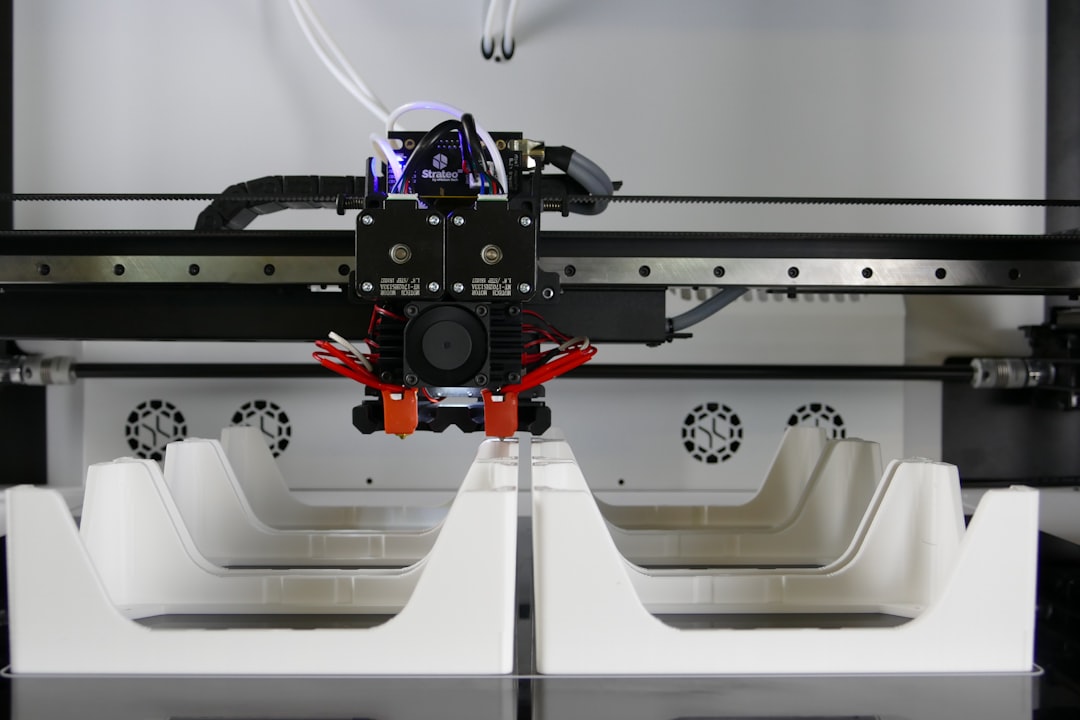
    industrial 3D printing factory floor titanium aerospace 2026

    The Numbers Don’t Lie: Market Momentum in 2026

    According to industry analysis from Wohlers Associates and IDC’s 2026 Manufacturing Outlook report, the global industrial additive manufacturing market is projected to surpass $32 billion in 2026 โ€” a figure that would have seemed wildly optimistic just five years ago. More telling than the top-line number, though, is where that growth is concentrated:

    • Metal additive manufacturing now accounts for roughly 41% of total industrial AM revenue, driven by aerospace, defense, and medical implant sectors.
    • Polymer-based industrial printing (particularly high-performance materials like PEEK and ULTEM) has surged in automotive and consumer electronics tooling.
    • Construction-scale 3D printing โ€” yes, printing entire building structures โ€” has moved from pilot projects to contracted municipal housing programs in South Korea, the UAE, and parts of Texas.
    • Bioprinting for medical scaffolding and drug-delivery implants has received regulatory green lights in the EU and Japan, opening a genuinely new vertical.
    • Multi-material printing systems (printing conductive traces, structural material, and insulation simultaneously) are finally hitting production viability, not just lab demos.

    The Technologies Driving the Shift

    What’s actually under the hood of this growth? A few converging forces are worth understanding, whether you’re a manufacturer, an investor, or just a curious observer.

    Binder Jetting at Production Speed: Companies like Desktop Metal (now part of a larger consolidated entity post-2025 industry consolidation) and HP’s Metal Jet S100 line have brought binder jetting to throughput levels that compete directly with metal injection molding โ€” but without the tooling costs. For runs of 5,000โ€“50,000 parts, the economics have genuinely flipped in additive’s favor.

    AI-Driven Process Optimization: This is the one that doesn’t get enough attention. In 2026, virtually every enterprise-grade 3D printing system ships with embedded ML models that monitor melt pool dynamics, layer adhesion, and thermal gradients in real time. The result? First-part-correct yields on complex metal parts have climbed from the mid-60% range to above 90% in leading facilities. That’s not incremental โ€” that’s the difference between a viable production method and an expensive experiment.

    Sustainable Material Innovation: Recycled-content filaments and powders are no longer a compromise. BASF Forward AM and Evonik’s 2026 material lines include industrial-grade recycled PA12 and bio-derived TPU that meet the same mechanical specs as virgin materials. For manufacturers under ESG pressure, this matters enormously.

    Who’s Actually Doing This at Scale? Real-World Examples

    Let’s ground this in specifics, because the industry has a tendency toward breathless announcements that don’t always translate to factory reality.

    Hyundai Motor Group (South Korea): Hyundai’s Ulsan facility rolled out a dedicated additive manufacturing cell in late 2025 that now produces over 800 unique part numbers โ€” primarily jigs, fixtures, and low-volume replacement parts for legacy models. The ROI case? They’ve cut tooling lead times from 14 weeks to under 5 days for that category of parts. They’re not printing engines; they’re printing everything around the engine build process, which turns out to be where the real efficiency lives.

    Siemens Energy (Germany/Global): Siemens has been running additively manufactured gas turbine burner tips in commercial operation since 2023, but their 2026 milestone is more significant: they’ve qualified 3D-printed components for repair and overhaul of existing turbines โ€” meaning the aftermarket MRO (Maintenance, Repair & Overhaul) sector is now open territory for AM. This is a multi-billion dollar implication that most coverage misses.

    ICON Build (United States): ICON’s Vulcan construction printer has moved well beyond its Austin, Texas housing projects. In partnership with the U.S. Department of Defense, they’re printing semi-permanent forward operating base structures that can be erected in austere environments without traditional construction supply chains. The 2026 deployment in undisclosed locations marks the first operational military use of additive construction.

    Osstem Implant (South Korea): In the dental and orthopedic space, Osstem has been quietly building one of the most sophisticated medical AM operations in Asia. Their 2026 expansion includes a certified production line for patient-specific titanium spinal implants, with same-week delivery from CT scan to sterile packaged device. For patients, that’s transformative.

    metal additive manufacturing binder jetting production parts 2026

    What’s Still Holding Industrial AM Back (Honestly)

    I’d be doing you a disservice if I only told you the bullish side. Let’s be real about the friction points:

    • Post-processing bottlenecks: Printing the part is often the fast part. Removing support structures, sintering, heat treatment, and surface finishing still require significant manual labor and specialized equipment. The industry hasn’t fully solved this automation gap.
    • Workforce skills gap: Operating and maintaining industrial AM systems requires a hybrid skill set โ€” part mechanical engineer, part materials scientist, part software operator. That profile is genuinely scarce in the labor market right now.
    • Certification timelines: In aerospace and medical, qualifying a new manufacturing process with regulatory bodies (FAA, FDA, EASA) can take 3โ€“7 years. Many companies have been doing the groundwork since 2020โ€“2022, and we’re starting to see those certifications land now in 2026 โ€” but it remains a slow lane for safety-critical applications.
    • Material cost at scale: High-performance metal powders are still expensive. For commodity parts, traditional CNC machining or casting often wins on cost per unit above certain volumes.

    Realistic Alternatives: If You’re Not Ready for Full Industrial AM

    Here’s where I want to think practically with you. Not every manufacturer needs to overhaul their floor for additive manufacturing. There are genuinely smart intermediate paths:

    Hybrid manufacturing: Combining CNC machining with additive deposition (think DMG MORI’s Lasertec series) lets you add material selectively to machined blanks. You get the precision of subtractive and the geometric freedom of additive without committing fully to either. It’s a genuinely underrated middle path for shops already invested in CNC infrastructure.

    AM as a service (AMaaS): Companies like Xometry, Protolabs, and regional print bureaus have scaled dramatically. For manufacturers who need AM capabilities but can’t justify the capital expenditure of in-house systems (typically $250Kโ€“$2M+ for industrial metal printers), outsourcing to qualified bureaus is strategically sound โ€” and increasingly, these bureaus carry the material certifications you need for aerospace or medical applications.

    Start with tooling, not end parts: If you’re a traditional manufacturer curious about AM, the lowest-risk, highest-ROI entry point is almost always custom jigs, fixtures, and soft tooling. The qualification burden is low, the lead time savings are immediate and measurable, and it builds organizational familiarity with the workflow before you’re betting production on it.

    The factory floor of 2026 isn’t the science fiction version of 3D printing we were promised a decade ago โ€” but it’s something arguably more interesting: a genuinely mature, increasingly indispensable manufacturing tool that rewards thoughtful integration over wholesale replacement. The question isn’t whether industrial AM belongs in your production strategy. It’s figuring out the right door to walk through first.

    Editor’s Comment : What fascinates me most about industrial 3D printing in 2026 isn’t any single technology breakthrough โ€” it’s the quiet normalization. The plants doing the most interesting work aren’t announcing press releases about it anymore. They’re just shipping parts. That’s how you know a technology has truly arrived.

    ํƒœ๊ทธ: [‘industrial 3D printing 2026’, ‘additive manufacturing trends’, ‘metal 3D printing’, ‘manufacturing technology 2026’, ‘binder jetting production’, ‘AM as a service’, ‘smart factory innovation’]


    ๐Ÿ“š ๊ด€๋ จ๋œ ๋‹ค๋ฅธ ๊ธ€๋„ ์ฝ์–ด ๋ณด์„ธ์š”

  • 2026 ์‚ฐ์—…์šฉ 3D ํ”„๋ฆฐํŒ… ์ตœ์‹  ํŠธ๋ Œ๋“œ ์ด์ •๋ฆฌ | ์ œ์กฐ์—…์˜ ํŒ์„ ๋ฐ”๊พธ๋Š” ๊ธฐ์ˆ  ๋ณ€ํ™”

    ์–ผ๋งˆ ์ „, ํ•ญ๊ณต์šฐ์ฃผ ๋ถ€ํ’ˆ ์ œ์กฐ์‚ฌ์— ๋‹ค๋‹ˆ๋Š” ์ง€์ธ์—๊ฒŒ ํฅ๋ฏธ๋กœ์šด ์ด์•ผ๊ธฐ๋ฅผ ๋“ค์—ˆ์–ด์š”. ์˜ˆ์ „์—๋Š” ํŠน์ • ์—”์ง„ ๋ถ€ํ’ˆ ํ•˜๋‚˜๋ฅผ ๋‚ฉํ’ˆ๋ฐ›๊ธฐ๊นŒ์ง€ ํ‰๊ท  12์ฃผ๊ฐ€ ๊ฑธ๋ ธ๋Š”๋ฐ, ์ง€๊ธˆ์€ ์‚ฌ๋‚ด 3D ํ”„๋ฆฐํŒ… ๋ผ์ธ ๋•๋ถ„์— ๊ทธ ์‹œ๊ฐ„์ด 3์ฃผ ์ด๋‚ด๋กœ ์ค„์—ˆ๋‹ค๋Š” ๊ฑฐ์˜ˆ์š”. ๋‹จ์ˆœํžˆ ์†๋„๋งŒ ๋นจ๋ผ์ง„ ๊ฒŒ ์•„๋‹ˆ๋ผ, ๊ธฐ์กด์—๋Š” ๊ตฌํ˜„ํ•˜๊ธฐ ๋ถˆ๊ฐ€๋Šฅํ–ˆ๋˜ ๋ณต์žกํ•œ ๋‚ด๋ถ€ ๊ฒฉ์ž ๊ตฌ์กฐ(Lattice Structure)๊นŒ์ง€ ํ•œ ๋ฒˆ์— ์ถœ๋ ฅํ•˜๊ฒŒ ๋๋‹ค๊ณ  ํ–ˆ์ฃ . “์ด๊ฒŒ ์ง„์งœ ์ œ์กฐ์—… ํ˜๋ช…์ด๊ตฌ๋‚˜” ์‹ถ๋”๋ผ๊ณ ์š”.

    2026๋…„ ํ˜„์žฌ, ์‚ฐ์—…์šฉ 3D ํ”„๋ฆฐํŒ…(์ ์ธต ์ œ์กฐ, Additive Manufacturing)์€ ๋‹จ์ˆœํ•œ ํ”„๋กœํ† ํƒ€์ž… ์ œ์ž‘ ๋„๊ตฌ๋ฅผ ๋„˜์–ด์„œ ์‹ค์ œ ์–‘์‚ฐ ๋ผ์ธ์˜ ํ•ต์‹ฌ ๊ณต์ •์œผ๋กœ ์ž๋ฆฌ ์žก๊ณ  ์žˆ์Šต๋‹ˆ๋‹ค. ์˜ค๋Š˜์€ ์˜ฌํ•ด ์ฃผ๋ชฉํ•ด์•ผ ํ•  ํ•ต์‹ฌ ํŠธ๋ Œ๋“œ๋“ค์„ ํ•จ๊ป˜ ์‚ดํŽด๋ณด๋ ค ํ•ด์š”.

    industrial 3D printing factory automation 2026

    ๐Ÿ“Š ํŠธ๋ Œ๋“œ 1. ์‹œ์žฅ ๊ทœ๋ชจ์™€ ์„ฑ์žฅ ์†๋„ โ€” ์ˆซ์ž๋กœ ๋ณด๋Š” ํ˜„์‹ค

    ๊ธ€๋กœ๋ฒŒ ์‹œ์žฅ์กฐ์‚ฌ๊ธฐ๊ด€ MarketsandMarkets์˜ 2026๋…„ ์ตœ์‹  ๋ณด๊ณ ์„œ์— ๋”ฐ๋ฅด๋ฉด, ์‚ฐ์—…์šฉ ์ ์ธต ์ œ์กฐ ์‹œ์žฅ ๊ทœ๋ชจ๋Š” ์•ฝ 380์–ต ๋‹ฌ๋Ÿฌ(ํ•œํ™” ์•ฝ 51์กฐ ์›)์— ๋‹ฌํ•˜๋Š” ๊ฒƒ์œผ๋กœ ์ถ”์ •๋ฉ๋‹ˆ๋‹ค. 2022๋…„ ์•ฝ 148์–ต ๋‹ฌ๋Ÿฌ์˜€๋˜ ๊ฒƒ๊ณผ ๋น„๊ตํ•˜๋ฉด ๋ถˆ๊ณผ 4๋…„ ๋งŒ์— 2.5๋ฐฐ ์ด์ƒ ์„ฑ์žฅํ•œ ์…ˆ์ด์—์š”. ์—ฐํ‰๊ท  ์„ฑ์žฅ๋ฅ (CAGR)์€ ์•ฝ 21~23% ์ˆ˜์ค€์œผ๋กœ, ์ „ํ†ต ์ œ์กฐ์—… ํ‰๊ท (3~5%)์„ ์••๋„ํ•˜๋Š” ์ˆ˜์น˜๋ผ๊ณ  ๋ด…๋‹ˆ๋‹ค.

    ํŠนํžˆ ์ฃผ๋ชฉํ•  ๋งŒํ•œ ๋ถ„์•ผ๋ณ„ ์„ฑ์žฅ๋ฅ ์€ ๋‹ค์Œ๊ณผ ๊ฐ™์•„์š”.

    • ํ•ญ๊ณตยท๋ฐฉ์œ„ ์‚ฐ์—…: ์ „์ฒด ์‹œ์žฅ์˜ ์•ฝ 22%๋ฅผ ์ฐจ์ง€ํ•˜๋ฉฐ, ํ‹ฐํƒ€๋Š„ยท์ธ์ฝ”๋„ฌ ๋“ฑ ๊ณ ์„ฑ๋Šฅ ํ•ฉ๊ธˆ ์ถœ๋ ฅ ์ˆ˜์š”๊ฐ€ ํญ๋ฐœ์ ์œผ๋กœ ์ฆ๊ฐ€
    • ์˜๋ฃŒยท์น˜๊ณผ ๋ถ„์•ผ: ๋งž์ถคํ˜• ์ž„ํ”Œ๋ž€ํŠธ ๋ฐ ์ˆ˜์ˆ  ๋ณด์กฐ ๋„๊ตฌ ์ œ์ž‘ ์ˆ˜์š” ์ฆ๊ฐ€๋กœ ์—ฐ 25% ์ด์ƒ์˜ ์„ฑ์žฅ์„ธ
    • ์ž๋™์ฐจ ์‚ฐ์—…: ์ „๊ธฐ์ฐจ(EV) ์ „ํ™˜๊ณผ ๋งž๋ฌผ๋ ค ๊ฒฝ๋Ÿ‰ํ™” ๋ถ€ํ’ˆ ์ˆ˜์š” ๊ธ‰์ฆ, ํŠนํžˆ ๋ฐฐํ„ฐ๋ฆฌ ์ผ€์ด์Šค ๋ถ€ํ’ˆ ์ถœ๋ ฅ์— ์ง‘์ค‘
    • ์ „์žยท๋ฐ˜๋„์ฒด ๋ถ„์•ผ: ๋งˆ์ดํฌ๋กœ ์Šค์ผ€์ผ ํ”„๋ฆฐํŒ… ๊ธฐ์ˆ  ๋ฐœ์ „์œผ๋กœ ์‹ ๊ทœ ์‹œ์žฅ ์ฐฝ์ถœ ์ค‘

    ๐Ÿ”ฌ ํŠธ๋ Œ๋“œ 2. ์†Œ์žฌ(Material) ํ˜์‹  โ€” ๋ฌด์—‡์ด๋“  ํ”„๋ฆฐํŠธํ•˜๋Š” ์‹œ๋Œ€

    2026๋…„ ์‚ฐ์—…์šฉ 3D ํ”„๋ฆฐํŒ…์˜ ๊ฐ€์žฅ ๋œจ๊ฑฐ์šด ํ™”๋‘ ์ค‘ ํ•˜๋‚˜๋Š” ๋‹จ์—ฐ ์†Œ์žฌ์˜ ๋‹ค์–‘ํ™”์™€ ๊ณ ์„ฑ๋Šฅํ™”๋ผ๊ณ  ๋ด…๋‹ˆ๋‹ค. ๊ณผ๊ฑฐ์—๋Š” ํ”Œ๋ผ์Šคํ‹ฑ ๊ณ„์—ด์˜ ํด๋ฆฌ๋จธ๊ฐ€ ์ฃผ๋ ฅ์ด์—ˆ๋‹ค๋ฉด, ์ง€๊ธˆ์€ ์ „ํ˜€ ๋‹ค๋ฅธ ์ฐจ์›์˜ ์†Œ์žฌ๋“ค์ด ๋“ฑ์žฅํ•˜๊ณ  ์žˆ์–ด์š”.

    • ์„ธ๋ผ๋ฏน ๋ณตํ•ฉ ์†Œ์žฌ: ๊ณ ์˜จ ๋‚ด์—ด์„ฑ์ด ์š”๊ตฌ๋˜๋Š” ํ„ฐ๋นˆ ๋ธ”๋ ˆ์ด๋“œ, ์—ด๊ตํ™˜๊ธฐ ๋ถ€ํ’ˆ์— ์ ์šฉ ํ™•๋Œ€
    • ํƒ„์†Œ์„ฌ์œ  ๊ฐ•ํ™” ํด๋ฆฌ๋จธ(CFRP): ๊ธฐ์กด ๊ธˆ์† ๋Œ€๋น„ ๋ฌด๊ฒŒ๋Š” 40% ์ค„์ด๋ฉด์„œ ๊ฐ•๋„๋Š” ์œ ์ง€ํ•˜๋Š” ์†Œ์žฌ๋กœ ๋“œ๋ก ยท๋ชจ๋นŒ๋ฆฌํ‹ฐ ๋ถ„์•ผ์—์„œ ๊ฐ๊ด‘
    • ์ƒ์ฒด ์ ํ•ฉ์„ฑ ๊ธˆ์† ๋ถ„๋ง(Ti-6Al-4V, CoCr): ์˜๋ฃŒ ์ž„ํ”Œ๋ž€ํŠธ์˜ ํ‘œ๋ฉด ๋‹ค๊ณต์„ฑ์„ ์ž์œ ๋กญ๊ฒŒ ์„ค๊ณ„ํ•  ์ˆ˜ ์žˆ์–ด ๋ผˆ์™€์˜ ์œ ์ฐฉ๋ฅ  ํ–ฅ์ƒ์— ๊ธฐ์—ฌ
    • ๋ฆฌ์‚ฌ์ดํด ์†Œ์žฌ ํ•„๋ผ๋ฉ˜ํŠธ: ESG ๊ฒฝ์˜ ๊ธฐ์กฐ์— ๋งž์ถฐ, ์ œ์กฐ ๊ณผ์ • ์ค‘ ๋ฐœ์ƒํ•œ ํ์†Œ์žฌ๋ฅผ ์žฌ๋ถ„์‡„ํ•ด ์›๋ฃŒ๋กœ ์žฌํ™œ์šฉํ•˜๋Š” ์ˆœํ™˜ ๊ฒฝ์ œํ˜• ์†Œ์žฌ ๋„์ž… ์ฆ๊ฐ€

    ๐Ÿค– ํŠธ๋ Œ๋“œ 3. AIยท๋””์ง€ํ„ธ ํŠธ์œˆ๊ณผ์˜ ์œตํ•ฉ โ€” ํ”„๋ฆฐํŒ… ์ „์— ์‹œ๋ฎฌ๋ ˆ์ด์…˜๋ถ€ํ„ฐ

    ๋‹จ์ˆœํžˆ “์ถœ๋ ฅ”ํ•˜๋Š” ๊ธฐ์ˆ ์—์„œ ๋‚˜์•„๊ฐ€, 2026๋…„์˜ ์‚ฐ์—…์šฉ 3D ํ”„๋ฆฐํŒ…์€ AI ๊ธฐ๋ฐ˜ ๊ณต์ • ์ตœ์ ํ™”์™€ ๊ธด๋ฐ€ํ•˜๊ฒŒ ๊ฒฐํ•ฉํ•˜๊ณ  ์žˆ์–ด์š”. ๋””์ง€ํ„ธ ํŠธ์œˆ(Digital Twin) ๊ธฐ์ˆ ์„ ํ™œ์šฉํ•˜๋ฉด ์‹ค์ œ ์ถœ๋ ฅ ์ „์— ๊ฐ€์ƒ ํ™˜๊ฒฝ์—์„œ ์ˆ˜๋ฐฑ ๋ฒˆ์˜ ์‹œ๋ฎฌ๋ ˆ์ด์…˜์„ ๋Œ๋ ค ์ž”๋ฅ˜ ์‘๋ ฅ, ๋ณ€ํ˜•, ์ธต๊ฐ„ ๊ฒฐํ•จ์„ ์˜ˆ์ธกํ•  ์ˆ˜ ์žˆ๊ฑฐ๋“ ์š”.

    ๋…์ผ์˜ EOS GmbH๋‚˜ ๋ฏธ๊ตญ์˜ Markforged ๊ฐ™์€ ๊ธฐ์—…๋“ค์€ ์ด๋ฏธ ๋จธ์‹ ๋Ÿฌ๋‹ ๊ธฐ๋ฐ˜ ํ’ˆ์งˆ ๋ชจ๋‹ˆํ„ฐ๋ง ์‹œ์Šคํ…œ์„ ์ž์‚ฌ ์žฅ๋น„์— ํ†ตํ•ฉํ–ˆ์Šต๋‹ˆ๋‹ค. ์นด๋ฉ”๋ผ์™€ ์„ผ์„œ๊ฐ€ ๊ฐ ๋ ˆ์ด์–ด๋ฅผ ์‹ค์‹œ๊ฐ„์œผ๋กœ ์Šค์บ”ํ•˜๊ณ , AI๊ฐ€ ๋ถˆ๋Ÿ‰ ์ง•ํ›„๋ฅผ ๊ฐ์ง€ํ•˜๋ฉด ์ฆ‰์‹œ ๊ณต์ •์„ ๋ฉˆ์ถ”๊ฑฐ๋‚˜ ํŒŒ๋ผ๋ฏธํ„ฐ๋ฅผ ์ž๋™ ์ˆ˜์ •ํ•˜๋Š” ๋ฐฉ์‹์ด์—์š”. ์ด ๋•๋ถ„์— ๋ถˆ๋Ÿ‰๋ฅ ์ด ๊ธฐ์กด ๋Œ€๋น„ ์ตœ๋Œ€ 60~70% ๊ฐ์†Œํ–ˆ๋‹ค๋Š” ์‚ฌ๋ก€ ๋ฐ์ดํ„ฐ๋„ ๋‚˜์˜ค๊ณ  ์žˆ์Šต๋‹ˆ๋‹ค.


    ๐ŸŒ ๊ตญ๋‚ด์™ธ ์ฃผ์š” ์‚ฌ๋ก€๋กœ ๋ณด๋Š” 2026๋…„์˜ ํ˜„์ฃผ์†Œ

    [ํ•ด์™ธ ์‚ฌ๋ก€] GE Aerospace์˜ ๊ธˆ์† 3D ํ”„๋ฆฐํŒ… ๋‚ด์žฌํ™”
    GE Aerospace๋Š” 2026๋…„ ๊ธฐ์ค€, ์ž์‚ฌ ํ•ญ๊ณต ์—”์ง„ ๋ถ€ํ’ˆ์˜ ์•ฝ 35%๋ฅผ ์ ์ธต ์ œ์กฐ ๋ฐฉ์‹์œผ๋กœ ์ƒ์‚ฐํ•˜๋Š” ๊ฒƒ์œผ๋กœ ์•Œ๋ ค์ ธ ์žˆ์–ด์š”. ํŠนํžˆ ์—ฐ๋ฃŒ ๋…ธ์ฆ(Fuel Nozzle) ๋ถ€ํ’ˆ์€ ๊ธฐ์กด 20๊ฐœ ๋ถ€ํ’ˆ์„ ํ•˜๋‚˜๋กœ ํ†ตํ•ฉ(๋ถ€ํ’ˆ ํ†ตํ•ฉ, Part Consolidation)ํ•˜๋Š” ์„ค๊ณ„๋ฅผ ํ†ตํ•ด ๋ฌด๊ฒŒ๋ฅผ 25% ์ค„์ด๊ณ  ๋‚ด๊ตฌ์„ฑ์€ 5๋ฐฐ ํ–ฅ์ƒ์‹œํ‚จ ๋Œ€ํ‘œ ์„ฑ๊ณต ์‚ฌ๋ก€๋กœ ๊ผฝํž™๋‹ˆ๋‹ค.

    [ํ•ด์™ธ ์‚ฌ๋ก€] ๋ฐ”์ด์˜คํ”„๋ฆฐํŒ…์˜ ์ƒ์šฉํ™” โ€” ๋„ค๋œ๋ž€๋“œ UMC Utrecht
    ์˜๋ฃŒ ๋ถ„์•ผ์—์„œ๋Š” ๋„ค๋œ๋ž€๋“œ ์œ„ํŠธ๋ ˆํํŠธ ๋Œ€ํ•™๋ณ‘์›์ด ํ™˜์ž ๋งž์ถคํ˜• ๋‘๊ฐœ๊ณจ ๋ณดํ˜•๋ฌผ(Cranial Implant)์„ 3D ํ”„๋ฆฐํŒ…์œผ๋กœ ์ œ์ž‘ํ•ด ์ด์‹ํ•˜๋Š” ์ˆ˜์ˆ ์„ 2026๋…„์—๋„ ์ง€์† ํ™•๋Œ€ ์ค‘์ž…๋‹ˆ๋‹ค. ๊ธฐ์„ฑํ’ˆ ๋Œ€๋น„ ์ˆ˜์ˆ  ์‹œ๊ฐ„์ด ๋‹จ์ถ•๋˜๊ณ , ํ™˜์ž์˜ ๋ผˆ ํ˜•ํƒœ์— ์ •ํ™•ํžˆ ๋งž์•„ ๊ฐ์—ผ ์œ„ํ—˜๋„ ๋‚ฎ์•„์กŒ๋‹ค๋Š” ํ‰๊ฐ€๋ฅผ ๋ฐ›๊ณ  ์žˆ์–ด์š”.

    metal 3D printing aerospace parts titanium powder

    [๊ตญ๋‚ด ์‚ฌ๋ก€] ํ•œ๊ตญ์˜ ๋Œ€ํ˜• ์กฐ์„ ์‚ฌ์™€ ๊ธˆ์† AM ๋„์ž…
    ๊ตญ๋‚ด์—์„œ๋Š” HDํ˜„๋Œ€์ค‘๊ณต์—… ๋“ฑ ๋Œ€ํ˜• ์กฐ์„ ์‚ฌ๋“ค์ด ์„ ๋ฐ•์šฉ ํŠน์ˆ˜ ๋ถ€ํ’ˆ(๋ฐธ๋ธŒ, ์ž„ํŽ ๋Ÿฌ ๋“ฑ)์˜ MRO(์œ ์ง€๋ณด์ˆ˜ยท์ˆ˜๋ฆฌยท์˜ค๋ฒ„ํ™€) ๊ณต์ •์— ๊ธˆ์† 3D ํ”„๋ฆฐํŒ…์„ ๋ณธ๊ฒฉ ๋„์ž…ํ•˜๋Š” ์ถ”์„ธ์ž…๋‹ˆ๋‹ค. ๋‹จ์ข…๋œ ๋ถ€ํ’ˆ์„ ๊ธด ๋‚ฉ๊ธฐ ์—†์ด ์ฆ‰์‹œ ์ถœ๋ ฅํ•  ์ˆ˜ ์žˆ๋‹ค๋Š” ์ ์ด ํŠนํžˆ ํฐ ๊ฐ•์ ์œผ๋กœ ๊ผฝํžˆ์ฃ . ๋˜ํ•œ ํ•œ๊ตญ์ƒ์‚ฐ๊ธฐ์ˆ ์—ฐ๊ตฌ์›(KITECH)์„ ์ค‘์‹ฌ์œผ๋กœ ๊ตญ์‚ฐ ๊ธˆ์† ๋ถ„๋ง ์†Œ์žฌ ๊ฐœ๋ฐœ์ด ํ™œ๋ฐœํžˆ ์ง„ํ–‰ ์ค‘์ด๋ฉฐ, ์ˆ˜์ž… ์˜์กด๋„๋ฅผ ๋‚ฎ์ถ”๋ ค๋Š” ์›€์ง์ž„๋„ ๋ˆˆ์— ๋•๋‹ˆ๋‹ค.

    โš™๏ธ ํŠธ๋ Œ๋“œ 4. ๋ถ„์‚ฐ ์ œ์กฐ(Distributed Manufacturing)์˜ ๋ถ€์ƒ

    2020๋…„๋Œ€ ์ดˆ ๊ธ€๋กœ๋ฒŒ ๊ณต๊ธ‰๋ง ์œ„๊ธฐ๋ฅผ ๊ฒฝํ—˜ํ•˜๋ฉด์„œ, ๊ธฐ์—…๋“ค์€ “๊ณต์žฅ ํ•˜๋‚˜์—์„œ ๋Œ€๋Ÿ‰ ์ƒ์‚ฐ ํ›„ ์ „ ์„ธ๊ณ„๋กœ ๋ฐฐ์†ก”ํ•˜๋Š” ๊ตฌ์กฐ์˜ ์ทจ์•ฝ์„ฑ์„ ์ ˆ๊ฐํ–ˆ์Šต๋‹ˆ๋‹ค. ์ด์— ๋Œ€ํ•œ ํ•ด๋ฒ•์œผ๋กœ ์ฃผ๋ชฉ๋ฐ›๋Š” ๊ฒƒ์ด ๋ฐ”๋กœ ๋ถ„์‚ฐ ์ œ์กฐ์˜ˆ์š”. ํ•„์š”ํ•œ ๋ถ€ํ’ˆ์˜ ์„ค๊ณ„ ํŒŒ์ผ(CAD ๋ฐ์ดํ„ฐ)์„ ๋„คํŠธ์›Œํฌ๋กœ ์ „์†กํ•˜๊ณ , ์ˆ˜์š”์ฒ˜ ์ธ๊ทผ์˜ 3D ํ”„๋ฆฐํŒ… ์‹œ์„ค์—์„œ ํ˜„์ง€ ์ƒ์‚ฐํ•˜๋Š” ๊ฐœ๋…์ž…๋‹ˆ๋‹ค.

    ์ด ๋ฐฉ์‹์€ ๋ฌผ๋ฅ˜ ๋น„์šฉ ์ ˆ๊ฐ์€ ๋ฌผ๋ก , ํƒ„์†Œ ๋ฐœ์ž๊ตญ(Carbon Footprint) ๊ฐ์†Œ์—๋„ ํฌ๊ฒŒ ๊ธฐ์—ฌํ•œ๋‹ค๋Š” ์ ์—์„œ ESG ๊ด€์ ์—์„œ๋„ ๊ธ์ •์ ์ธ ํ‰๊ฐ€๋ฅผ ๋ฐ›๊ณ  ์žˆ์Šต๋‹ˆ๋‹ค. 2026๋…„ ํ˜„์žฌ, ์ด๋ฅผ ์ง€์›ํ•˜๋Š” ํด๋ผ์šฐ๋“œ ๊ธฐ๋ฐ˜ ์ œ์กฐ ๋„คํŠธ์›Œํฌ ํ”Œ๋žซํผ(์˜ˆ: Xometry, Protolabs Network ๋“ฑ)๋“ค์˜ ์„ฑ์žฅ๋„ ์ฃผ๋ชฉํ•  ๋งŒํ•˜๋‹ค๊ณ  ๋ด์š”.


    ๐Ÿ’ก ํ˜„์‹ค์ ์ธ ๋„์ž… ์ „๋žต โ€” ์ค‘์†Œ ์ œ์กฐ์‚ฌ๋ผ๋ฉด ์ด๋ ‡๊ฒŒ ์ ‘๊ทผํ•˜์„ธ์š”

    ํŠธ๋ Œ๋“œ๋ฅผ ์ฝ๋Š” ๊ฒƒ๋„ ์ค‘์š”ํ•˜์ง€๋งŒ, ๋ง‰์ƒ “์šฐ๋ฆฌ ํšŒ์‚ฌ์— 3D ํ”„๋ฆฐํŒ…์„ ์–ด๋–ป๊ฒŒ ์ ์šฉํ•˜์ง€?”๋ผ๋Š” ์งˆ๋ฌธ ์•ž์—์„œ ๋ง‰ํžˆ๋Š” ๊ฒฝ์šฐ๊ฐ€ ๋งŽ์•„์š”. ๋ชจ๋“  ๊ณต์ •์„ ํ•œ ๋ฒˆ์— ์ „ํ™˜ํ•˜๋ ค ํ•˜๋ฉด ํˆฌ์ž ๋ถ€๋‹ด์ด ๋„ˆ๋ฌด ํฌ๊ฑฐ๋“ ์š”. ํ˜„์‹ค์ ์œผ๋กœ๋Š” ๋‹ค์Œ๊ณผ ๊ฐ™์€ ๋‹จ๊ณ„์  ์ ‘๊ทผ์ด ๋งž๋Š” ๊ฒƒ ๊ฐ™์Šต๋‹ˆ๋‹ค.

    • 1๋‹จ๊ณ„ (ํƒ์ƒ‰): ์™ธ์ฃผ ์„œ๋น„์Šค ์—…์ฒด(Service Bureau)๋ฅผ ํ™œ์šฉํ•ด ํŠน์ • ๋ถ€ํ’ˆ์˜ 3D ํ”„๋ฆฐํŒ… ์ ํ•ฉ์„ฑ ๊ฒ€์ฆ๋ถ€ํ„ฐ ์‹œ์ž‘
    • 2๋‹จ๊ณ„ (์‹œ๋ฒ” ๋„์ž…): ์ง€๊ทธ(Jig), ํ”ฝ์Šค์ฒ˜(Fixture), ๋งž์ถคํ˜• ๊ณต๊ตฌ ๋“ฑ ์น˜๊ณต๊ตฌ๋ฅ˜๋ถ€ํ„ฐ ๋‚ด์žฌํ™”. ์ดˆ๊ธฐ ํˆฌ์ž ๋Œ€๋น„ ROI๋ฅผ ๋น ๋ฅด๊ฒŒ ํ™•์ธ ๊ฐ€๋Šฅ
    • 3๋‹จ๊ณ„ (ํ™•์žฅ): ํŒŒ์ผ๋Ÿฟ ์„ฑ๊ณต ๋ฐ์ดํ„ฐ๋ฅผ ๊ธฐ๋ฐ˜์œผ๋กœ ํŠน์ • ๋ถ€ํ’ˆ๊ตฐ์— ํ•œํ•ด AM ์ „์šฉ ๋ผ์ธ ๊ตฌ์ถ•
    • 4๋‹จ๊ณ„ (์ง€์‹ํ™”): DfAM(Design for Additive Manufacturing), ์ฆ‰ ์ ์ธต ์ œ์กฐ์— ์ตœ์ ํ™”๋œ ์„ค๊ณ„ ์—ญ๋Ÿ‰์„ ์‚ฌ๋‚ด์— ๋‚ด์žฌํ™”

    ์ •๋ถ€ ์ง€์›๋„ ์ ๊ทน ํ™œ์šฉํ•  ํ•„์š”๊ฐ€ ์žˆ์–ด์š”. 2026๋…„ ํ˜„์žฌ ์ค‘์†Œ๋ฒค์ฒ˜๊ธฐ์—…๋ถ€ ๋ฐ ์‚ฐ์—…ํ†ต์ƒ์ž์›๋ถ€์—์„œ๋Š” ์Šค๋งˆํŠธ ๊ณต์žฅ ๊ณ ๋„ํ™” ์‚ฌ์—…์„ ํ†ตํ•ด AM ์žฅ๋น„ ๋„์ž… ๋น„์šฉ์˜ ์ผ๋ถ€๋ฅผ ์ง€์›ํ•˜๊ณ  ์žˆ์œผ๋‹ˆ, ํ•œ๊ตญ์Šค๋งˆํŠธ์ œ์กฐ์‚ฐ์—…ํ˜‘ํšŒ(KOSMA) ์‚ฌ์ดํŠธ๋ฅผ ํ†ตํ•ด ์‹ ์ฒญ ๊ณต๊ณ ๋ฅผ ํ™•์ธํ•ด ๋ณด์‹œ๊ธธ ๊ถŒํ•ฉ๋‹ˆ๋‹ค.

    ์—๋””ํ„ฐ ์ฝ”๋ฉ˜ํŠธ : ์‚ฐ์—…์šฉ 3D ํ”„๋ฆฐํŒ…์€ ๋” ์ด์ƒ “๋ฏธ๋ž˜ ๊ธฐ์ˆ ”์ด ์•„๋‹™๋‹ˆ๋‹ค. 2026๋…„ ํ˜„์žฌ, ์˜† ๋‚˜๋ผ ๊ฒฝ์Ÿ์‚ฌ๊ฐ€ ์ด๋ฏธ ์ด ๊ธฐ์ˆ ๋กœ ๋‚ฉ๊ธฐ๋ฅผ ๋‹จ์ถ•ํ•˜๊ณ  ์›๊ฐ€๋ฅผ ์ค„์ด๊ณ  ์žˆ์„ ๊ฐ€๋Šฅ์„ฑ์ด ๋†’์•„์š”. ๋‘๋ ค์›€๋ณด๋‹ค๋Š” “์–ด๋–ค ๋ถ€๋ถ„์—์„œ ๋จผ์ € ์‹œ์ž‘ํ•  ์ˆ˜ ์žˆ์„๊นŒ?\

    ํƒœ๊ทธ: []


    ๐Ÿ“š ๊ด€๋ จ๋œ ๋‹ค๋ฅธ ๊ธ€๋„ ์ฝ์–ด ๋ณด์„ธ์š”

  • 3D Printed Car Parts Are Changing the Weight Game in 2026 โ€” Here’s What You Need to Know

    Picture this: it’s early 2026, and a mid-size EV rolls off a production line in Stuttgart. It weighs 180 kg less than its predecessor โ€” not because of a smaller battery or a stripped-down interior, but because dozens of its structural components were 3D printed using lattice-structured titanium alloys. No machining waste. No assembly welds. Just geometry doing the heavy lifting โ€” or rather, not doing it.

    This isn’t a concept car story. This is where the automotive industry actually stands right now, and honestly, it’s one of the most exciting intersections of engineering and everyday life I’ve covered in years. Let’s dig in together.

    3D printed automotive lightweight parts titanium lattice structure

    Why Weight Matters More Than Ever in 2026

    The push for lightweighting isn’t new, but the urgency has intensified dramatically. With global EV adoption crossing 38% of new car sales in early 2026 (according to the International Energy Agency’s Q1 2026 report), range anxiety is still a real consumer concern. Every kilogram shaved off a vehicle translates directly into extended range โ€” roughly 0.3โ€“0.5 km of additional range per kilogram reduced, depending on the powertrain configuration.

    Traditional lightweighting approaches โ€” stamped aluminum panels, carbon fiber reinforced polymers (CFRP), and high-strength steel โ€” all hit a ceiling. They’re constrained by subtractive manufacturing logic: you start with material and remove what you don’t need. Additive manufacturing (AM), the technical term for 3D printing, flips that logic entirely. You build only what’s structurally necessary, guided by topology optimization algorithms.

    The Numbers Behind the Technology

    Let’s talk specifics, because the data here is genuinely striking:

    • Weight reduction of 40โ€“70% is achievable on brackets, suspension knuckles, and seat frames using metal AM with topology optimization, compared to traditionally cast equivalents.
    • Porsche’s 3D-printed pistons (a technology they pioneered and have now scaled in 2026 across multiple platforms) are 10% lighter and 20% stiffer than forged counterparts, with internal cooling channels impossible to make any other way.
    • The global automotive AM market is projected to reach $12.4 billion by end of 2026, up from $7.1 billion in 2023 (MarketsandMarkets, 2026 Automotive Additive Manufacturing Report).
    • Material waste in selective laser melting (SLM) processes runs at roughly 2โ€“5%, versus 40โ€“60% in traditional CNC machining of complex titanium parts.

    How Topology Optimization and Generative Design Work Together

    Here’s where it gets beautifully nerdy. Topology optimization is a mathematical method that calculates the most efficient distribution of material within a defined design space, given specific load cases. Feed it your stress maps, your boundary conditions, your weight targets โ€” and it spits out a shape that looks almost biological. Organic. Like bone.

    That’s not a coincidence. Bone structure is nature’s own topology optimization, evolved over millions of years. Engineers are now essentially borrowing that playbook using software like Altair OptiStruct, Autodesk Fusion 360’s generative design module, and nTopology โ€” all of which have seen major AI-assisted iteration upgrades in their 2026 releases.

    The result? Parts that look “wrong” by traditional standards but perform spectacularly. A suspension knuckle might look like a spider’s web of titanium strands, but it handles the same torsional loads as a chunky cast-iron block โ€” at a fraction of the weight.

    Real-World Examples: Who’s Actually Doing This?

    Let’s ground this in concrete cases, because theory only goes so far.

    BMW Group (Germany): BMW’s Landshut facility has been scaling metal AM for production parts since 2020, but their 2026 milestone is notable โ€” they’ve integrated over 60 unique AM components into the Neue Klasse platform, including hydraulic fittings and mounting brackets, reducing per-vehicle weight by approximately 23 kg from AM parts alone.

    In the United States, General Motors partnered with Divergent Technologies to use their modular AM chassis system โ€” branded as DAPS (Divergent Adaptive Production System) โ€” on select performance variants of their 2026 lineup. Divergent’s approach is particularly interesting because it doesn’t just print individual parts; it prints entire node-and-tube structural assemblies, reducing part count by up to 75%.

    South Korea’s Hyundai Motor Group has been quietly aggressive here too. Their R&D collaboration with POSCO (one of the world’s leading steelmakers) has produced a new AM-optimized steel alloy โ€” internally called HX-9 โ€” that achieves near-titanium strength-to-weight ratios at significantly lower material cost. As of March 2026, this is being piloted in IONIQ 9 subframe components.

    In Japan, Toyota’s GR (Gazoo Racing) division has adopted AM for low-volume performance parts with remarkable speed-to-market advantages โ€” a redesigned titanium exhaust bracket that took 14 weeks via traditional methods was printed, tested, and approved in under 3 weeks.

    generative design topology optimization automotive part 3D printing 2026

    The Honest Challenges โ€” Because Nothing’s Perfect

    I’d be doing you a disservice if I only presented the highlights. There are real friction points here:

    • Cost at scale: Metal AM parts still cost 3โ€“8x more per unit than die-cast equivalents for high-volume production (100,000+ units/year). The economics work beautifully for luxury, performance, and low-volume segments โ€” less so for budget vehicles.
    • Post-processing requirements: Most metal AM parts require significant finishing โ€” stress relief annealing, HIP (hot isostatic pressing) for densification, and surface machining on critical interfaces. This adds time and cost that the “just hit print” narrative tends to obscure.
    • Quality certification: Automotive safety standards (FMVSS in the US, UN Regulation 94/95 in Europe) require extensive validation. AM parts introduce microstructure variability that traditional quality frameworks weren’t built to assess. The industry is catching up โ€” ISO/ASTM 52900 standards are now widely adopted โ€” but certification timelines can still be a bottleneck.
    • Supply chain maturity: Finding certified AM suppliers capable of automotive-grade production outside of Germany, the US, and South Korea remains genuinely difficult.

    Realistic Alternatives Depending on Your Situation

    Now, not everyone reading this is a Tier 1 automotive supplier. So let’s think practically about where you might sit in relation to this technology:

    If you’re an automotive enthusiast or small custom shop: Desktop metal printers (Markforged Metal X, Desktop Metal Studio System 2) have become remarkably capable by 2026. You won’t be printing titanium suspension knuckles, but custom aluminum brackets, housings, and non-safety-critical brackets are within reach. Start with polymer AM for prototyping, validate your designs, then transition to metal for final parts.

    If you’re a mid-tier supplier exploring adoption: Rather than investing in in-house AM equipment immediately, consider partnering with AM service bureaus like Materialise, Stratasys, or Xometry. Use AM for tooling, jigs, and fixtures first โ€” lower risk, faster ROI โ€” then migrate to end-use parts as your team builds process knowledge.

    If you’re an OEM evaluating platform integration: The sweet spot in 2026 is hybrid strategies โ€” using AM for the 15โ€“20% of components where it delivers maximum weight savings (complex brackets, fluid routing, structural nodes), while retaining traditional manufacturing for high-volume commodity parts. Don’t try to print everything; be surgical about it.

    What’s Coming Next โ€” And It’s Close

    A few developments worth watching as 2026 progresses:

    • Continuous fiber AM: Companies like Arevo and Markforged are pushing continuous carbon fiber deposition to replace CFRP layup for certain structural applications โ€” at a fraction of the tooling cost.
    • Multi-material printing: Printing parts with gradient material properties โ€” hard on the outside, energy-absorbing in the core โ€” is moving from research labs toward early production validation.
    • AI-driven print path optimization: Machine learning models trained on hundreds of thousands of print jobs are now predicting and correcting for residual stress and distortion in real time, dramatically improving first-time yield rates.

    The trajectory is clear: 3D printing isn’t replacing traditional manufacturing wholesale, but it’s carving out a permanent, expanding role in the lightweighting toolkit. The vehicles we’ll drive in 2030 will carry dozens of components that simply couldn’t have existed without additive manufacturing โ€” and they’ll go farther on a charge because of it.

    If you’re anywhere near the automotive or advanced manufacturing space, this is one technology trend worth following very closely. The weight savings are real, the business case is maturing, and the engineering creativity being unlocked is genuinely remarkable.

    Editor’s Comment : What strikes me most about 3D printed lightweighting isn’t the material science โ€” impressive as it is โ€” it’s the philosophical shift it represents. For a century, automotive engineering has been about disciplined subtraction: take a block of material, remove what you don’t need. AM says: what if you only ever built what you needed? That’s not just a manufacturing technique. It’s a fundamentally different way of thinking about design. And in an industry as change-resistant as automotive, that mindset shift might be the most significant development of all.

    ํƒœ๊ทธ: [‘3D printing automotive’, ‘lightweight car parts 2026’, ‘additive manufacturing vehicles’, ‘topology optimization automotive’, ‘metal 3D printing EV’, ‘automotive lightweighting technology’, ‘generative design car manufacturing’]


    ๐Ÿ“š ๊ด€๋ จ๋œ ๋‹ค๋ฅธ ๊ธ€๋„ ์ฝ์–ด ๋ณด์„ธ์š”

  • 3D ํ”„๋ฆฐํŒ… ์ž๋™์ฐจ ๋ถ€ํ’ˆ ๊ฒฝ๋Ÿ‰ํ™” ๊ธฐ์ˆ , 2026๋…„ ํ˜„์žฌ ์–ด๋””๊นŒ์ง€ ์™”์„๊นŒ?

    ์–ผ๋งˆ ์ „ ์ง€์ธ ํ•œ ๋ช…์ด ์ „๊ธฐ์ฐจ ๊ตฌ๋งค๋ฅผ ๊ณ ๋ฏผํ•˜๋ฉด์„œ ์ด๋Ÿฐ ๋ง์„ ํ–ˆ์–ด์š”. “๋ฐฐํ„ฐ๋ฆฌ ๋ฌด๊ฒŒ ๋•Œ๋ฌธ์— ํšจ์œจ์ด ์ƒ๊ฐ๋ณด๋‹ค ๋ณ„๋กœ๋”๋ผ๊ณ . ๊ทผ๋ฐ ์ฐจ ์ž์ฒด๊ฐ€ ๊ฐ€๋ฒผ์›Œ์ง€๋ฉด ํ•ด๊ฒฐ๋˜๋Š” ๊ฑฐ ์•„๋ƒ?” ๋‹จ์ˆœํ•œ ์งˆ๋ฌธ์ฒ˜๋Ÿผ ๋“ค๋ฆฌ์ง€๋งŒ, ์‚ฌ์‹ค ์ด๊ฒŒ ์ž๋™์ฐจ ์—…๊ณ„๊ฐ€ ์ˆ˜์‹ญ ๋…„๊ฐ„ ๋ถ™์žก๊ณ  ์žˆ๋Š” ํ•ต์‹ฌ ๊ณผ์ œ๋ผ๋Š” ๊ฑธ ์•„๋Š” ์‚ฌ๋žŒ์€ ๋งŽ์ง€ ์•Š์•„์š”. ๊ทธ๋ฆฌ๊ณ  ๊ทธ ํ•ด๋‹ต ์ค‘ ํ•˜๋‚˜๋กœ ์ง€๊ธˆ ๊ฐ€์žฅ ์ฃผ๋ชฉ๋ฐ›๊ณ  ์žˆ๋Š” ๊ธฐ์ˆ ์ด ๋ฐ”๋กœ 3D ํ”„๋ฆฐํŒ… ๊ธฐ๋ฐ˜ ์ž๋™์ฐจ ๋ถ€ํ’ˆ ๊ฒฝ๋Ÿ‰ํ™”๋ผ๊ณ  ๋ด…๋‹ˆ๋‹ค.

    ๋‹จ์ˆœํžˆ ‘๊ฐ€๋ณ๊ฒŒ ๋งŒ๋“ ๋‹ค’๋Š” ๊ฐœ๋…์„ ๋„˜์–ด์„œ, ์„ค๊ณ„ ์ž์œ ๋„ยท์†Œ์žฌ ํ˜์‹ ยท์ƒ์‚ฐ ๊ณต์ • ํšจ์œจํ™”๊นŒ์ง€ ๋™์‹œ์— ์žก์„ ์ˆ˜ ์žˆ๋Š” ์ด ๊ธฐ์ˆ ์ด 2026๋…„ ํ˜„์žฌ ์–ด๋А ์ˆ˜์ค€๊นŒ์ง€ ํ˜„์‹คํ™”๋๋Š”์ง€, ํ•จ๊ป˜ ์‚ดํŽด๋ณด๋„๋ก ํ•ด์š”.

    3D printing automotive lightweight parts manufacturing

    ๐Ÿ“Š ์ˆซ์ž๋กœ ๋ณด๋Š” ๊ฒฝ๋Ÿ‰ํ™”์˜ ์œ„๋ ฅ โ€” 1kg์„ ์ค„์ด๋ฉด ๋ฌด์Šจ ์ผ์ด ์ƒ๊ธธ๊นŒ?

    ์ž๋™์ฐจ ์—…๊ณ„์—๋Š” “์ฐจ๋Ÿ‰ ๋ฌด๊ฒŒ๋ฅผ 10% ์ค„์ด๋ฉด ์—ฐ๋น„ยท์ „๋น„๊ฐ€ ์•ฝ 6~8% ํ–ฅ์ƒ๋œ๋‹ค”๋Š” ์˜ค๋ž˜๋œ ๊ณต์‹์ด ์žˆ์–ด์š”. ์ „๊ธฐ์ฐจ ๊ธฐ์ค€์œผ๋กœ ๋” ๊ตฌ์ฒด์ ์œผ๋กœ ๋ณด๋ฉด, ๊ณต์ฐจ์ค‘๋Ÿ‰ 2,000kg ์ฐจ๋Ÿ‰์—์„œ 100kg์„ ์ ˆ๊ฐํ•  ๊ฒฝ์šฐ ๋™์ผ ๋ฐฐํ„ฐ๋ฆฌ ์šฉ๋Ÿ‰์œผ๋กœ ์•ฝ 5~10km์˜ ์ถ”๊ฐ€ ์ฃผํ–‰๊ฑฐ๋ฆฌ๋ฅผ ํ™•๋ณดํ•  ์ˆ˜ ์žˆ๋‹ค๊ณ  ๋ด…๋‹ˆ๋‹ค.

    3D ํ”„๋ฆฐํŒ…, ํŠนํžˆ ๊ธˆ์† ์ ์ธต ์ œ์กฐ(Metal Additive Manufacturing) ๊ธฐ์ˆ ์€ ์—ฌ๊ธฐ์— ์ง์ ‘์ ์œผ๋กœ ๊ธฐ์—ฌํ•˜๋Š”๋ฐ์š”, ํ•ต์‹ฌ์€ ‘์œ„์ƒ ์ตœ์ ํ™”(Topology Optimization)‘๋ผ๋Š” ์„ค๊ณ„ ๋ฐฉ๋ฒ•๋ก ๊ณผ์˜ ๊ฒฐํ•ฉ์— ์žˆ์–ด์š”. ์‰ฝ๊ฒŒ ๋งํ•˜๋ฉด, ๊ฐ•๋„๋ฅผ ์œ ์ง€ํ•˜๋ฉด์„œ ๋ถˆํ•„์š”ํ•œ ์žฌ๋ฃŒ๋ฅผ ์ตœ๋Œ€ํ•œ ์ œ๊ฑฐํ•œ ‘๋ผˆ๋Œ€ ๊ตฌ์กฐ’๋ฅผ ์ปดํ“จํ„ฐ๊ฐ€ ์„ค๊ณ„ํ•˜๊ณ , 3D ํ”„๋ฆฐํ„ฐ๊ฐ€ ๊ทธ๋Œ€๋กœ ์ถœ๋ ฅํ•˜๋Š” ๋ฐฉ์‹์ด์—์š”.

    • ๊ธฐ์กด ์ฃผ์กฐ ๋ธŒ๋ž˜ํ‚ท ๋Œ€๋น„ ์ตœ๋Œ€ 40~60% ์ค‘๋Ÿ‰ ์ ˆ๊ฐ ๊ฐ€๋Šฅ (์—…๊ณ„ ํ‰๊ท  ์‚ฌ๋ก€ ๊ธฐ์ค€)
    • ์•Œ๋ฃจ๋ฏธ๋Š„ ํ•ฉ๊ธˆ ๋Œ€๋น„ ํ‹ฐํƒ€๋Š„ ํ•ฉ๊ธˆ + ๊ฒฉ์ž(Lattice) ๊ตฌ์กฐ ์ ์šฉ ์‹œ ๊ฐ•๋„ ๋™๋“ฑ ์ˆ˜์ค€์—์„œ ๋ฌด๊ฒŒ 30% ์ถ”๊ฐ€ ์ ˆ๊ฐ
    • ๋ถ€ํ’ˆ ํ†ตํ•ฉ(Part Consolidation)์œผ๋กœ ๊ธฐ์กด 12๊ฐœ ๋ถ€ํ’ˆ์„ 1๊ฐœ๋กœ ์ œ์ž‘ํ•œ ์‚ฌ๋ก€ ๋‹ค์ˆ˜ ๋ณด๊ณ  โ€” ์กฐ๋ฆฝ ๊ณต์ˆ˜ ๋ฐ ์ฒด๊ฒฐ ๋ถ€์œ„ ๋ฌด๊ฒŒ๊นŒ์ง€ ๋™์‹œ ์ ˆ๊ฐ
    • 2026๋…„ ๊ธฐ์ค€ ๊ธˆ์† 3D ํ”„๋ฆฐํŒ… ๋‹จ๊ฐ€๋Š” 2020๋…„ ๋Œ€๋น„ ์•ฝ 35~40% ํ•˜๋ฝ, ์–‘์‚ฐ ์ ์šฉ ๋ฌธํ„ฑ์ด ๋‚ฎ์•„์ง€๋Š” ์ถ”์„ธ

    ๋ฌผ๋ก  ์•„์ง ๋Œ€๋Ÿ‰ ์–‘์‚ฐ ๋ชจ๋“  ๋ถ€ํ’ˆ์— ์ ์šฉํ•˜๊ธฐ์—” ๋‹จ๊ฐ€ ์žฅ๋ฒฝ์ด ์กด์žฌํ•ด์š”. ํ•˜์ง€๋งŒ ๊ณ ๋ถ€๊ฐ€๊ฐ€์น˜ ๋ถ€ํ’ˆ์ด๋‚˜ ์†Œ๋Ÿ‰ ๋‹คํ’ˆ์ข… ์ƒ์‚ฐ์—์„œ๋Š” ์ด๋ฏธ ๊ฒฝ์ œ์„ฑ์ด ์ž…์ฆ๋˜๊ณ  ์žˆ๋Š” ์ƒํ™ฉ์ด๋ผ๊ณ  ๋ด…๋‹ˆ๋‹ค.

    ๐ŸŒ ๊ตญ๋‚ด์™ธ ์ ์šฉ ์‚ฌ๋ก€ โ€” ๋ง๋งŒ ๋ฌด์„ฑํ•œ ๊ฒŒ ์•„๋‹ˆ์—์š”

    ํ•ด์™ธ ์‚ฌ๋ก€๋ฅผ ๋จผ์ € ๋ณด๋ฉด, ํฌ๋ฅด์‰(Porsche)๋Š” ์ด๋ฏธ 918 ์ŠคํŒŒ์ด๋” ์‹œ์ ˆ๋ถ€ํ„ฐ 3D ํ”„๋ฆฐํŒ… ๋ถ€ํ’ˆ์„ ๋ ˆ์ด์‹ฑ ๋ถ„์•ผ์— ์ ์šฉํ•ด ์™”๊ณ , 2026๋…„ ํ˜„์žฌ๋Š” ์ „๊ธฐ ์Šคํฌ์ธ ์นด ํƒ€์ด์นธ(Taycan) ๋ผ์ธ์—…์˜ ์ผ๋ถ€ ๋ƒ‰๊ฐ ์ฑ„๋„ ๊ตฌ์กฐ๋ฌผ๊ณผ ์„œ์ŠคํŽœ์…˜ ๋ธŒ๋ž˜ํ‚ท์— ๊ธˆ์† ์ ์ธต ์ œ์กฐ๋ฅผ ์ ์šฉํ•˜๊ณ  ์žˆ์–ด์š”. BMW ๊ทธ๋ฃน์€ ๋ฎŒํ—จ ์†Œ์žฌ ์ ์ธต ์ œ์กฐ ์„ผํ„ฐ์—์„œ ์—ฐ๊ฐ„ 30๋งŒ ๊ฐœ ์ด์ƒ์˜ 3D ํ”„๋ฆฐํŒ… ๋ถ€ํ’ˆ์„ ์ƒ์‚ฐํ•˜๋Š” ๊ฒƒ์œผ๋กœ ์•Œ๋ ค์ ธ ์žˆ๊ณ , ํŠนํžˆ i ์‹œ๋ฆฌ์ฆˆ ์ „๊ธฐ์ฐจ์˜ ๊ฒฝ๋Ÿ‰ ๊ตฌ์กฐ ๋ถ€ํ’ˆ ๋น„์œจ์„ ๊พธ์ค€ํžˆ ๋†’์ด๊ณ  ์žˆ์Šต๋‹ˆ๋‹ค.

    ๋ฏธ๊ตญ ์Šคํƒ€ํŠธ์—… ์ƒํƒœ๊ณ„์—์„œ๋„ ์ฃผ๋ชฉํ•  ๋งŒํ•œ ํ๋ฆ„์ด ์žˆ์–ด์š”. Divergent Technologies๋Š” ์•„์˜ˆ 3D ํ”„๋ฆฐํŒ… ๊ธฐ๋ฐ˜ ์ž๋™์ฐจ ๊ตฌ์กฐ์ฒด ํ”Œ๋žซํผ ‘DAPS(Divergent Adaptive Production System)’๋ฅผ ๊ฐœ๋ฐœํ•ด์„œ, ์Šคํ…”๋ž€ํ‹ฐ์Šค(Stellantis) ๊ทธ๋ฃน๊ณผ ํ˜‘๋ ฅ ์ค‘์ด์—์š”. ์ „ํ†ต์ ์ธ ๊ธˆํ˜• ์—†์ด๋„ ์ฐจ์ฒด ๊ตฌ์กฐ๋ฅผ ๋น ๋ฅด๊ฒŒ ๋ณ€๊ฒฝยท์ƒ์‚ฐํ•  ์ˆ˜ ์žˆ๋Š” ์œ ์—ฐ์„ฑ์ด ํ•ต์‹ฌ์ด๋ผ๊ณ  ํ•ฉ๋‹ˆ๋‹ค.

    ๊ตญ๋‚ด ์‚ฌ๋ก€๋กœ๋Š” ํ˜„๋Œ€์ž๋™์ฐจ๊ทธ๋ฃน์ด ์ฃผ๋ชฉ๋ฐ›๊ณ  ์žˆ์–ด์š”. 2025๋…„ ํ•˜๋ฐ˜๊ธฐ๋ถ€ํ„ฐ ์ผ๋ถ€ ๊ณ ์„ฑ๋Šฅ N ๋ผ์ธ์—… ๋ฐ ์ œ๋„ค์‹œ์Šค ์ „๋™ํ™” ๋ชจ๋ธ์˜ ๋‚ด๋ถ€ ๊ตฌ์กฐ ๋ถ€ํ’ˆ์— ์„ ํƒ์  ๋ ˆ์ด์ € ์†Œ๊ฒฐ(SLS) ๋ฐ ์ง์ ‘ ๊ธˆ์† ๋ ˆ์ด์ € ์†Œ๊ฒฐ(DMLS) ๋ฐฉ์‹์˜ 3D ํ”„๋ฆฐํŒ… ๋ถ€ํ’ˆ ์ ์šฉ ๋น„์œจ์„ ํ™•๋Œ€ํ•˜๊ณ  ์žˆ๋Š” ๊ฒƒ์œผ๋กœ ๋ณด๊ณ ๋˜๊ณ  ์žˆ์–ด์š”. ๋˜ํ•œ ์ค‘์†Œ ๋ถ€ํ’ˆ ํ˜‘๋ ฅ์‚ฌ๋“ค๋„ ํ•œ๊ตญ์‚ฐ์—…๊ธฐ์ˆ ์ง„ํฅ์›(KIAT) ๋ฐ ์‚ฐ์—…๋ถ€์˜ ์ง€์› ํ”„๋กœ๊ทธ๋žจ์„ ํ†ตํ•ด ์ ์ธต ์ œ์กฐ ์„ค๋น„ ๋„์ž…์„ ๊ฐ€์†ํ™”ํ•˜๊ณ  ์žˆ๋Š” ์ถ”์„ธ์ž…๋‹ˆ๋‹ค.

    topology optimization lattice structure automotive 3D printed metal part

    ๐Ÿ”ฌ ํ•ต์‹ฌ ๊ธฐ์ˆ  ํŠธ๋ Œ๋“œ โ€” 2026๋…„ ์ง€๊ธˆ ๋œจ๋Š” ํ‚ค์›Œ๋“œ๋Š”?

    ๊ธฐ์ˆ  ์ธก๋ฉด์—์„œ 2026๋…„ ํ˜„์žฌ ๊ฐ€์žฅ ์ฃผ๋ชฉ๋ฐ›๋Š” ํ๋ฆ„์€ ํฌ๊ฒŒ ์„ธ ๊ฐ€์ง€๋ผ๊ณ  ๋ด์š”.

    • ๋ฉ€ํ‹ฐ ๋จธํ‹ฐ๋ฆฌ์–ผ ํ”„๋ฆฐํŒ…(Multi-Material Printing): ๋‹จ์ผ ์ถœ๋ ฅ ๊ณผ์ •์—์„œ ์„œ๋กœ ๋‹ค๋ฅธ ์†Œ์žฌ(์˜ˆ: ๊ธˆ์† + ๊ณ ๋ถ„์ž ๋ณตํ•ฉ์žฌ)๋ฅผ ๋™์‹œ์— ์ ์ธตํ•˜๋Š” ๊ธฐ์ˆ . ๋ถ€์œ„๋ณ„ ์ตœ์  ์†Œ์žฌ ๋ฐฐ์น˜๊ฐ€ ๊ฐ€๋Šฅํ•ด ๊ฒฝ๋Ÿ‰ํ™” ํšจ์œจ์ด ํ•œ์ธต ์˜ฌ๋ผ๊ฐ€์š”.
    • AI ๊ธฐ๋ฐ˜ ์„ค๊ณ„ ์ž๋™ํ™”: ์ƒ์„ฑํ˜• AI์™€ ์œ„์ƒ ์ตœ์ ํ™” ์†Œํ”„ํŠธ์›จ์–ด์˜ ๊ฒฐํ•ฉ์œผ๋กœ, ์—”์ง€๋‹ˆ์–ด๊ฐ€ ์ˆ˜์ž‘์—…์œผ๋กœ ์ˆ˜์ฃผ๋ฅผ ํˆฌ์žํ•˜๋˜ ์„ค๊ณ„ ๊ณผ์ •์„ ์ˆ˜์‹œ๊ฐ„์œผ๋กœ ๋‹จ์ถ•. Autodesk Fusion 360, Ansys ๋“ฑ์ด ์ด ๋ถ„์•ผ๋ฅผ ์„ ๋„ํ•˜๊ณ  ์žˆ์–ด์š”.
    • ์ธ-์‹œํŠœ ํ’ˆ์งˆ ๋ชจ๋‹ˆํ„ฐ๋ง(In-Situ Quality Monitoring): ์ถœ๋ ฅ ์ค‘ ์‹ค์‹œ๊ฐ„์œผ๋กœ ๋ ˆ์ด์–ด๋ณ„ ๊ฒฐํ•จ์„ ๊ฐ์ง€ํ•˜๋Š” ์„ผ์„œยท๋น„์ „ ์‹œ์Šคํ…œ. ํ•ญ๊ณต์šฐ์ฃผ์—์„œ ๊ฒ€์ฆ๋œ ๊ธฐ์ˆ ์ด ์ž๋™์ฐจ๋กœ ์ด์ „๋˜๋ฉด์„œ ์‹ ๋ขฐ์„ฑ ๋ฌธ์ œ๋ฅผ ๊ทน๋ณตํ•˜๋Š” ์ค‘์ด์—์š”.

    ๐Ÿ’ก ํ˜„์‹ค์ ์œผ๋กœ ์–ด๋””์„œ๋ถ€ํ„ฐ ์‹œ์ž‘ํ•  ์ˆ˜ ์žˆ์„๊นŒ?

    ๋Œ€๊ธฐ์—… ์–˜๊ธฐ๋งŒ ํ•˜๋ฉด ‘์šฐ๋ฆฌ๋ž‘ ์ƒ๊ด€์—†๋Š” ์–˜๊ธฐ’์ฒ˜๋Ÿผ ๋А๊ปด์งˆ ์ˆ˜ ์žˆ์–ด์š”. ํ•˜์ง€๋งŒ ๊ฐœ์ธ ์ฐจ์›์—์„œ๋„ ์ด ๊ธฐ์ˆ ์„ ์ ‘์  ์žˆ๊ฒŒ ๋ฐ”๋ผ๋ณผ ์ˆ˜ ์žˆ๋Š” ์ง€์ ๋“ค์ด ์žˆ๋‹ค๊ณ  ๋ด…๋‹ˆ๋‹ค.

    • ํŠœ๋‹ ๋ฐ ๋ชจํ„ฐ์Šคํฌ์ธ  ๋ถ„์•ผ: ์†Œ๋Ÿ‰์˜ ๋งž์ถค ๋ธŒ๋ž˜ํ‚ท, ํก๊ธฐ ๋•ํŠธ, ์ธํ…Œ๋ฆฌ์–ด ๊ตฌ์กฐ๋ฌผ ๋“ฑ์€ ์ด๋ฏธ ๊ตญ๋‚ด ์†Œ๊ทœ๋ชจ 3D ํ”„๋ฆฐํŒ… ์—…์ฒด๋ฅผ ํ†ตํ•ด ์˜๋ขฐ ๊ฐ€๋Šฅํ•ด์š”. ๋‹จ๊ฐ€๋„ ์ƒ๋‹นํžˆ ํ•ฉ๋ฆฌ์ ์ธ ์ˆ˜์ค€์œผ๋กœ ๋‚ด๋ ค์™”์Šต๋‹ˆ๋‹ค.
    • ๋‹จ์ข… ์ฐจ๋Ÿ‰ ๋ถ€ํ’ˆ ๋Œ€์ฒด: ๋‹จ์ข…๋œ ์˜ฌ๋“œ์นด์˜ ๋‹จ์ข… ํ”Œ๋ผ์Šคํ‹ฑ ๋ถ€ํ’ˆ์„ ์—”์ง€๋‹ˆ์–ด๋ง PLA, PA12(๋‚˜์ผ๋ก ) ์†Œ์žฌ๋กœ 3D ํ”„๋ฆฐํŒ… ๋ณต์ œํ•˜๋Š” ์‚ฌ๋ก€๊ฐ€ ๋Š˜๊ณ  ์žˆ์–ด์š”. ๋ฌด๊ฒŒ๋„ ๊ธฐ์กด๋ณด๋‹ค ๊ฐ€๋ฒผ์šด ๊ฒฝ์šฐ๊ฐ€ ๋งŽ์•„์š”.
    • ์ „๊ธฐ์ฐจ ๊ฐœ์กฐ(EV Conversion) ํ”„๋กœ์ ํŠธ: ๋‚ด์—ฐ๊ธฐ๊ด€ ์ฐจ๋Ÿ‰์„ ์ „๊ธฐ์ฐจ๋กœ ๊ฐœ์กฐํ•  ๋•Œ, ๋ฐฐํ„ฐ๋ฆฌ ๋งˆ์šดํŠธ๋‚˜ ๋ชจํ„ฐ ๋ธŒ๋ž˜ํ‚ท์„ 3D ํ”„๋ฆฐํŒ…์œผ๋กœ ๋งž์ถค ์ œ์ž‘ํ•˜๋Š” DIY ์ปค๋ฎค๋‹ˆํ‹ฐ๊ฐ€ ๊ตญ๋‚ด์—์„œ๋„ ์„ฑ์žฅ ์ค‘์ด์—์š”.

    ๋ฌผ๋ก  ์•ˆ์ „๊ณผ ์ง๊ฒฐ๋œ ๊ตฌ์กฐ ๋ถ€ํ’ˆ์— ๊ฒ€์ฆ๋˜์ง€ ์•Š์€ 3D ํ”„๋ฆฐํŒ… ํŒŒํŠธ๋ฅผ ๋ฌด์ž‘์ • ์ ์šฉํ•˜๋Š” ๊ฑด ์œ„ํ—˜ํ•  ์ˆ˜ ์žˆ์–ด์š”. ์†Œ์žฌ ์„ ํƒ๊ณผ ์ถœ๋ ฅ ํŒŒ๋ผ๋ฏธํ„ฐ, ํ›„์ฒ˜๋ฆฌ(์—ด์ฒ˜๋ฆฌ, ํ‘œ๋ฉด ์ฒ˜๋ฆฌ) ๊ณผ์ •๊นŒ์ง€ ํ•จ๊ป˜ ๊ณ ๋ คํ•˜๋Š” ๊ฒŒ ์ค‘์š”ํ•˜๋‹ค๊ณ  ๋ด…๋‹ˆ๋‹ค.

    ์—๋””ํ„ฐ ์ฝ”๋ฉ˜ํŠธ : 3D ํ”„๋ฆฐํŒ… ๊ฒฝ๋Ÿ‰ํ™” ๊ธฐ์ˆ ์€ ‘๋ฏธ๋ž˜์˜ ์ด์•ผ๊ธฐ’์—์„œ ‘์ง€๊ธˆ ์ผ์–ด๋‚˜๋Š” ์ด์•ผ๊ธฐ’๋กœ ํ™•์‹คํžˆ ๋„˜์–ด์˜จ ๊ฒƒ ๊ฐ™์•„์š”. ๋‹ค๋งŒ ๋ชจ๋“  ๋ถ€ํ’ˆ์— ๋งŒ๋Šฅ ํ•ด๋ฒ•์€ ์•„๋‹ˆ๊ณ , ์–ด๋–ค ๋ถ€ํ’ˆ์— ์–ด๋–ค ์†Œ์žฌ์™€ ๊ณต์ •์„ ์กฐํ•ฉํ•˜๋А๋ƒ๊ฐ€ ์ง„์งœ ์‹ค๋ ฅ์ด๋ผ๋Š” ์ƒ๊ฐ์ด ๋“ค์–ด์š”. ๊ธฐ์ˆ ์˜ ์„ฑ์ˆ™๋„๊ฐ€ ๋†’์•„์ง€๋Š” ๋งŒํผ, ์†Œ๋น„์ž ์ž…์žฅ์—์„œ๋„ ‘์ด ๋ถ€ํ’ˆ์ด ์–ด๋–ป๊ฒŒ ๋งŒ๋“ค์–ด์กŒ๋Š”๊ฐ€’๋ฅผ ๋”ฐ์ ธ๋ณด๋Š” ์•ˆ๋ชฉ์„ ํ‚ค์›Œ๊ฐ€๋Š” ๊ฒŒ ์ข‹์ง€ ์•Š์„๊นŒ์š”? ์ „๊ธฐ์ฐจ ์‹œ๋Œ€, ๊ฐ€๋ฒผ์šธ์ˆ˜๋ก ๋” ๋ฉ€๋ฆฌ ๊ฐ€๋Š” ๊ฑด ์ž๋™์ฐจ๋„, ์šฐ๋ฆฌ์˜ ๊ด€์‹ฌ๋„ ๋งˆ์ฐฌ๊ฐ€์ง€์ธ ๊ฒƒ ๊ฐ™์Šต๋‹ˆ๋‹ค.

    ํƒœ๊ทธ: [‘3Dํ”„๋ฆฐํŒ…์ž๋™์ฐจ’, ‘์ž๋™์ฐจ๋ถ€ํ’ˆ๊ฒฝ๋Ÿ‰ํ™”’, ‘์ ์ธต์ œ์กฐ๊ธฐ์ˆ ’, ‘์œ„์ƒ์ตœ์ ํ™”’, ‘์ „๊ธฐ์ฐจ๊ฒฝ๋Ÿ‰ํ™”’, ‘๊ธˆ์†3Dํ”„๋ฆฐํŒ…’, ‘์ž๋™์ฐจ๋ฏธ๋ž˜๊ธฐ์ˆ ’]


    ๐Ÿ“š ๊ด€๋ จ๋œ ๋‹ค๋ฅธ ๊ธ€๋„ ์ฝ์–ด ๋ณด์„ธ์š”

  • Best Low-Power Home Servers in 2026: Cut Your Electricity Bill Without Cutting Corners

    A friend of mine โ€” let’s call him Derek โ€” came to me last month absolutely baffled by his electricity bill. He’d set up a home server a year ago to handle media streaming, file backups, and a few smart home automations. The server itself? A repurposed gaming PC from 2019. The result? An extra $40โ€“$60 tacked onto his monthly bill. “It’s like feeding a hungry teenager,” he told me. Sound familiar?

    Here’s the thing: running a home server doesn’t have to be a power-hungry endeavor. In 2026, the market for low-power home server solutions has matured beautifully, and whether you’re a tinkerer, a remote worker, or just someone who wants local media storage without a cloud subscription, there’s a smart, energy-efficient option waiting for you. Let’s think through this together.

    low power home server mini PC rack 2026

    Why Power Consumption Actually Matters More Than You Think

    Let’s get real with numbers first. The average home server running 24/7 consumes anywhere from 15W to 150W depending on the hardware. Here’s what that translates to annually at a U.S. average electricity rate of roughly $0.17/kWh in 2026:

    • 15W (ultra-low-power mini PC): ~$22/year
    • 35W (ARM-based NAS/SBC): ~$52/year
    • 65W (Intel N-series mini PC, light load): ~$97/year
    • 120W (repurposed desktop, idle): ~$178/year
    • 150W+ (old gaming PC or Xeon workstation): $223+/year

    That gap between a 15W solution and a 150W solution is literally $200 per year โ€” money that could pay for your streaming subscriptions, a new hard drive, or a weekend trip. The math is hard to ignore once you see it laid out.

    Top Low-Power Home Server Picks for 2026

    Let’s walk through the most compelling options available right now, organized by use case. I’ve focused on real-world power draw rather than spec-sheet TDP numbers, because those two things are often very different beasts.

    1. Beelink EQ14 Pro (Intel N150, ~8โ€“15W typical load)
    This little box has become a crowd favorite in the homelab community heading into 2026. The Intel N150 chip is genuinely efficient at light tasks โ€” running TrueNAS SCALE, Home Assistant, or a Plex server without breaking a sweat. Paired with a 2.5GbE port and support for up to 32GB of DDR5 RAM, it punches well above its weight class. Real-world idle sits around 8โ€“10W, rising to about 15W under moderate load. Cost: roughly $180โ€“$220 depending on configuration.

    2. Raspberry Pi 5 (8GB) with NVMe HAT (~5โ€“12W)
    Don’t underestimate the Pi ecosystem in 2026. With the official NVMe HAT and a fast SSD, the Raspberry Pi 5 becomes a genuinely capable home server for light workloads โ€” Pi-hole DNS filtering, Nextcloud personal cloud, or a lightweight Jellyfin setup. Average draw sits around 5โ€“8W at typical load. The caveat? It’s not great for transcoding heavy video in real time. But for most “always-on” utility tasks, it’s hard to beat on efficiency. Cost: ~$80โ€“$130 fully kitted out.

    3. UGREEN DXP4800 Plus NAS (~20โ€“30W under load)
    If you want a purpose-built NAS (Network Attached Storage) appliance rather than a DIY setup, the UGREEN DXP4800 Plus has made serious waves in 2026. It runs an Intel N100 inside, supports 4 drive bays, and idles around 18โ€“22W with spinning drives in standby. The software ecosystem has also matured, supporting Docker containers natively. Cost: ~$300โ€“$350 without drives.

    4. Synology DS423+ (~25โ€“35W under load)
    Synology remains the gold standard for “just works” NAS experience. The DS423+ offers their polished DSM operating system, excellent mobile app support, and consistent power management features like drive hibernation and scheduled power cycles. If you value reliability and ease over customization, this is your pick. Cost: ~$420โ€“$470 without drives.

    5. Minisforum MS-01 (Intel Core Ultra 5, ~20โ€“45W)
    For power users who need something closer to a full server โ€” virtualization with Proxmox, running multiple VMs, or even a light AI inference workload locally โ€” the MS-01 offers a compelling balance. Yes, it draws more power, but the Core Ultra 5 architecture is dramatically more efficient than equivalent desktop-class Xeon or Ryzen chips from previous generations. Real-world idle around 18โ€“22W, full load peaks near 45W. Cost: ~$450โ€“$600.

    home server electricity cost comparison chart 2026

    Real-World Examples: How Others Are Doing It

    The homelab community โ€” particularly active on Reddit’s r/homelab and r/selfhosted forums โ€” has been sharing extensive power consumption logs in 2026. Some notable trends:

    • A user in South Korea running a Beelink EQ14 Pro with two USB-attached drives for a Jellyfin + Nextcloud combo reported a monthly electricity cost increase of just โ‚ฉ2,800โ€“โ‚ฉ3,500 (roughly $2โ€“2.60 USD) โ€” practically invisible on their bill.
    • In Germany, where electricity rates hover around โ‚ฌ0.28โ€“0.32/kWh in 2026, a homelab user replaced a Xeon-based tower server with a Raspberry Pi 5 cluster and cut their server-related electricity cost by over 80%, saving approximately โ‚ฌ180/year.
    • In the U.S., multiple home users report using a smart power strip with energy monitoring (like the Tapo P300M) to track actual consumption and set auto-shutdown schedules for non-critical services during off-peak hours, cutting effective consumption by 20โ€“35% on top of already efficient hardware.

    Software Choices That Amplify Your Energy Savings

    Hardware is only half the equation. Running the right software stack can meaningfully reduce your power footprint:

    • TrueNAS SCALE: Excellent drive spin-down support; drives can sleep when not accessed, saving 3โ€“7W per spinning disk.
    • Home Assistant OS: Lightweight, runs comfortably on 4GB RAM, very low CPU overhead at idle.
    • Proxmox VE with CPU frequency scaling: Properly configured, modern CPUs spend most time in deep C-states, dramatically reducing idle power draw.
    • Jellyfin (vs. Plex): Jellyfin has no background phone-home processes and can be configured to use hardware-accelerated transcoding on Intel Quick Sync, keeping CPU load โ€” and thus power draw โ€” minimal.

    Realistic Alternatives If You’re Not Ready to Self-Host

    Not everyone wants to manage their own server, and that’s completely valid. Here are honest alternatives worth considering:

    • Synology C2 or Backblaze Personal Backup: For pure backup needs, cloud storage at $7โ€“$10/month is often cheaper than building and running dedicated hardware, especially once you factor in drive replacement costs.
    • Tailscale + a VPS: A $6/month Oracle Cloud or BuyVM VPS with Tailscale networking can replace many always-on home server functions with zero home electricity cost.
    • Wake-on-LAN setup: Keep a slightly more powerful machine (like a mini PC) off most of the time and wake it remotely only when needed. Combined with a simple smart plug, this hybrid approach can keep your average draw under 5W.

    The key insight? Your home server doesn’t have to be “always cooking” to be useful. Most of the tasks people run home servers for โ€” media access, file sync, smart home automations โ€” either happen in short bursts or can tolerate a 30-second wake delay.

    Editor’s Comment : After spending way too much time reading power consumption threads and electricity bill confessions from homelab enthusiasts across three continents, my honest take in 2026 is this: the sweet spot for most people is a sub-$250 Intel N-series mini PC running TrueNAS or Home Assistant, pulling 10โ€“18W on average. It’s not the cheapest upfront, but the combination of reliability, community support, and miserly power draw makes it the most sensible long-term investment. Derek, by the way, switched to a Beelink EQ14 Pro in January. His server electricity cost dropped from ~$55/month to under $4. He now refers to it as “the best boring upgrade” he’s ever made โ€” and honestly, I can’t argue with that.

    ํƒœ๊ทธ: [‘low power home server 2026’, ‘home server electricity savings’, ‘best mini PC home server’, ‘NAS power consumption’, ‘homelab energy efficiency’, ‘Raspberry Pi home server’, ‘reduce electricity bill home server’]


    ๐Ÿ“š ๊ด€๋ จ๋œ ๋‹ค๋ฅธ ๊ธ€๋„ ์ฝ์–ด ๋ณด์„ธ์š”

  • ์ €์ „๋ ฅ ํ™ˆ์„œ๋ฒ„ ์ถ”์ฒœ 2026 โ€” ์ „๊ธฐ์„ธ ๊ฑฑ์ • ์—†์ด 24์‹œ๊ฐ„ ์šด์˜ํ•˜๋Š” ํ˜„์‹ค์ ์ธ ๋ฐฉ๋ฒ•

    ์ง€๋‚œํ•ด ๋ง, ์ง€์ธ ํ•œ ๋ช…์ด ์ง‘์— NAS(๋„คํŠธ์›Œํฌ ๊ฒฐํ•ฉ ์Šคํ† ๋ฆฌ์ง€)๋ฅผ ๋“ค์˜€๋‹ค๊ฐ€ ํ•œ ๋‹ฌ ๋’ค ์ „๊ธฐ์š”๊ธˆ ๊ณ ์ง€์„œ๋ฅผ ๋ณด๊ณ  ๊นœ์ง ๋†€๋ž๋‹ค๋Š” ์ด์•ผ๊ธฐ๋ฅผ ํ–ˆ์–ด์š”. ๊ตฌํ˜• PC๋ฅผ ์žฌํ™œ์šฉํ•ด์„œ ๋งŒ๋“  ํ™ˆ์„œ๋ฒ„์˜€๋Š”๋ฐ, ํ•œ ๋‹ฌ์— ์ „๊ธฐ์„ธ๊ฐ€ 3๋งŒ ์› ๊ฐ€๊นŒ์ด ๋” ๋‚˜์™”๋‹ค๋Š” ๊ฑฐ์˜ˆ์š”. ๊ทธ ์ดํ›„๋กœ ๊ทธ ์ง€์ธ์€ ํ™ˆ์„œ๋ฒ„๋ฅผ ๊บผ๋‘๊ธฐ ์‹œ์ž‘ํ–ˆ๊ณ , ๊ฒฐ๊ตญ ‘์“ฐ์ง€ ์•Š๋Š” ์„œ๋ฒ„’๊ฐ€ ๋์Šต๋‹ˆ๋‹ค. ์ด๋Ÿฐ ์ด์•ผ๊ธฐ, ์ƒ๊ฐ๋ณด๋‹ค ์ฃผ๋ณ€์—์„œ ๊ฝค ๋งŽ์ด ๋“ค๋ ค์š”.

    ํ™ˆ์„œ๋ฒ„๋Š” ๋ถ„๋ช… ๋งค๋ ฅ์ ์ธ ์•„์ดํ…œ์ด์—์š”. ๊ฐœ์ธ ํด๋ผ์šฐ๋“œ, ๋ฏธ๋””์–ด ์ŠคํŠธ๋ฆฌ๋ฐ, ์Šค๋งˆํŠธํ™ˆ ํ—ˆ๋ธŒ, ๋ฐฑ์—… ์„œ๋ฒ„๊นŒ์ง€ โ€” ์ž˜ ์“ฐ๋ฉด ์›”์ •์•ก ๊ตฌ๋… ์„œ๋น„์Šค ์—ฌ๋Ÿฌ ๊ฐœ๋ฅผ ๋Œ€์ฒดํ•  ์ˆ˜ ์žˆ๊ฑฐ๋“ ์š”. ๋ฌธ์ œ๋Š” 24์‹œ๊ฐ„ 365์ผ ์ผœ๋‘๋Š” ์žฅ๋น„์ธ ๋งŒํผ, ์ „๋ ฅ ์†Œ๋น„๊ฐ€ ๊ณง ๊ณ ์ • ๋น„์šฉ์ด ๋œ๋‹ค๋Š” ์ ์ด๋ผ๊ณ  ๋ด…๋‹ˆ๋‹ค. ๊ทธ๋ ‡๋‹ค๋ฉด 2026๋…„ ํ˜„์žฌ ์‹œ์ ์—์„œ ์–ด๋–ค ์„ ํƒ์ง€๊ฐ€ ๊ฐ€์žฅ ํ˜„๋ช…ํ• ์ง€ ๊ฐ™์ด ์‚ดํŽด๋ณผ๊ฒŒ์š”.

    low power home server NAS mini PC 2026

    ๐Ÿ“Š ์ „๋ ฅ ์†Œ๋น„, ์ˆซ์ž๋กœ ์ง์ ‘ ๋”ฐ์ ธ๋ณด๊ธฐ

    ๋จผ์ € ์ „๊ธฐ์š”๊ธˆ ๊ณ„์‚ฐ๋ถ€ํ„ฐ ํ•ด๋ด์•ผ ํ˜„์‹ค์ด ๋ณด์ž…๋‹ˆ๋‹ค. 2026๋…„ 3์›” ๊ธฐ์ค€, ํ•œ๊ตญ์ „๋ ฅ(KEPCO)์˜ ์ฃผํƒ์šฉ ์ „๋ ฅ(์ €์••) ๋ˆ„์ง„์ œ 2๊ตฌ๊ฐ„ ํ‰๊ท  ๋‹จ๊ฐ€๋Š” ์•ฝ kWh๋‹น 280~310์› ์ˆ˜์ค€์œผ๋กœ ๋ด๋„ ๋ฌด๋ฐฉํ•ฉ๋‹ˆ๋‹ค(๊ณ„์ ˆยท๊ตฌ๊ฐ„์— ๋”ฐ๋ผ ๋‹ค์†Œ ๋‹ค๋ฅผ ์ˆ˜ ์žˆ์–ด์š”).

    • ๊ตฌํ˜• ๋ฐ์Šคํฌํƒ‘ ํ™ˆ์„œ๋ฒ„ (100W ์†Œ๋น„ ๊ธฐ์ค€)
      100W ร— 24์‹œ๊ฐ„ ร— 30์ผ = 72kWh/์›” โ†’ ์•ฝ 20,000~22,000์›/์›”
    • ์ผ๋ฐ˜ ์ƒ์šฉ NAS (30~40W ์†Œ๋น„ ๊ธฐ์ค€)
      35W ร— 24์‹œ๊ฐ„ ร— 30์ผ = 25.2kWh/์›” โ†’ ์•ฝ 7,000~8,000์›/์›”
    • ์ €์ „๋ ฅ ๋ฏธ๋‹ˆ PC ์„œ๋ฒ„ (10~15W ์†Œ๋น„ ๊ธฐ์ค€)
      12W ร— 24์‹œ๊ฐ„ ร— 30์ผ = 8.64kWh/์›” โ†’ ์•ฝ 2,400~2,700์›/์›”
    • Raspberry Pi 5 / ์‹ฑ๊ธ€๋ณด๋“œ ์ปดํ“จํ„ฐ (5~8W ์†Œ๋น„ ๊ธฐ์ค€)
      6W ร— 24์‹œ๊ฐ„ ร— 30์ผ = 4.32kWh/์›” โ†’ ์•ฝ 1,200~1,400์›/์›”

    ์ˆซ์ž๋กœ ๋ณด๋ฉด ์ฐจ์ด๊ฐ€ ๊ทน๋ช…ํ•˜์ฃ . ๊ตฌํ˜• PC์™€ ์‹ฑ๊ธ€๋ณด๋“œ ์ปดํ“จํ„ฐ์˜ ์ „๊ธฐ์„ธ ์ฐจ์ด๊ฐ€ ์—ฐ๊ฐ„ ์•ฝ 22๋งŒ ์›์— ๋‹ฌํ•  ์ˆ˜ ์žˆ์–ด์š”. ์žฅ๋น„๋ฅผ 3~4๋…„ ์šด์˜ํ•œ๋‹ค๊ณ  ์น˜๋ฉด, ์ „๊ธฐ์„ธ ์ ˆ๊ฐ๋ถ„๋งŒ์œผ๋กœ๋„ ๊ฝค ๊ดœ์ฐฎ์€ ์žฅ๋น„๋ฅผ ์ƒˆ๋กœ ์‚ด ์ˆ˜ ์žˆ๋Š” ์…ˆ์ด๋ผ๊ณ  ๋ด…๋‹ˆ๋‹ค.

    ๐Ÿ–ฅ๏ธ 2026๋…„ ํ˜„์žฌ ์ฃผ๋ชฉํ•  ๋งŒํ•œ ์ €์ „๋ ฅ ํ™ˆ์„œ๋ฒ„ ์˜ต์…˜

    ์ตœ๊ทผ ๋ช‡ ๋…„ ์‚ฌ์ด ARM ๊ธฐ๋ฐ˜ ์นฉ์…‹์˜ ์„ฑ๋Šฅ์ด ๋น„์•ฝ์ ์œผ๋กœ ๋ฐœ์ „ํ•˜๋ฉด์„œ, ์ €์ „๋ ฅ์ด๋ผ๊ณ  ํ•ด์„œ ๋ฌด์กฐ๊ฑด ์„ฑ๋Šฅ์ด ๋‚ฎ๋‹ค๋Š” ๊ณต์‹์ด ๊นจ์ง€๊ณ  ์žˆ์–ด์š”. 2026๋…„ ํ˜„์žฌ ํ˜„์‹ค์ ์œผ๋กœ ๊ณ ๋ คํ•ด๋ณผ ๋งŒํ•œ ์„ ํƒ์ง€๋“ค์„ ์ •๋ฆฌํ•ด ๋ดค์Šต๋‹ˆ๋‹ค.

    • Raspberry Pi 5 (ARM Cortex-A76, 4~8W) โ€” ์—ฌ์ „ํžˆ ์ตœ๊ณ ์˜ ๊ฐ€์„ฑ๋น„ ์‹ฑ๊ธ€๋ณด๋“œ. Docker, Home Assistant, Pi-hole ๋“ฑ ๋Œ€๋ถ€๋ถ„์˜ ํ™ˆ์„œ๋ฒ„ ์šฉ๋„์— ์ถฉ๋ถ„ํ•ฉ๋‹ˆ๋‹ค. ๋‹ค๋งŒ ๋Œ€์šฉ๋Ÿ‰ ํŠธ๋žœ์Šค์ฝ”๋”ฉ์—๋Š” ํ•œ๊ณ„๊ฐ€ ์žˆ์–ด์š”.
    • Zimaboard 2 / Zimaboard 832 (Intel N-series, 6~15W) โ€” x86 ์•„ํ‚คํ…์ฒ˜๋ฅผ ์“ฐ๊ธฐ ๋•Œ๋ฌธ์— ์†Œํ”„ํŠธ์›จ์–ด ํ˜ธํ™˜์„ฑ์ด ํ›จ์”ฌ ๋„“์–ด์š”. Jellyfin, Nextcloud, Plex ๊ฐ™์€ ๋ฌด๊ฑฐ์šด ์• ํ”Œ๋ฆฌ์ผ€์ด์…˜๋„ ๋ฌด๋‚œํ•˜๊ฒŒ ๋Œ์•„๊ฐ‘๋‹ˆ๋‹ค.
    • ASUS NUC 14 Pro / Intel N100 ๊ณ„์—ด ๋ฏธ๋‹ˆ PC (10~20W) โ€” 2026๋…„ ๊ธฐ์ค€ N100, N150 ๊ณ„์—ด ๋ฏธ๋‹ˆ PC๊ฐ€ 10~15๋งŒ ์›๋Œ€๊นŒ์ง€ ๋‚ด๋ ค์™”์–ด์š”. ์„ฑ๋Šฅ ๋Œ€๋น„ ์ „๋ ฅ ํšจ์œจ์ด ๋›ฐ์–ด๋‚˜๊ณ , ํ’€ Linux ํ™˜๊ฒฝ์„ ๊ตฌ์„ฑํ•˜๊ธฐ์— ์ข‹์Šต๋‹ˆ๋‹ค.
    • Synology DS423+ / QNAP TS-262 ๊ฐ™์€ ์ „์šฉ NAS โ€” ํŒŒ์ผ ์„œ๋ฒ„, ๋ฐฑ์—… ์ค‘์‹ฌ์ด๋ผ๋ฉด ์ „์šฉ NAS๊ฐ€ ์†Œํ”„ํŠธ์›จ์–ด ์™„์„ฑ๋„ ๋ฉด์—์„œ ์••๋„์ ์ด์—์š”. ์†Œ๋น„์ „๋ ฅ๋„ HDD ์Šคํ•€์—… ์ œ์™ธ ์‹œ 20W ๋‚ด์™ธ๋กœ ๊ด€๋ฆฌ๋ฉ๋‹ˆ๋‹ค.
    • Orange Pi 5 Plus (ARM, 5~10W) โ€” Raspberry Pi์˜ ๊ฐ•๋ ฅํ•œ ๋Œ€์•ˆ. 8K ์˜์ƒ ๋””์ฝ”๋”ฉ์„ ์ง€์›ํ•˜๋Š” NPU๊ฐ€ ๋‚ด์žฅ๋˜์–ด ์žˆ์–ด, AI ๊ธฐ๋ฐ˜ ํ™ˆ ์ž๋™ํ™” ์šฉ๋„๋กœ๋„ ์ฃผ๋ชฉ๋ฐ›๊ณ  ์žˆ์–ด์š”.
    Raspberry Pi 5 Zimaboard mini PC home server comparison

    ๐ŸŒ ๊ตญ๋‚ด์™ธ ์‚ฌ๋ก€๋กœ ๋ณด๋Š” ์ €์ „๋ ฅ ํ™ˆ์„œ๋ฒ„ ํŠธ๋ Œ๋“œ

    ํ•ด์™ธ ์ปค๋ฎค๋‹ˆํ‹ฐ์ธ Reddit์˜ r/homelab, r/selfhosted์—์„œ๋Š” 2025๋…„๋ถ€ํ„ฐ “์ €์ „๋ ฅ ํ™ˆ๋žฉ(Low Power Homelab)” ํŠธ๋ Œ๋“œ๊ฐ€ ๋šœ๋ ทํ•˜๊ฒŒ ๊ฐ•ํ•ด์ง€๊ณ  ์žˆ์–ด์š”. ๊ณผ๊ฑฐ์—๋Š” ‘์„ฑ๋Šฅ์ด ๊ณง ๊ฐ€์น˜’๋ผ๋Š” ์ธ์‹์ด ๊ฐ•ํ•ด์„œ ํ๊ธฐ ์„œ๋ฒ„๋‚˜ ๊ณ ์„ฑ๋Šฅ ํƒ€์›Œ PC๋ฅผ ์žฌํ™œ์šฉํ•˜๋Š” ๊ฒŒ ์œ ํ–‰์ด์—ˆ๋Š”๋ฐ, ์ „๊ธฐ์š”๊ธˆ ๋ถ€๋‹ด๊ณผ ํ™˜๊ฒฝ์— ๋Œ€ํ•œ ์ธ์‹ ๋ณ€ํ™”๊ฐ€ ๋งž๋ฌผ๋ฆฌ๋ฉด์„œ ์†Œ๋น„์ „๋ ฅ ์ž์ฒด๊ฐ€ ์ŠคํŽ™์˜ ์ค‘์š”ํ•œ ๊ธฐ์ค€์ด ๋œ ๊ฑฐ๋ผ๊ณ  ๋ด…๋‹ˆ๋‹ค.

    ๊ตญ๋‚ด์—์„œ๋„ ํด๋ฆฌ์•™, ๋ฝ๋ฟŒ, ๊ฐ์ข… IT ์ปค๋ฎค๋‹ˆํ‹ฐ์—์„œ “N100 ๋ฏธ๋‹ˆ PC ํ™ˆ์„œ๋ฒ„” ๊ตฌ์„ฑ๊ธฐ๊ฐ€ 2025~2026๋…„์— ๊ฑธ์ณ ๊ธ‰๊ฒฉํžˆ ๋Š˜์—ˆ์–ด์š”. ํŠนํžˆ Proxmox VE(๊ฐ€์ƒํ™” ํ”Œ๋žซํผ)๋ฅผ N100 ๋ฏธ๋‹ˆ PC์— ์˜ฌ๋ฆฌ๊ณ , ๊ทธ ์œ„์— Home Assistant, Nextcloud, AdGuard Home์„ ๋™์‹œ์— ์šด์˜ํ•˜๋Š” ๊ตฌ์„ฑ์ด ํ˜„์‹ค์ ์ธ ‘์˜ฌ์ธ์› ํ™ˆ์„œ๋ฒ„’๋กœ ์ž๋ฆฌ๋ฅผ ์žก์€ ๊ฒƒ ๊ฐ™์Šต๋‹ˆ๋‹ค. ์ „๋ ฅ ์†Œ๋น„๋Š” ํ‰๊ท  12~18W ์ˆ˜์ค€์ด๋ผ๋Š” ํ›„๊ธฐ๋“ค์ด ๋งŽ์•„์š”.

    โšก ์ „๊ธฐ์„ธ ๋” ์ค„์ด๋Š” ์šด์˜ ํŒ

    • HDD ๋Œ€์‹  SSD ๋˜๋Š” HDD ์ ˆ์ „ ์„ค์ • ํ™œ์šฉ โ€” HDD๋Š” ์Šคํ•€์—… ์‹œ ์ตœ๋Œ€ 6~10W๋ฅผ ์ถ”๊ฐ€ ์†Œ๋น„ํ•ด์š”. ์ž์ฃผ ์ ‘๊ทผํ•˜์ง€ ์•Š๋Š” ์•„์นด์ด๋ธŒ์šฉ ๋ฐ์ดํ„ฐ๋Š” HDD์— ๋‘๋˜, OS์™€ ์•ฑ์€ SSD์—์„œ ์šด์˜ํ•˜๋Š” ๊ฒŒ ์œ ๋ฆฌํ•ฉ๋‹ˆ๋‹ค.
    • Docker ์ปจํ…Œ์ด๋„ˆ๋กœ ์„œ๋น„์Šค ํ†ตํ•ฉ โ€” ์—ฌ๋Ÿฌ ๋Œ€์˜ ์žฅ๋น„๋ฅผ ์šด์˜ํ•˜๋Š” ๋Œ€์‹ , ํ•˜๋‚˜์˜ ์ €์ „๋ ฅ ํ˜ธ์ŠคํŠธ์—์„œ Docker๋กœ ์„œ๋น„์Šค๋ฅผ ๋ถ„๋ฆฌํ•˜๋ฉด ์ „๋ ฅ ์†Œ๋น„๋ฅผ ๋Œ€ํญ ์ค„์ผ ์ˆ˜ ์žˆ์–ด์š”.
    • Wake-on-LAN(WOL) ํ™œ์šฉ โ€” ํ•ญ์ƒ ์ผœ๋‘์ง€ ์•Š์•„๋„ ๋˜๋Š” ์„œ๋ฒ„๋ผ๋ฉด WOL์„ ์„ค์ •ํ•ด ํ•„์š”ํ•  ๋•Œ๋งŒ ์›๊ฒฉ์œผ๋กœ ๊นจ์šฐ๋Š” ๋ฐฉ์‹์ด ํšจ๊ณผ์ ์ž…๋‹ˆ๋‹ค.
    • ์Šค๋งˆํŠธ ํ”Œ๋Ÿฌ๊ทธ + ์ „๋ ฅ ๋ชจ๋‹ˆํ„ฐ๋ง โ€” ์‹ค์ œ ์†Œ๋น„ ์ „๋ ฅ์„ ์ธก์ •ํ•ด๋ณด๋Š” ๊ฒŒ ์ค‘์š”ํ•ด์š”. ๊ฐ™์€ ๋ชจ๋ธ์ด๋ผ๋„ ์›Œํฌ๋กœ๋“œ์— ๋”ฐ๋ผ ํŽธ์ฐจ๊ฐ€ ๊ฝค ํฌ๊ฑฐ๋“ ์š”. ์Šค๋งˆํŠธ ํ”Œ๋Ÿฌ๊ทธ(TP-Link Tapo P115 ๋“ฑ)๋กœ ์‹ค์‹œ๊ฐ„ ๋ชจ๋‹ˆํ„ฐ๋ง์„ ํ•ด๋ณด๊ธธ ๊ถŒํ•ฉ๋‹ˆ๋‹ค.
    • ์—ฌ๋ฆ„์ฒ  ๋ƒ‰๊ฐ ์ „๋ ฅ๋„ ๊ณ ๋ ค โ€” ํ™ˆ์„œ๋ฒ„๊ฐ€ ๋ฐœ์—ด์ด ํฌ๋ฉด ์—์–ด์ปจ์ด๋‚˜ ์„ ํ’๊ธฐ ์‚ฌ์šฉ๋Ÿ‰๋„ ๋Š˜์–ด๋‚˜์š”. ์ €์ „๋ ฅ ์žฅ๋น„๋Š” ๋ฐœ์—ด๋„ ์ ์–ด์„œ ๋ƒ‰๊ฐ ๋น„์šฉ๊นŒ์ง€ ๊ฐ„์ ‘์ ์œผ๋กœ ์ ˆ๊ฐ๋ฉ๋‹ˆ๋‹ค.

    ๐Ÿค” ๊ฒฐ๋ก : ๋ชฉ์ ์— ๋งž๋Š” ์„ ํƒ์ด ๊ฐ€์žฅ ์ค‘์š”ํ•ด์š”

    ํ™ˆ์„œ๋ฒ„๋ฅผ ๊ตฌ์„ฑํ•  ๋•Œ ๊ฐ€์žฅ ํ”ํžˆ ํ•˜๋Š” ์‹ค์ˆ˜๋Š” “๋‚˜์ค‘์„ ์œ„ํ•ด ์„ฑ๋Šฅ์„ ๋„‰๋„‰ํžˆ” ์ค€๋น„ํ•˜๋Š” ๊ฑฐ์˜ˆ์š”. ๋ง‰์ƒ ์จ๋ณด๋ฉด ์‹ค์ œ ์›Œํฌ๋กœ๋“œ๋Š” ์˜ˆ์ƒ๋ณด๋‹ค ํ›จ์”ฌ ๊ฐ€๋ฒผ์šด ๊ฒฝ์šฐ๊ฐ€ ๋งŽ๊ฑฐ๋“ ์š”. 2026๋…„ ํ˜„์žฌ ๊ธฐ์ค€์œผ๋กœ ์ผ๋ฐ˜์ ์ธ ํ™ˆ์„œ๋ฒ„ ์šฉ๋„(ํŒŒ์ผ ๊ณต์œ , ๊ฐœ์ธ ํด๋ผ์šฐ๋“œ, ์Šค๋งˆํŠธํ™ˆ ํ—ˆ๋ธŒ, ๊ด‘๊ณ  ์ฐจ๋‹จ)๋ผ๋ฉด N100 ๋ฏธ๋‹ˆ PC๋‚˜ Raspberry Pi 5๋กœ ์ถฉ๋ถ„ํ•˜๋‹ค๊ณ  ๋ด…๋‹ˆ๋‹ค. 4K ์˜์ƒ ํŠธ๋žœ์Šค์ฝ”๋”ฉ์ด๋‚˜ AI ๊ธฐ๋Šฅ์ด ํ•„์š”ํ•˜๋‹ค๋ฉด Zimaboard 2๋‚˜ ARM NPU ํƒ‘์žฌ ๋ณด๋“œ๋กœ ํ•œ ๋‹จ๊ณ„ ์˜ฌ๋ฆฌ๋Š” ์‹์œผ๋กœ ์ ‘๊ทผํ•˜๋Š” ๊ฒŒ ํ˜„์‹ค์ ์ด์—์š”.

    ์ค‘์š”ํ•œ ๊ฑด ์žฅ๋น„ ๊ตฌ๋งค ๋น„์šฉ๋ณด๋‹ค ์šด์˜ ๋น„์šฉ(์ „๊ธฐ์„ธ)์ด ์žฅ๊ธฐ์ ์œผ๋กœ ๋” ํด ์ˆ˜ ์žˆ๋‹ค๋Š” ์ ์ด๋ผ๊ณ  ๋ด…๋‹ˆ๋‹ค. 5๋…„ ์šด์˜์„ ๊ฐ€์ •ํ•˜๋ฉด, ์ดˆ๊ธฐ์— 10๋งŒ ์›์„ ๋” ์“ฐ๋”๋ผ๋„ ์›” 1๋งŒ ์› ์ „๊ธฐ์„ธ๋ฅผ ์•„๋‚„ ์ˆ˜ ์žˆ๋Š” ์žฅ๋น„๊ฐ€ ํ›จ์”ฌ ๊ฒฝ์ œ์ ์ด์—์š”.

    ์—๋””ํ„ฐ ์ฝ”๋ฉ˜ํŠธ : ์ฒ˜์Œ ํ™ˆ์„œ๋ฒ„๋ฅผ ์‹œ์ž‘ํ•œ๋‹ค๋ฉด ๋ผ์ฆˆ๋ฒ ๋ฆฌ ํŒŒ์ด 5๋‚˜ N100 ๋ฏธ๋‹ˆ PC ์ค‘ ํ•˜๋‚˜๋ฅผ ์„ ํƒํ•ด 3๊ฐœ์›” ์ •๋„ ์šด์˜ํ•ด๋ณด๋Š” ๊ฑธ ์ถ”์ฒœํ•ด์š”. ๊ทธ ๊ณผ์ •์—์„œ ๋‚ด๊ฐ€ ์–ด๋–ค ์„œ๋น„์Šค๋ฅผ ์–ผ๋งˆ๋‚˜ ์“ฐ๋Š”์ง€ ํŒŒ์•…์ด ๋˜๋ฉด, ๊ทธ๋‹ค์Œ ๋‹จ๊ณ„๋ฅผ ์ž์—ฐ์Šค๋Ÿฝ๊ฒŒ ์•Œ ์ˆ˜ ์žˆ๊ฑฐ๋“ ์š”. ์ฒ˜์Œ๋ถ€ํ„ฐ ‘์™„๋ฒฝํ•œ ํ™ˆ์„œ๋ฒ„’๋ฅผ ๋งŒ๋“ค๋ ค๋‹ค๊ฐ€ ์ „๊ธฐ์„ธ ํญํƒ„์„ ๋งž๋Š” ๊ฒƒ๋ณด๋‹ค, ์ž‘๊ฒŒ ์‹œ์ž‘ํ•ด์„œ ํ•„์š”์— ๋”ฐ๋ผ ํ™•์žฅํ•˜๋Š” ํŽธ์ด ํ›จ์”ฌ ๋‚ซ๋‹ค๊ณ  ๋ด…๋‹ˆ๋‹ค.

    ํƒœ๊ทธ: [‘์ €์ „๋ ฅ ํ™ˆ์„œ๋ฒ„’, ‘ํ™ˆ์„œ๋ฒ„ ์ถ”์ฒœ 2026’, ‘์ „๊ธฐ์„ธ ์ ˆ์•ฝ’, ‘NAS ์ „๋ ฅ์†Œ๋น„’, ‘๋ผ์ฆˆ๋ฒ ๋ฆฌํŒŒ์ด ํ™ˆ์„œ๋ฒ„’, ‘N100 ๋ฏธ๋‹ˆPC ์„œ๋ฒ„’, ‘์…€ํ”„ํ˜ธ์ŠคํŒ…’]


    ๐Ÿ“š ๊ด€๋ จ๋œ ๋‹ค๋ฅธ ๊ธ€๋„ ์ฝ์–ด ๋ณด์„ธ์š”