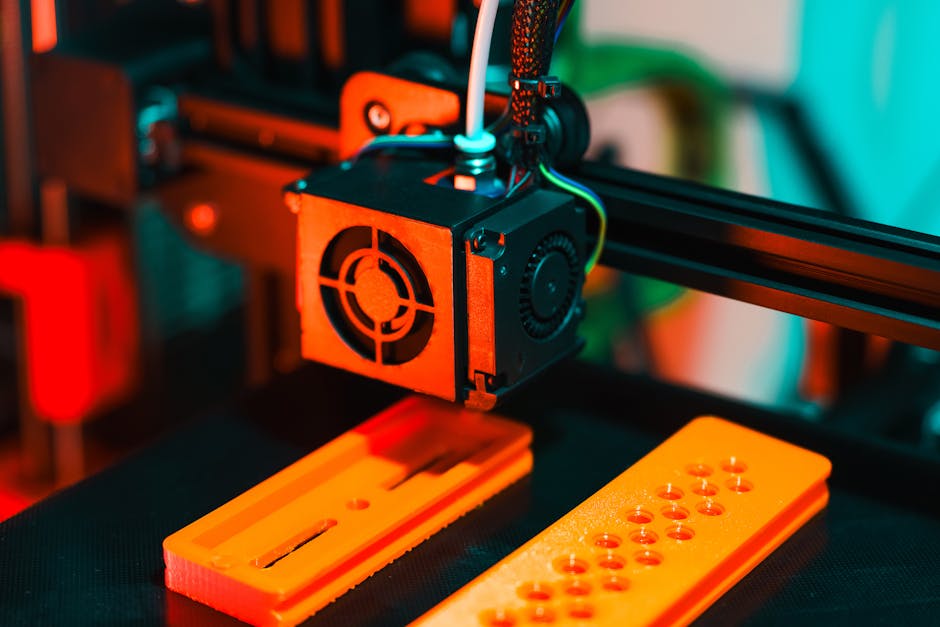
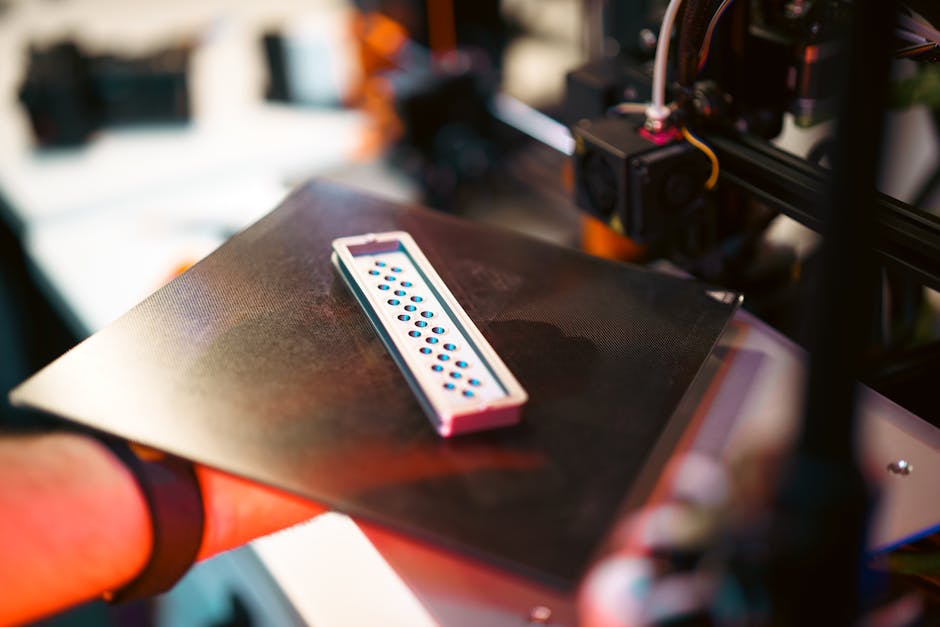
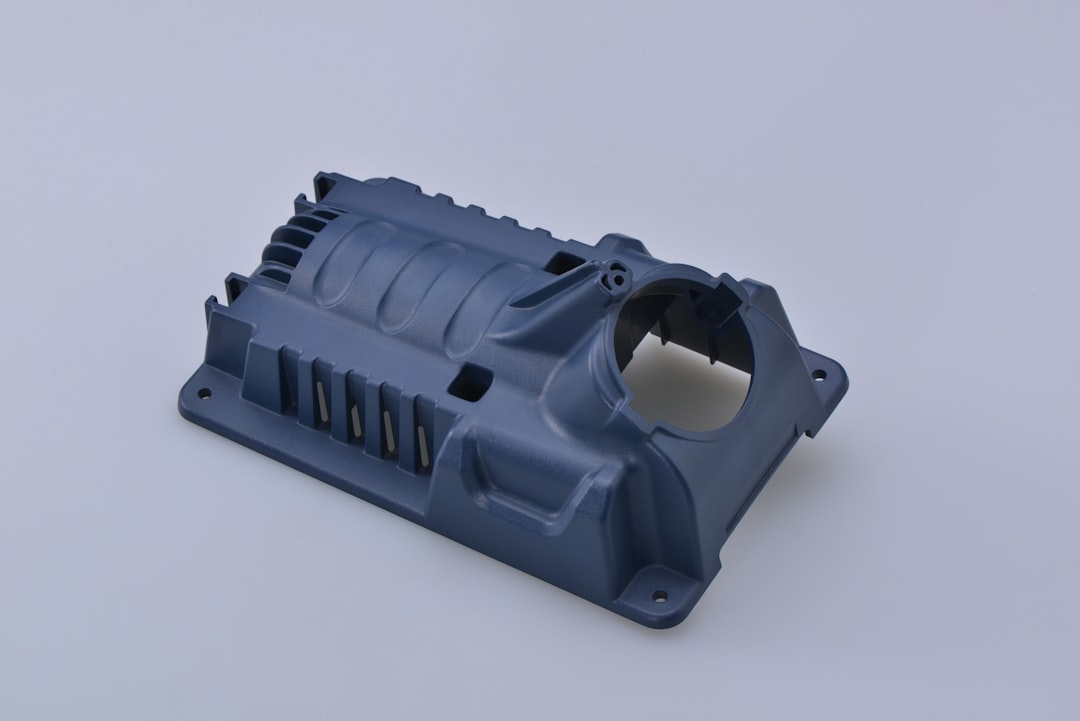
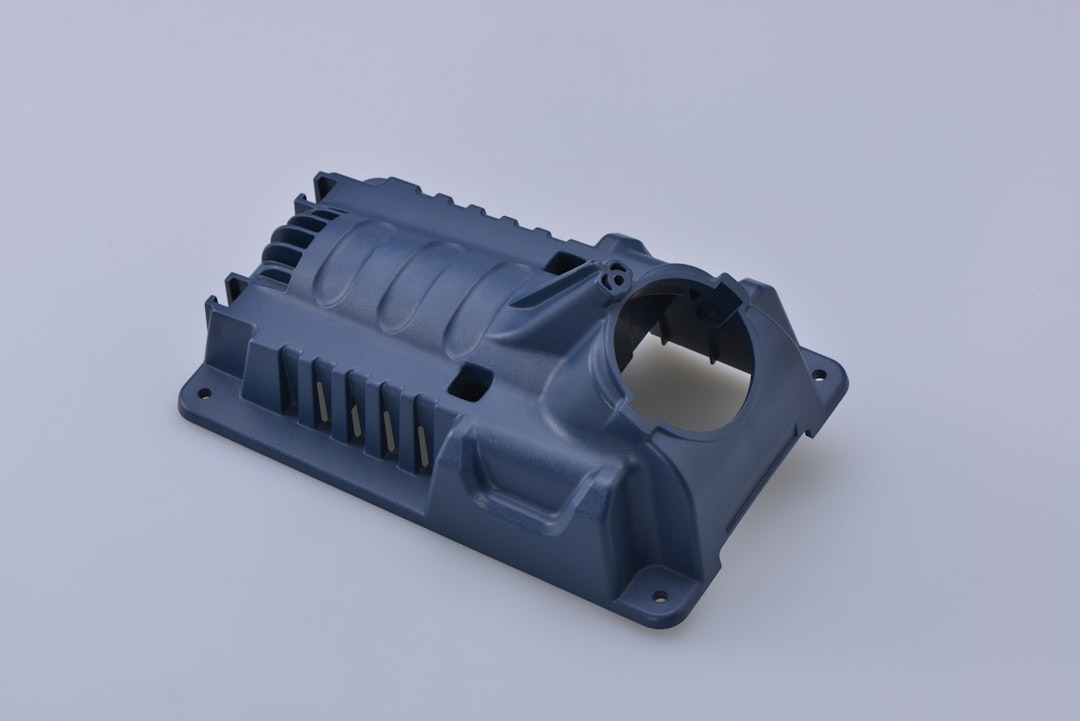
A few months back, I was sitting in on a factory floor walkthrough at a mid-sized aerospace supplier in the Midwest — the kind of place that still has a whiteboard full of Gantt charts and a coffee machine from 2009. The production engineer pulled me aside and pointed at a bracket on an engine nacelle assembly. “We used to wait 14 weeks for that part,” he said, almost casually. “Now we print it in-house in about 60 hours.” That moment stuck with me, because it wasn’t a pitch deck or a trade show demo. It was just… Tuesday. That’s how normalized metal additive manufacturing (AM) has become in serious industrial settings by 2026.
So let’s dig into what’s actually happening on the ground — the real applications, the real numbers, and some honest talk about where the technology still trips over its own feet.
Why Metal AM Finally Crossed the Industrial Threshold
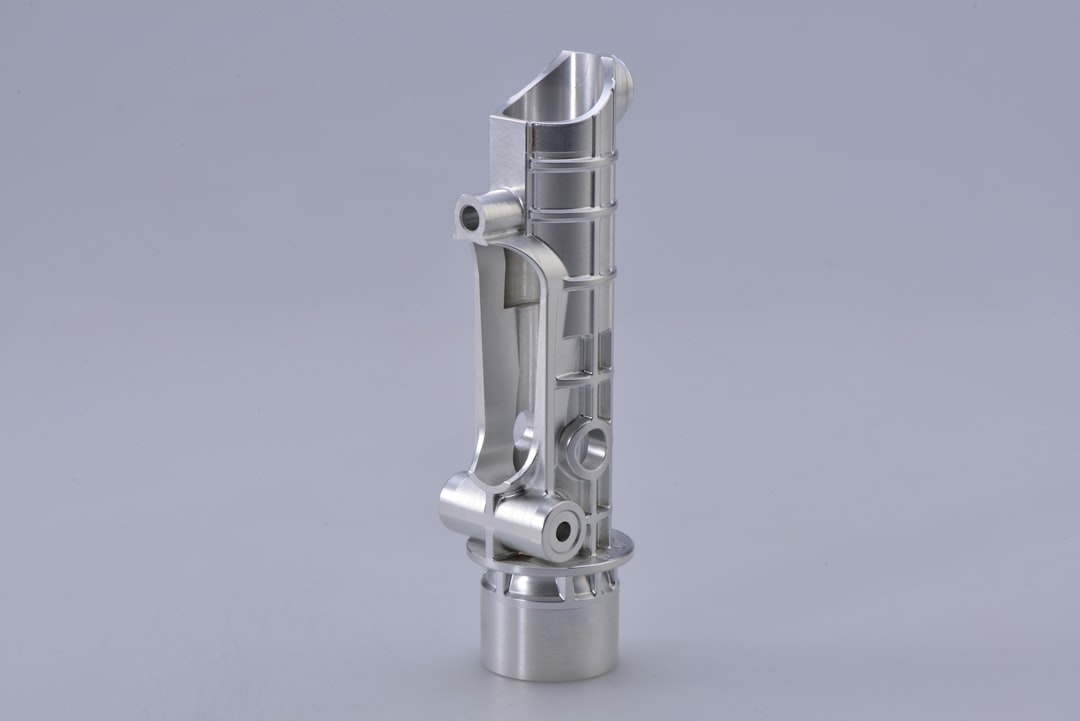
For years, metal 3D printing was the technology that was “almost ready” for production. The machines were expensive, powder management was a nightmare, and post-processing requirements ate up most of the time savings. But by 2026, a few critical shifts have converged:
- Machine throughput has roughly doubled compared to 2020 baselines — laser powder bed fusion (LPBF) systems from EOS, SLM Solutions (now part of Nikon AM), and Trumpf now routinely hit build rates of 100–200 cm³/hour on production-grade systems.
- Binder jetting maturity — Desktop Metal’s Production System and ExOne (now part of the same family) have made binder jetting a genuine alternative for medium-volume runs, with unit economics that finally make sense at 500–5,000 parts per year.
- Powder qualification pipelines have become standardized enough that aerospace and medical OEMs can run certified material lots with documented traceability — something that was genuinely painful to do even four years ago.
- Software-driven design — generative design tools from Autodesk, nTopology, and Ansys have matured to the point where engineers who aren’t topology optimization specialists can still produce print-optimized geometries without three months of iteration.
- Post-processing integration — companies like Renishaw and Additive Industries now sell turnkey cells that combine printing, stress relief heat treatment, and surface finishing in a single automated workflow.
Aerospace: Still the Proving Ground, But the Complexity Has Scaled Up
GE Aerospace’s LEAP engine fuel nozzle remains the canonical war story — 19 components consolidated into one, 25% weight reduction, five times longer service life. But that was 2016. In 2026, what’s happening is considerably more ambitious.
GE’s next-generation turbine programs are using metal AM for hot-section components in nickel superalloys like IN718 and Hastelloy X, with internal cooling channels that simply cannot be machined conventionally. We’re talking about wall thicknesses of 0.3–0.5 mm with conformal cooling passages that follow the external airfoil geometry — geometry that reduces thermal gradient stress and extends part life by an estimated 30–40% compared to conventionally cast equivalents.
Airbus’s Filton facility in the UK has been running a large-format directed energy deposition (DED) cell for titanium structural brackets since 2024, and by 2026 they’ve qualified over 40 unique part numbers for A350 and A320neo family aircraft. The key metric there isn’t just cost or lead time — it’s buy-to-fly ratio. Traditional titanium machining from billet can have a buy-to-fly ratio of 10:1 or worse (meaning 90% of expensive titanium ends up as chips on the floor). DED-printed near-net-shape parts drop that to roughly 1.5:1 to 2:1.
Medical Devices and Implants: Where Personalization Is the Point
If aerospace is about volume and certification, orthopedic implants are where metal AM’s ability to produce one-off geometry actually becomes a clinical advantage rather than just a manufacturing quirk.
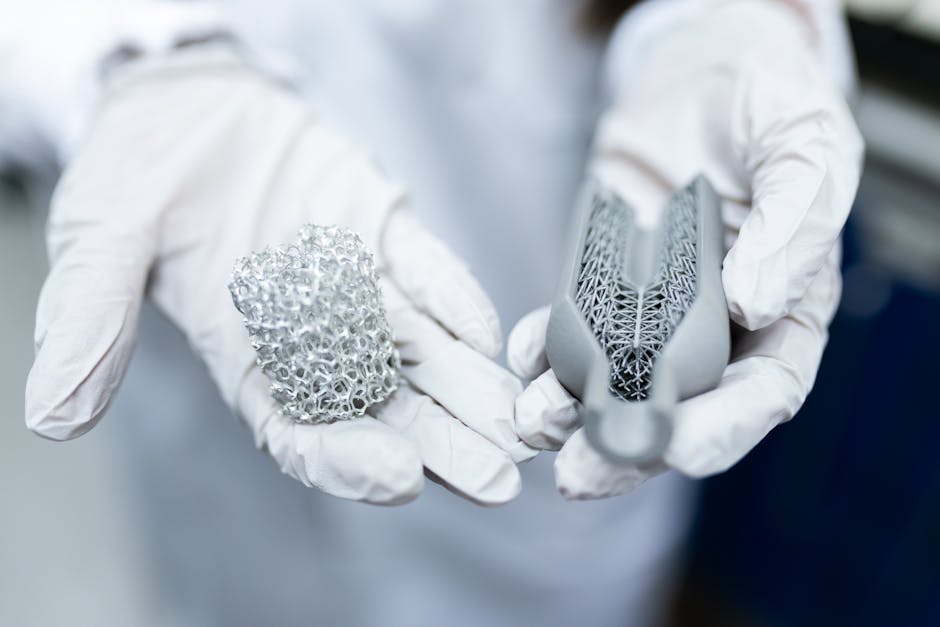
Stryker, Zimmer Biomet, and DePuy Synthes all have established AM production lines for trabecular (lattice-structured) titanium implants — hip acetabular cups, spinal fusion cages, and knee tibial trays. The open-cell lattice structures (typically 60–80% porosity, 400–600 µm pore size) are designed to mimic cancellous bone architecture, promoting osseointegration. Clinical studies published in journals like The Bone & Joint Journal show fusion rates 15–20% better than smooth-surface implants in certain indications.
What’s newer in 2026 is the patient-specific reconstruction segment. Companies like Materialise (Belgium) and Conformis (US) now operate workflows where a patient’s CT scan goes in one end and a printed titanium implant comes out the other — with regulatory cleared, case-specific designs for complex oncological reconstructions or trauma cases with significant bone loss. Turnaround from scan to sterile implant is now typically 10–14 days for straightforward cases.
Defense and Energy: The Applications Nobody Talks About Enough
Defense procurement is notoriously opaque, but enough has become public to paint a clear picture. The US Army’s Rapid Equipping Force and DEVCOM have both invested heavily in forward-deployed metal AM capability — essentially shipping LPBF machines to field locations to produce legacy spare parts for vehicles and weapons systems where the original supplier has long since stopped production. The 60th anniversary of the Abrams tank is approaching, and keeping that platform operational without a functioning OEM supply chain is a genuine logistical challenge that metal AM is actively solving.
In the energy sector — particularly oil & gas and nuclear — the story is about corrosion-resistant alloys and complex valve/manifold geometries. Companies like Baker Hughes have been printing Inconel 625 and duplex stainless steel components for subsea applications since the early 2020s. In 2026, the focus has shifted toward repair and remanufacturing via DED, where worn turbine blades or impellers get new material deposited on eroded surfaces rather than being scrapped. A single large industrial turbine blade can cost $50,000–$200,000 new; DED-based refurbishment at $5,000–$15,000 per blade is an obvious economic win, assuming the metallurgical properties of the deposited layer meet service requirements (which, with modern process monitoring, they increasingly do).
Automotive: High Performance First, Then Production Volume
Formula 1 teams have been printing metal parts for years — suspension uprights, hydraulic manifolds, gearbox casings — and the learnings from motorsport have been filtering down. By 2026, several premium OEMs are using metal AM in production contexts:
- Porsche uses LPBF-printed aluminum pistons in the 911 GT2 RS — internal lattice structure reduces piston mass by ~10% while the copper-infiltrated lattice acts as a heat exchanger, allowing higher sustained engine speeds.
- BMW’s Additive Manufacturing Campus in Oberschleißheim produces over 300,000 metal AM parts annually as of 2025, including structural nodes for the i-series vehicles.
- Bugatti/Rimac uses titanium printed brake calipers — the 8-piston monobloc caliper on the Nevera successor would require 44-hour machining from billet; printing it takes about 45 hours but eliminates 95% of material waste.
- Heavy trucking is emerging as a sleeper application — Volvo Trucks and PACCAR are both exploring AM for low-volume specialty configurations and fleet-specific tooling.
The Honest Limitations (Because Anyone Who’s Actually Run These Machines Knows)
Look, I’ve spent enough time around powder bed systems to know they can be genuinely maddening. Here are the real friction points in 2026:
- Residual stress management is still the #1 headache in LPBF. Parts warp, supports fail, builds abort at hour 47 of a 52-hour run. Simulation tools (Amphyon, Simufact Additive, Netfabb) help, but they’re not magic.
- Surface finish on as-built metal AM parts is rough — typically Ra 10–25 µm. Any functional surface (bore, sealing face, mating interface) needs machining. That means you need a machine shop downstream, which adds cost and time.
- Powder handling and safety — reactive metal powders (titanium, aluminum) are combustible. The housekeeping, PPE requirements, and environmental controls add real facility cost that often gets underestimated.
- Certification timelines in regulated industries remain long. Even with a perfect part, getting a new AM-produced component certified for flight or implantation can take 2–5 years and millions in testing — a barrier that favors large incumbents.
Where the Smart Money Is Going in 2026
The applications with the best ROI profile right now tend to share a few characteristics: complex internal geometry, high-value materials (titanium, nickel superalloys), low-to-medium volumes (under 10,000 units/year), and significant lead time pressure. Think: critical spare parts, patient-specific implants, rocket engine components, specialty tooling inserts for injection molding or die casting.
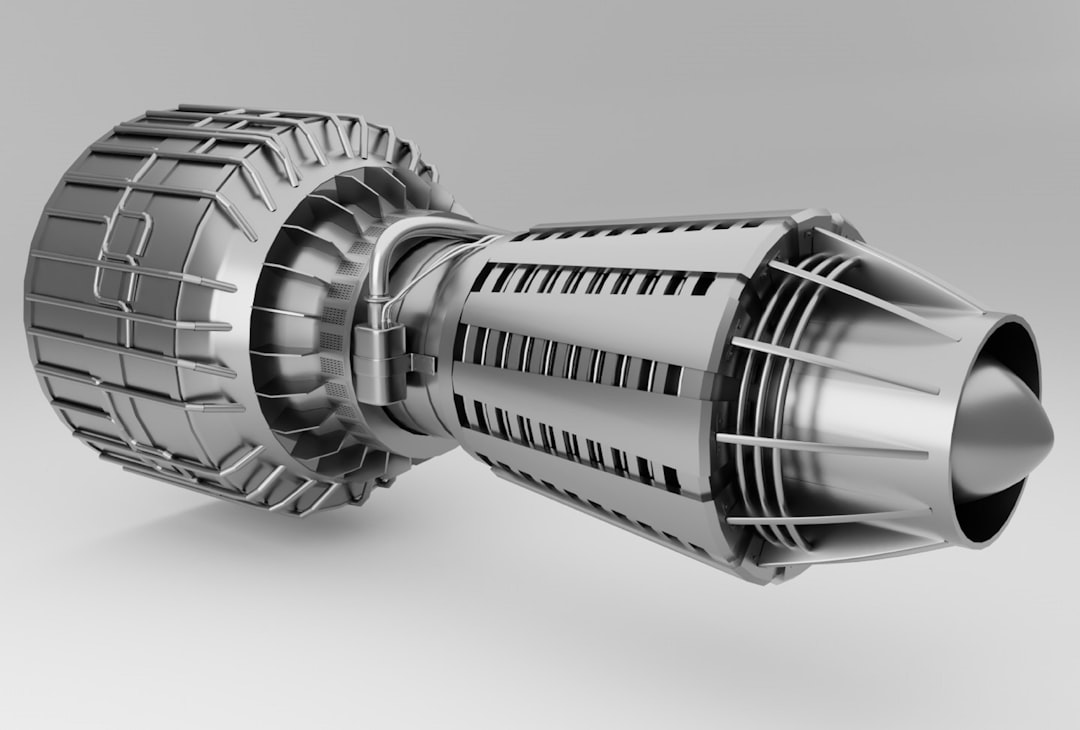
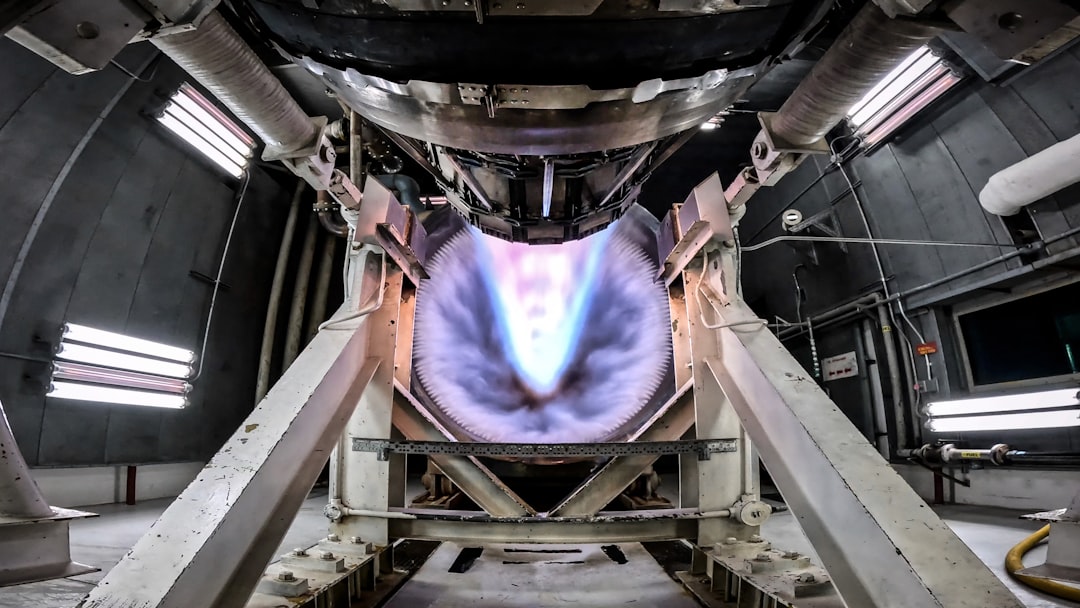
Rocket propulsion deserves a special mention. Relativity Space (which has iterated significantly since its early Terran rockets), Rocket Lab (Rutherford engine printed valves and injectors), and a dozen smaller launch vehicle startups are treating metal AM not as a manufacturing option but as a core design philosophy. When your entire engine can be designed around “what can be printed” rather than “what can be machined,” you get radically simplified assembly and supply chains.
For anyone evaluating whether metal AM makes sense for a specific application, the practical checklist looks something like:
- Is there internal geometry (cooling channels, lattice, conformal structures) that can’t be made conventionally? If yes, strong AM candidate.
- Is the material expensive and wasteful to machine? Titanium, Inconel, cobalt-chrome — yes.
- Is volume under ~5,000 units/year? Economics generally favor AM. Above that, casting and machining usually win on unit cost.
- Is lead time a critical constraint? AM can often compress 12–20 week casting lead times to 1–3 weeks.
- Can the part be redesigned (not just replicated)? The biggest mistake is trying to 1:1 replace a conventionally designed part. The ROI almost always lives in redesign.
Conclusion: This Is Infrastructure Now, Not Innovation Theater
The conversation about metal 3D printing in 2026 has matured past “is it real?” into “how do we scale it responsibly?” The industrial applications are documented, the supply chains exist, the material databases are growing, and the workforce (slowly) is being trained. The technology has rough edges — literally, in terms of surface finish — but the gaps are closing faster than most traditional manufacturers are moving to take advantage.
If you’re still in “wait and see” mode with metal AM, the risk has quietly flipped: your competitors aren’t waiting anymore.
Editor’s Comment : If you’re a manufacturer just starting to evaluate metal AM, don’t start with your most complex part or your most regulated application. Start with a tooling insert, a fixture, or an internal bracket where the stakes are lower and you can build process familiarity without certification pressure. Get comfortable with the workflow, the post-processing reality, and the design iteration cycle — then graduate to the high-value applications. The learning curve is real, but so is the payoff once you’re on the other side of it.
📚 관련된 다른 글도 읽어 보세요
- Proxmox 홈서버 가상화 설치 튜토리얼 2026 – 초보자도 따라하는 완벽 가이드
- 의료용 맞춤형 3D 프린팅 임플란트, 2026년 현재 어디까지 왔을까?
- SLS vs SLA vs FDM, 산업용 3D 프린팅 방식별 장단점 완전 정리 (2026년 최신판)
태그: metal 3D printing, additive manufacturing industrial applications, LPBF aerospace manufacturing, titanium implant 3D printing, metal AM 2026, directed energy deposition, binder jetting production