Blog

  • Self-Hosting a Home Server in 2026: Is Running Your Own Cloud Actually Worth It?

    A few years ago, my friend Marcus decided he was done paying monthly fees for cloud storage, password managers, and media streaming services. His solution? A repurposed old desktop PC sitting in his living room closet, humming quietly 24/7. Fast forward to today in 2026, and he’s running over a dozen self-hosted services, paying roughly $8/month in electricity, and hasn’t touched a subscription for any of those tools since. Is he a tech wizard? Honestly, not really. He just had patience, a little curiosity, and the right roadmap.

    Self-hosting โ€” the practice of running your own software services on personal hardware rather than relying on third-party cloud providers โ€” has exploded in popularity. And in 2026, with rising SaaS subscription costs, growing privacy concerns, and increasingly capable low-power hardware, the case for a home server has never been more compelling. But it’s not for everyone, and that’s exactly what we’re going to reason through together today.

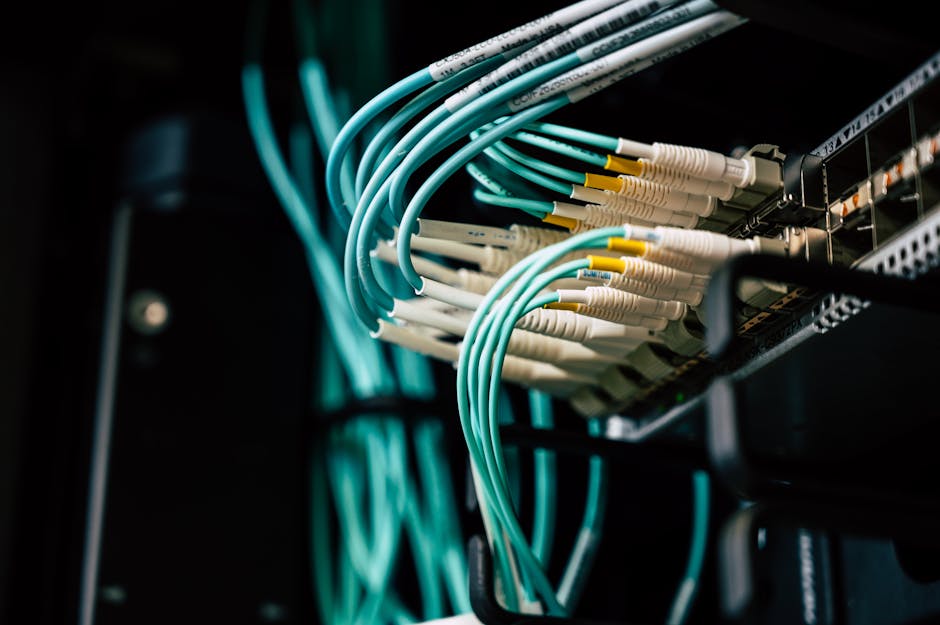
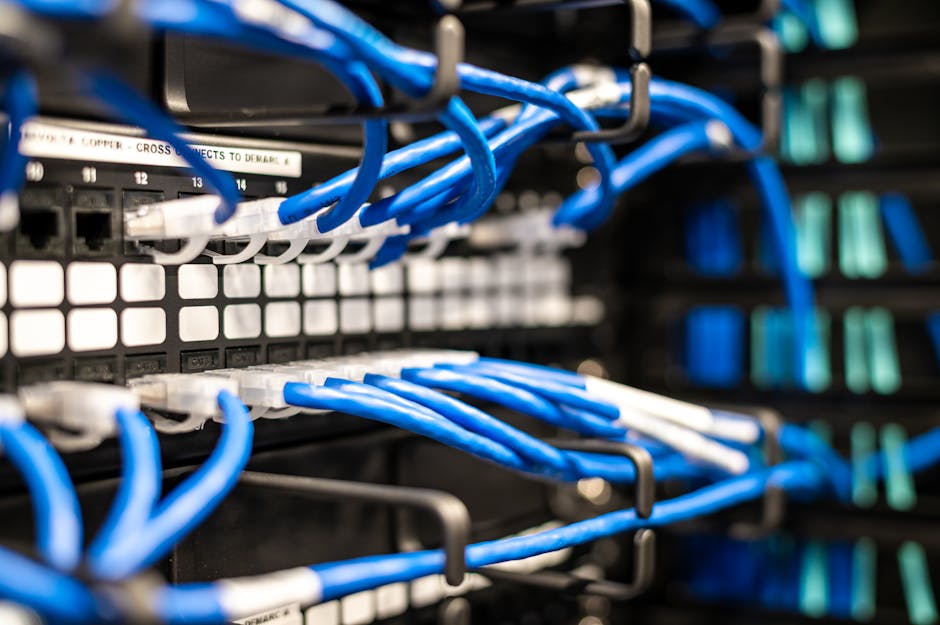
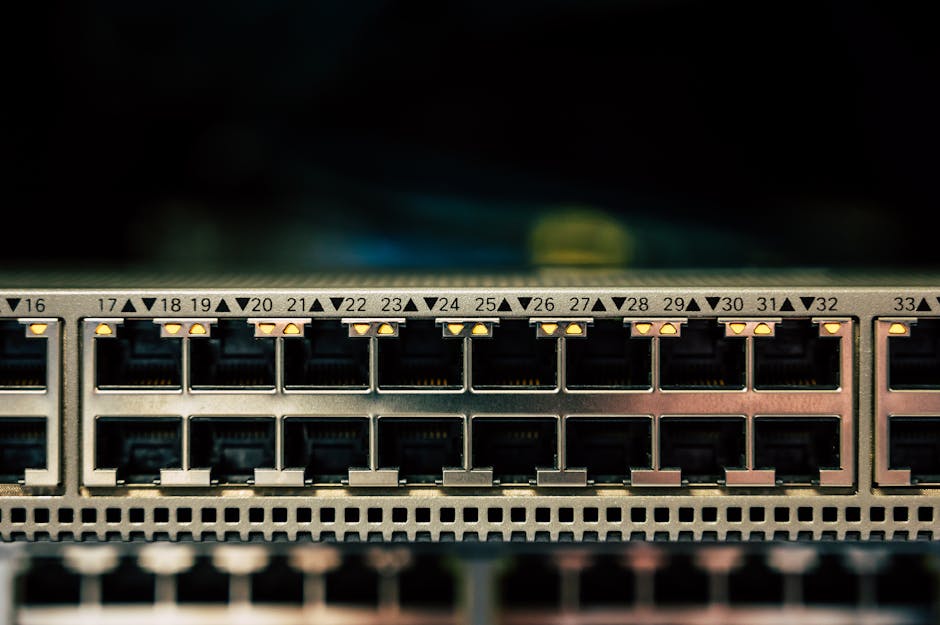
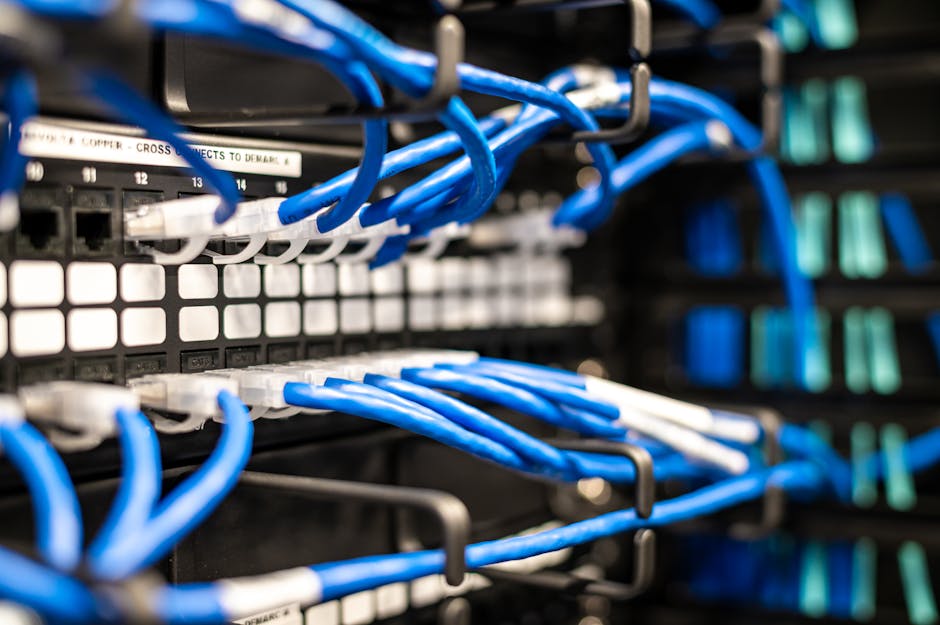
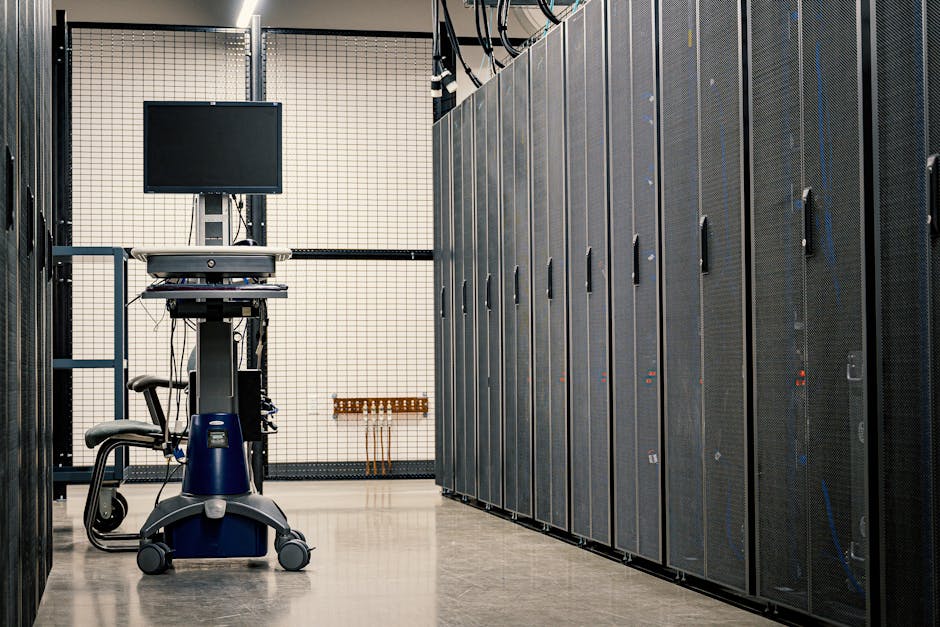
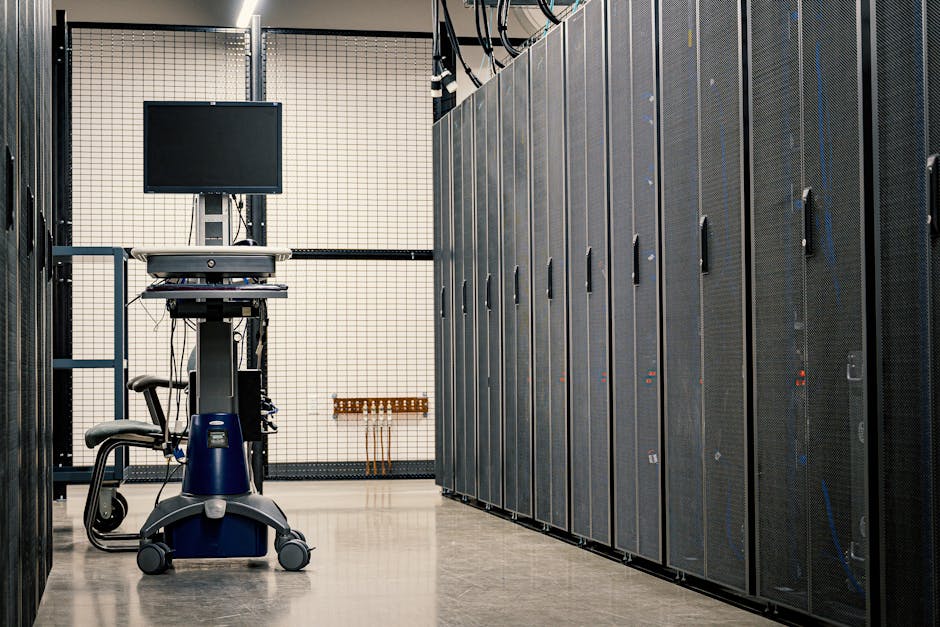
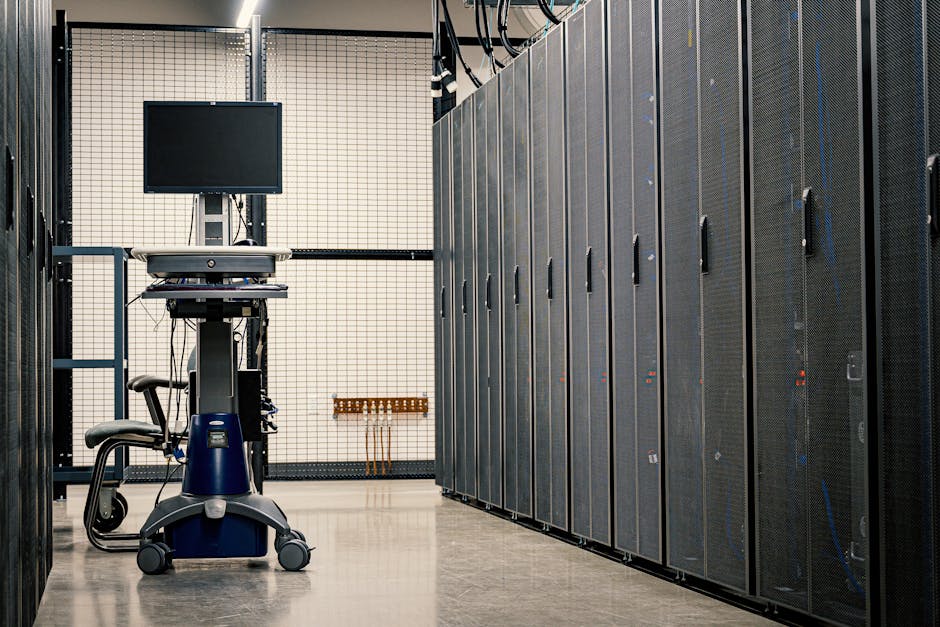
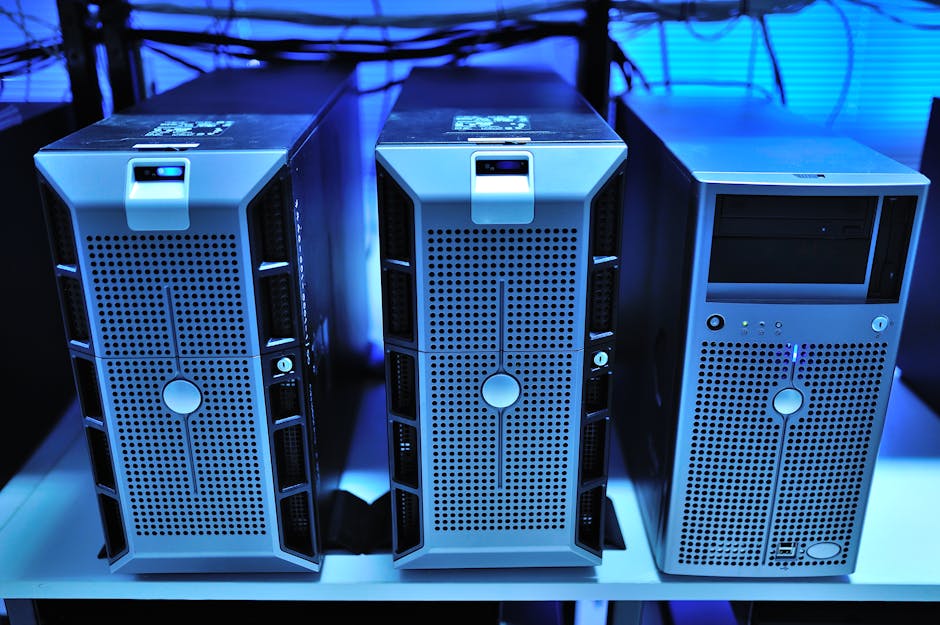
    home server rack setup 2026 self-hosting hardware mini PC

    ๐Ÿ“Š The State of Self-Hosting in 2026: What the Numbers Tell Us

    Let’s ground this in some real context before we dive into the how. According to community surveys on platforms like Reddit’s r/selfhosted (which surpassed 800,000 members in early 2026), the average self-hoster runs between 5 and 15 services simultaneously. The most popular? Media servers (Jellyfin, Plex), password managers (Vaultwarden), cloud storage (Nextcloud), and ad-blocking DNS (Pi-hole and AdGuard Home).

    On the cost side, consider this: a typical household subscribing to Dropbox Plus, LastPass Premium, Spotify, and a few other tools could easily spend $40โ€“$70/month. A capable home server built on a used mini PC like an Intel NUC or a Beelink SER series machine can be set up for a one-time cost of $150โ€“$300, with ongoing electricity costs of $5โ€“$15/month depending on your region and hardware efficiency.

    • Jellyfin โ€” Free, open-source media server. Replace Plex or Netflix library management entirely.
    • Nextcloud โ€” Self-hosted Google Drive/Docs alternative with calendar and contacts sync.
    • Vaultwarden โ€” Lightweight Bitwarden-compatible password manager. Runs on almost anything.
    • Home Assistant โ€” The gold standard for smart home automation in 2026, far beyond what commercial hubs offer.
    • Immich โ€” Google Photos replacement that’s gained massive traction, now with AI-assisted facial recognition.
    • Paperless-ngx โ€” Document management system. Scan, organize, and search all your paperwork digitally.
    • Uptime Kuma โ€” Monitor your own services (and anything else) with a beautiful dashboard.

    ๐ŸŒ Who’s Actually Doing This? Real-World Examples

    The self-hosting movement isn’t confined to Silicon Valley tinkerers. In South Korea, where broadband infrastructure is among the fastest and most affordable in the world, home server communities have grown dramatically on platforms like NAVER Cafรฉ and Okky. Korean enthusiasts are particularly drawn to NAS (Network Attached Storage) devices from brands like Synology and QNAP โ€” often used as the entry point before graduating to full Linux server setups. The appeal? Gigabit fiber at home paired with a robust server means serving 4K media to your family with zero buffering.

    In Germany and the Netherlands, where data privacy regulations and cultural attitudes toward personal data sovereignty are especially strong, self-hosting has become almost a lifestyle statement. German communities around platforms like the Heise Forum actively discuss GDPR-compliant self-hosting stacks, and Nextcloud โ€” a German company, notably โ€” sees a disproportionately high adoption rate in the DACH region.

    In the US, the mainstream adoption of tools like Proxmox VE (a free virtualization platform) has allowed non-enterprise users to run multiple virtual machines and containers on a single physical machine. A homelab running Proxmox can simultaneously host a media server, a VPN, a home dashboard, and a development environment without breaking a sweat on modern hardware.

    Proxmox dashboard home lab virtualization self-hosted services 2026

    โš™๏ธ Getting Started: The Realistic Learning Curve

    Here’s where I want to be honest with you: self-hosting has a real learning curve. The good news is that in 2026, the tooling has improved dramatically. Docker and Docker Compose remain the backbone of most home server setups โ€” you essentially describe what services you want in a configuration file and let Docker handle the rest. Platforms like Portainer give you a GUI to manage containers without touching a command line.

    For true beginners, Umbrel and CasaOS have emerged as app-store-style interfaces for home servers. You literally click “Install” next to Nextcloud or Jellyfin and you’re running it in minutes. These platforms have brought self-hosting within reach of people who’ve never touched Linux before.

    That said, you will encounter moments that require troubleshooting โ€” a port that isn’t forwarding correctly, a container that won’t start after an update, or SSL certificates that need renewing. The community support through forums like the r/selfhosted subreddit and the LinuxServer.io community is genuinely excellent, but be prepared to spend a weekend or two learning the ropes initially.

    ๐Ÿ”’ The Security Question You Can’t Ignore

    Running a home server that’s accessible from the internet introduces real security responsibilities. This is the part people underestimate. If you’re only using your server on your local home network, the risk is minimal. But if you want to access your Nextcloud or Jellyfin from your phone while you’re out, you need to think carefully about exposure.

    In 2026, the recommended approach is to use a reverse proxy with Cloudflare Tunnels (free tier) rather than opening ports directly on your router. Cloudflare Tunnels route traffic through Cloudflare’s network to your home server without exposing your home IP address โ€” a significant security and privacy win. Pair this with two-factor authentication on all your services and automatic updates, and you’ve built a reasonably hardened setup.

    ๐Ÿ’ก Realistic Alternatives If a Home Server Feels Like Too Much

    Not everyone wants to manage their own infrastructure, and that’s completely valid. Here are some middle-ground options worth considering:

    • Managed NAS devices (Synology DS series) โ€” These offer self-hosting benefits with a much more polished, consumer-friendly interface. The 2026 Synology lineup supports most popular self-hosted apps natively.
    • VPS (Virtual Private Server) hosting โ€” Services like Hetzner (Europe-based, excellent privacy) or BuyVM let you rent a small cloud server for $4โ€“$8/month and self-host there. No hardware to manage, no home electricity costs.
    • Hybrid approach โ€” Host sensitive things like passwords and photos locally, and use a VPS only for services that need to be publicly accessible (like a personal website or RSS aggregator).
    • Raspberry Pi 5 starter setup โ€” The Pi 5 (released in late 2023, now widely available and well-supported in 2026) is an excellent low-power entry point for running 2โ€“4 light services. Perfect for Pi-hole, Vaultwarden, and Home Assistant.

    The beauty of self-hosting in 2026 is that there’s truly a spectrum โ€” from a $50 Raspberry Pi running one or two services, all the way to a full homelab rack with 10-gigabit networking and enterprise-grade hardware bought secondhand. You don’t have to go all in on day one.

    The real question isn’t “can you self-host?” โ€” because honestly, the tooling is good enough that most people technically can. The question is whether the investment of time and occasional troubleshooting is worth the payoff of control, privacy, and cost savings for your specific lifestyle. For many people in 2026, the answer is increasingly yes.

    Editor’s Comment : Self-hosting is one of those rare hobbies that actually pays you back โ€” in money saved, skills gained, and the quiet satisfaction of knowing exactly where your data lives. Start small: grab a used mini PC or a Raspberry Pi 5, spin up Pi-hole for network-wide ad blocking, and go from there. The rabbit hole is deep, but the community waiting for you at the bottom is one of the most helpful on the internet.


    ๐Ÿ“š ๊ด€๋ จ๋œ ๋‹ค๋ฅธ ๊ธ€๋„ ์ฝ์–ด ๋ณด์„ธ์š”

    ํƒœ๊ทธ: [‘self hosting 2026’, ‘home server setup’, ‘selfhosted services’, ‘home lab beginner guide’, ‘Nextcloud Jellyfin Docker’, ‘privacy cloud alternative’, ‘homelab 2026’]

  • 2026๋…„ ์…€ํ”„ ํ˜ธ์ŠคํŒ… ํ™ˆ์„œ๋ฒ„ ์™„์ „ ์ •๋ณต โ€” ์›” ๊ตฌ๋…๋ฃŒ ์—†์ด ๋‚ด ์„œ๋น„์Šค๋ฅผ ์ง์ ‘ ์šด์˜ํ•˜๋Š” ๋ฒ•

    ์–ผ๋งˆ ์ „ ์ง€์ธ์ด ์ด๋Ÿฐ ๋ง์„ ํ–ˆ์–ด์š”. “๋…ธ์…˜, ๊ตฌ๊ธ€ ๋“œ๋ผ์ด๋ธŒ, ๋„ทํ”Œ๋ฆญ์Šค๊นŒ์ง€ ํ•ฉ์น˜๋ฉด ํ•œ ๋‹ฌ์— ๊ตฌ๋…๋ฃŒ๋งŒ ๊ฑฐ์˜ 6๋งŒ ์›์ด ๋„˜๋Š”๋‹ค”๊ณ ์š”. ํด๋ผ์šฐ๋“œ ์„œ๋น„์Šค ํ•˜๋‚˜ํ•˜๋‚˜๋Š” ๋ถ€๋‹ด ์—†์–ด ๋ณด์ด์ง€๋งŒ, ์Œ“์ด๊ณ  ๋‚˜๋ฉด ๊ฝค ๋ฌด์‹œ ๋ชป ํ•  ๊ธˆ์•ก์ด ๋˜์ฃ . ๊ทธ๋ž˜์„œ ์ตœ๊ทผ IT ์ปค๋ฎค๋‹ˆํ‹ฐ๋ฅผ ์ค‘์‹ฌ์œผ๋กœ ๋‹ค์‹œ ์ฃผ๋ชฉ๋ฐ›๊ณ  ์žˆ๋Š” ํ‚ค์›Œ๋“œ๊ฐ€ ๋ฐ”๋กœ ์…€ํ”„ ํ˜ธ์ŠคํŒ…(Self-Hosting)์ž…๋‹ˆ๋‹ค. ๋‚ด๊ฐ€ ์ง์ ‘ ์„œ๋ฒ„๋ฅผ ๋Œ๋ ค์„œ ํด๋ผ์šฐ๋“œ ์„œ๋น„์Šค๋ฅผ ๋Œ€์ฒดํ•˜๋Š” ๋ฐฉ์‹์ธ๋ฐ์š”, 2026๋…„ ํ˜„์žฌ๋Š” ํ•˜๋“œ์›จ์–ด ๊ฐ€๊ฒฉ๋„ ๋‚ด๋ ค๊ฐ€๊ณ  ์˜คํ”ˆ์†Œ์Šค ์ƒํƒœ๊ณ„๋„ ํ›จ์”ฌ ์„ฑ์ˆ™ํ•ด์ ธ์„œ ์ง„์ž… ์žฅ๋ฒฝ์ด ์ƒ๊ฐ๋ณด๋‹ค ๋งŽ์ด ๋‚ฎ์•„์กŒ๋‹ค๊ณ  ๋ด…๋‹ˆ๋‹ค.

    home server rack setup desk minimalist

    1. ์…€ํ”„ ํ˜ธ์ŠคํŒ…, ๋น„์šฉ์œผ๋กœ ๋”ฐ์ง€๋ฉด ์ •๋ง ์ด๋“์ผ๊นŒ?

    ์ˆซ์ž๋กœ ํ•œ๋ฒˆ ํ’€์–ด๋ณผ๊ฒŒ์š”. 2026๋…„ ๊ธฐ์ค€, ๋ฏธ๋‹ˆ PC ํ˜•ํƒœ์˜ ํ™ˆ์„œ๋ฒ„ ์ง„์ž… ์˜ต์…˜์œผ๋กœ ๋งŽ์ด ์“ฐ์ด๋Š” Intel N100 ๊ธฐ๋ฐ˜ ๋ฏธ๋‹ˆ PC๋Š” ๊ตญ๋‚ด ๊ธฐ์ค€ ์•ฝ 15๋งŒ~20๋งŒ ์›๋Œ€์— ๊ตฌ๋งคํ•  ์ˆ˜ ์žˆ์–ด์š”. ์—ฌ๊ธฐ์— 8TB NAS์šฉ HDD ํ•˜๋‚˜๋ฅผ ์ถ”๊ฐ€ํ•˜๋ฉด ์•ฝ 18๋งŒ ์› ์ •๋„ ๋” ๋“ค๊ณ ์š”. ์ดˆ๊ธฐ ์…‹์—… ๋น„์šฉ์„ ์ด 35๋งŒ~40๋งŒ ์›์œผ๋กœ ์žก์œผ๋ฉด, ์ „๊ธฐ๋ฃŒ๋Š” ์›” ์–ผ๋งˆ๋‚˜ ๋‚˜์˜ฌ๊นŒ์š”?

    N100 ์นฉ์…‹ ๊ธฐ๋ฐ˜ ๋ฏธ๋‹ˆ PC์˜ ํ‰๊ท  ์†Œ๋น„์ „๋ ฅ์€ ์œ ํœด ์ƒํƒœ ๊ธฐ์ค€ ์•ฝ 6~10W ์ˆ˜์ค€์ž…๋‹ˆ๋‹ค. 24์‹œ๊ฐ„ ํ’€๊ฐ€๋™ ๊ธฐ์ค€์œผ๋กœ ํ•œ ๋‹ฌ ์ „๋ ฅ ์†Œ๋น„๋Ÿ‰์€ ์•ฝ 7.2kWh ๋‚ด์™ธ์˜ˆ์š”. 2026๋…„ ํ˜„์žฌ ํ•œ๊ตญ ํ‰๊ท  ๊ฐ€์ •์šฉ ์ „๊ธฐ์š”๊ธˆ(๋ˆ„์ง„ 1๋‹จ๊ณ„)์„ kWh๋‹น ์•ฝ 120์›์œผ๋กœ ๊ณ„์‚ฐํ•˜๋ฉด, ํ•œ ๋‹ฌ ์ „๊ธฐ๋ฃŒ๋Š” ๊ณ ์ž‘ ์•ฝ 864์›. ์‚ฌ์‹ค์ƒ ๊ฑฐ์˜ ๊ณต์งœ๋ผ๊ณ  ๋ด๋„ ๋ฌด๋ฐฉํ•˜์ฃ .

    ๋ฐ˜๋ฉด ๊ตฌ๊ธ€ ์› 2TB ํ”Œ๋žœ์€ ์›” ์•ฝ 13,900์›, Dropbox Plus๋Š” ์›” ์•ฝ 16,000์›, ์ž์ฒด ๋ฏธ๋””์–ด ์„œ๋ฒ„ ์—†์ด ์ŠคํŠธ๋ฆฌ๋ฐ ์„œ๋น„์Šค๋ฅผ ์“ด๋‹ค๋ฉด ์ถ”๊ฐ€๋กœ 1~2๋งŒ ์›์ด ๋” ๋ถ™์–ด์š”. ์ด ์ •๋„๋งŒ ๋Œ€์ฒดํ•ด๋„ ์ดˆ๊ธฐ ํˆฌ์ž๊ธˆ์„ ์•ฝ 8~12๊ฐœ์›” ์•ˆ์— ํšŒ์ˆ˜ํ•  ์ˆ˜ ์žˆ๋‹ค๋Š” ๊ณ„์‚ฐ์ด ๋‚˜์˜ต๋‹ˆ๋‹ค.

    2. 2026๋…„ ์…€ํ”„ ํ˜ธ์ŠคํŒ… ์ƒํƒœ๊ณ„ โ€” ๋ฌด์—‡์ด ๋‹ฌ๋ผ์กŒ๋‚˜?

    ํ•ด์™ธ์—์„œ๋Š” ์ด๋ฏธ Reddit์˜ r/selfhosted ์ปค๋ฎค๋‹ˆํ‹ฐ๊ฐ€ 230๋งŒ ๋ช… ์ด์ƒ์˜ ๊ตฌ๋…์ž๋ฅผ ๋ณด์œ ํ•˜๋ฉฐ ๋ฐฉ๋Œ€ํ•œ ๋…ธํ•˜์šฐ๊ฐ€ ๊ณต์œ ๋˜๊ณ  ์žˆ์–ด์š”. ํŠนํžˆ Coolify v5์™€ ๊ฐ™์€ ์…€ํ”„ ํ˜ธ์ŠคํŒ… PaaS ํˆด์ด 2025๋…„ ๋ง๋ถ€ํ„ฐ ์•ˆ์ •ํ™”๋˜๋ฉด์„œ, ๊ธฐ์ˆ ์  ๋ฐฐ๊ฒฝ์ด ์—†์–ด๋„ GUI ํ™˜๊ฒฝ์—์„œ ์•ฑ์„ ๋ฐฐํฌํ•  ์ˆ˜ ์žˆ๊ฒŒ ๋๋‹ค๋Š” ์ ์ด ํฐ ๋ณ€ํ™”๋ผ๊ณ  ๋ด…๋‹ˆ๋‹ค.

    ๊ตญ๋‚ด์—์„œ๋„ ๋ณ€ํ™”๊ฐ€ ๊ฐ์ง€๋ผ์š”. ํด๋ฆฌ์•™, ๋ฝ๋ฟŒ, ๊ฐ์ข… ๊ฐœ๋ฐœ์ž ์˜คํ”ˆ ์ฑ„ํŒ…๋ฐฉ์—์„œ “๋‚˜์Šค(NAS) ๋ง๊ณ  ์ง์ ‘ ๋ฆฌ๋ˆ…์Šค ๋ฐ•์Šค ๋Œ๋ฆฌ๋Š” ์‚ฌ๋žŒ”๋“ค์ด ๋ถ€์ฉ ๋Š˜์—ˆ๊ณ , Synology๋‚˜ QNAP ๊ฐ™์€ ์ƒ์šฉ NAS ๋Œ€์‹  TrueNAS Scale์ด๋‚˜ Proxmox VE๋ฅผ ์ง์ ‘ ๊ตฌ์„ฑํ•˜๋Š” DIY ๋ฐฉ์‹์ด ์ฃผ๋ฅ˜๋กœ ์˜ฌ๋ผ์˜ค๋Š” ์ถ”์„ธ์˜ˆ์š”. Proxmox๋Š” ๋‹จ์ผ ์„œ๋ฒ„ ์œ„์—์„œ ์—ฌ๋Ÿฌ ๊ฐ€์ƒ ๋จธ์‹ ๊ณผ ์ปจํ…Œ์ด๋„ˆ๋ฅผ ๋™์‹œ์— ๋Œ๋ฆด ์ˆ˜ ์žˆ๋Š” ์˜คํ”ˆ์†Œ์Šค ํ•˜์ดํผ๋ฐ”์ด์ €์ธ๋ฐ, ํ•œ ๋Œ€์˜ ํ™ˆ์„œ๋ฒ„๋กœ ์—ฌ๋Ÿฌ ์„œ๋น„์Šค๋ฅผ ๊ฒฉ๋ฆฌํ•ด์„œ ์šด์˜ํ•˜๊ธฐ์— ์ตœ์ ํ™”๋ผ ์žˆ์Šต๋‹ˆ๋‹ค.

    3. ์‹ค์ œ๋กœ ์–ด๋–ค ์„œ๋น„์Šค๋ฅผ ๋Œ€์ฒดํ•  ์ˆ˜ ์žˆ์„๊นŒ?

    ๋ง‰๋ง‰ํ•˜๊ฒŒ ๋А๊ปด์งˆ ์ˆ˜ ์žˆ์ง€๋งŒ, ์ƒ๊ฐ๋ณด๋‹ค ์„ ํƒ์ง€๊ฐ€ ๊ฝค ๋งŽ์•„์š”. ๋Œ€ํ‘œ์ ์ธ ์…€ํ”„ ํ˜ธ์ŠคํŒ… ๋Œ€์ฒด ์„œ๋น„์Šค๋“ค์„ ์ •๋ฆฌํ•ด ๋ดค์Šต๋‹ˆ๋‹ค.

    • ํŒŒ์ผ ์ €์žฅ / ๊ตฌ๊ธ€ ๋“œ๋ผ์ด๋ธŒ ๋Œ€์ฒด: Nextcloud โ€” ํŒŒ์ผ ๋™๊ธฐํ™”, ์บ˜๋ฆฐ๋”, ์—ฐ๋ฝ์ฒ˜, ์‹ฌ์ง€์–ด ํ™”์ƒํšŒ์˜๊นŒ์ง€ ์˜ฌ์ธ์›์œผ๋กœ ์ œ๊ณตํ•ด์š”.
    • ๋ฏธ๋””์–ด ์ŠคํŠธ๋ฆฌ๋ฐ / ๋„ทํ”Œ๋ฆญ์Šค ๋Œ€์ฒด: Jellyfin โ€” ์™„์ „ ๋ฌด๋ฃŒ ์˜คํ”ˆ์†Œ์Šค ๋ฏธ๋””์–ด ์„œ๋ฒ„. ๋ชจ๋“  ๊ธฐ๊ธฐ์—์„œ ์ŠคํŠธ๋ฆฌ๋ฐ ๊ฐ€๋Šฅํ•ฉ๋‹ˆ๋‹ค.
    • ๋น„๋ฐ€๋ฒˆํ˜ธ ๊ด€๋ฆฌ / 1Password ๋Œ€์ฒด: Vaultwarden โ€” Bitwarden ์„œ๋ฒ„์˜ ๊ฒฝ๋Ÿ‰ ๊ตฌํ˜„์ฒด๋กœ, ๋ผ์ฆˆ๋ฒ ๋ฆฌํŒŒ์ด๊ธ‰ ๊ธฐ๊ธฐ์—์„œ๋„ ๊ฑฐ๋œฌํžˆ ๋Œ์•„๊ฐ€์š”.
    • ๋…ธํŠธ ์•ฑ / Notion ๋Œ€์ฒด: Outline ๋˜๋Š” AppFlowy โ€” ํŒ€ ์œ„ํ‚ค๋‚˜ ๊ฐœ์ธ ์ง€์‹ ๊ด€๋ฆฌ ์šฉ๋„๋กœ ํ›Œ๋ฅญํ•ฉ๋‹ˆ๋‹ค.
    • RSS ๋ฆฌ๋” / ๋‰ด์Šค ํ๋ ˆ์ด์…˜: FreshRSS โ€” ๊ด‘๊ณ  ์—†์ด ์›ํ•˜๋Š” ํ”ผ๋“œ๋ฅผ ํ•œ๊ณณ์— ๋ชจ์•„๋ณผ ์ˆ˜ ์žˆ์–ด์š”.
    • ๊ด‘๊ณ  ์ฐจ๋‹จ DNS: AdGuard Home ๋˜๋Š” Pi-hole โ€” ํ™ˆ ๋„คํŠธ์›Œํฌ ์ „์ฒด์˜ ๊ด‘๊ณ ์™€ ํŠธ๋ž˜ํ‚น์„ DNS ๋ ˆ๋ฒจ์—์„œ ์ฐจ๋‹จํ•ฉ๋‹ˆ๋‹ค.
    • VPN ์„œ๋ฒ„: WireGuard โ€” ์™ธ๋ถ€์—์„œ ์ง‘ ๋„คํŠธ์›Œํฌ์— ์•ˆ์ „ํ•˜๊ฒŒ ์ ‘์†ํ•˜๊ฑฐ๋‚˜ ํŠธ๋ž˜ํ”ฝ์„ ๋ณดํ˜ธํ•  ๋•Œ ์”๋‹ˆ๋‹ค.
    self hosting software dashboard Nextcloud Jellyfin open source

    4. ์ž…๋ฌธ์ž๊ฐ€ ๊ฐ€์žฅ ๋งŽ์ด ๋ง‰ํžˆ๋Š” ์ง€์ ๋“ค

    ์…€ํ”„ ํ˜ธ์ŠคํŒ…์˜ ๊ฐ€์žฅ ํฐ ํ—ˆ๋“ค์€ ๊ธฐ์ˆ ์ด ์•„๋‹ˆ๋ผ ์™ธ๋ถ€ ์ ‘์† ์„ค์ •์ธ ๊ฒฝ์šฐ๊ฐ€ ๋งŽ์•„์š”. ์ง‘ ๊ณต์œ ๊ธฐ๋Š” ๊ธฐ๋ณธ์ ์œผ๋กœ ์™ธ๋ถ€ ์ธํ„ฐ๋„ท์—์„œ ๋‚ด๋ถ€ ์„œ๋ฒ„๋กœ ์ง์ ‘ ์ ‘๊ทผํ•˜๋Š” ๊ฒƒ์„ ๋ง‰์•„๋‘๊ธฐ ๋•Œ๋ฌธ์—, ํฌํŠธ ํฌ์›Œ๋”ฉ์ด๋‚˜ ํ„ฐ๋„๋ง ์„ค์ •์ด ํ•„์š”ํ•ฉ๋‹ˆ๋‹ค. ์ด๊ฑธ ํ•ด๊ฒฐํ•˜๋Š” ๋ฐฉ๋ฒ•์ด ๋ช‡ ๊ฐ€์ง€ ์žˆ๋Š”๋ฐ์š”:

    ๊ฐ€์žฅ ๋งŽ์ด ์“ฐ์ด๋Š” ๋ฐฉ๋ฒ•์€ Cloudflare Tunnel์ž…๋‹ˆ๋‹ค. ๋ณ„๋„์˜ ๊ณต์ธ IP ์—†์ด๋„, Cloudflare๊ฐ€ ์ค‘๊ฐ„ ํ„ฐ๋„ ์—ญํ• ์„ ํ•ด์ค˜์„œ ๋‚ด ํ™ˆ์„œ๋ฒ„๋ฅผ ์•ˆ์ „ํ•˜๊ฒŒ ์™ธ๋ถ€์— ๋…ธ์ถœํ•  ์ˆ˜ ์žˆ์–ด์š”. ๋ฌด๋ฃŒ ํ‹ฐ์–ด๋กœ๋„ ์ถฉ๋ถ„ํžˆ ์‚ฌ์šฉ ๊ฐ€๋Šฅํ•˜๋‹ค๋Š” ๊ฒŒ ์žฅ์ ์ด๊ณ ์š”. ๋˜ ๋‹ค๋ฅธ ๋ฐฉ๋ฒ•์€ Tailscale ๊ฐ™์€ ๋ฉ”์‹œ VPN์„ ์“ฐ๋Š” ๊ฒƒ์ธ๋ฐ, ์ ‘์†์„ ๊ณต๊ฐœํ•˜์ง€ ์•Š๊ณ  ๋ณธ์ธ ๊ธฐ๊ธฐ๋“ค๋ผ๋ฆฌ๋งŒ ์‚ฌ์„ค ๋„คํŠธ์›Œํฌ๋ฅผ ๊ตฌ์„ฑํ•˜๋Š” ๋ฐฉ์‹์ด๋ผ ๋ณด์•ˆ ๋ฉด์—์„œ ๋” ํ์‡„์ ์ด์—์š”. ์šฉ๋„์— ๋”ฐ๋ผ ์„ ํƒํ•˜๋ฉด ๋ฉ๋‹ˆ๋‹ค.

    ๋ณด์•ˆ๋„ ์ ˆ๋Œ€ ๋น ๋œจ๋ฆด ์ˆ˜ ์—†๋Š” ๋ถ€๋ถ„์ด์—์š”. ์™ธ๋ถ€์— ์„œ๋น„์Šค๋ฅผ ๋…ธ์ถœํ•˜๋Š” ์ˆœ๊ฐ„๋ถ€ํ„ฐ ์‹ค์ œ ๊ณต๊ฒฉ ์‹œ๋„๊ฐ€ ๋“ค์–ด์˜ฌ ์ˆ˜ ์žˆ๊ฑฐ๋“ ์š”. Fail2ban์ด๋‚˜ Authelia(2FA ์ธ์ฆ ๋ฏธ๋“ค์›จ์–ด)๋ฅผ ๋ฆฌ๋ฒ„์Šค ํ”„๋ก์‹œ ์•ž์— ์„ธ์›Œ๋‘๋Š” ๊ฒƒ์„ ๊ผญ ๊ถŒ์žฅํ•˜๊ณ  ์‹ถ์–ด์š”.

    ๊ฒฐ๋ก  โ€” ๋ชจ๋‘์—๊ฒŒ ๋งž๋Š” ๋ฐฉ๋ฒ•์€ ์•„๋‹ˆ์ง€๋งŒ, ๊ณ ๋ คํ•ด ๋ณผ ๊ฐ€์น˜๋Š” ์ถฉ๋ถ„ํ•˜๋‹ค

    ์†”์งํžˆ ์…€ํ”„ ํ˜ธ์ŠคํŒ…์€ ์ดˆ๊ธฐ ์…‹์—… ์‹œ๊ฐ„ ํˆฌ์ž๊ฐ€ ํ•„์š”ํ•˜๊ณ , ์žฅ์• ๊ฐ€ ์ƒ๊ฒผ์„ ๋•Œ ๋‚ด๊ฐ€ ์ง์ ‘ ๊ณ ์ณ์•ผ ํ•œ๋‹ค๋Š” ๋ถ€๋‹ด์ด ์žˆ์–ด์š”. ํด๋ผ์šฐ๋“œ ์„œ๋น„์Šค์˜ ํŽธ๋ฆฌํ•จ์„ ์™„์ „ํžˆ ๋Œ€์ฒดํ•˜๊ธฐ๋Š” ์–ด๋ ต๊ณ ์š”. ํ•˜์ง€๋งŒ ๋ฐ์ดํ„ฐ ์ฃผ๊ถŒ์„ ๊ฐ€์ ธ์˜ค๊ณ , ์ง€์†์ ์ธ ๊ตฌ๋… ๋น„์šฉ์„ ์ค„์ด๊ณ , ๋ฌด์—‡๋ณด๋‹ค “๋‚ด ์„œ๋น„์Šค๋ฅผ ๋‚ด๊ฐ€ ์ง์ ‘ ์šด์˜ํ•œ๋‹ค”๋Š” ๊ฒฝํ—˜ ์ž์ฒด๊ฐ€ ๊ฐ€์ ธ๋‹ค์ฃผ๋Š” ๋งŒ์กฑ๊ฐ์€ ๊ฝค ํฌ๋‹ค๊ณ  ๋ด…๋‹ˆ๋‹ค.

    2026๋…„ ํ˜„์žฌ, ๊ด€๋ จ ์ปค๋ฎค๋‹ˆํ‹ฐ์™€ ๋ฌธ์„œํ™” ์ˆ˜์ค€์ด ๋ช‡ ๋…„ ์ „๊ณผ๋Š” ๋น„๊ต๋„ ์•ˆ ๋  ๋งŒํผ ์ข‹์•„์กŒ์–ด์š”. ์ฒ˜์Œ์ด๋ผ๋ฉด ๋ผ์ฆˆ๋ฒ ๋ฆฌํŒŒ์ด๋‚˜ ์ค‘๊ณ  ๋ฏธ๋‹ˆ PC ํ•œ ๋Œ€๋กœ AdGuard Home๊ณผ Vaultwarden๋งŒ ๋จผ์ € ๋Œ๋ ค๋ณด์„ธ์š”. ๊ฑฐ๊ธฐ์„œ๋ถ€ํ„ฐ ํ•˜๋‚˜์”ฉ ํ™•์žฅํ•˜๋‹ค ๋ณด๋ฉด ์–ด๋А ์ˆœ๊ฐ„ ๋‚˜๋งŒ์˜ ์ž‘์€ ํด๋ผ์šฐ๋“œ๊ฐ€ ์™„์„ฑ๋ผ ์žˆ์„ ๊ฑฐ์˜ˆ์š”.

    ์—๋””ํ„ฐ ์ฝ”๋ฉ˜ํŠธ : ํด๋ผ์šฐ๋“œ๊ฐ€ ํŽธ๋ฆฌํ•œ ๊ฑด ๋งž์ง€๋งŒ, ๋‚˜์˜ ์‚ฌ์ง„๊ณผ ๋ฌธ์„œ, ๋น„๋ฐ€๋ฒˆํ˜ธ๊ฐ€ ์–ด๋”˜๊ฐ€ ๋ชจ๋ฅผ ๋ฐ์ดํ„ฐ์„ผํ„ฐ ์„œ๋ฒ„์— ์ €์žฅ๋œ๋‹ค๋Š” ์‚ฌ์‹ค์ด ๊ฐ€๋” ์ฐ์ฐํ•˜๊ฒŒ ๋А๊ปด์ง€์ง€ ์•Š๋‚˜์š”? ์…€ํ”„ ํ˜ธ์ŠคํŒ…์€ ๊ทธ ๋ถˆ์•ˆ๊ฐ์„ ๋‚ด ์†์œผ๋กœ ํ•ด๊ฒฐํ•  ์ˆ˜ ์žˆ๋Š” ๊ฐ€์žฅ ํ˜„์‹ค์ ์ธ ๋ฐฉ๋ฒ• ์ค‘ ํ•˜๋‚˜๋ผ๊ณ  ์ƒ๊ฐํ•ด์š”. ์ฒ˜์Œ ํ•œ ๋ฒˆ์˜ ์ง„์ž…์žฅ๋ฒฝ๋งŒ ๋„˜์œผ๋ฉด, ๊ทธ ์ดํ›„๋Š” ์ƒ๊ฐ๋ณด๋‹ค ํ›จ์”ฌ ์ฆ๊ฑฐ์šด ์—ฌ์ •์ด ๋  ๊ฑฐ๋ผ ๋ด…๋‹ˆ๋‹ค.


    ๐Ÿ“š ๊ด€๋ จ๋œ ๋‹ค๋ฅธ ๊ธ€๋„ ์ฝ์–ด ๋ณด์„ธ์š”

    ํƒœ๊ทธ: [‘์…€ํ”„ํ˜ธ์ŠคํŒ…’, ‘ํ™ˆ์„œ๋ฒ„’, ‘ํ™ˆ์„œ๋ฒ„๊ตฌ์ถ•2026’, ‘Nextcloud’, ‘Jellyfin’, ‘์˜คํ”ˆ์†Œ์Šค์„œ๋ฒ„’, ‘์…€ํ”„ํ˜ธ์ŠคํŒ…์ž…๋ฌธ’]

  • SLA vs SLS vs FDM 3D Printing in 2026: Which Method Wins for Precision Output?

    Picture this: it’s late 2025, and a small medical device startup in Seoul just received their first batch of prototype parts from three different 3D printing services โ€” one used FDM, one used SLA, and one used SLS. When their lead engineer laid all three samples side by side, the differences were so stark that the team nearly scrapped two of the vendors on the spot. That story isn’t unusual. In 2026, choosing the wrong printing method can cost you not just money, but entire product development cycles. So let’s actually think through this together โ€” what do SLA, SLS, and FDM really mean for precision output, and which one belongs in your workflow?

    SLA SLS FDM 3D printing comparison precision parts side by side

    ๐Ÿ”ฌ What Are We Actually Comparing? A Quick Primer

    Before we dive into numbers and trade-offs, let’s level-set on what each method does under the hood:

    • FDM (Fused Deposition Modeling): A thermoplastic filament is melted and extruded layer by layer. Think of it as a very precise hot glue gun tracing cross-sections of your design. It’s the most accessible and affordable method.
    • SLA (Stereolithography Apparatus): A UV laser (or in MSLA, a masked LCD screen) cures liquid photopolymer resin layer by layer. The result is famously smooth surfaces and fine detail โ€” but the resin can be brittle and sensitive to UV over time.
    • SLS (Selective Laser Sintering): A high-powered laser fuses powdered material โ€” typically nylon (PA12), but also TPU or metal-composite powders โ€” into solid layers. No support structures needed, and the mechanical properties are genuinely impressive.

    Now that we have the vocabulary down, let’s get into the real meat: precision, tolerances, and what the data actually says in 2026.

    ๐Ÿ“ Dimensional Accuracy & Tolerances โ€” The Numbers Don’t Lie

    This is the section most blog posts gloss over with vague language like “very precise” or “somewhat accurate.” Let’s be specific, because precision in manufacturing is measured in microns, not adjectives.

    • FDM Typical Tolerance: ยฑ0.2mm to ยฑ0.5mm depending on layer height (commonly 0.1mmโ€“0.3mm) and the quality of the printer. Consumer-grade machines like the Bambu Lab X1E (running strong in 2026) can hit ยฑ0.15mm under ideal conditions. Industrial FDM systems from Stratasys or Markforged narrow this to ยฑ0.1mm, but at a significant cost premium.
    • SLA Typical Tolerance: ยฑ0.025mm to ยฑ0.1mm. This is where SLA genuinely shines. Desktop resin printers like the Formlabs Form 4 (released in late 2024, widely adopted by 2026) achieve layer resolutions as fine as 25 microns. For dental models, jewelry molds, and microfluidic device prototypes, this level of detail is transformative.
    • SLS Typical Tolerance: ยฑ0.1mm to ยฑ0.3mm. At first glance, SLS looks similar to FDM in tolerance range. But here’s the crucial difference: SLS achieves these tolerances isotropically โ€” meaning the part is equally strong and dimensionally stable in all directions, whereas FDM parts are notably weaker along the Z-axis (layer bonding direction).

    What this tells us: if you need microscopic surface detail, SLA wins. If you need functional, load-bearing parts without support structure headaches, SLS is your answer. If you need fast, cheap, and “good enough” for concept validation, FDM delivers.

    โš™๏ธ Surface Finish, Post-Processing & Real-World Functionality

    Tolerances on paper don’t tell the whole story. Surface finish โ€” measured in Ra (roughness average, in micrometers) โ€” dramatically affects whether a part functions properly in assemblies, especially for snap-fits, bearings, or cosmetic components.

    • FDM Ra: Typically 10โ€“30 ยตm as-printed. Those visible layer lines aren’t just cosmetic โ€” they create stress concentration points and affect aerodynamics. Sanding, vapor smoothing (for ABS/ASA), or epoxy coating can improve this significantly, but add time and labor cost.
    • SLA Ra: As low as 0.5โ€“2 ยตm after IPA washing and UV post-cure. This near-injection-molded finish is why the jewelry and dental industries have almost universally migrated to resin-based printing for master patterns as of 2026.
    • SLS Ra: Typically 10โ€“20 ยตm as-printed, with a characteristic matte, grainy texture from the sintered powder. Bead blasting can bring it to 5โ€“10 ยตm. The trade-off is that SLS parts often don’t need post-processing to be functional โ€” they just work, right out of the powder bed.

    ๐ŸŒ Real-World Examples: From Seoul Labs to Dutch Design Studios

    Theory is great, but let’s look at who’s actually using these methods and why in 2026.

    SLA in Dental & Medical (South Korea & Germany): Osstem Implant, one of South Korea’s leading dental implant manufacturers, has integrated SLA printing for producing surgical guides and temporary crowns since 2023. By 2026, their in-house Formlabs-based workflow produces guides with ยฑ0.05mm accuracy โ€” clinically significant when you’re drilling into a jawbone. Similarly, German firm DeguDent uses SLA resin models as master patterns for casting precious metal restorations.

    SLS for Functional Aerospace Brackets (Netherlands & USA): Dutch aerospace SME Airborne Advanced Composites uses SLS-printed PA12 brackets as fixture tools in their carbon fiber layup processes. The isotropy and heat resistance (up to ~160ยฐC for standard nylon) make FDM simply unsuitable here. In the US, Boom Supersonic has publicly noted using SLS for wind tunnel test component prototyping.

    FDM for Rapid Concept Iteration (Everywhere): Let’s be honest โ€” FDM is the workhorse of every engineering office in 2026. Teams at consumer electronics companies like Samsung’s design labs in Suwon and Dyson’s R&D centers in Singapore use FDM daily for first-pass ergonomic mock-ups and housing concepts. It’s not about precision here โ€” it’s about speed and volume.

    3D printing workflow SLS nylon functional part aerospace bracket 2026

    ๐Ÿ’ฐ Cost Per Part & Scalability โ€” The Realistic Budget Conversation

    Here’s where many makers and small businesses make their biggest mistake: optimizing for quality without considering cost-per-part at their actual volume.

    • FDM cost per part: Filament costs roughly $15โ€“$50/kg. A medium-complexity part (~100g) costs under $5 in material. Machine time and electricity add perhaps $2โ€“$8. Total: very economical at low volumes.
    • SLA cost per part: Engineering resins run $150โ€“$400/liter. That same 100g part (resin density ~1.1g/cmยณ, so ~90ml) could cost $13โ€“$36 in material alone, before machine time and post-cure equipment costs. Premium functional resins (flexible, ceramic-filled) push this higher.
    • SLS cost per part: PA12 powder is typically $50โ€“$100/kg for desktop systems (Formlabs Fuse 1+), but industrial systems from EOS or 3D Systems have higher per-part costs due to overhead. However, SLS allows nesting โ€” packing dozens of parts into a single build volume โ€” which dramatically reduces cost per part at medium volumes. At 50+ parts per batch, SLS often undercuts SLA on a per-unit basis.

    โœ… So Which Method Is Right for YOU? A Decision Framework

    Rather than declaring one “winner,” let’s think through this as a decision tree based on your actual use case:

    • Need maximum detail, smooth surfaces, clear or pigmented aesthetics? โ†’ Go SLA. Ideal for: dental, jewelry, tabletop miniatures, optical housings, microfluidics.
    • Need functional, durable, isotropic parts without supports? โ†’ Go SLS. Ideal for: end-use consumer products, automotive fixtures, complex assemblies, flexible TPU components.
    • Need speed, low cost, large format, or multi-material capability? โ†’ Go FDM. Ideal for: concept models, jigs and fixtures, educational prototypes, large enclosures.
    • Budget is very tight AND precision matters moderately? โ†’ Start with FDM, validate geometry, then re-print critical interfaces in SLA or outsource final version to SLS through services like Craftcloud, Xometry, or Korea’s own MakerAll platform.
    • Scaling to 100+ units with consistent mechanical properties? โ†’ SLS almost always wins at this volume threshold, or consider transitioning to injection molding using SLA master patterns.

    The honest truth in 2026 is that most professional studios maintain at least two of these methods in-house โ€” typically FDM + SLA โ€” and outsource SLS to service bureaus when the application demands it. That hybrid approach keeps capital costs manageable while covering 90% of use cases.

    Editor’s Comment : After years of watching makers, engineers, and designers agonize over this choice, the pattern is clear: the “best” 3D printing method is almost always defined by the specific failure mode you cannot afford. If a rough surface ruins your product, choose SLA. If a delaminated Z-layer ruins your function test, choose SLS. If a two-week outsource lead time ruins your sprint deadline, choose FDM. The technology has matured enough in 2026 that all three methods are genuinely excellent โ€” but only in their right context. Know your constraints first, then choose your tool.


    ๐Ÿ“š ๊ด€๋ จ๋œ ๋‹ค๋ฅธ ๊ธ€๋„ ์ฝ์–ด ๋ณด์„ธ์š”

    ํƒœ๊ทธ: [‘SLA SLS FDM comparison’, ‘3D printing precision 2026’, ‘stereolithography vs selective laser sintering’, ‘FDM tolerances accuracy’, ‘best 3D printing method for prototypes’, ‘SLS nylon functional parts’, ‘resin printing surface finish’]

  • SLA vs SLS vs FDM ๋ฐฉ์‹ ๋น„๊ต 2026 โ€“ ์ •๋ฐ€ ์ถœ๋ ฅ, ์–ด๋–ค 3D ํ”„๋ฆฐํŒ…์„ ์„ ํƒํ•ด์•ผ ํ• ๊นŒ?

    ์–ผ๋งˆ ์ „ ์ง€์ธ์ด ์†Œํ˜• ํ”ผ๊ทœ์–ด ์ œ์ž‘์„ ์˜๋ขฐ๋ฐ›์•˜๋‹ค๊ฐ€ FDM ๋ฐฉ์‹์œผ๋กœ ์ถœ๋ ฅํ•œ ๊ฒฐ๊ณผ๋ฌผ์„ ๋ณด๊ณ  ๋‹นํ™ฉํ–ˆ๋‹ค๋Š” ์ด์•ผ๊ธฐ๋ฅผ ๋“ค์—ˆ์–ด์š”. ํ‘œ๋ฉด์— ์ธต์ธต์ด ์Œ“์ธ ์ ์ธต ๋ผ์ธ์ด ์„ ๋ช…ํ•˜๊ฒŒ ๋“œ๋Ÿฌ๋‚˜ ์žˆ์—ˆ๊ฑฐ๋“ ์š”. ๋ฐ˜๋ฉด ๊ฐ™์€ ๋ชจ๋ธ์„ SLA ๋ฐฉ์‹์œผ๋กœ ๋‹ค์‹œ ์ถœ๋ ฅํ•˜์ž ๋งˆ์น˜ ์‚ฌ์ถœ ์„ฑํ˜•ํ’ˆ์ฒ˜๋Ÿผ ๋งค๋ˆํ•œ ํ‘œ๋ฉด์ด ๋‚˜์™”๊ณ , ํด๋ผ์ด์–ธํŠธ๋Š” ๋งค์šฐ ๋งŒ์กฑํ–ˆ๋‹ค๊ณ  ํ•ฉ๋‹ˆ๋‹ค. ์ด์ฒ˜๋Ÿผ 3D ํ”„๋ฆฐํŒ… ๋ฐฉ์‹ ์„ ํƒ ํ•˜๋‚˜๊ฐ€ ๊ฒฐ๊ณผ๋ฌผ์˜ ํ’ˆ์งˆ์„ ์™„์ „ํžˆ ๋’ค๋ฐ”๊ฟ” ๋†“์„ ์ˆ˜ ์žˆ์–ด์š”. ์˜ค๋Š˜์€ 2026๋…„ ํ˜„์žฌ ๊ฐ€์žฅ ๋„๋ฆฌ ์“ฐ์ด๋Š” ์„ธ ๊ฐ€์ง€ ๋ฐฉ์‹, SLAยทSLSยทFDM์„ ์ •๋ฐ€ ์ถœ๋ ฅ์ด๋ผ๋Š” ๊ด€์ ์—์„œ ํ•จ๊ป˜ ๋œฏ์–ด๋ณด๋ ค ํ•ฉ๋‹ˆ๋‹ค.

    SLA SLS FDM 3D printing comparison precision

    โ‘  FDM(Fused Deposition Modeling) โ€“ ๊ฐ€์žฅ ๋Œ€์ค‘์ ์ด์ง€๋งŒ ์ •๋ฐ€๋„์˜ ํ•œ๊ณ„๊ฐ€ ์žˆ๋Š” ๋ฐฉ์‹

    FDM์€ ์—ด๊ฐ€์†Œ์„ฑ ํ•„๋ผ๋ฉ˜ํŠธ๋ฅผ ๋…น์—ฌ ์ธต์ธต์ด ์Œ“์•„ ์˜ฌ๋ฆฌ๋Š” ๋ฐฉ์‹์œผ๋กœ, ๊ฐ€์ •์šฉ 3D ํ”„๋ฆฐํ„ฐ ์‹œ์žฅ์˜ 90% ์ด์ƒ์„ ์ฐจ์ง€ํ•˜๊ณ  ์žˆ๋‹ค๊ณ  ๋ด๋„ ๋ฌด๋ฐฉํ•ด์š”. ์ง„์ž… ๋น„์šฉ์ด ๋‚ฎ๊ณ  ์žฌ๋ฃŒ ์„ ํƒ์˜ ํญ์ด ๋„“๋‹ค๋Š” ์ ์ด ํฐ ์žฅ์ ์ด์ง€๋งŒ, ์ •๋ฐ€ ์ถœ๋ ฅ ์ธก๋ฉด์—์„œ๋Š” ๋ถ„๋ช…ํ•œ ํ•œ๊ณ„๊ฐ€ ์กด์žฌํ•ฉ๋‹ˆ๋‹ค.

    • ์ตœ์†Œ ๋ ˆ์ด์–ด ๋‘๊ป˜: ๋ณด๊ธ‰ํ˜• ๊ธฐ์ค€ ์•ฝ 0.1~0.3mm, ๊ณ ๊ธ‰ํ˜•๋„ 0.05mm ์ˆ˜์ค€
    • XY ํ•ด์ƒ๋„: ๋…ธ์ฆ ์ง๊ฒฝ(0.4mm ๊ธฐ์ค€)์— ์ข…์†๋˜์–ด ๋ฏธ์„ธ ๋””ํ…Œ์ผ ๊ตฌํ˜„์ด ์–ด๋ ค์›€
    • ํ‘œ๋ฉด ๊ฑฐ์น ๊ธฐ(Ra): ์ถœ๋ ฅ ํ›„ ํ›„์ฒ˜๋ฆฌ ์—†์ด๋Š” Ra 10~30ฮผm ์ˆ˜์ค€
    • ์น˜์ˆ˜ ์ •ํ™•๋„: ยฑ0.2~0.5mm ์ˆ˜์ค€์œผ๋กœ ๊ณต์ฐจ๊ฐ€ ๋น„๊ต์  ํผ
    • ์ ํ•ฉ ์šฉ๋„: ๊ธฐ๋Šฅ์„ฑ ์‹œ์ œํ’ˆ, ๊ตฌ์กฐ ํ…Œ์ŠคํŠธ, ๊ต์œก์šฉ ๋ชจ๋ธ

    ์‰ฝ๊ฒŒ ๋งํ•ด, FDM์€ ‘๋น ๋ฅด๊ณ  ์ €๋ ดํ•˜๊ฒŒ ํ˜•ํƒœ๋ฅผ ํ™•์ธํ•˜๋Š”’ ์šฉ๋„์—๋Š” ์ตœ์ ์ด์ง€๋งŒ, ๋ฏธ์„ธ ํ˜•์ƒ์ด๋‚˜ ์˜๋ฃŒยท์น˜๊ณผยท์ฃผ์–ผ๋ฆฌ ๋ถ„์•ผ์ฒ˜๋Ÿผ ๊ณ ์ •๋ฐ€์ด ์š”๊ตฌ๋˜๋Š” ๊ณณ์—๋Š” ์ ํ•ฉํ•˜์ง€ ์•Š๋‹ค๊ณ  ๋ด…๋‹ˆ๋‹ค.

    โ‘ก SLA(Stereolithography Apparatus) โ€“ ๊ด‘๊ฒฝํ™” ์ˆ˜์ง€๋กœ ๊ตฌํ˜„ํ•˜๋Š” ๊ณ ํ•ด์ƒ๋„ ํ‘œ๋ฉด

    SLA๋Š” ์ž์™ธ์„ (UV) ๋ ˆ์ด์ €๋กœ ์•ก์ฒด ๋ ˆ์ง„(๊ด‘๊ฒฝํ™” ์ˆ˜์ง€)์„ ์ธต๋ณ„๋กœ ๊ฒฝํ™”์‹œํ‚ค๋Š” ๋ฐฉ์‹์ด์—์š”. ํ˜„์žฌ ์น˜๊ณผ์šฉ ๋ณด์ฒ , ์ฃผ์–ผ๋ฆฌ ์™์Šค ํŒจํ„ด, ์ •๋ฐ€ ํ”ผ๊ทœ์–ด ์‹œ์žฅ์—์„œ ์••๋„์ ์ธ ์ ์œ ์œจ์„ ๋ณด์ด๊ณ  ์žˆ์Šต๋‹ˆ๋‹ค.

    • ์ตœ์†Œ ๋ ˆ์ด์–ด ๋‘๊ป˜: 0.025~0.05mm(25~50ฮผm), FDM ๋Œ€๋น„ 4~8๋ฐฐ ์ •๋ฐ€
    • XY ํ•ด์ƒ๋„: ๋ ˆ์ด์ € ์ŠคํŒŸ ์ง๊ฒฝ ๊ธฐ์ค€ 0.05~0.15mm ์ˆ˜์ค€
    • ํ‘œ๋ฉด ๊ฑฐ์น ๊ธฐ(Ra): ํ›„์ฒ˜๋ฆฌ ์ „์—๋„ Ra 1~3ฮผm, ํ›„์ฒ˜๋ฆฌ ์‹œ Ra 0.5ฮผm ์ดํ•˜ ๊ฐ€๋Šฅ
    • ์น˜์ˆ˜ ์ •ํ™•๋„: ยฑ0.05~0.1mm๋กœ ์ •๋ฐ€ ๊ณต์ฐจ ๊ตฌํ˜„ ๊ฐ€๋Šฅ
    • ์ ํ•ฉ ์šฉ๋„: ์น˜๊ณผ ํฌ๋ผ์šดยท๊ต์ • ์žฅ์น˜, ์ฃผ์–ผ๋ฆฌ ์™์Šค ์บ์ŠคํŒ… ํŒจํ„ด, ๋ฏธ์„ธ ํ”ผ๊ทœ์–ด, ๊ด‘ํ•™ ๋ถ€ํ’ˆ

    ๋‹จ, SLA์˜ ์•ฝ์ ์€ ์žฌ๋ฃŒ๊ฐ€ ๊ด‘๊ฒฝํ™” ๋ ˆ์ง„์œผ๋กœ ํ•œ์ •๋œ๋‹ค๋Š” ์ ๊ณผ, UV์— ์žฅ๊ธฐ ๋…ธ์ถœ ์‹œ ํ™ฉ๋ณ€ยท์ทจ์„ฑ์ด ๋ฐœ์ƒํ•  ์ˆ˜ ์žˆ๋‹ค๋Š” ์ ์ด์—์š”. ๋˜ํ•œ ์ถœ๋ ฅ ํ›„ IPA(์ด์†Œํ”„๋กœํ•„์•Œ์ฝ”์˜ฌ) ์„ธ์ฒ™ ๋ฐ ํ›„๊ฒฝํ™”(post-curing) ๊ณผ์ •์ด ํ•„์ˆ˜์ ์œผ๋กœ ํ•„์š”ํ•ฉ๋‹ˆ๋‹ค.

    โ‘ข SLS(Selective Laser Sintering) โ€“ ํŒŒ์šฐ๋” ์†Œ๊ฒฐ๋กœ ์„œํฌํŠธ ์—†์ด ๋ณต์žกํ•œ ํ˜•์ƒ์„ ๊ตฌํ˜„

    SLS๋Š” ๋ถ„๋ง ํ˜•ํƒœ์˜ ์žฌ๋ฃŒ(์ฃผ๋กœ ๋‚˜์ผ๋ก /PA12, PA11, TPU ๋“ฑ)๋ฅผ ๋ ˆ์ด์ €๋กœ ์†Œ๊ฒฐ์‹œํ‚ค๋Š” ๋ฐฉ์‹์ด์—์š”. ์„œํฌํŠธ ๊ตฌ์กฐ๋ฌผ์ด ํ•„์š” ์—†๊ณ , ํŒŒ์šฐ๋” ์ž์ฒด๊ฐ€ ์ง€์ง€๋Œ€ ์—ญํ• ์„ ํ•˜๊ธฐ ๋•Œ๋ฌธ์— ๋ณต์žกํ•œ ๋‚ด๋ถ€ ์ฑ„๋„์ด๋‚˜ ์–ธ๋”์ปท ํ˜•์ƒ ๊ตฌํ˜„์— ๋…๋ณด์ ์ž…๋‹ˆ๋‹ค.

    • ์ตœ์†Œ ๋ ˆ์ด์–ด ๋‘๊ป˜: 0.08~0.15mm(80~150ฮผm)
    • XY ํ•ด์ƒ๋„: ๋ ˆ์ด์ € ์ŠคํŒŸ ์ง๊ฒฝ ์•ฝ 0.2~0.45mm
    • ํ‘œ๋ฉด ๊ฑฐ์น ๊ธฐ(Ra): Ra 6~15ฮผm ์ˆ˜์ค€(FDM๋ณด๋‹ค ๊ท ์ผํ•˜๋‚˜ SLA๋ณด๋‹ค๋Š” ๊ฑฐ์น ์Œ)
    • ์น˜์ˆ˜ ์ •ํ™•๋„: ยฑ0.1~0.3mm, ํŒŒ์šฐ๋” ์ˆ˜์ถ•๋ฅ ์„ ์ž˜ ๋ณด์ •ํ•˜๋ฉด ยฑ0.1mm ์ดํ•˜๋„ ๊ฐ€๋Šฅ
    • ์ ํ•ฉ ์šฉ๋„: ๊ธฐ๋Šฅ์„ฑ ๋ถ€ํ’ˆ, ๋ณต์žกํ•œ ์กฐ๋ฆฝ์ฒด, ์˜๋ฃŒ ๋ณด์กฐ๊ธฐ๊ตฌ, ํ•ญ๊ณต์šฐ์ฃผ ์‹œ์ œํ’ˆ

    SLS์˜ ๊ฐ€์žฅ ํฐ ๊ฐ•์ ์€ ๊ธฐ๊ณ„์  ๋ฌผ์„ฑ์ด์—์š”. PA12 ๊ธฐ์ค€ ์ธ์žฅ๊ฐ•๋„ ์•ฝ 45~50MPa๋กœ, FDM(PLA ์•ฝ 50MPa, ์ด๋ฐฉ์„ฑ ์žˆ์Œ)๊ณผ ๋น„์Šทํ•˜์ง€๋งŒ ๋“ฑ๋ฐฉ์„ฑ(isotropic)์ด ํ›จ์”ฌ ๋›ฐ์–ด๋‚˜ ์‹ค์ œ ๊ธฐ๋Šฅ ๋ถ€ํ’ˆ์œผ๋กœ๋„ ์†์ƒ‰์—†๋Š” ์ˆ˜์ค€์ž…๋‹ˆ๋‹ค. ๋‹จ, ์žฅ๋น„ ๊ฐ€๊ฒฉ์ด ์ˆ˜์ฒœ๋งŒ ์›์—์„œ ์–ต๋Œ€์— ๋‹ฌํ•˜๊ณ  ํŒŒ์šฐ๋” ๊ด€๋ฆฌ ๋น„์šฉ๋„ ๋งŒ๋งŒ์น˜ ์•Š์•„ ๊ฐœ์ธ์ด ๋„์ž…ํ•˜๊ธฐ๋Š” ํ˜„์‹ค์ ์œผ๋กœ ์–ด๋ ต์Šต๋‹ˆ๋‹ค.

    ์„ธ ๋ฐฉ์‹์„ ํ•œ๋ˆˆ์— ๋น„๊ตํ•˜๋ฉด?

    ์ง€๊ธˆ๊นŒ์ง€ ์‚ดํŽด๋ณธ ๋‚ด์šฉ์„ ๊ธฐ์ค€ ์ง€ํ‘œ๋ณ„๋กœ ๊ฐ„๋‹จํžˆ ์ •๋ฆฌํ•ด๋ณผ๊ฒŒ์š”.

    • ์ •๋ฐ€๋„(ํ‘œ๋ฉด ํ’ˆ์งˆ) : SLA > SLS > FDM
    • ์žฌ๋ฃŒ ๋‹ค์–‘์„ฑ : FDM > SLS > SLA
    • ๊ธฐ๊ณ„์  ๊ฐ•๋„(๋“ฑ๋ฐฉ์„ฑ) : SLS > SLA โ‰ˆ FDM
    • ๋ณต์žก ํ˜•์ƒ ๊ตฌํ˜„ : SLS > SLA > FDM
    • ์šด์˜ ๋น„์šฉ(๋‚ฎ์„์ˆ˜๋ก ์œ ๋ฆฌ) : FDM < SLA < SLS
    • ํ›„์ฒ˜๋ฆฌ ๋‚œ์ด๋„ : FDM(์ƒŒ๋”ฉยท๋„์ƒ‰) < SLS(์ƒŒ๋”ฉ) < SLA(์„ธ์ฒ™ยทUV๊ฒฝํ™”)

    ๊ตญ๋‚ด์™ธ ์‹ค์ œ ํ™œ์šฉ ์‚ฌ๋ก€๋กœ ๋ณด๋Š” ๋ฐฉ์‹๋ณ„ ์„ ํƒ ๊ธฐ์ค€

    3D printing industrial application SLA SLS medical jewelry

    ๊ตญ๋‚ด์—์„œ๋Š” ์„œ์šธ ์†Œ์žฌ ์น˜๊ณผ๊ธฐ๊ณต์†Œ๋“ค์ด 2024๋…„๋ถ€ํ„ฐ SLA ๊ธฐ๋ฐ˜์˜ DLP(Digital Light Processing) ์žฅ๋น„๋ฅผ ๋Œ€๊ฑฐ ๋„์ž…ํ•˜๋ฉด์„œ ํฌ๋ผ์šดยท๋ธŒ๋ฆฟ์ง€ ํŒจํ„ด ์ œ์ž‘ ๊ณต์ •์„ ์™„์ „ ๋””์ง€ํ„ธํ™”ํ•˜๋Š” ์ถ”์„ธ๊ฐ€ ์ด์–ด์ง€๊ณ  ์žˆ์–ด์š”. DLP๋Š” SLA์˜ ๋ณ€ํ˜• ๋ฐฉ์‹์œผ๋กœ, ๋ ˆ์ด์ € ๋Œ€์‹  ํ”„๋กœ์ ํ„ฐ๋กœ ํ•œ ์ธต ์ „์ฒด๋ฅผ ํ•œ๋ฒˆ์— ๊ฒฝํ™”์‹œ์ผœ ์†๋„๊ฐ€ ๋” ๋น ๋ฅธ ๊ฒƒ์ด ํŠน์ง•์ž…๋‹ˆ๋‹ค. 2026๋…„ ํ˜„์žฌ ๊ตญ๋‚ด ์น˜๊ณผ ๋””์ง€ํ„ธ ๋ดํ‹ฐ์ŠคํŠธ๋ฆฌ ์‹œ์žฅ์—์„œ SLA/DLP ๋ฐฉ์‹์˜ ๋„์ž…๋ฅ ์€ ์ „์ฒด ์น˜๊ธฐ๊ณต์†Œ ์ค‘ ์•ฝ 40%๋ฅผ ๋„˜์–ด์„ฐ๋‹ค๋Š” ์—…๊ณ„ ์ถ”์ •์น˜๋„ ๋‚˜์˜ค๊ณ  ์žˆ์Šต๋‹ˆ๋‹ค.

    ํ•ด์™ธ ์‚ฌ๋ก€๋กœ๋Š” ํ”„๋ž‘์Šค์˜ ํ•ญ๊ณต ๋ถ€ํ’ˆ ์ œ์กฐ์‚ฌ Safran์ด SLS ๋ฐฉ์‹์œผ๋กœ ํ•ญ๊ณต๊ธฐ ๋‚ด๋ถ€ ๋•ํŠธ ๋ถ€ํ’ˆ์„ ์–‘์‚ฐ์— ์ค€ํ•˜๋Š” ์ˆ˜์ค€์œผ๋กœ ์ œ์ž‘ํ•˜๊ณ  ์žˆ๋Š” ๊ฒƒ์ด ๋Œ€ํ‘œ์ ์ด์—์š”. ๋ณต์žกํ•œ ๋‚ด๋ถ€ ์œ ๋กœ(flow channel) ์„ค๊ณ„๊ฐ€ ์„œํฌํŠธ ์—†์ด ๊ฐ€๋Šฅํ•˜๋‹ค๋Š” SLS์˜ ํŠน์„ฑ์ด ํ•ญ๊ณต ๋ถ„์•ผ์™€ ์™„๋ฒฝํ•˜๊ฒŒ ๋งž์•„๋–จ์–ด์ง„ ์‚ฌ๋ก€๋ผ๊ณ  ๋ด…๋‹ˆ๋‹ค. ๊ตญ๋‚ด์—์„œ๋„ ํ•œ๊ตญํ•ญ๊ณต์šฐ์ฃผ์—ฐ๊ตฌ์›(KARI)๊ณผ ์—ฌ๋Ÿฌ ๋ฐฉ์‚ฐ ์Šคํƒ€ํŠธ์—…๋“ค์ด SLSยท๊ธˆ์† ๋ถ„๋ง SLM ๋ฐฉ์‹์„ ์‹œ์ œํ’ˆ ๋ฐ ์œ„์„ฑ ๋ถ€ํ’ˆ ์ œ์ž‘์— ์ ๊ทน ํ™œ์šฉํ•˜๊ณ  ์žˆ์Šต๋‹ˆ๋‹ค.

    ๋ฐ˜๋ฉด FDM์€ ๊ต์œก ํ˜„์žฅ์—์„œ ์—ฌ์ „ํžˆ ๋…๋ณด์ ์ด์—์š”. 2026๋…„ ๊ธฐ์ค€ ์ „๊ตญ ์ดˆยท์ค‘ยท๊ณ  ๋ฉ”์ด์ปค ์ŠคํŽ˜์ด์Šค์— ๋ณด๊ธ‰๋œ 3D ํ”„๋ฆฐํ„ฐ์˜ 95% ์ด์ƒ์ด FDM ๋ฐฉ์‹์ธ ๊ฒƒ์œผ๋กœ ์ถ”์ •๋˜๋ฉฐ, ์ฐฝ์ž‘ ํ™œ๋™๊ณผ ๊ฐœ๋… ๋ชจ๋ธ ์ œ์ž‘ ์ธก๋ฉด์—์„œ๋Š” ์ด๋ณด๋‹ค ๋‚˜์€ ์„ ํƒ์ด ์—†๋Š” ๊ฒƒ ๊ฐ™์Šต๋‹ˆ๋‹ค.

    ๊ฒฐ๊ตญ ์–ด๋–ค ๋ฐฉ์‹์„ ์„ ํƒํ•ด์•ผ ํ• ๊นŒ? โ€“ ํ˜„์‹ค์ ์ธ ํŒ๋‹จ ๊ธฐ์ค€

    ์ •๋ฐ€ ์ถœ๋ ฅ์ด ๋ชฉ์ ์ด๋ผ๋ฉด ๋ฌด์กฐ๊ฑด SLA๊ฐ€ ์œ ๋ฆฌํ•˜์ง€๋งŒ, ๊ทธ๊ฒƒ์ด ์ „๋ถ€๋Š” ์•„๋‹ˆ์—์š”. ์‹ค์ œ๋กœ ์„ ํƒํ•  ๋•Œ๋Š” ์•„๋ž˜ ์„ธ ๊ฐ€์ง€๋ฅผ ๋จผ์ € ์ž๋ฌธํ•ด ๋ณด๋Š” ๊ฒƒ์ด ๋„์›€์ด ๋ฉ๋‹ˆ๋‹ค.

    • ๊ฒฐ๊ณผ๋ฌผ์ด ๊ธฐ๋Šฅ ๋ถ€ํ’ˆ์ธ๊ฐ€, ์™ธ๊ด€ ๋ชจ๋ธ์ธ๊ฐ€? โ†’ ๊ธฐ๋Šฅ ๋ถ€ํ’ˆ์ด๋ผ๋ฉด SLS, ์™ธ๊ด€ยท๋””ํ…Œ์ผ ์ค‘์‹ฌ์ด๋ผ๋ฉด SLA
    • ์˜ˆ์‚ฐ๊ณผ ํ›„์ฒ˜๋ฆฌ ํ™˜๊ฒฝ์ด ๊ฐ–์ถฐ์ ธ ์žˆ๋Š”๊ฐ€? โ†’ ํ™˜๊ฒฝ ์ œ์•ฝ์ด ํฌ๋‹ค๋ฉด FDM ํ›„ ๋„์ƒ‰ยท์ฝ”ํŒ…์œผ๋กœ ํ’ˆ์งˆ ๋ณด์™„
    • ๋Œ€๋Ÿ‰ ์ƒ์‚ฐ์ด ํ•„์š”ํ•œ๊ฐ€, ์†Œ๋Ÿ‰ ์‹œ์ œํ’ˆ์ธ๊ฐ€? โ†’ ์†Œ๋Ÿ‰ ์ •๋ฐ€ ์‹œ์ œํ’ˆ์€ ์™ธ์ฃผ SLA/SLS ์„œ๋น„์Šค ํ™œ์šฉ์ด ๊ฒฝ์ œ์ 

    ํŠนํžˆ ์žฅ๋น„ ๊ตฌ์ž… ์—†์ด๋„ ๊ตญ๋‚ด ์˜จ๋ผ์ธ 3D ํ”„๋ฆฐํŒ… ์ถœ๋ ฅ ์„œ๋น„์Šค(์˜ˆ: ์บํŒŒ(CAPA), 3DPRINT.COM ๋“ฑ)๋ฅผ ํ†ตํ•ด SLAยทSLS ๋ฐฉ์‹์„ ๋‹จํ’ˆ์œผ๋กœ๋„ ์˜๋ขฐํ•  ์ˆ˜ ์žˆ์œผ๋‹ˆ, ๊ตณ์ด ๊ณ ๊ฐ€ ์žฅ๋น„๋ฅผ ๋“ค์ด์ง€ ์•Š์•„๋„ ์ถฉ๋ถ„ํžˆ ๊ณ ํ’ˆ์งˆ ์ถœ๋ ฅ๋ฌผ์„ ์–ป์„ ์ˆ˜ ์žˆ์Šต๋‹ˆ๋‹ค.

    ์—๋””ํ„ฐ ์ฝ”๋ฉ˜ํŠธ : ์„ธ ๋ฐฉ์‹ ์ค‘ ์–ด๋А ๊ฒƒ์ด ‘์ตœ๊ณ ’๋ผ๋Š” ๋‹ต์€ ์—†๋Š” ๊ฒƒ ๊ฐ™์•„์š”. ๊ฒฐ๊ตญ ๋‚ด๊ฐ€ ๋งŒ๋“ค๋ ค๋Š” ๊ฒƒ์˜ ์šฉ๋„, ์˜ˆ์‚ฐ, ์‹œ๊ฐ„์ด๋ผ๋Š” ์„ธ ๊ผญ์ง“์ ์„ ๋จผ์ € ๊ทธ๋ ค๋ณด๊ณ  ๊ทธ ์‚ผ๊ฐํ˜• ์•ˆ์—์„œ ๊ฐ€์žฅ ์ž˜ ๋งž๋Š” ๋ฐฉ์‹์„ ๊ณ ๋ฅด๋Š” ๊ฒŒ ํ•ต์‹ฌ์ด๋ผ๊ณ  ๋ด…๋‹ˆ๋‹ค. 2026๋…„์—๋Š” SLA ๋ ˆ์ง„์˜ ๋‚ด๊ตฌ์„ฑ์ด ๋ˆˆ์— ๋„๊ฒŒ ํ–ฅ์ƒ๋˜๊ณ , SLS ์†Œํ˜• ์žฅ๋น„๋„ 1,000๋งŒ ์›๋Œ€ ์•„๋ž˜๋กœ ์ง„์ž…ํ•˜๊ณ  ์žˆ์–ด์„œ ์„ ํƒ์˜ ํญ์ด ์˜ˆ์ „๋ณด๋‹ค ํ›จ์”ฌ ๋„“์–ด์กŒ์–ด์š”. ์ง€๊ธˆ์ด์•ผ๋ง๋กœ ์ž์‹ ์˜ ๋ชฉ์ ์— ๋งž๋Š” ๋ฐฉ์‹์„ ์ œ๋Œ€๋กœ ์•Œ๊ณ  ์“ธ ์ ˆํ˜ธ์˜ ํƒ€์ด๋ฐ์ธ ๊ฒƒ ๊ฐ™์Šต๋‹ˆ๋‹ค.


    ๐Ÿ“š ๊ด€๋ จ๋œ ๋‹ค๋ฅธ ๊ธ€๋„ ์ฝ์–ด ๋ณด์„ธ์š”

    ํƒœ๊ทธ: [‘3Dํ”„๋ฆฐํŒ…๋ฐฉ์‹๋น„๊ต’, ‘SLA์ •๋ฐ€์ถœ๋ ฅ’, ‘SLS3Dํ”„๋ฆฐํŒ…’, ‘FDM์ถœ๋ ฅํ’ˆ์งˆ’, ‘3Dํ”„๋ฆฐํ„ฐ์„ ํƒ๊ฐ€์ด๋“œ’, ‘์ •๋ฐ€์‹œ์ œํ’ˆ์ œ์ž‘’, ‘3Dํ”„๋ฆฐํŒ…2026’]

  • Used Server Homelab Setup in 2026: Smart Buying Tips That Actually Save You Money

    A few years back, a friend of mine dragged two decommissioned Dell PowerEdge servers out of an enterprise auction โ€” paid less than $200 total โ€” and built a homelab that now runs his entire self-hosted cloud, game servers, and a personal AI inference rig. When he showed me the monthly electricity bill versus what he’d spend on equivalent cloud computing, my jaw dropped. That moment planted the homelab bug in me, and honestly, it probably will in you too once we dig into the numbers together.

    So if you’ve been eyeing used enterprise servers on eBay, ServerMonkey, or local auctions โ€” wondering whether the savings are real or whether you’re walking into a money pit โ€” let’s reason through this carefully, step by step, in 2026.

    used server rack homelab setup 2026 enterprise equipment

    Why Used Enterprise Servers Still Make Sense in 2026

    The enterprise hardware refresh cycle is a homelabber’s best friend. Large corporations typically retire servers every 3โ€“5 years regardless of actual remaining lifespan. This means hardware that still has 5โ€“10 years of functional life floods the secondary market at a fraction of original cost.

    Let’s look at some real figures. A Dell PowerEdge R730 โ€” a workhorse 2U server with dual Xeon E5-2600 v4 CPUs, capable of holding up to 768GB RAM โ€” originally retailed around $8,000โ€“$15,000 when new. In early 2026, you can find well-configured units on the secondary market for $150โ€“$400 depending on RAM and storage configuration. That’s roughly a 95โ€“98% depreciation from original retail, but the hardware itself is far from dead.

    Similarly, HPE ProLiant DL380 Gen9/Gen10 units โ€” beloved for their reliability and iLO remote management โ€” routinely surface for $200โ€“$600 fully loaded. For someone building a Proxmox cluster, a Kubernetes learning environment, or a homeNAS-plus-compute combo, the value proposition is frankly hard to beat.

    What to Actually Look For Before You Buy

    Here’s where a lot of first-time buyers go wrong: they focus entirely on specs and ignore the ecosystem costs. Let me break this down logically.

    • Generation matters for power consumption: Older servers (pre-2014, like Gen8 or earlier) can idle at 150โ€“300W. A Dell R730 idles around 80โ€“120W. An R750 (newer) might idle at 60โ€“90W. In 2026, with electricity costs in many US regions at $0.15โ€“$0.22/kWh, that idle wattage difference compounds significantly over a year.
    • Check iDRAC/iLO licensing: Remote management cards (Dell’s iDRAC, HP’s iLO) are life-savers. Make sure the unit comes with an Enterprise license or that you can source one cheaply โ€” this enables full KVM-over-IP access without needing a physical monitor.
    • RAM type and availability: DDR3 RDIMM (common in older servers) is incredibly cheap right now โ€” 32GB sticks can be had for $8โ€“$15 each. DDR4 RDIMM is pricier but more power-efficient. Factor in your upgrade path.
    • Drive bays and backplane type: SAS vs. SATA matters. Enterprise SAS drives are durable but loud and power-hungry. Consider HBA passthrough cards (like an LSI 9211-8i flashed to IT mode) if you’re building a TrueNAS setup โ€” this is basically mandatory for proper ZFS performance.
    • Warranty and condition grading: Look for sellers who grade hardware as “Grade A” (cosmetic wear only, fully tested) vs. “For Parts.” Always ask for a power-on test video if buying remotely.
    • Noise levels: Enterprise servers are loud. A rack server at full load can hit 60โ€“75dB. If you’re putting this in a living space, research fan speed controllers or replacement fans (Noctua makes adapters for some units).
    • PSU redundancy: Dual PSU configurations are standard in enterprise gear. This is actually a reliability advantage โ€” if one fails, the system keeps running.

    Real-World Homelab Builds: What People Are Actually Doing in 2026

    In South Korea, the homelab community centered around communities like ARCA and various Naver Cafe groups has seen explosive growth since 2024. Korean homelabbers frequently import Dell R740s and SuperMicro units through platforms like Gmarket or direct from enterprise liquidation partners โ€” building everything from personal Jellyfin media servers to local LLM inference rigs running Ollama with Llama 3-class models.

    In the US and Europe, Reddit’s r/homelab (now over 1.2 million members as of early 2026) showcases builds ranging from $300 two-server Proxmox VE clusters to elaborate multi-rack setups with 10GbE networking. The community consensus in 2026 leans heavily toward Dell R730/R740 and HPE DL380 Gen10 as the sweet spot between performance, price, and power efficiency.

    A particularly clever approach gaining traction internationally is the “1U compute + NAS hybrid” model: one cheap 1U server (like a Supermicro 1U with a Xeon D) handles low-power always-on tasks, while a beefier 2U or 4U machine powers up on demand for heavy workloads. Wake-on-LAN automation handles the switching โ€” smart and energy-efficient.

    homelab rack servers Dell HPE Proxmox setup organized cabling

    Hidden Costs You Need to Budget For

    Let’s be honest about total cost of ownership โ€” because this is where homelab budgets quietly balloon.

    • Networking: A used managed switch with SFP+ ports for 10GbE connectivity (like a used Cisco SG350X or Mikrotik CRS326) adds $100โ€“$300 but transforms your lab’s capability.
    • UPS (Uninterruptible Power Supply): Non-negotiable for a proper homelab. A used APC Smart-UPS 1500VA can be found for $80โ€“$150 and protects your hardware from power events.
    • Rack or shelving: Even a used 12U open-frame rack from Amazon or a local supplier runs $80โ€“$200. Proper airflow management extends hardware life.
    • Replacement drives: Don’t trust the drives that come with used servers for long-term data. Budget for new SSDs or at minimum run a short SMART test and extended SMART test on every inherited drive.
    • Electricity: Run the math honestly. At 150W average consumption ร— 24/7 ร— $0.18/kWh, you’re looking at roughly $195/year per server. Two servers? Nearly $400 annually just in power.

    Realistic Alternatives If a Full Server Feels Like Too Much

    Not everyone needs a rack-mount behemoth, and that’s completely valid. Here’s how to think about right-sizing your homelab investment:

    Option 1 โ€” Mini PC Cluster: In 2026, used Intel NUC 12/13 Pro units or Beelink EQ12 mini PCs offer surprisingly capable Proxmox nodes at 10โ€“15W idle. Four of them in a cluster cost less than one enterprise server and barely register on your electricity bill. Perfect for learning Kubernetes or running lightweight services.

    Option 2 โ€” Used Workstations Instead of Servers: A Dell Precision 7920 or HP Z8 workstation offers similar compute to an enterprise server, with dramatically lower noise and power draw, standard ATX parts, and consumer-friendlier management. Great middle ground.

    Option 3 โ€” Hybrid Cloud Approach: Run your always-on low-power services locally (on a Pi 5 or mini PC), and use spot instances on AWS or Hetzner for burst compute. Hetzner’s dedicated server auction in particular offers incredible value for European users.

    The key question to ask yourself: What workloads do I actually need to run, and how often? If your heaviest use case is a weekend Plex transcoding session and occasional Docker containers, you might not need 256GB of RAM and 32 cores humming 24/7.

    Editor’s Comment : The used server homelab scene in 2026 is more accessible than ever, but the smartest homelabbers aren’t the ones with the biggest racks โ€” they’re the ones who matched their hardware to their actual needs and electricity budget. Start with one used server, get comfortable with Proxmox or TrueNAS SCALE, and let your homelab grow organically. The learning curve is the real treasure here, not the spec sheet.


    ๐Ÿ“š ๊ด€๋ จ๋œ ๋‹ค๋ฅธ ๊ธ€๋„ ์ฝ์–ด ๋ณด์„ธ์š”

    ํƒœ๊ทธ: [‘used server homelab 2026’, ‘homelab setup tips’, ‘Dell PowerEdge homelab’, ‘Proxmox home server’, ‘enterprise server buying guide’, ‘homelab power consumption’, ‘self-hosted server 2026’]

  • ์ค‘๊ณ  ์„œ๋ฒ„ ๊ตฌ๋งค ํ™ˆ๋žฉ ๊ตฌ์„ฑ ํŒ 2026 โ€” ๋น„์šฉ ์ ˆ๋ฐ˜์œผ๋กœ ๋‚˜๋งŒ์˜ ๋ฐ์ดํ„ฐ์„ผํ„ฐ ๋งŒ๋“ค๊ธฐ

    ์ž‘๋…„ ๋ง, ํ•œ IT ์ปค๋ฎค๋‹ˆํ‹ฐ์—์„œ ๊ฝค ํฅ๋ฏธ๋กœ์šด ๊ธ€์„ ๋ดค์–ด์š”. ์›”์„ธ ๊ณ ์‹œ์›์— ์‚ด๋ฉด์„œ ์ค‘๊ณ  ์„œ๋ฒ„ ๋‘ ๋Œ€๋กœ ์ฟ ๋ฒ„๋„คํ‹ฐ์Šค ํด๋Ÿฌ์Šคํ„ฐ๋ฅผ ์šด์˜ํ•œ๋‹ค๋Š” ๊ฐœ๋ฐœ์ž์˜ ์ด์•ผ๊ธฐ์˜€๋Š”๋ฐ, ๋Œ“๊ธ€์ด ์ˆ˜๋ฐฑ ๊ฐœ ๋‹ฌ๋ฆด ๋งŒํผ ๋ฐ˜์‘์ด ๋œจ๊ฑฐ์› ์Šต๋‹ˆ๋‹ค. ์ฒ˜์Œ์—” ‘์ €๊ฑฐ ์ „๊ธฐ์„ธ ํญํƒ„ ์•„๋ƒ?’ ์‹ถ์—ˆ๋Š”๋ฐ, ๊ธ€์„ ๋‹ค ์ฝ๊ณ  ๋‚˜๋‹ˆ ์˜คํžˆ๋ ค ํด๋ผ์šฐ๋“œ ๋น„์šฉ์„ ์ค„์ด๋ฉด์„œ ์‹ค๋ฌด๊ธ‰ ์ธํ”„๋ผ ๊ฒฝํ—˜๊นŒ์ง€ ์Œ“๋Š” ๊ฝค ํ•ฉ๋ฆฌ์ ์ธ ์„ ํƒ์ด๋ผ๋Š” ๊ฑธ ์•Œ๊ฒŒ ๋์–ด์š”. 2026๋…„ ํ˜„์žฌ, ํ™ˆ๋žฉ(Home Lab) ๋ฌธํ™”๋Š” ๋‹จ์ˆœํ•œ ์ทจ๋ฏธ๋ฅผ ๋„˜์–ด DevOpsยทํด๋ผ์šฐ๋“œ ์—”์ง€๋‹ˆ์–ด ์ง€๋ง์ƒ๋“ค์˜ ‘์‹ค์ „ ํฌํŠธํด๋ฆฌ์˜ค ๊ณต๊ฐ„’์œผ๋กœ ๋น ๋ฅด๊ฒŒ ์ž๋ฆฌ์žก๊ณ  ์žˆ์Šต๋‹ˆ๋‹ค. ์˜ค๋Š˜์€ ์ค‘๊ณ  ์„œ๋ฒ„๋ฅผ ํ˜„๋ช…ํ•˜๊ฒŒ ๊ณจ๋ผ ํ™ˆ๋žฉ์„ ๊ตฌ์„ฑํ•˜๋Š” ๊ตฌ์ฒด์ ์ธ ๋ฐฉ๋ฒ•์„ ํ•จ๊ป˜ ์‚ดํŽด๋ณผ๊ฒŒ์š”.

    used server rack homelab setup data center

    1. ์ค‘๊ณ  ์„œ๋ฒ„ ์‹œ์žฅ ํ˜„ํ™ฉ โ€” ์–ผ๋งˆ๋ฉด ์‹œ์ž‘ํ•  ์ˆ˜ ์žˆ์„๊นŒ?

    2026๋…„ ๊ธฐ์ค€, ๊ตญ๋‚ด ์ค‘๊ณ  ์„œ๋ฒ„ ์‹œ์žฅ์€ ๊ฝค ํ’์„ฑํ•œ ํŽธ์ด๋ผ๊ณ  ๋ด…๋‹ˆ๋‹ค. ๊ธฐ์—…๋“ค์˜ ํด๋ผ์šฐ๋“œ ์ „ํ™˜ ๊ฐ€์†ํ™”๋กœ ์˜จํ”„๋ ˆ๋ฏธ์Šค ์žฅ๋น„๊ฐ€ ๋Œ€๊ฑฐ ๋ฐฉ์ถœ๋˜๊ณ  ์žˆ๊ฑฐ๋“ ์š”. ๋Œ€ํ‘œ์ ์ธ ๊ตฌ๋งค ์ฑ„๋„์ธ ์ค‘๊ณ ๋‚˜๋ผ, ๋ฒˆ๊ฐœ์žฅํ„ฐ, ์˜ฅ์…˜ ๋น„์ฆˆ, ๊ทธ๋ฆฌ๊ณ  ์ „๋ฌธ ์ค‘๊ณ  ์žฅ๋น„ ์—…์ฒด(์„œ๋ฒ„์ฝ”๋ฆฌ์•„, ์—์Šค์— ๋น„๊ธ€๋กœ๋ฒŒ ๋“ฑ)๋ฅผ ๊ธฐ์ค€์œผ๋กœ ๊ฐ€๊ฒฉ๋Œ€๋ฅผ ์ •๋ฆฌํ•˜๋ฉด ๋Œ€๋žต ์ด๋ ‡์Šต๋‹ˆ๋‹ค.

    • Dell PowerEdge R620 / R630 (2์†Œ์ผ“, Xeon E5-2600 v2~v4 ๊ณ„์—ด): 8~15๋งŒ ์› ์„ . ์ž…๋ฌธ์šฉ์œผ๋กœ ๊ฐ€์žฅ ๋Œ€์ค‘์ ์ธ ์„ ํƒ์ด์—์š”. RAM 64GB ๊ธฐ์ค€์ž…๋‹ˆ๋‹ค.
    • Dell PowerEdge R720 / R730 (2์†Œ์ผ“, ์Šคํ† ๋ฆฌ์ง€ ํ™•์žฅํ˜•): 15~30๋งŒ ์›. 3.5์ธ์น˜ ๋ฒ ์ด 8๊ฐœ ์ด์ƒ์ด๋ผ NAS ๊ฒธ์šฉ ํ™ˆ๋žฉ์— ์ ํ•ฉํ•ด์š”.
    • HP ProLiant DL380 Gen9 / Gen10: 20~45๋งŒ ์›. HP iLO ๊ด€๋ฆฌ ์ธํ„ฐํŽ˜์ด์Šค๊ฐ€ ๊ฐ•์ ์ด๊ณ , ๊ตญ๋‚ด ๊ธฐ์—… ๋ฐฉ์ถœ ๋ฌผ๋Ÿ‰์ด ๋งŽ์•„ ๋ถ€ํ’ˆ ์ˆ˜๊ธ‰์ด ์‰ฌ์šด ํŽธ์ž…๋‹ˆ๋‹ค.
    • Supermicro 1U/2U (X10/X11 ์„ธ๋Œ€): 10~35๋งŒ ์›. ์†Œ์Œ์ด ์ƒ๋Œ€์ ์œผ๋กœ ๋‚ฎ๊ณ  ์ „๋ ฅ ํšจ์œจ์ด ์ข‹์•„ ์ฃผ๊ฑฐ ๊ณต๊ฐ„์šฉ์œผ๋กœ ์„ ํ˜ธ๋„๊ฐ€ ๋†’์•„์ง€๊ณ  ์žˆ์–ด์š”.
    • Lenovo ThinkSystem SR650 (Gen1/Gen2): 40~80๋งŒ ์›. ๋น„๊ต์  ์ตœ์‹  ์„ธ๋Œ€๋ผ PCIe 4.0 ์ง€์›, NVMe ์บ์‹ฑ ๊ตฌ์„ฑ์ด ๊ฐ€๋Šฅํ•˜๋‹ค๋Š” ์žฅ์ ์ด ์žˆ์Šต๋‹ˆ๋‹ค.

    ์ „๋ ฅ ์†Œ๋น„๋Š” ๋งค์šฐ ์ค‘์š”ํ•œ ๋ณ€์ˆ˜์˜ˆ์š”. Xeon E5-2600 v3 ๊ณ„์—ด ๋“€์–ผ CPU ๊ตฌ์„ฑ ๊ธฐ์ค€, ํ’€๋กœ๋“œ ์‹œ ์•ฝ 200~350W๋ฅผ ์†Œ๋น„ํ•ฉ๋‹ˆ๋‹ค. ํ•œ๊ตญ์ „๋ ฅ ์ฃผํƒ์šฉ ์ „๊ธฐ์š”๊ธˆ(2026๋…„ ๋ˆ„์ง„์„ธ 3๋‹จ๊ณ„ ๊ธฐ์ค€ ์•ฝ 280์›/kWh)์œผ๋กœ ๊ณ„์‚ฐํ•˜๋ฉด, ํ•˜๋ฃจ 24์‹œ๊ฐ„ ํ’€๊ฐ€๋™ ์‹œ ์›” ์•ฝ 4๋งŒ~7๋งŒ ์›์˜ ์ „๊ธฐ์š”๊ธˆ์ด ์ถ”๊ฐ€๋ฉ๋‹ˆ๋‹ค. ํด๋ผ์šฐ๋“œ VM 2~3๊ฐœ ์šด์˜ ๋น„์šฉ(์›” 10~20๋งŒ ์›)๊ณผ ๋น„๊ตํ•˜๋ฉด ์—ฌ์ „ํžˆ ๊ฒฝ์ œ์ ์ธ ์„ ํƒ์ด๋ผ๊ณ  ๋ณผ ์ˆ˜ ์žˆ์–ด์š”.

    2. ๊ตฌ๋งค ์ „ ๋ฐ˜๋“œ์‹œ ํ™•์ธํ•ด์•ผ ํ•  ์ฒดํฌ๋ฆฌ์ŠคํŠธ

    ์ค‘๊ณ  ์„œ๋ฒ„๋ฅผ ๊ตฌ๋งคํ•  ๋•Œ ๊ฐ€์žฅ ํฐ ๋ฆฌ์Šคํฌ๋Š” ‘๋ณด์ด์ง€ ์•Š๋Š” ๊ฒฐํ•จ’์ž…๋‹ˆ๋‹ค. ํŠนํžˆ ์—”ํ„ฐํ”„๋ผ์ด์ฆˆ ์žฅ๋น„๋Š” ๊ฐœ์ธ์ด ์ˆ˜๋ฆฌํ•˜๊ธฐ ์–ด๋ ค์šด ๋…์  ๋ถ€ํ’ˆ์ด ๋งŽ์•„์„œ, ๊ตฌ๋งค ์ „ ๋‹ค์Œ ํ•ญ๋ชฉ์„ ๋ฐ˜๋“œ์‹œ ํ™•์ธํ•˜๋Š” ๊ฒŒ ์ข‹์•„์š”.

    • POST(Power-On Self-Test) ์ •์ƒ ๋ถ€ํŒ… ์—ฌ๋ถ€: ์ง๊ฑฐ๋ž˜๋ผ๋ฉด ๋ฐ˜๋“œ์‹œ ๋ˆˆ์•ž์—์„œ ์ผœ๋ณด์„ธ์š”. ํƒ๋ฐฐ ๊ตฌ๋งค๋ผ๋ฉด ํŒ๋งค์ž์—๊ฒŒ BIOS ํ™”๋ฉด ์ดฌ์˜ ์˜์ƒ์„ ์š”์ฒญํ•˜๋Š” ๊ฒŒ ํ•ฉ๋ฆฌ์ ์ž…๋‹ˆ๋‹ค.
    • iDRAC / iLO / IPMI ์›๊ฒฉ ๊ด€๋ฆฌ ๊ธฐ๋Šฅ ํ™œ์„ฑํ™” ์—ฌ๋ถ€: ์ด ๊ธฐ๋Šฅ์ด ์—†์œผ๋ฉด ์„œ๋ฒ„ ๊ด€๋ฆฌ๊ฐ€ ํฌ๊ฒŒ ๋ถˆํŽธํ•ด์ง€๊ณ , ๋ผ์ด์„ ์Šค ํ™œ์„ฑํ™” ๋น„์šฉ์ด ์ถ”๊ฐ€๋กœ ๋ฐœ์ƒํ•  ์ˆ˜ ์žˆ์–ด์š”.
    • HDD/SSD ๊ต์ฒด ์ด๋ ฅ ๋ฐ S.M.A.R.T ๋ฐ์ดํ„ฐ: ์Šคํ† ๋ฆฌ์ง€๋Š” ์†Œ๋ชจํ’ˆ์ด์—์š”. ํŒŒ์›Œ์›Œ๋“œ ์˜ค๋ฅ˜ ์นด์šดํŠธ๋‚˜ ์žฌํ• ๋‹น ์„นํ„ฐ ์ˆ˜์น˜๊ฐ€ ๋†’์œผ๋ฉด ๊ตฌ๋งค ํ›„ ๋ฐ”๋กœ ๊ต์ฒดํ•ด์•ผ ํ•ฉ๋‹ˆ๋‹ค.
    • ํŒฌ(Fan) ์†Œ์Œ ์ƒํƒœ: ์„œ๋ฒ„์šฉ ํŒฌ์€ RPM์ด ๋งค์šฐ ๋†’์•„ ๊ฐ€์ •์—์„œ ๊ทธ๋ƒฅ ํ‹€๋ฉด ์ฒญ์†Œ๊ธฐ ์ˆ˜์ค€์˜ ์†Œ์Œ์ด ๋‚ฉ๋‹ˆ๋‹ค. ํŒฌ ๊ต์ฒด๋‚˜ PWM ์ปจํŠธ๋กค ๊ฐ€๋Šฅ ์—ฌ๋ถ€๋ฅผ ํ™•์ธํ•˜์„ธ์š”.
    • ์ „์› ๊ณต๊ธ‰ ์žฅ์น˜(PSU) ์ด์ค‘ํ™” ์—ฌ๋ถ€ ๋ฐ ์ถœ๋ ฅ: 750W ์ด์ƒ ์ด์ค‘ํ™” PSU๊ฐ€ ๋‹ฌ๋ ค ์žˆ๋Š”์ง€ ํ™•์ธํ•˜๊ณ , ๊ฐ€์ •์šฉ ์ฝ˜์„ผํŠธ(์ตœ๋Œ€ 16A) ์šฉ๋Ÿ‰ ๋‚ด์—์„œ ์šด์šฉ ๊ฐ€๋Šฅํ•œ์ง€ ๊ณ„์‚ฐํ•ด ๋ด์•ผ ํ•ด์š”.
    • RAID ์ปจํŠธ๋กค๋Ÿฌ ์บ์‹œ ๋ฐฐํ„ฐ๋ฆฌ(BBWC) ์ƒํƒœ: ์บ์‹œ ๋ฐฐํ„ฐ๋ฆฌ๊ฐ€ ์ฃฝ์œผ๋ฉด RAID ์„ฑ๋Šฅ์ด ๊ธ‰๋ฝํ•ฉ๋‹ˆ๋‹ค. ๋ณ„๋„ ๊ตฌ๋งค ์‹œ 2~5๋งŒ ์›์ด ์ถ”๊ฐ€๋กœ ๋“ค ์ˆ˜ ์žˆ์–ด์š”.

    3. ๊ตญ๋‚ด์™ธ ํ™ˆ๋žฉ ์ปค๋ฎค๋‹ˆํ‹ฐ ์‚ฌ๋ก€ โ€” ์ด๋ ‡๊ฒŒ๋“ค ์“ฐ๊ณ  ์žˆ์–ด์š”

    ํ•ด์™ธ์—์„œ๋Š” Reddit์˜ r/homelab ์ปค๋ฎค๋‹ˆํ‹ฐ๊ฐ€ ๊ฐ€์žฅ ํ™œ๋ฐœํ•œ ๋ ˆํผ๋Ÿฐ์Šค ๊ณต๊ฐ„์ž…๋‹ˆ๋‹ค. 2026๋…„ ํ˜„์žฌ ์•ฝ 72๋งŒ ๋ช…์˜ ๊ตฌ๋…์ž๋ฅผ ๋ณด์œ ํ•˜๊ณ  ์žˆ๊ณ , Dell R730xd ๊ธฐ๋ฐ˜์˜ Proxmox VE ํด๋Ÿฌ์Šคํ„ฐ ๊ตฌ์„ฑ์ด ์••๋„์ ์ธ ์ธ๊ธฐ๋ฅผ ๋Œ๊ณ  ์žˆ์–ด์š”. ํŠนํžˆ ์ฃผ๋ชฉํ•  ๋งŒํ•œ ๊ฑด “์†Œ์Œ ์ €๊ฐ ํŒฌ ๋ชจ๋“œ” ์ปค์Šคํ…€ ํŽŒ์›จ์–ด ํ”„๋กœ์ ํŠธ์ธ๋ฐ, iDRAC์˜ ํŒฌ ์†๋„ ์ž„๊ณ„๊ฐ’์„ ์ˆ˜๋™์œผ๋กœ ์กฐ์ •ํ•ด ์†Œ์Œ์„ ์ผ๋ฐ˜ PC ์ˆ˜์ค€์œผ๋กœ ๋‚ฎ์ถ”๋Š” ๋ฐฉ๋ฒ•์ด ๊ณต์œ ๋˜๋ฉด์„œ ‘๊ฑฐ์‹ค ํ™ˆ๋žฉ’์ด ํ˜„์‹ค์ด ๋๋‹ค๋Š” ํ‰๊ฐ€๋ฅผ ๋ฐ›๊ณ  ์žˆ์Šต๋‹ˆ๋‹ค.

    ๊ตญ๋‚ด์—์„œ๋Š” ํด๋ฆฌ์•™ ์„œ๋ฒ„/NAS ๊ฒŒ์‹œํŒ๊ณผ ๋ฝ๋ฟŒ ์„œ๋ฒ„ํฌ๋Ÿผ์ด ์ฃผ์š” ์ปค๋ฎค๋‹ˆํ‹ฐ์˜ˆ์š”. ์ตœ๊ทผ์—๋Š” HP Gen10 ์„œ๋ฒ„์— TrueNAS Scale์„ ์„ค์น˜ํ•˜๊ณ  Jellyfin ๋ฏธ๋””์–ด ์„œ๋ฒ„์™€ Nextcloud๋ฅผ ๋™์‹œ ์šด์˜ํ•˜๋Š” ์‚ฌ๋ก€๊ฐ€ ๋งŽ์ด ๋ณด์ž…๋‹ˆ๋‹ค. ํ•œ ์œ ์ €๋Š” R730 1๋Œ€๋กœ Proxmox ์œ„์— VM์„ 12๊ฐœ ์˜ฌ๋ ค GitLab, Jenkins, Harbor(์ปจํ…Œ์ด๋„ˆ ๋ ˆ์ง€์ŠคํŠธ๋ฆฌ), ArgoCD๊นŒ์ง€ ์šด์˜ํ•˜๋ฉฐ ์‹ค์ œ ์ทจ์—… ๋ฉด์ ‘์—์„œ ‘์ง์ ‘ ์šด์˜ํ•œ CI/CD ํŒŒ์ดํ”„๋ผ์ธ’์œผ๋กœ ์–ดํ•„ํ–ˆ๋‹ค๋Š” ํ›„๊ธฐ๋ฅผ ๋‚จ๊ธฐ๊ธฐ๋„ ํ–ˆ์–ด์š”.

    homelab proxmox kubernetes rack server wiring

    4. 2026๋…„ ์ถ”์ฒœ ํ™ˆ๋žฉ ์†Œํ”„ํŠธ์›จ์–ด ์Šคํƒ

    ํ•˜๋“œ์›จ์–ด๋ฅผ ์ƒ€๋‹ค๋ฉด ์–ด๋–ค ์†Œํ”„ํŠธ์›จ์–ด๋กœ ์ฑ„์šธ์ง€๋„ ์ค‘์š”ํ•ฉ๋‹ˆ๋‹ค. ํ˜„์žฌ ํ™ˆ๋žฉ ์šด์˜์ž๋“ค ์‚ฌ์ด์—์„œ ๊ฐ€์žฅ ๊ฒ€์ฆ๋œ ์Šคํƒ์ด๋ผ๊ณ  ๋ณผ ์ˆ˜ ์žˆ๋Š” ์กฐํ•ฉ์„ ์†Œ๊ฐœํ• ๊ฒŒ์š”.

    • ํ•˜์ดํผ๋ฐ”์ด์ €: Proxmox VE 8.x โ€” ๋ฌด๋ฃŒ์ด๋ฉด์„œ KVM๊ณผ LXC ์ปจํ…Œ์ด๋„ˆ๋ฅผ ๋™์‹œ์— ์ง€์›ํ•˜๊ณ , ์›น UI๊ฐ€ ์ง๊ด€์ ์ด์—์š”.
    • ์Šคํ† ๋ฆฌ์ง€: TrueNAS Scale (ZFS ๊ธฐ๋ฐ˜) โ€” ๋ฐ์ดํ„ฐ ๋ฌด๊ฒฐ์„ฑ ๋ณด์žฅ๊ณผ ์Šค๋ƒ…์ƒท ๊ธฐ๋Šฅ์ด ๊ฐ•๋ ฅํ•ฉ๋‹ˆ๋‹ค.
    • ์ปจํ…Œ์ด๋„ˆ ์˜ค์ผ€์ŠคํŠธ๋ ˆ์ด์…˜: K3s (๊ฒฝ๋Ÿ‰ ์ฟ ๋ฒ„๋„คํ‹ฐ์Šค) โ€” ํ’€ ์ฟ ๋ฒ„๋„คํ‹ฐ์Šค ๋Œ€๋น„ ๋ฉ”๋ชจ๋ฆฌ ์‚ฌ์šฉ๋Ÿ‰์ด ์ ˆ๋ฐ˜ ์ดํ•˜๋ผ ํ™ˆ๋žฉ ํ™˜๊ฒฝ์— ์ตœ์ ํ™”๋˜์–ด ์žˆ์–ด์š”.
    • ๋ชจ๋‹ˆํ„ฐ๋ง: Grafana + Prometheus ์Šคํƒ โ€” ์„œ๋ฒ„ ์ž์› ์‚ฌ์šฉ๋ฅ ์„ ์‹ค์‹œ๊ฐ„์œผ๋กœ ๋Œ€์‹œ๋ณด๋“œํ™”ํ•  ์ˆ˜ ์žˆ์–ด์š”.
    • ๋„คํŠธ์›Œํฌ ๊ด€๋ฆฌ: pfSense ๋˜๋Š” OPNsense โ€” VLAN ๋ถ„๋ฆฌ, VPN ์„œ๋ฒ„ ๊ตฌ์„ฑ์„ ํ†ตํ•ด ๋ณด์•ˆ ์ˆ˜์ค€์„ ๋†’์ผ ์ˆ˜ ์žˆ์Šต๋‹ˆ๋‹ค.
    • ์—ญ๋ฐฉํ–ฅ ํ”„๋ก์‹œ: Traefik ๋˜๋Š” Nginx Proxy Manager โ€” ๋‚ด๋ถ€ ์„œ๋น„์Šค์— ๋„๋ฉ”์ธ๊ณผ HTTPS๋ฅผ ๋ถ™์ด๋Š” ๋ฐ ํ•„์ˆ˜์ ์ด์—์š”.

    5. ํ˜„์‹ค์ ์ธ ์‹œ์ž‘ ๋กœ๋“œ๋งต โ€” ๋‹จ๊ณ„๋ณ„ ์ ‘๊ทผ์ด ์ค‘์š”ํ•ด์š”

    ํ•œ ๋ฒˆ์— ํ’€ ๊ตฌ์„ฑ์œผ๋กœ ์‹œ์ž‘ํ•˜๋ ค๋‹ค ์ง€์ณ ํฌ๊ธฐํ•˜๋Š” ๊ฒฝ์šฐ๊ฐ€ ์ƒ๊ฐ๋ณด๋‹ค ๋งŽ์Šต๋‹ˆ๋‹ค. ๋‹จ๊ณ„๋ฅผ ๋‚˜๋ˆ  ์ ‘๊ทผํ•˜๋Š” ๊ฒŒ ํ›จ์”ฌ ์ง€์† ๊ฐ€๋Šฅํ•œ ๋ฐฉ๋ฒ•์ด๋ผ๊ณ  ๋ด์š”.

    • 1๋‹จ๊ณ„ (์˜ˆ์‚ฐ 10~20๋งŒ ์›): Dell R620/R630 1๋Œ€ ๊ตฌ๋งค โ†’ Proxmox ์„ค์น˜ โ†’ VM 3~5๊ฐœ ๊ธฐ๋ณธ ์šด์˜ ์—ฐ์Šต.
    • 2๋‹จ๊ณ„ (์˜ˆ์‚ฐ ์ถ”๊ฐ€ 10~15๋งŒ ์›): 10G ๋„คํŠธ์›Œํฌ ์นด๋“œ(SFP+ NIC) ์ถ”๊ฐ€, ํ™ˆ ๋ผ์šฐํ„ฐ์— VLAN ์„ค์ •, ๋‚ด๋ถ€ DNS ์„œ๋ฒ„ ๊ตฌ์ถ•.
    • 3๋‹จ๊ณ„ (์˜ˆ์‚ฐ ์ถ”๊ฐ€ 20~30๋งŒ ์›): ์Šคํ† ๋ฆฌ์ง€ ์„œ๋ฒ„(R720 ๋˜๋Š” ๋ณ„๋„ NAS) ์ถ”๊ฐ€ โ†’ iSCSI/NFS๋กœ ์Šคํ† ๋ฆฌ์ง€ ๋ถ„๋ฆฌ โ†’ ํด๋Ÿฌ์Šคํ„ฐ ๊ตฌ์„ฑ ๋„์ „.
    • 4๋‹จ๊ณ„ (์„ ํƒ): K3s ๋˜๋Š” RKE2 ์ฟ ๋ฒ„๋„คํ‹ฐ์Šค ํด๋Ÿฌ์Šคํ„ฐ ๊ตฌ์„ฑ โ†’ GitOps ํŒŒ์ดํ”„๋ผ์ธ ์—ฐ๋™ โ†’ ์‹ค์ œ ํฌํŠธํด๋ฆฌ์˜ค ํ”„๋กœ์ ํŠธ ๋ฐฐํฌ.

    ์—๋””ํ„ฐ ์ฝ”๋ฉ˜ํŠธ : ์ค‘๊ณ  ์„œ๋ฒ„ ํ™ˆ๋žฉ์˜ ์ง„์งœ ๋งค๋ ฅ์€ ๋‹จ์ˆœํžˆ ‘์ €๋ ดํ•˜๊ฒŒ ์„œ๋ฒ„๋ฅผ ์“ด๋‹ค’๋Š” ๊ฒƒ๋ณด๋‹ค, ์‹ค์ œ๋กœ ๋ถ€์„œ์ง€๊ณ  ๊ณ ์ณ๋ณด๋Š” ๊ฒฝํ—˜์— ์žˆ๋‹ค๊ณ  ์ƒ๊ฐํ•ด์š”. ํด๋ผ์šฐ๋“œ ์ฝ˜์†”์—์„œ ํด๋ฆญ ๋ช‡ ๋ฒˆ์œผ๋กœ VM์„ ๋„์šฐ๋Š” ๊ฒƒ๊ณผ, ์ง์ ‘ RAID ์ปจํŠธ๋กค๋Ÿฌ๋ฅผ ์„ธํŒ…ํ•˜๊ณ  ๋„คํŠธ์›Œํฌ ์ผ€์ด๋ธ”์„ ๊ฝ‚์œผ๋ฉฐ ping์ด ๋Œ์•„์˜ค๋Š” ์ˆœ๊ฐ„์€ ์ „ํ˜€ ๋‹ค๋ฅธ ๊ฐ๊ฐ์„ ์ค๋‹ˆ๋‹ค. ๋ฌผ๋ก  ์†Œ์Œ, ์ „๊ธฐ์š”๊ธˆ, ๊ณต๊ฐ„ ๋ฌธ์ œ๋Š” ํ˜„์‹ค์ ์ธ ํ—ˆ๋“ค์ด์—์š”. ์‹œ์ž‘์ด ๋ง์„ค์—ฌ์ง„๋‹ค๋ฉด ์šฐ์„  R620 ํ•œ ๋Œ€, 20๋งŒ ์› ์ด๋‚ด๋กœ ์‹œ์ž‘ํ•ด ๋ณด๋Š” ๊ฑธ ๊ถŒํ•ฉ๋‹ˆ๋‹ค. ์ƒ๊ฐ๋ณด๋‹ค ๊ธˆ๋ฐฉ ๋‘ ๋ฒˆ์งธ ์„œ๋ฒ„๋ฅผ ๋“ค์ด๊ฒŒ ๋  ๊ฑฐ์˜ˆ์š”.


    ๐Ÿ“š ๊ด€๋ จ๋œ ๋‹ค๋ฅธ ๊ธ€๋„ ์ฝ์–ด ๋ณด์„ธ์š”

    ํƒœ๊ทธ: []

  • Smart Factory 3D Printing Automation in 2026: Real-World Case Studies That Are Changing Manufacturing Forever

    Picture this: a factory floor in 2026 where a single engineer oversees a network of machines that design, print, and assemble components โ€” all without a single traditional mold or manual press. It sounds like something out of a sci-fi novel, but this is the operating reality for dozens of manufacturers who made the leap into smart factory 3D printing automation. I remember chatting with a production manager at an aerospace supplier last year who told me, “We cut our tooling lead time from 14 weeks to 4 days. I genuinely didn’t believe it until I watched it happen.” That kind of shift isn’t just operational โ€” it’s philosophical.

    So today, let’s think through what’s actually happening on the ground, what the data tells us, and โ€” crucially โ€” what realistic adoption paths look like for businesses of all sizes.

    smart factory 3D printing automation robots manufacturing floor 2026

    Why 3D Printing + Smart Factory Automation Is a Match Made in Manufacturing Heaven

    At its core, a smart factory is a highly digitized, interconnected production facility that uses technologies like IoT sensors, AI-driven analytics, and robotics to self-optimize. When you layer in additive manufacturing (AM) โ€” the technical term for 3D printing โ€” you introduce a production method that is inherently flexible, low-waste, and geometry-agnostic. Traditional subtractive manufacturing carves away material; additive manufacturing builds up only what’s needed.

    The synergy here is powerful. Smart factory infrastructure feeds real-time data (temperature tolerances, stress test results, demand forecasts) directly into AM systems, which can then dynamically adjust print parameters or switch between product variants without retooling. This is sometimes called closed-loop manufacturing โ€” a system where feedback constantly refines the output.

    The Numbers Behind the Transformation

    Let’s ground this in data, because the trends in 2026 are genuinely striking:

    • Global AM market size reached approximately $32.5 billion in 2025 and is projected to exceed $41 billion by end of 2026, according to Wohlers Associates’ latest annual report.
    • A McKinsey Global Institute analysis found that factories integrating 3D printing into automated production lines reported a 25โ€“40% reduction in production costs for complex components over a 3-year adoption window.
    • The average tooling lead time for injection-molded parts historically sits at 8โ€“16 weeks. Smart factories using AM-integrated automation have compressed this to 3โ€“7 days for functional prototypes and short-run production.
    • Scrap material reduction is another headline number: AM processes in optimized smart factory settings generate up to 70% less waste compared to CNC machining for equivalent parts.
    • Labor productivity in AM-enabled smart factories has shown a 15โ€“22% uplift in throughput per worker, largely because human roles shift from manual operation to oversight, quality control, and process design.

    These aren’t aspirational figures anymore โ€” they’re being reported by companies that have moved past pilot programs into full-scale integration.

    Real-World Case Studies: From Korea to Germany to the U.S.

    Let’s look at some concrete examples, because theory only takes us so far.

    ๐Ÿ‡ฐ๐Ÿ‡ท South Korea โ€” Hyundai Motor’s Asan Plant Integration
    Hyundai’s Asan facility has been a benchmark case in the Korean smart factory conversation. Since 2024, the plant has incorporated polymer and metal AM stations directly into its body parts testing workflow. Rather than outsourcing jig and fixture production, in-house 3D printing cells connected to the plant’s MES (Manufacturing Execution System) now produce custom assembly aids on demand. The result? A reported 31% reduction in fixture procurement costs and a measurable drop in line changeover time. Hyundai has publicly stated this model is being templated across two additional Korean plants through 2026.

    ๐Ÿ‡ฉ๐Ÿ‡ช Germany โ€” Siemens’ Erlangen Energy Hub
    Siemens has long been a poster child for Industry 4.0, but their Erlangen facility took things further by integrating autonomous AM cells โ€” essentially 3D printing robots that receive print jobs, load materials, run quality checks via in-process scanning, and flag exceptions without human input. By 2025, they reported that over 1,200 unique spare parts for turbine systems were being produced entirely on-demand through this system, eliminating legacy inventory warehousing for those SKUs. The cost saving from reduced inventory carrying alone was cited at approximately โ‚ฌ4.2 million annually.

    ๐Ÿ‡บ๐Ÿ‡ธ United States โ€” GE Aerospace’s Additive Works Division
    GE Aerospace has arguably the most mature AM-to-production pipeline in the world. Their facility in Auburn, Alabama produces FAA-certified fuel nozzle tips using direct metal laser sintering (DMLS). What makes it smart factory-relevant is the integration layer: every printed component is tracked via embedded QR data, measured by in-line CT scanners, and the results are fed back into the AI model that governs print parameters. This self-correcting system has reduced the rejection rate for these nozzles from approximately 3.5% (in 2022) to under 0.8% by early 2026.

    metal 3D printing additive manufacturing aerospace turbine component smart factory

    What Technologies Are Driving This Integration in 2026?

    If you’re trying to understand what’s under the hood, here are the key enabling technologies working in concert:

    • Digital Twin Platforms: Virtual replicas of physical production processes allow engineers to simulate AM outcomes before printing begins, dramatically reducing failed runs.
    • AI-Powered Print Parameter Optimization: Machine learning models trained on thousands of print jobs can predict optimal layer thickness, support structures, and infill patterns for new geometries.
    • Multi-material AM Systems: 2026 has seen commercial viability of printers that switch between materials mid-print, enabling functionally graded components (e.g., rigid core with flexible outer layer) in a single pass.
    • In-Process Metrology: Embedded sensors and laser profilometers scan each printed layer in real time, catching deviations before they compound โ€” this is critical for ISO/AS9100 compliance in aerospace and medical sectors.
    • Cloud-Connected MES Integration: AM cells that talk directly to the factory’s Manufacturing Execution System can be dynamically reprioritized based on live production demand, rather than running fixed job queues.

    Realistic Alternatives: Not Every Company Needs a GE-Scale Setup

    Here’s where I want to slow down and be honest with you, because a lot of coverage on this topic makes it sound like full smart factory 3D printing integration is an all-or-nothing proposition. It isn’t.

    If you’re running a mid-sized manufacturing operation or even a smaller contract shop, there are entry points that deliver real ROI without a multi-million-dollar overhaul:

    • Step 1 โ€” Tooling and Fixtures First: Start by 3D printing your own jigs, fixtures, and assembly aids internally. This is the lowest-risk, highest-speed ROI path. You don’t need AM in your main production line โ€” just a desktop or industrial printer in your tooling room connected to your CAD system.
    • Step 2 โ€” Spare Parts On-Demand: Instead of maintaining a physical inventory of slow-moving spare parts, companies like Spare Parts 3D (a Singapore-based startup now operating in 14 countries) offer digital inventory platforms where qualified part files are stored and printed only when ordered. The capex is minimal if you partner rather than own.
    • Step 3 โ€” Pilot Cell Approach: Carve out one production cell โ€” even a single product line โ€” and run a 6-month pilot integrating AM with your existing ERP/MES. Measure lead time, scrap rate, and cost. Let the data make the case for expansion.
    • Step 4 โ€” Partner with AM Bureaus: If internal capital is constrained, outsourcing production runs to AM service bureaus (like Xometry, Materialise, or regional Korean/German equivalents) while you build internal expertise is entirely valid. This is a bridge, not a compromise.

    The point is: the smart factory 3D printing journey doesn’t require you to leap from zero to Siemens Erlangen. It requires you to take the next logical step from wherever you are today.

    Challenges Worth Acknowledging Honestly

    I’d be doing you a disservice if I only shared the wins. The adoption challenges are real:

    • Workforce reskilling is consistently cited as the #1 barrier. Operating AM in a smart factory context requires fluency in CAD, materials science, and data analytics โ€” skillsets that traditional machinists and technicians need time and investment to develop.
    • Material certification remains a bottleneck in regulated industries. While aerospace and medical AM is growing fast, the qualification timeline for new materials under FAA, FDA, or ISO frameworks can still run 18โ€“36 months.
    • Cybersecurity exposure increases as factory systems become more connected. A digital thread that runs from design file to print job to quality record is incredibly powerful โ€” and an equally powerful attack surface if not properly secured.

    None of these are reasons to avoid the path. They’re reasons to plan for them deliberately.

    The manufacturing landscape in 2026 has made one thing unmistakably clear: the companies gaining competitive advantage aren’t necessarily the ones with the biggest budgets. They’re the ones willing to think systematically about where automation, digital integration, and additive manufacturing intersect with their specific operational pain points. That’s a thinking exercise available to any company, regardless of scale.

    Editor’s Comment : If I had to pick the single most important mindset shift for manufacturers exploring this space, it would be this โ€” stop thinking of 3D printing as a prototyping tool and start thinking of it as a production strategy. The companies featured in these case studies didn’t just buy printers; they redesigned their information architecture around additive manufacturing. That’s the actual competitive moat. The printer is just the last step in a much more interesting digital journey.


    ๐Ÿ“š ๊ด€๋ จ๋œ ๋‹ค๋ฅธ ๊ธ€๋„ ์ฝ์–ด ๋ณด์„ธ์š”

    ํƒœ๊ทธ: [‘smart factory automation’, ‘3D printing manufacturing 2026’, ‘additive manufacturing case study’, ‘Industry 4.0 integration’, ‘digital twin manufacturing’, ‘smart factory technology’, ‘AM production automation’]

  • ์Šค๋งˆํŠธ ํŒฉํ† ๋ฆฌ 3D ํ”„๋ฆฐํŒ… ์ž๋™ํ™” ๋„์ž… ์‚ฌ๋ก€ 2026 โ€“ ์ œ์กฐ์—…์˜ ํŒ์„ ๋ฐ”๊พธ๋Š” ๊ธฐ์ˆ  ํ˜„์žฅ ๋ถ„์„

    ๊ฒฝ๊ธฐ๋„ ์•ˆ์‚ฐ์˜ ํ•œ ์ค‘์†Œ ๊ธˆํ˜•์—…์ฒด ๋Œ€ํ‘œ๋‹˜์ด ์ด๋Ÿฐ ๋ง์„ ํ–ˆ๋‹ค๊ณ  ํ•ด์š”. “3D ํ”„๋ฆฐํ„ฐ ๋“ค์—ฌ๋†“๊ธฐ ์ „์—” ์‹œ์ œํ’ˆ ํ•˜๋‚˜ ๋งŒ๋“œ๋Š” ๋ฐ 3์ฃผ๊ฐ€ ๊ฑธ๋ ธ๋Š”๋ฐ, ์ง€๊ธˆ์€ 3์ผ์ด๋ฉด ๋ฉ๋‹ˆ๋‹ค.” ์ฒ˜์Œ์—” ๋ฐ˜์‹ ๋ฐ˜์˜ํ–ˆ์ง€๋งŒ, ์ง€๊ธˆ์€ ๋ผ์ธ ์ „์ฒด๊ฐ€ ๋””์ง€ํ„ธ ์ œ์กฐ ์‹œ์Šคํ…œ์œผ๋กœ ๋Œ์•„๊ฐ€๊ณ  ์žˆ๋‹ค๊ณ  ํ•˜์ฃ . ์ด์ฒ˜๋Ÿผ ์Šค๋งˆํŠธ ํŒฉํ† ๋ฆฌ์™€ 3D ํ”„๋ฆฐํŒ…์˜ ๊ฒฐํ•ฉ์€ ๋” ์ด์ƒ ๋Œ€๊ธฐ์—…๋งŒ์˜ ์ด์•ผ๊ธฐ๊ฐ€ ์•„๋‹ˆ์—์š”. 2026๋…„ ํ˜„์žฌ, ์ด ํ๋ฆ„์€ ์ค‘์†Œยท์ค‘๊ฒฌ ์ œ์กฐ์—…์ฒด๊นŒ์ง€ ๋น ๋ฅด๊ฒŒ ํ™•์‚ฐ๋˜๊ณ  ์žˆ๊ณ , ๋‹จ์ˆœ ์‹œ์ œํ’ˆ ์ œ์ž‘์„ ๋„˜์–ด ์–‘์‚ฐ ์ž๋™ํ™”์˜ ํ•ต์‹ฌ ์ธํ”„๋ผ๋กœ ์ž๋ฆฌ์žก๊ณ  ์žˆ์Šต๋‹ˆ๋‹ค.

    ์ด๋ฒˆ ๊ธ€์—์„œ๋Š” ์Šค๋งˆํŠธ ํŒฉํ† ๋ฆฌ ๋‚ด 3D ํ”„๋ฆฐํŒ… ์ž๋™ํ™”๊ฐ€ ์‹ค์ œ ์–ด๋–ค ๋ฐฉ์‹์œผ๋กœ ๋„์ž…๋˜๊ณ  ์žˆ๋Š”์ง€, ์ˆ˜์น˜์™€ ์‚ฌ๋ก€๋ฅผ ํ†ตํ•ด ํ•จ๊ป˜ ์‚ดํŽด๋ณด๋ ค ํ•ด์š”.

    smart factory 3D printing automation production line

    ๐Ÿ“Š ๋ณธ๋ก  1 : ์ˆซ์ž๋กœ ๋ณด๋Š” 3D ํ”„๋ฆฐํŒ… ์ž๋™ํ™”์˜ ํ˜„์ฃผ์†Œ

    ๊ธ€๋กœ๋ฒŒ ์‹œ์žฅ์กฐ์‚ฌ๊ธฐ๊ด€ IDC์— ๋”ฐ๋ฅด๋ฉด, 2026๋…„ ์ „ ์„ธ๊ณ„ ์‚ฐ์—…์šฉ 3D ํ”„๋ฆฐํŒ… ์‹œ์žฅ ๊ทœ๋ชจ๋Š” ์•ฝ 380์–ต ๋‹ฌ๋Ÿฌ(ํ•œํ™” ์•ฝ 51์กฐ ์›)์— ๋‹ฌํ•  ๊ฒƒ์œผ๋กœ ์ถ”์‚ฐ๋ฉ๋‹ˆ๋‹ค. 2022๋…„ ๋Œ€๋น„ ์•ฝ 2.1๋ฐฐ ์„ฑ์žฅํ•œ ์ˆ˜์น˜์˜ˆ์š”. ํŠนํžˆ ์ฃผ๋ชฉํ•  ์ ์€ ์Šค๋งˆํŠธ ํŒฉํ† ๋ฆฌ ์—ฐ๊ณ„ ์ž๋™ํ™” 3D ํ”„๋ฆฐํŒ… ์†”๋ฃจ์…˜์˜ ๋น„์ค‘์ด ์ „์ฒด ์‹œ์žฅ์˜ 43%๋ฅผ ์ฐจ์ง€ํ•  ๋งŒํผ ์ปค์กŒ๋‹ค๋Š” ๋ถ€๋ถ„์ž…๋‹ˆ๋‹ค.

    ๊ตญ๋‚ด ์ƒํ™ฉ๋„ ๋น„์Šทํ•œ ํ๋ฆ„์ด๋ผ๊ณ  ๋ด…๋‹ˆ๋‹ค. ์‚ฐ์—…ํ†ต์ƒ์ž์›๋ถ€์˜ 2026๋…„ ์Šค๋งˆํŠธ ์ œ์กฐ ํ˜์‹  ๋ณด๊ณ ์„œ์— ๋”ฐ๋ฅด๋ฉด, ๊ตญ๋‚ด ์ œ์กฐ์—…์ฒด ์ค‘ 3D ํ”„๋ฆฐํŒ…์„ ์Šค๋งˆํŠธ ํŒฉํ† ๋ฆฌ ๊ณต์ •์— ์—ฐ๊ณ„ํ•œ ๋น„์œจ์€ 2023๋…„ 11%์—์„œ 2026๋…„ 28%๋กœ ์ฆ๊ฐ€ํ–ˆ์–ด์š”. ๋ถˆ๊ณผ 3๋…„ ๋งŒ์— ๋‘ ๋ฐฐ ์ด์ƒ ์˜ค๋ฅธ ์…ˆ์ด์ฃ .

    ๋„์ž… ํšจ๊ณผ๋„ ๊ตฌ์ฒด์ ์œผ๋กœ ๋“œ๋Ÿฌ๋‚˜๊ณ  ์žˆ์–ด์š”.

    • โฑ ๋ฆฌ๋“œํƒ€์ž„ ๋‹จ์ถ•: ๊ธฐ์กด ์ ˆ์‚ญ ๊ฐ€๊ณต ๋Œ€๋น„ ์‹œ์ œํ’ˆ ์ œ์ž‘ ๊ธฐ๊ฐ„ ํ‰๊ท  68% ๊ฐ์†Œ
    • ๐Ÿ’ฐ ๋น„์šฉ ์ ˆ๊ฐ: ๋ถ€ํ’ˆ ์žฌ๊ณ  ๋ฐ ๊ธˆํ˜• ๋น„์šฉ ์ตœ๋Œ€ 40% ์ ˆ๊ฐ (๋ณต์žก ํ˜•์ƒ ๋ถ€ํ’ˆ ๊ธฐ์ค€)
    • ๐Ÿ”ง ๋ถˆ๋Ÿ‰๋ฅ  ๊ฐ์†Œ: AI ๊ธฐ๋ฐ˜ ํ’ˆ์งˆ ๋ชจ๋‹ˆํ„ฐ๋ง๊ณผ ์—ฐ๊ณ„ ์‹œ ๋ถˆ๋Ÿ‰๋ฅ  ์ตœ๋Œ€ 30% ๊ฐœ์„ 
    • ๐ŸŒฑ ์†Œ์žฌ ๋‚ญ๋น„ ์ ˆ๊ฐ: ์ ์ธต ์ œ์กฐ ๋ฐฉ์‹ ํŠน์„ฑ์ƒ ์ ˆ์‚ญ ๊ฐ€๊ณต ๋Œ€๋น„ ์†Œ์žฌ ์‚ฌ์šฉ๋Ÿ‰ ์•ฝ 50% ์ ˆ์•ฝ
    • ๐Ÿค– ๋ฌด์ธ ์šด์˜ ๊ฐ€๋Šฅ: ๋กœ๋ด‡ ์•”(Robotic Arm)๊ณผ ์—ฐ๊ณ„ ์‹œ 24์‹œ๊ฐ„ ๋ฌด์ธ ์—ฐ์† ์ธ์‡„ ๋ฐ ์ทจ์ถœ ์ž‘์—… ๊ตฌํ˜„

    ์ด ์ˆ˜์น˜๋“ค์ด ๋‹จ์ˆœํžˆ ์ธ์ƒ์ ์ธ ๊ฒƒ์„ ๋„˜์–ด, ์‹ค์ œ ํˆฌ์ž ํšŒ์ˆ˜(ROI) ์ธก๋ฉด์—์„œ๋„ ํ‰๊ท  18~24๊ฐœ์›” ๋‚ด ์†์ต๋ถ„๊ธฐ์ ์„ ๋„˜๊ธฐ๋Š” ์‚ฌ๋ก€๊ฐ€ ๋Š˜๊ณ  ์žˆ๋‹ค๋Š” ์ ์ด ์˜๋ฏธ์‹ฌ์žฅํ•ฉ๋‹ˆ๋‹ค.

    industrial additive manufacturing robotic arm smart production

    ๐ŸŒ ๋ณธ๋ก  2 : ๊ตญ๋‚ด์™ธ ์‹ค์ œ ๋„์ž… ์‚ฌ๋ก€ ๋“ค์—ฌ๋‹ค๋ณด๊ธฐ

    ์‚ฌ๋ก€๋ฅผ ์ง์ ‘ ์‚ดํŽด๋ณด๋ฉด ๊ธฐ์ˆ ์˜ ์‹ค์ฒด๊ฐ€ ํ›จ์”ฌ ์„ ๋ช…ํ•˜๊ฒŒ ๋ณด์ด๋Š” ๊ฒƒ ๊ฐ™์•„์š”.

    ๐Ÿ‡ฉ๐Ÿ‡ช BMW ๋ฎŒํ—จ ๊ณต์žฅ โ€“ ๊ธˆ์† AM๊ณผ MES ์‹œ์Šคํ…œ์˜ ํ†ตํ•ฉ

    BMW๋Š” ๋ฎŒํ—จ ๊ณต์žฅ์— MES(Manufacturing Execution System)์™€ ๊ธˆ์† ์ ์ธต ์ œ์กฐ(Metal AM) ์žฅ๋น„๋ฅผ ํ†ตํ•ฉํ•œ ์ž๋™ํ™” ์…€์„ ์šด์˜ํ•˜๊ณ  ์žˆ์–ด์š”. ์—ฌ๊ธฐ์„œ ํ•ต์‹ฌ์€ ์„ค๊ณ„ ๋ฐ์ดํ„ฐ(CAD/CAM)๊ฐ€ MES์— ์ž๋™์œผ๋กœ ์ „๋‹ฌ๋˜์–ด ๋ณ„๋„์˜ ์ˆ˜์ž‘์—… ์—†์ด ์ธ์‡„โ†’ํ›„์ฒ˜๋ฆฌโ†’ํ’ˆ์งˆ ๊ฒ€์‚ฌโ†’์กฐ๋ฆฝ ๋ผ์ธ ํˆฌ์ž…๊นŒ์ง€ ์ด์–ด์ง€๋Š” ์—”๋“œ ํˆฌ ์—”๋“œ(End-to-End) ์ž๋™ํ™”๊ฐ€ ๊ตฌํ˜„๋œ๋‹ค๋Š” ์ ์ž…๋‹ˆ๋‹ค. BMW๋Š” ์ด ์‹œ์Šคํ…œ์„ ํ†ตํ•ด ๋งž์ถคํ˜• ์†Œ๋Ÿ‰ ๋ถ€ํ’ˆ์˜ ๋‚ฉ๊ธฐ๋ฅผ ๊ธฐ์กด ๋Œ€๋น„ ์ตœ๋Œ€ 80% ๋‹จ์ถ•ํ–ˆ๋‹ค๊ณ  ๋ฐํ˜”์–ด์š”.

    ๐Ÿ‡บ๐Ÿ‡ธ GE ์—์–ด๋กœ์ŠคํŽ˜์ด์Šค โ€“ ํ•ญ๊ณต ๋ถ€ํ’ˆ ์–‘์‚ฐ ์ž๋™ํ™”

    GE ์—์–ด๋กœ์ŠคํŽ˜์ด์Šค๋Š” ํ•ญ๊ณต ์—”์ง„ ์—ฐ๋ฃŒ ๋…ธ์ฆ ๋ถ€ํ’ˆ์„ 3D ํ”„๋ฆฐํŒ…์œผ๋กœ ์–‘์‚ฐํ•˜๋Š” ๋Œ€ํ‘œ์ ์ธ ์‚ฌ๋ก€์˜ˆ์š”. ๊ธฐ์กด์—๋Š” 20์—ฌ ๊ฐœ์˜ ๋ณ„๋„ ๋ถ€ํ’ˆ์„ ์šฉ์ ‘ยท์กฐ๋ฆฝํ•ด์•ผ ํ–ˆ์ง€๋งŒ, ๊ธˆ์† 3D ํ”„๋ฆฐํŒ… ๋„์ž… ํ›„ ๋‹จ์ผ ๋ถ€ํ’ˆ์œผ๋กœ ํ†ตํ•ฉ(Parts Consolidation) ์ƒ์‚ฐ์ด ๊ฐ€๋Šฅํ•ด์กŒ์Šต๋‹ˆ๋‹ค. ๋ฌด๊ฒŒ๋Š” 25% ์ค„๊ณ , ๋‚ด๊ตฌ์„ฑ์€ ์˜คํžˆ๋ ค 5๋ฐฐ ์ด์ƒ ํ–ฅ์ƒ๋๋‹ค๊ณ  ํ•ด์š”. 2026๋…„ ํ˜„์žฌ๋Š” AI ๊ธฐ๋ฐ˜ ๊ฒฐํ•จ ํƒ์ง€ ์‹œ์Šคํ…œ๊นŒ์ง€ ์—ฐ๊ณ„ํ•ด ์™„์ „ ์ž๋™ ํ’ˆ์งˆ๋ณด์ฆ ๋ผ์ธ์„ ๊ตฌ์ถ•ํ–ˆ๋‹ค๊ณ  ๋ด…๋‹ˆ๋‹ค.

    ๐Ÿ‡ฐ๐Ÿ‡ท ํ˜„๋Œ€๋ชจ๋น„์Šค โ€“ ๊ตญ๋‚ด ์™„์„ฑ์ฐจ ๋ถ€ํ’ˆ์‚ฌ์˜ ์Šค๋งˆํŠธ ํŒฉํ† ๋ฆฌ ์ „ํ™˜

    ํ˜„๋Œ€๋ชจ๋น„์Šค๋Š” ์ถฉ์ฃผ ์Šค๋งˆํŠธ ํŒฉํ† ๋ฆฌ ๊ฑฐ์ ์— ํด๋ฆฌ๋จธ ๊ธฐ๋ฐ˜ SLS(์„ ํƒ์  ๋ ˆ์ด์ € ์†Œ๊ฒฐ) ๋ฐฉ์‹์˜ 3D ํ”„๋ฆฐํŒ… ์…€์„ ๋„์ž…ํ–ˆ์–ด์š”. ์ด ๊ณต์žฅ์—์„œ๋Š” ์ž์œจ์ฃผํ–‰ ์„ผ์„œ ํ•˜์šฐ์ง• ๋ฐ ๋‚ด์žฅ์žฌ ์‹œ์ œํ’ˆ์„ ๋””์ง€ํ„ธ ํŠธ์œˆ ํ™˜๊ฒฝ๊ณผ ์—ฐ๊ณ„ํ•ด ์‹ค์‹œ๊ฐ„์œผ๋กœ ์„ค๊ณ„๋ฅผ ๊ฒ€์ฆํ•˜๊ณ  ์ฆ‰์‹œ ์ถœ๋ ฅํ•˜๋Š” ๋ฐฉ์‹์„ ์‚ฌ์šฉํ•˜๊ณ  ์žˆ์Šต๋‹ˆ๋‹ค. ํ˜‘๋ ฅ ์ค‘์†Œ์—…์ฒด๋“ค๊ณผ ํด๋ผ์šฐ๋“œ ๊ธฐ๋ฐ˜ ์„ค๊ณ„ ๋ฐ์ดํ„ฐ ๊ณต์œ  ํ”Œ๋žซํผ๊นŒ์ง€ ์—ฐ๋™ํ•ด ๊ณต๊ธ‰๋ง ์ „์ฒด๊ฐ€ ๋””์ง€ํ„ธ๋กœ ์ด์–ด์ง€๋Š” ๊ตฌ์กฐ๋ฅผ ๋งŒ๋“ค์–ด๊ฐ€๊ณ  ์žˆ๋‹ค๋Š” ์ ์ด ์ธ์ƒ์ ์ด์—์š”.

    ๐Ÿ‡ฐ๐Ÿ‡ท ๊ฒฝ๋ถ ๊ตฌ๋ฏธ ๋ฟŒ๋ฆฌ์‚ฐ์—… ํด๋Ÿฌ์Šคํ„ฐ โ€“ ์ค‘์†Œ๊ธฐ์—…ํ˜• ๊ณต์œ  ์Šค๋งˆํŠธ ํŒฉํ† ๋ฆฌ

    ๋ชจ๋“  ์‚ฌ๋ก€๊ฐ€ ๋Œ€๊ธฐ์—…์ธ ๊ฒƒ์€ ์•„๋‹™๋‹ˆ๋‹ค. ๊ตฌ๋ฏธ ์Šค๋งˆํŠธ ๋ฟŒ๋ฆฌ๊ธฐ์ˆ ์„ผํ„ฐ์—์„œ๋Š” ๊ฐœ๋ณ„ ์ค‘์†Œ๊ธฐ์—…์ด ๋„์ž…ํ•˜๊ธฐ ์–ด๋ ค์šด ๊ณ ๊ฐ€์˜ ์‚ฐ์—…์šฉ ๊ธˆ์† ํ”„๋ฆฐํ„ฐ๋ฅผ ๊ณต์œ  ํŒฉํ† ๋ฆฌ ํ˜•ํƒœ๋กœ ์šด์˜ํ•˜๊ณ  ์žˆ์–ด์š”. ์ž…์ฃผ ๊ธฐ์—…๋“ค์€ ์›”์ •์•ก ํ˜•ํƒœ๋กœ ์žฅ๋น„๋ฅผ ์‚ฌ์šฉํ•˜๊ณ , ํด๋ผ์šฐ๋“œ ๊ธฐ๋ฐ˜ MES๋กœ ์ƒ์‚ฐ์„ ๊ด€๋ฆฌํ•ฉ๋‹ˆ๋‹ค. ์ดˆ๊ธฐ ํˆฌ์ž ๋น„์šฉ ๋ถ€๋‹ด์„ ์ค„์ด๋ฉด์„œ ์Šค๋งˆํŠธ ์ œ์กฐ๋ฅผ ๊ฒฝํ—˜ํ•  ์ˆ˜ ์žˆ๋Š” ํ˜„์‹ค์ ์ธ ๋ชจ๋ธ์ด๋ผ๊ณ  ๋ด…๋‹ˆ๋‹ค.

    โœ… ๊ฒฐ๋ก  : ์ง€๊ธˆ ์ด ๊ธฐ์ˆ , ์–ด๋–ป๊ฒŒ ์ ‘๊ทผํ•ด์•ผ ํ• ๊นŒ์š”?

    ์Šค๋งˆํŠธ ํŒฉํ† ๋ฆฌ์™€ 3D ํ”„๋ฆฐํŒ… ์ž๋™ํ™”๋Š” ๋ถ„๋ช… ๋ง‰๋Œ€ํ•œ ๊ฐ€๋Šฅ์„ฑ์„ ๊ฐ€์ง„ ๊ธฐ์ˆ ์ด์—์š”. ํ•˜์ง€๋งŒ ๋ชจ๋“  ์ œ์กฐ ํ˜„์žฅ์— ๋ฌด์กฐ๊ฑด ์ ํ•ฉํ•˜๋‹ค๊ณ ๋Š” ํ•  ์ˆ˜ ์—†์Šต๋‹ˆ๋‹ค. ๋Œ€๋Ÿ‰์˜ ๋‹จ์ˆœ ๋ถ€ํ’ˆ ์ƒ์‚ฐ์—๋Š” ์—ฌ์ „ํžˆ ์ „ํ†ต์ ์ธ ์‚ฌ์ถœยท์ ˆ์‚ญ ๊ฐ€๊ณต์ด ์œ ๋ฆฌํ•  ์ˆ˜ ์žˆ๊ณ , ๋„์ž… ๋น„์šฉ๊ณผ ์šด์˜ ์ธ๋ ฅ์— ๋Œ€ํ•œ ํ˜„์‹ค์ ์ธ ๊ณ ๋ฏผ์ด ์„ ํ–‰๋˜์–ด์•ผ ํ•ด์š”.

    ์ œ๊ฐ€ ๋ณด๊ธฐ์—”, 2026๋…„ ํ˜„์žฌ ๊ฐ€์žฅ ํ˜„๋ช…ํ•œ ์ ‘๊ทผ์€ ‘์ „๋ฉด ๊ต์ฒด’๊ฐ€ ์•„๋‹Œ ‘ํ•˜์ด๋ธŒ๋ฆฌ๋“œ ํ†ตํ•ฉ’์ธ ๊ฒƒ ๊ฐ™์•„์š”. ๊ธฐ์กด ์ƒ์‚ฐ ๋ผ์ธ์˜ ๋ณ‘๋ชฉ ๊ตฌ๊ฐ„์ด๋‚˜ ๋ณต์žก ํ˜•์ƒ ๋ถ€ํ’ˆ ๊ณต์ •์— ์„ ํƒ์ ์œผ๋กœ 3D ํ”„๋ฆฐํŒ… ์…€์„ ๋„์ž…ํ•˜๊ณ , ์ด๋ฅผ ๊ธฐ์กด MESยทERP ์‹œ์Šคํ…œ๊ณผ ์—ฐ๊ณ„ํ•˜๋Š” ๋ฐฉ์‹์ด ๋ฆฌ์Šคํฌ๋ฅผ ์ค„์ด๋ฉด์„œ๋„ ํšจ๊ณผ๋ฅผ ๊ทน๋Œ€ํ™”ํ•˜๋Š” ์ „๋žต์ด๋ผ๊ณ  ๋ด…๋‹ˆ๋‹ค. ๊ตฌ๋ฏธ์˜ ๊ณต์œ  ํŒฉํ† ๋ฆฌ ๋ชจ๋ธ์ฒ˜๋Ÿผ, ์ •๋ถ€ ์ง€์› ํด๋Ÿฌ์Šคํ„ฐ๋‚˜ ์Šค๋งˆํŠธ ์ œ์กฐ ํ˜์‹ ์„ผํ„ฐ๋ฅผ ํ†ตํ•ด ๋จผ์ € ํ…Œ์ŠคํŠธํ•ด๋ณด๋Š” ๊ฒƒ๋„ ํ›Œ๋ฅญํ•œ ์ถœ๋ฐœ์ ์ด ๋  ์ˆ˜ ์žˆ์–ด์š”.

    ์—๋””ํ„ฐ ์ฝ”๋ฉ˜ํŠธ : ๊ธฐ์ˆ  ๋„์ž…์„ ๊ณ ๋ฏผํ•˜๋Š” ์ค‘์†Œ ์ œ์กฐ์—…์ฒด๋ผ๋ฉด, ์šฐ์„  ํ•œ๊ตญ์Šค๋งˆํŠธ์ œ์กฐ์‚ฐ์—…ํ˜‘ํšŒ(KOSMA)๋‚˜ KIAT(ํ•œ๊ตญ์‚ฐ์—…๊ธฐ์ˆ ์ง„ํฅ์›)์˜ ์Šค๋งˆํŠธ ๊ณต์žฅ ์ง€์› ์‚ฌ์—…์„ ๋จผ์ € ์‚ดํŽด๋ณด์‹œ๊ธธ ๊ถŒํ•ด๋“œ๋ ค์š”. 2026๋…„์—๋„ ์ •๋ถ€ ๋งค์นญ ์ง€์›๊ธˆ์ด ์ƒ๋‹น ๊ทœ๋ชจ๋กœ ํŽธ์„ฑ๋ผ ์žˆ๊ณ , ์ปจ์„คํŒ…์—์„œ ์žฅ๋น„ ๋„์ž…๊นŒ์ง€ ๋‹จ๊ณ„์ ์œผ๋กœ ์ง€์›๋ฐ›์„ ์ˆ˜ ์žˆ๋Š” ๊ฒฝ๋กœ๊ฐ€ ์—ด๋ ค ์žˆ์Šต๋‹ˆ๋‹ค. ๊ธฐ์ˆ ์ด ์•„๋ฌด๋ฆฌ ์ข‹์•„๋„ ๋‚ด ํ˜„์žฅ์— ๋งž๊ฒŒ ์„ค๊ณ„๋œ ๋„์ž… ์ „๋žต์ด ์—†์œผ๋ฉด ๋น›์„ ๋ฐœํ•˜๊ธฐ ์–ด๋ ต๋‹ค๋Š” ์ , ๊ผญ ๊ธฐ์–ตํ•ด ๋‘์„ธ์š”.


    ๐Ÿ“š ๊ด€๋ จ๋œ ๋‹ค๋ฅธ ๊ธ€๋„ ์ฝ์–ด ๋ณด์„ธ์š”

    ํƒœ๊ทธ: [‘์Šค๋งˆํŠธํŒฉํ† ๋ฆฌ’, ‘3Dํ”„๋ฆฐํŒ…์ž๋™ํ™”’, ‘์ ์ธต์ œ์กฐ’, ‘์Šค๋งˆํŠธ์ œ์กฐ’, ‘๋””์ง€ํ„ธํŠธ์œˆ’, ‘์ œ์กฐ์—…ํ˜์‹ ’, ‘์‚ฐ์—…์šฉ3Dํ”„๋ฆฐํŒ…’]

  • Mini PC Home Server DIY Guide 2026: Best Builds, Real Costs, and Smarter Alternatives

    A couple of years ago, a friend of mine โ€” a web developer who works remotely from a small apartment โ€” was paying nearly $40 a month for cloud storage and a VPS just to run a personal Git repo, a media server, and automated backups. Then he picked up a used mini PC for under $150, spent a weekend tinkering, and hasn’t paid a cloud subscription since. That story isn’t unique anymore. In 2026, the mini PC home server scene has genuinely matured into one of the smartest DIY lifestyle upgrades you can make โ€” whether you’re a techie or a curious beginner who just wants control over their own data.

    Let’s think through this together: what makes a mini PC a good home server, which specific builds are worth your money right now, and โ€” critically โ€” when does it not make sense so we can save you from an expensive mistake.

    mini PC home server setup desk 2026 DIY

    Why 2026 Is Actually the Sweet Spot for Mini PC Home Servers

    The timing here is genuinely interesting. Mini PC hardware has hit a performance-per-dollar inflection point. The N-series Intel processors (N100, N200, N305) and AMD Ryzen Embedded chips that were considered “budget” in 2023โ€“2024 are now extremely mature โ€” meaning used units are flooding the secondhand market while new units have dropped in price. At the same time, software ecosystems like Proxmox VE 8.x, TrueNAS Scale, and Home Assistant OS have become dramatically easier to install and maintain. You don’t need to be a Linux wizard anymore.

    Here’s a quick data snapshot to ground this conversation:

    • Average power draw of a mini PC home server: 8โ€“18W idle (vs. 60โ€“120W for a full ATX tower). At average U.S. electricity rates (~$0.17/kWh in 2026), that’s roughly $10โ€“$26/year in electricity.
    • Entry-level builds start around $120โ€“$180 (used mini PC + RAM + SSD).
    • Mid-tier builds with NAS capability and virtualization: $280โ€“$450.
    • Comparable cloud costs (2TB storage + basic VPS + media streaming service): $50โ€“$90/month, or $600โ€“$1,080/year.
    • Break-even point on a $300 build vs. cloud subscriptions: typically 4โ€“7 months.

    The Best Mini PC Picks for a Home Server in 2026

    Let’s break this down by use case, because the “best” build depends entirely on what you want to run.

    ๐Ÿฅ‡ Budget Pick โ€” Intel N100-based Mini PCs (e.g., Beelink EQ12, Trigkey G5)
    These are the workhorses of the budget home server world right now. The N100 chip is a surprisingly capable 4-core processor with a 6W TDP. It handles Jellyfin media streaming (including hardware-accelerated transcoding via Intel Quick Sync), Pi-hole network ad-blocking, Nextcloud personal cloud, and lightweight Docker containers with ease. You can typically find these new for $150โ€“$200 with 16GB RAM and a 500GB SSD included. Add a USB 3.2 external drive for bulk storage and you’re genuinely set.

    ๐Ÿฅˆ Mid-Range Pick โ€” AMD Ryzen 7 5825U / Intel Core i5-12th Gen Mini PCs (e.g., Minisforum UM590, Beelink SER6)
    If you want to run multiple virtual machines, a home automation stack, a VPN server, and a media server simultaneously, you need more headroom. These machines typically run $280โ€“$380 and support up to 64GB RAM. They’re also well-suited for running Proxmox with several lightweight VMs, or acting as a small Kubernetes node if you’re learning DevOps at home.

    ๐Ÿฅ‰ NAS-Focused Pick โ€” Devices with Dual or Quad 2.5GbE + M.2 + SATA (e.g., Topton N5105 boards, Minisforum MS-01)
    If your primary goal is network-attached storage with redundancy (RAID), look at mini PCs or mini-ITX boards designed with multiple SATA ports or M.2 slots. The Minisforum MS-01 in particular has become a cult favorite in 2026 for its dual 2.5GbE + dual 10GbE options and three M.2 slots โ€” all in a compact chassis. Expect to pay $400โ€“$550 for the unit alone, plus drives.

    Real-World Examples: How People Are Actually Using These

    It’s one thing to spec a build on paper. Let’s look at what real users are running in 2026.

    South Korea (domestic example): The Korean home server hobbyist community โ€” active on platforms like clien.net and ppomppu.co.kr โ€” has shown a strong trend toward N100 mini PCs paired with Synology-style software stacks built on TrueNAS Scale. Many users run these as a replacement for expensive Synology NAS units, noting that a $180 N100 mini PC with a 4TB external drive outperforms a $300 Synology DS223 for most home use cases while offering far more flexibility.

    International examples: The r/HomeServer and r/selfhosted communities on Reddit (now partially migrated to Lemmy-based federated forums in 2026) consistently highlight a few standout use cases:

    • Running Immich (open-source Google Photos alternative) on an N100 mini PC โ€” preserving family photos locally with facial recognition and mobile sync.
    • Vaultwarden (self-hosted Bitwarden) for password management โ€” security-conscious users in Germany and Japan especially favor this.
    • Paperless-ngx for document scanning and OCR โ€” popular among small business owners in the U.S. and Australia who want a private document archive.
    • Home automation hubs running Home Assistant with Zigbee2MQTT โ€” replacing subscription-based smart home platforms entirely.
    • Personal VPN gateway using WireGuard, allowing secure remote access to home networks while traveling.
    home server rack mini PC Jellyfin Nextcloud Docker containers

    Software Stack Recommendations for 2026

    The hardware is only half the story. Here’s what the community consensus looks like for software in 2026:

    • Proxmox VE 8.3+ โ€” Hypervisor for running multiple VMs and LXC containers. Best if you want to experiment with different OSes.
    • Debian 12 “Bookworm” + Docker + Portainer โ€” Simpler, container-first approach. Great for beginners who just want to run apps.
    • TrueNAS Scale 24.10+ โ€” Purpose-built for NAS/storage with a polished UI. Excellent ZFS support for data integrity.
    • Casaos โ€” A newer, extremely beginner-friendly home server OS with a beautiful dashboard. Ideal if you want a “just works” experience.
    • Home Assistant OS โ€” If smart home automation is your primary goal, this is still the gold standard.

    Realistic Alternatives: When a Mini PC Server Isn’t the Right Move

    Okay, let’s be honest with ourselves here โ€” because I’d rather save you time and money than sell you on a hobby you’ll abandon in three months.

    Consider a dedicated NAS appliance instead if: You primarily need storage and don’t want to manage a Linux system. A Synology DS423+ or QNAP TS-464 offers a polished, largely maintenance-free experience with excellent mobile apps. You’ll pay more upfront, but the time cost is lower.

    Stick with selective cloud services if: You only need one or two things (say, just cloud backup or just a password manager). Paying $3/month for Bitwarden Premium is vastly simpler than setting up a home server just for that. The home server math works best when you’re consolidating multiple cloud services.

    Consider a Raspberry Pi 5 if: Your workload is truly minimal โ€” Pi-hole, a simple VPN, and basic home automation. A Pi 5 at $80 draws just 3โ€“5W and handles these tasks elegantly. The mini PC advantage kicks in when you need x86 compatibility, hardware transcoding, or more RAM.

    Think carefully about your ISP situation: If your home internet connection is unstable or your ISP blocks inbound ports (common with mobile broadband or some cable providers), running services that you access remotely becomes complicated. Solutions like Cloudflare Tunnel exist to work around this, but it adds complexity.

    The bottom line is this: a mini PC home server in 2026 is genuinely one of the most cost-effective, empowering tech projects you can take on โ€” but it’s a hobby that rewards curiosity and patience. If you love tinkering, the learning curve pays dividends in both savings and skills. If you just want things to work silently in the background, factor in the setup time honestly.

    Editor’s Comment : The mini PC home server scene in 2026 has crossed a threshold where the barrier to entry is low enough for curious non-experts, yet the ceiling is high enough to keep experienced homelabbers engaged for years. My honest suggestion? Start with a $150 N100 mini PC, install CasaOS, and run Nextcloud and Jellyfin for a month. If you find yourself logging in just to explore new apps rather than because you have to โ€” you’ve caught the bug, and it’s a very productive one to have.

    ํƒœ๊ทธ: [‘mini PC home server 2026’, ‘DIY home server guide’, ‘self-hosted cloud setup’, ‘Proxmox home lab’, ‘Jellyfin Nextcloud setup’, ‘N100 mini PC server’, ‘homelab beginner guide’]


    ๐Ÿ“š ๊ด€๋ จ๋œ ๋‹ค๋ฅธ ๊ธ€๋„ ์ฝ์–ด ๋ณด์„ธ์š”

  • ๋ฏธ๋‹ˆ PC ํ™ˆ์„œ๋ฒ„ DIY ์ถ”์ฒœ 2026 โ€“ ์ „๊ธฐ์„ธ ์•„๋ผ๋ฉด์„œ ๋‚˜๋งŒ์˜ ์„œ๋ฒ„ ๋งŒ๋“œ๋Š” ๋ฒ•

    ์–ผ๋งˆ ์ „ ์ง€์ธ ํ•œ ๋ถ„์ด ์ด๋Ÿฐ ๋ง์„ ํ•˜๋”๋ผ๊ณ ์š”. “๋„ทํ”Œ๋ฆญ์Šค ๋Š๊ณ  ๋‚ด NAS์— ๋‹ค ์˜ฌ๋ ค๋†“์œผ๋‹ˆ๊นŒ ์›” ๊ตฌ๋…๋ฃŒ๊ฐ€ ํ™• ์ค„์—ˆ์–ด.” ์ฒ˜์Œ์—” ๊ทธ๋ƒฅ ๋„ˆ๋“œ(Nerd)๋“ค์˜ ์ทจ๋ฏธ ์ •๋„๋กœ ์—ฌ๊ฒผ๋Š”๋ฐ, ๋ง‰์ƒ ๋”ฐ๋ผ ํ•ด๋ณด๋‹ˆ ์ƒ๊ฐ๋ณด๋‹ค ์ง„์ž… ์žฅ๋ฒฝ์ด ๋‚ฎ๊ณ , ๋ฌด์—‡๋ณด๋‹ค ํ•œ ๋ฒˆ ๊ตฌ์ถ•ํ•˜๋ฉด ๋ช‡ ๋…„์€ ์šฐ๋ ค๋จน์„ ์ˆ˜ ์žˆ๋‹ค๋Š” ๊ฒŒ ๋งค๋ ฅ์ด๋”๋ผ๊ณ ์š”. 2026๋…„ ํ˜„์žฌ, ๋ฏธ๋‹ˆ PC ์‹œ์žฅ์€ ์†๋ฐ”๋‹ฅ๋งŒ ํ•œ ํฌ๊ธฐ์— ๋ฐ์Šคํฌํƒ‘ ๋ชป์ง€์•Š์€ ์„ฑ๋Šฅ์„ ๋‚ด๋Š” ์ œํ’ˆ๋“ค์ด ์Ÿ์•„์ง€๊ณ  ์žˆ์–ด์š”. ์ด๋ฒˆ ๊ธ€์—์„œ๋Š” ํ™ˆ์„œ๋ฒ„ DIY์— ์ฒ˜์Œ ๋„์ „ํ•˜๋Š” ๋ถ„๋“ค๋„ ์ดํ•ดํ•  ์ˆ˜ ์žˆ๊ฒŒ, ๊ธฐ๊ธฐ ์„ ํƒ ๊ธฐ์ค€๋ถ€ํ„ฐ ์‹ค์ œ ์šด์˜ ํŒ๊นŒ์ง€ ํ•จ๊ป˜ ์‚ดํŽด๋ณด๋ ค ํ•ฉ๋‹ˆ๋‹ค.

    mini PC home server setup desk 2026

    ๐Ÿ“Š ์™œ ์ง€๊ธˆ ๋ฏธ๋‹ˆ PC ํ™ˆ์„œ๋ฒ„์ธ๊ฐ€? โ€“ ์ˆซ์ž๋กœ ๋ณด๋Š” ํ˜„์‹ค

    ํ™ˆ์„œ๋ฒ„ ๊ตฌ์ถ•์˜ ํ•ต์‹ฌ ๊ด€์‹ฌ์‚ฌ๋Š” ๊ฒฐ๊ตญ ๋น„์šฉ ๋Œ€๋น„ ํšจ์šฉ์ด๋ผ๊ณ  ๋ด์š”. 2026๋…„ ๊ธฐ์ค€์œผ๋กœ ์‹œ์žฅ ์ƒํ™ฉ์„ ๊ฐ„๋‹จํžˆ ์ •๋ฆฌํ•˜๋ฉด ์ด๋ ‡์Šต๋‹ˆ๋‹ค.

    • ์ „๋ ฅ ์†Œ๋น„: ์ผ๋ฐ˜ ํƒ€์›Œํ˜• PC(ํ‰๊ท  150~300W) ๋Œ€๋น„ ๋ฏธ๋‹ˆ PC๋Š” ์œ ํœด ์‹œ 6~15W ์ˆ˜์ค€. 24์‹œ๊ฐ„ ๊ฐ€๋™ ๊ธฐ์ค€ ์›” ์ „๊ธฐ์š”๊ธˆ ์ฐจ์ด๊ฐ€ ์•ฝ 1๋งŒ 5์ฒœ ์›~3๋งŒ ์›์— ๋‹ฌํ•œ๋‹ค๊ณ  ๋ด…๋‹ˆ๋‹ค.
    • ๊ตฌ๋งค ๋น„์šฉ: ๊ตญ๋‚ด ์œ ํ†ต ์ค‘์ธ Intel N100 / N305 ํƒ‘์žฌ ๋ฏธ๋‹ˆ PC๋Š” 15๋งŒ~25๋งŒ ์›๋Œ€, AMD Ryzen 7840HS ํƒ‘์žฌ ๊ณ ์„ฑ๋Šฅ ๋ชจ๋ธ์€ 35๋งŒ~55๋งŒ ์›๋Œ€์— ํ˜•์„ฑ๋ผ ์žˆ์–ด์š”.
    • ํด๋ผ์šฐ๋“œ ์Šคํ† ๋ฆฌ์ง€ ๋Œ€์ฒด ํšจ๊ณผ: ๊ตฌ๊ธ€ ์› 2TB ํ”Œ๋žœ ๊ธฐ์ค€ ์—ฐ 13๋งŒ ์› ์ด์ƒ. 8TB HDD ํ•œ ๊ฐœ(์•ฝ 20๋งŒ ์›)๋ฅผ ์—ฐ๊ฒฐํ•˜๋ฉด 2๋…„ ์•ˆ์— ๋น„์šฉ ํšŒ์ˆ˜๊ฐ€ ๊ฐ€๋Šฅํ•œ ์…ˆ์ด์—์š”.
    • ์†Œ์Œยท๊ณต๊ฐ„: ๋Œ€๋ถ€๋ถ„ 0.5~1L ๋‚ด์™ธ์˜ ์ดˆ์†Œํ˜• ํผํŒฉํ„ฐ๋กœ, ๊ณต์œ ๊ธฐ ์˜†์— ๋‚˜๋ž€ํžˆ ๋‘์–ด๋„ ์œ„ํ™”๊ฐ์ด ์—†์–ด์š”.

    ๐Ÿ–ฅ๏ธ 2026๋…„ ํ™ˆ์„œ๋ฒ„์šฉ ๋ฏธ๋‹ˆ PC ์ถ”์ฒœ ๋ผ์ธ์—…

    ์•„๋ž˜ ๋ชจ๋ธ๋“ค์€ ์‹ค์ œ ์ปค๋ฎค๋‹ˆํ‹ฐ(ํด๋ฆฌ์•™, ๊ตญ๋‚ด ํ™ˆ์„œ๋ฒ„ ๋””์Šค์ฝ”๋“œ, Reddit r/homelab)์—์„œ ๋ฐ˜๋ณต์ ์œผ๋กœ ์–ธ๊ธ‰๋˜๋Š” ๊ธฐ๊ธฐ๋“ค์„ ๊ธฐ์ค€์œผ๋กœ ์ •๋ฆฌํ•œ ๊ฒƒ์ด์—์š”. ์–ด๋””๊นŒ์ง€๋‚˜ ์ฐธ๊ณ ์šฉ์ด๋ผ๋Š” ์ ์„ ๋จผ์ € ๋ฐํ˜€๋‘ก๋‹ˆ๋‹ค.

    • Beelink EQ12 Pro (Intel N300) โ€“ ์ž…๋ฌธ์šฉ ์ตœ๊ฐ•์ž

      TDP 6W์˜ ์ดˆ์ €์ „๋ ฅ N300 ์นฉ์…‹์— ์ตœ๋Œ€ 16GB DDR5 RAM ๊ตฌ์„ฑ ๊ฐ€๋Šฅ. Proxmox VE๋‚˜ Debian ๊ธฐ๋ฐ˜ ํ™ˆ ์–ด์‹œ์Šคํ„ดํŠธ(Home Assistant OS) ์„ค์น˜์— ์•„์ฃผ ์ž˜ ์–ด์šธ๋ฆฝ๋‹ˆ๋‹ค. ๊ฐ€๊ฒฉ๋Œ€๋Š” ์•ฝ 18๋งŒ~22๋งŒ ์›.

    • MINISFORUM UM890 Pro (Ryzen AI HX 370) โ€“ ์ค‘๊ณ ๊ธ‰ ์˜ฌ๋ผ์šด๋”

      2026๋…„ ํ˜„์žฌ AMD์˜ Ryzen AI ๊ณ„์—ด ํƒ‘์žฌ ๋ฏธ๋‹ˆ PC ์ค‘ ๊ฐ€์„ฑ๋น„ ๋…ผ์˜๊ฐ€ ๊ฐ€์žฅ ํ™œ๋ฐœํ•œ ๋ชจ๋ธ์ด์—์š”. NPU(์‹ ๊ฒฝ๋ง์ฒ˜๋ฆฌ์žฅ์น˜)๊นŒ์ง€ ํƒ‘์žฌ๋˜์–ด ์žˆ์–ด ๋กœ์ปฌ AI ์ถ”๋ก (Ollama, LM Studio ๋“ฑ)์„ ํ™ˆ์„œ๋ฒ„์—์„œ ์ง์ ‘ ๋Œ๋ฆฌ๊ณ  ์‹ถ์€ ๋ถ„๋“ค์—๊ฒŒ ํ˜„์‹ค์ ์ธ ์„ ํƒ์ง€๊ฐ€ ๋  ๊ฒƒ ๊ฐ™์•„์š”. ๊ฐ€๊ฒฉ์€ ์•ฝ 45๋งŒ~55๋งŒ ์›๋Œ€.

    • GMKtec NucBox G3 Plus (Intel Core Ultra 5 125H) โ€“ ๊ฐ€์ƒํ™” ํŠนํ™”

      Thunderbolt 4 ํฌํŠธ์™€ 2.5GbE ์ด๋”๋„ท์„ ๋™์‹œ์— ์ง€์›ํ•ด, VM(๊ฐ€์ƒ๋จธ์‹ )์„ ์—ฌ๋Ÿฌ ๊ฐœ ์˜ฌ๋ฆฌ๋ฉด์„œ ๋„คํŠธ์›Œํฌ ๋Œ€์—ญํญ๋„ ์ฑ™๊ธฐ๊ณ  ์‹ถ์€ ๋ถ„๋“ค์—๊ฒŒ ์ ํ•ฉํ•ด ๋ณด์ž…๋‹ˆ๋‹ค.

    • Raspberry Pi 5 (8GB) โ€“ ์ดˆ๊ฒฝ๋Ÿ‰ ์‚ฌ์ด๋“œ์นด

      ๋‹จ๋… ํ™ˆ์„œ๋ฒ„๋ณด๋‹ค๋Š” Pi-hole(๊ด‘๊ณ  ์ฐจ๋‹จ DNS), WireGuard VPN, Zigbee2MQTT ๊ฐ™์€ ๊ฒฝ๋Ÿ‰ ์„œ๋น„์Šค ์ „์šฉ์œผ๋กœ ๋ถ„๋ฆฌํ•ด์„œ ์“ฐ๋Š” ํ˜•ํƒœ๊ฐ€ ๋Œ€์„ธ์˜ˆ์š”. ์†Œ๋น„์ „๋ ฅ์ด 5W ๋‚ด์™ธ๋ผ ์—ฐ์ค‘ ์ผœ๋†“์•„๋„ ์ „๊ธฐ์„ธ ๋ถ€๋‹ด์ด ๊ฑฐ์˜ ์—†๋‹ค๋Š” ์ ์ด ์ธ์ƒ์ ์ž…๋‹ˆ๋‹ค.

    Beelink mini PC proxmox home lab server rack

    ๐ŸŒ ๊ตญ๋‚ด์™ธ ํ™ˆ์„œ๋ฒ„ DIY ํŠธ๋ Œ๋“œ โ€“ ์–ด๋–ป๊ฒŒ ํ™œ์šฉํ•˜๊ณ  ์žˆ์„๊นŒ?

    ํ•ด์™ธ์—์„œ๋Š” Reddit์˜ r/homelab๊ณผ r/selfhosted ์ปค๋ฎค๋‹ˆํ‹ฐ๋ฅผ ์ค‘์‹ฌ์œผ๋กœ ‘ํƒˆ(่„ซ)ํด๋ผ์šฐ๋“œ’ ์›€์ง์ž„์ด 2024๋…„ ์ดํ›„ ๊พธ์ค€ํžˆ ํ™•์‚ฐ๋˜๊ณ  ์žˆ์–ด์š”. ํŠนํžˆ ๋ฏธ๊ตญ์˜ ์ผ๋ถ€ ํด๋ผ์šฐ๋“œ ์„œ๋น„์Šค๋“ค์ด ๋ฌด๋ฃŒ ํ”Œ๋žœ์„ ์ถ•์†Œํ•˜๊ฑฐ๋‚˜ ๊ฐ€๊ฒฉ์„ ์ธ์ƒํ•œ ๋’ค, ์ž์ฒด ํ˜ธ์ŠคํŒ…(Self-hosting)์— ๋ˆˆ์„ ๋Œ๋ฆฌ๋Š” ์‚ฌ์šฉ์ž๊ฐ€ ๋ˆˆ์— ๋„๊ฒŒ ๋Š˜์—ˆ๋‹ค๊ณ  ๋ด…๋‹ˆ๋‹ค.

    ๊ตญ๋‚ด์—์„œ๋„ ๋น„์Šทํ•œ ํ๋ฆ„์ด์—์š”. ํด๋ฆฌ์•™ ‘๋‚˜๋งŒ์˜๊ณต๊ฐ„’ ๊ฒŒ์‹œํŒ์ด๋‚˜ SLRํด๋Ÿฝ IT ํฌ๋Ÿผ์„ ๋ณด๋ฉด, ๊ณผ๊ฑฐ์—๋Š” ์‹œ๋†€๋กœ์ง€(Synology) ๊ฐ™์€ ์ „์šฉ NAS๋ฅผ ๊ตฌ์ž…ํ•˜๋˜ ๋ถ„๋“ค์ด ์ด์ œ๋Š” ๋ฏธ๋‹ˆ PC์— TrueNAS Scale์ด๋‚˜ Proxmox๋ฅผ ์ง์ ‘ ์˜ฌ๋ ค NAS + ๋ฏธ๋””์–ด์„œ๋ฒ„(Jellyfin) + VPN(WireGuard) + ํ™ˆ ์˜คํ† ๋ฉ”์ด์…˜(Home Assistant)์„ ํ•œ ๋Œ€๋กœ ํ†ตํ•ฉ ์šด์˜ํ•˜๋Š” ์‚ฌ๋ก€๊ฐ€ ๋Š˜๊ณ  ์žˆ์–ด์š”. ์ „์šฉ NAS ๋Œ€๋น„ ํ™•์žฅ์„ฑ์ด ์›”๋“ฑํ•˜๊ณ , ๋น„์Šทํ•œ ๊ฐ€๊ฒฉ์— ํ›จ์”ฌ ๋†’์€ ์ŠคํŽ™์„ ์–ป์„ ์ˆ˜ ์žˆ๋‹ค๋Š” ๊ฒŒ ์ด์œ ์ธ ๊ฒƒ ๊ฐ™์Šต๋‹ˆ๋‹ค.

    ๐Ÿ”ง ํ™ˆ์„œ๋ฒ„ ๊ตฌ์ถ• ์‹œ ๊ผญ ์ฑ™๊ฒจ์•ผ ํ•  ๊ฒƒ๋“ค

    • OS ์„ ํƒ: ๋‹จ์ผ ์„œ๋น„์Šค๋ผ๋ฉด Ubuntu Server 24.04 LTS, ๋ณต์ˆ˜์˜ ์„œ๋น„์Šค๋ฅผ ๊ฐ€์ƒํ™”๋กœ ๋ถ„๋ฆฌํ•˜๊ณ  ์‹ถ๋‹ค๋ฉด Proxmox VE 8.x๊ฐ€ ํ˜„์žฌ ๊ฐ€์žฅ ์•ˆ์ •์ ์ธ ์„ ํƒ์ด์—์š”.
    • ์Šคํ† ๋ฆฌ์ง€ ๊ตฌ์„ฑ: ๋ฏธ๋‹ˆ PC ๋‚ด์žฅ M.2 SSD๋Š” OS์šฉ์œผ๋กœ๋งŒ ์“ฐ๊ณ , ๋ฐ์ดํ„ฐ๋Š” USB 3.2 Gen2 ๋˜๋Š” Thunderbolt ์—ฐ๊ฒฐ ์™ธ์žฅ HDD/SSD๋กœ ๋ถ„๋ฆฌํ•˜๋Š” ๊ฑธ ๊ถŒ์žฅํ•ฉ๋‹ˆ๋‹ค. RAID ๊ตฌ์„ฑ์ด ์–ด๋ ต๋”๋ผ๋„ 3-2-1 ๋ฐฑ์—… ์›์น™(๋กœ์ปฌ 2๋ฒŒ + ์˜คํ”„์‚ฌ์ดํŠธ 1๋ฒŒ)์€ ๊ผญ ์ง€ํ‚ค๋Š” ๊ฒŒ ์ข‹๋‹ค๊ณ  ๋ด์š”.
    • ๋„คํŠธ์›Œํฌ: ๊ณต์œ ๊ธฐ์˜ ํฌํŠธํฌ์›Œ๋”ฉ๋ณด๋‹ค๋Š” Cloudflare Tunnel์ด๋‚˜ Tailscale ๊ฐ™์€ Zero Trust ๋ฐฉ์‹์˜ ์›๊ฒฉ ์ ‘์†์„ ๊ณ ๋ คํ•ด ๋ณด์„ธ์š”. ๋ณด์•ˆ ์ธก๋ฉด์—์„œ ํ›จ์”ฌ ์•ˆ์ „ํ•˜๋‹ค๊ณ  ๋ด…๋‹ˆ๋‹ค.
    • UPS(๋ฌด์ •์ „ ์ „์› ์žฅ์น˜): ๊ฐ‘์ž‘์Šค๋Ÿฌ์šด ์ •์ „์œผ๋กœ ์ธํ•œ ํŒŒ์ผ ์‹œ์Šคํ…œ ์†์ƒ์„ ๋ง‰์œผ๋ ค๋ฉด ์†Œํ˜• UPS ํ•˜๋‚˜์ฏค ์—ฐ๊ฒฐํ•ด ๋‘๋Š” ๊ฒŒ ํ˜„๋ช…ํ•ด์š”. 2๋งŒ~5๋งŒ ์›๋Œ€ ์†Œํ˜• UPS๋„ ์ถฉ๋ถ„ํ•œ ์—ญํ• ์„ ํ•ฉ๋‹ˆ๋‹ค.
    • ๋ฐœ์—ด ๊ด€๋ฆฌ: ๋ฏธ๋‹ˆ PC๋Š” ๋ƒ‰๊ฐ ์„ค๊ณ„๊ฐ€ ํƒ€์ดํŠธํ•œ ํŽธ์ด์—์š”. 24์‹œ๊ฐ„ ๊ตฌ๋™ ์‹œ ํŒฌ ์†๋„ ์„ค์ •๊ณผ ์ฃผ๊ธฐ์ ์ธ ๋จผ์ง€ ์ฒญ์†Œ๊ฐ€ ์ˆ˜๋ช…์— ์ง์ ‘์ ์ธ ์˜ํ–ฅ์„ ์ค€๋‹ค๊ณ  ๋ด์š”.

    ๐Ÿ’ก ์–ด๋–ค ์„œ๋น„์Šค๋ฅผ ์˜ฌ๋ ค๋ณผ๊นŒ? โ€“ ์ธ๊ธฐ ์…€ํ”„ํ˜ธ์ŠคํŒ… ์•ฑ ๋ชจ์Œ

    • Jellyfin โ€“ ๋„ทํ”Œ๋ฆญ์Šค ๋Œ€์ฒด ๋ฏธ๋””์–ด ์„œ๋ฒ„ (์™„์ „ ๋ฌด๋ฃŒ ์˜คํ”ˆ์†Œ์Šค)
    • Nextcloud โ€“ ๊ตฌ๊ธ€ ๋“œ๋ผ์ด๋ธŒ ๋Œ€์ฒด ํŒŒ์ผยท์บ˜๋ฆฐ๋”ยท์—ฐ๋ฝ์ฒ˜ ๋™๊ธฐํ™”
    • Vaultwarden โ€“ Bitwarden ํ˜ธํ™˜ ๋น„๋ฐ€๋ฒˆํ˜ธ ๊ด€๋ฆฌ์ž
    • Home Assistant โ€“ ์Šค๋งˆํŠธํ™ˆ ํ—ˆ๋ธŒ (์• ํ”Œ ํ™ˆํ‚ท, ๊ตฌ๊ธ€ ํ™ˆ ์—ฐ๋™ ๊ฐ€๋Šฅ)
    • Ollama + Open WebUI โ€“ ๋กœ์ปฌ LLM ์ถ”๋ก  ํ™˜๊ฒฝ (์ธํ„ฐ๋„ท ์—†์ด AI ์ฑ—๋ด‡ ์šด์˜)
    • Immich โ€“ ๊ตฌ๊ธ€ ํฌํ†  ๋Œ€์ฒด ์‚ฌ์ง„ ๋ผ์ด๋ธŒ๋Ÿฌ๋ฆฌ (์–ผ๊ตด ์ธ์‹ ํฌํ•จ)
    • Pi-hole / AdGuard Home โ€“ DNS ๋ ˆ๋ฒจ ๊ด‘๊ณ  ์ฐจ๋‹จ

    ๐Ÿงญ ๊ฒฐ๋ก  โ€“ ์–ด๋””์„œ ์‹œ์ž‘ํ•˜๋ฉด ์ข‹์„๊นŒ์š”?

    ์ฒ˜์Œ ํ™ˆ์„œ๋ฒ„์— ๋„์ „ํ•˜๋Š” ๋ถ„์ด๋ผ๋ฉด Beelink EQ12 Pro + TrueNAS Scale ๋˜๋Š” Proxmox VE ์กฐํ•ฉ์„ ๊ฐ€์žฅ ํ˜„์‹ค์ ์ธ ์ถœ๋ฐœ์ ์œผ๋กœ ์ถ”์ฒœํ•˜๊ณ  ์‹ถ์–ด์š”. ํˆฌ์ž ๋น„์šฉ์ด 20๋งŒ ์› ์ดˆ๋ฐ˜๋Œ€๋กœ ๋‚ฎ๊ณ , ์ปค๋ฎค๋‹ˆํ‹ฐ ๋ฌธ์„œ๊ฐ€ ํ’๋ถ€ํ•˜๋ฉฐ, ๋‚˜์ค‘์— ์—…๊ทธ๋ ˆ์ด๋“œํ•˜๊ฑฐ๋‚˜ ์—ญํ• ์„ ๋ถ„๋ฆฌํ•  ๋•Œ๋„ ์œ ์—ฐํ•˜๊ฒŒ ๋Œ€์ฒ˜ํ•  ์ˆ˜ ์žˆ๊ฑฐ๋“ ์š”.

    ๋กœ์ปฌ AI๋‚˜ ๊ฐ€์ƒํ™”์— ๊ด€์‹ฌ ์žˆ๋Š” ๋ถ„์ด๋ผ๋ฉด UM890 Pro ๊ฐ™์€ Ryzen AI ๊ณ„์—ด ๋ชจ๋ธ์„ ์ฒ˜์Œ๋ถ€ํ„ฐ ์„ ํƒํ•˜๋Š” ๊ฒƒ๋„ ๋‚˜์˜์ง€ ์•Š๋‹ค๊ณ  ๋ด…๋‹ˆ๋‹ค. ์ฒ˜์Œ์—” ๋‹ค์†Œ ๊ณผํ•œ ์ŠคํŽ™์ฒ˜๋Ÿผ ๋А๊ปด์ ธ๋„, ์‚ฌ์šฉํ•˜๋‹ค ๋ณด๋ฉด ๋ฆฌ์†Œ์Šค๊ฐ€ ํ•ญ์ƒ ๋ถ€์กฑํ•˜๊ฒŒ ๋А๊ปด์ง€๋Š” ๊ฒŒ ํ™ˆ์„œ๋ฒ„์˜ ํŠน์„ฑ์ด๊ฑฐ๋“ ์š”.

    ์ค‘์š”ํ•œ ๊ฑด ์™„๋ฒฝํ•œ ๊ตฌ์„ฑ์„ ๊ธฐ๋‹ค๋ฆฌ๊ธฐ๋ณด๋‹ค ์ผ๋‹จ ์‹œ์ž‘ํ•ด ๋ณด๋Š” ๊ฒƒ์ธ ๊ฒƒ ๊ฐ™์•„์š”. ํ™ˆ์„œ๋ฒ„๋Š” ์ ์ง„์ ์œผ๋กœ ํ‚ค์›Œ๋‚˜๊ฐ€๋Š” ์ทจ๋ฏธ์— ๊ฐ€๊น๊ณ , ๊ทธ ๊ณผ์ • ์ž์ฒด์—์„œ ๋ฐฐ์šฐ๋Š” ๊ฒŒ ์ •๋ง ๋งŽ๊ฑฐ๋“ ์š”.

    ์—๋””ํ„ฐ ์ฝ”๋ฉ˜ํŠธ : ์ €๋„ ์ฒ˜์Œ์—” ๋ผ์ฆˆ๋ฒ ๋ฆฌ ํŒŒ์ด ํ•˜๋‚˜๋กœ Pi-hole๋งŒ ๋Œ๋ฆฌ๋‹ค๊ฐ€, ์–ด๋А ์ˆœ๊ฐ„ Jellyfin์„ ์˜ฌ๋ฆฌ๊ณ , ๊ทธ๋‹ค์Œ์—” Nextcloud, ๊ทธ๋ฆฌ๊ณ  ๊ฒฐ๊ตญ ๋ฏธ๋‹ˆ PC ํ•œ ๋Œ€๋กœ ์‹น ํ†ตํ•ฉํ•˜๊ฒŒ ๋์–ด์š”. ํ™ˆ์„œ๋ฒ„์˜ ๊ฐ€์žฅ ๋ฌด์„œ์šด ์ ์€ ํ•œ ๋ฒˆ ๋ง›๋“ค์ด๋ฉด ๊ณ„์† ํ™•์žฅํ•˜๊ฒŒ ๋œ๋‹ค๋Š” ๊ฑฐ์˜ˆ์š”. ๊ทธ๋Ÿฌ๋‹ˆ ์ฒ˜์Œ๋ถ€ํ„ฐ ๋„ˆ๋ฌด ์ž‘๊ฒŒ ์‹œ์ž‘ํ•˜์ง€ ์•Š๋Š” ๊ฒŒ ์˜คํžˆ๋ ค ํ˜„๋ช…ํ•  ์ˆ˜๋„ ์žˆ๋‹ค๋Š” ๊ฑธ, ๋ฐ˜์ฏค์€ ๋†๋‹ด์ฒ˜๋Ÿผ, ๋ฐ˜์ฏค์€ ์ง„๋‹ด์œผ๋กœ ์ „ํ•˜๊ณ  ์‹ถ์Šต๋‹ˆ๋‹ค. ๐Ÿ˜„

    ํƒœ๊ทธ: [‘๋ฏธ๋‹ˆPCํ™ˆ์„œ๋ฒ„’, ‘ํ™ˆ์„œ๋ฒ„DIY’, ‘์…€ํ”„ํ˜ธ์ŠคํŒ…’, ‘๋ฏธ๋‹ˆPC์ถ”์ฒœ2026’, ‘Proxmox’, ‘NAS๋Œ€์ฒด’, ‘ํ™ˆ๋žฉ๊ตฌ์ถ•’]


    ๐Ÿ“š ๊ด€๋ จ๋œ ๋‹ค๋ฅธ ๊ธ€๋„ ์ฝ์–ด ๋ณด์„ธ์š”